





Question
Does LAUNCH X431 ECU & TCU Programmer support virginizing a Mercedes-Benz VGS3 transmission control unit?
Answer
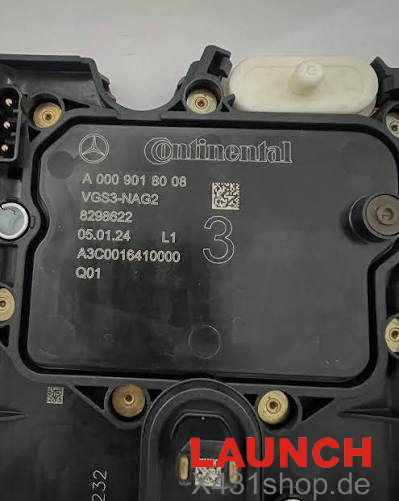
According to the x431shop.de engineering team, X-431 ECU Programmer, including LAUNCH X-PROG3 with PC Adapter, supports Mercedes-Benz VGS3 ECU operations such as EEPROM reading, data backup, data clearing, and writing virginized data on the bench.
Mercedes-Benz VGS3 Virginizing Process
1. Select BENCH Mode
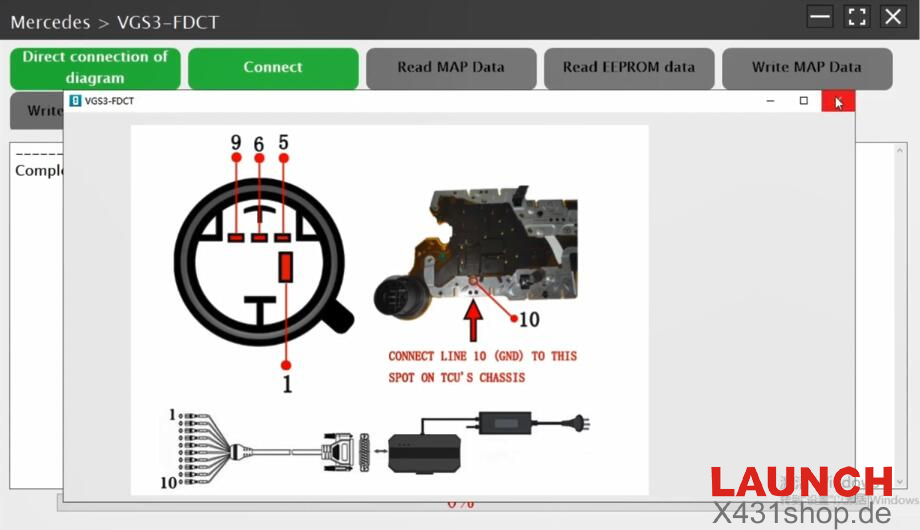
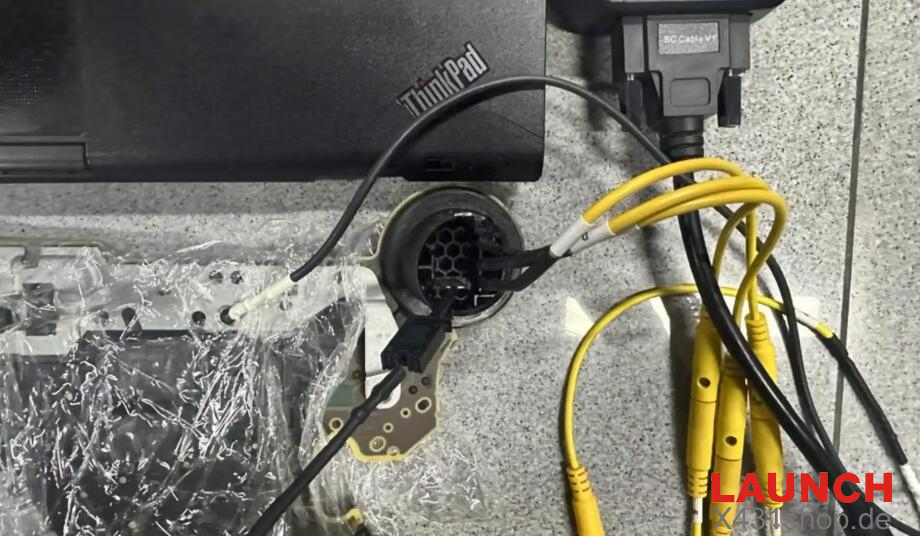
Set the programming mode to BENCH in the software and follow the displayed wiring diagram to connect the Launch programmer directly to the VGS3 module.
2. Read and Back Up EEPROM Data
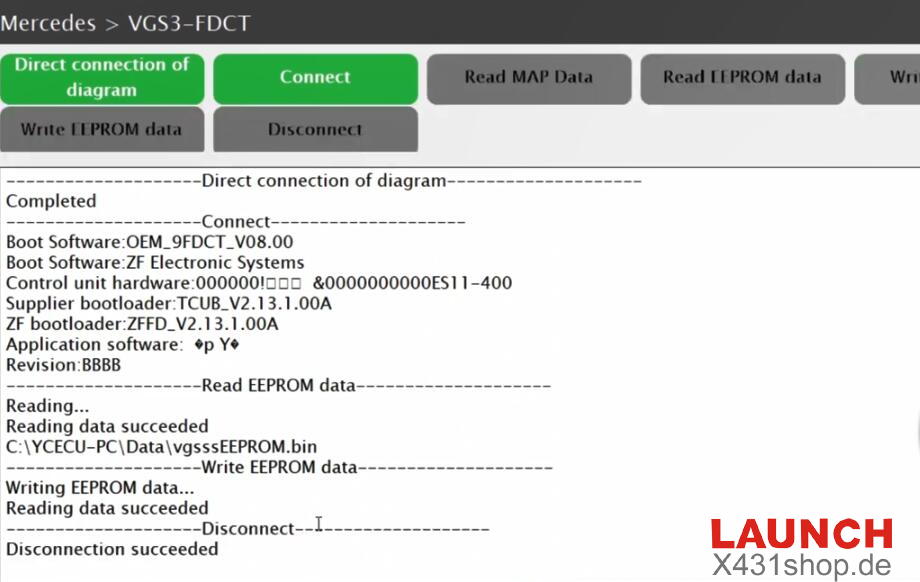
After connecting the VGS3 ECU, select the EEPROM read function and read the original data.
Save the extracted EEPROM data as a .bin backup file before making any changes.
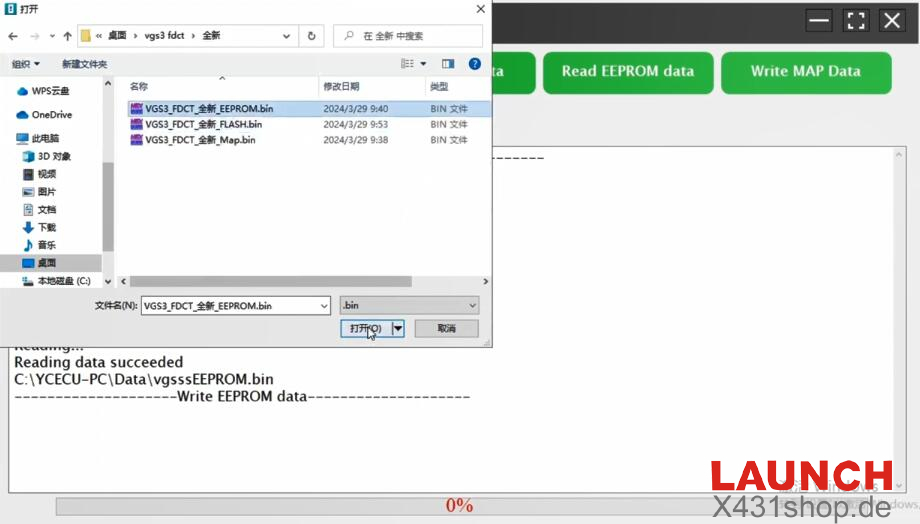
3. Clear and Write Virginized Data
Load the required cleared/virginized data file into the software and write it to the VGS3 ECU.
The required virgin data may be provided through Launch technical support or processed using a suitable specialized data service.
4. Install the ECU and Complete Vehicle Programming
After the writing process is completed, disconnect the VGS3 ECU from the programmer and install it back into the vehicle.
The final coding, programming, and adaptation procedures can then be performed on the vehicle using a compatible LAUNCH X431 diagnostic tool, such as:
LAUNCH X431 PRO5
LAUNCH X431 PAD V
LAUNCH X431 PAD VII
This completes the basic VGS3 ECU virginizing workflow with the Launch X431 ECU programming solution.
Read also:
How to Virginize Mercedes-Benz VGS3 NAG2 TCU on Bench with LAUNCH X431 PRO5