



If a new LAUNCH X431 XPROG5 (G5) works correctly when connected to a PC but cannot establish communication with an X431 PAD VII, the problem may be related to software compatibility.
Since XPROG5 is a newer-generation programmer, an older version of the X431 tablet software may not include the required support for the G5 hardware.
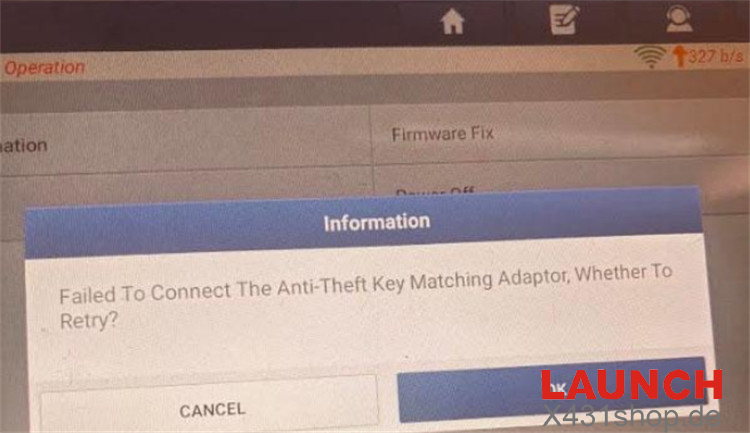
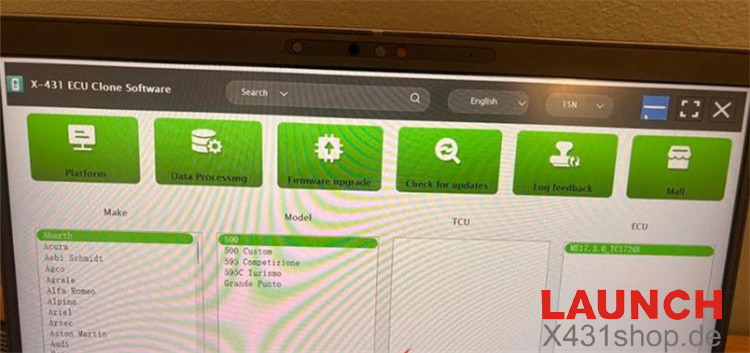
Why Can’t XPROG5 Connect to X431 PAD VII?
The XPROG5 requires updated X431 software to communicate with the tablet.
If an older LAUNCH X-PROG3 (G3) connects normally to the same PAD VII, the tablet hardware and USB connection are likely working properly. In this case, the missing compatibility support in the current X431 software is the main issue.
How to Fix the XPROG5 Connection Problem
Option 1: Update the X431 Software
Connect the X431 PAD VII to a stable Wi-Fi network.
Open Software Update on the tablet.
Download and install the latest available diagnostic software package, Version 8.0 or later.
Restart the tablet if required.
Connect the X-PROG5 again and check whether communication is restored.
Option 2: Reinstall the X431 Application via APP Init
If updating the software normally does not solve the problem, reinstall the latest X431 application.
Remove the current X431 application from the tablet.
Return to the tablet’s desktop.
Open the APP Init application.
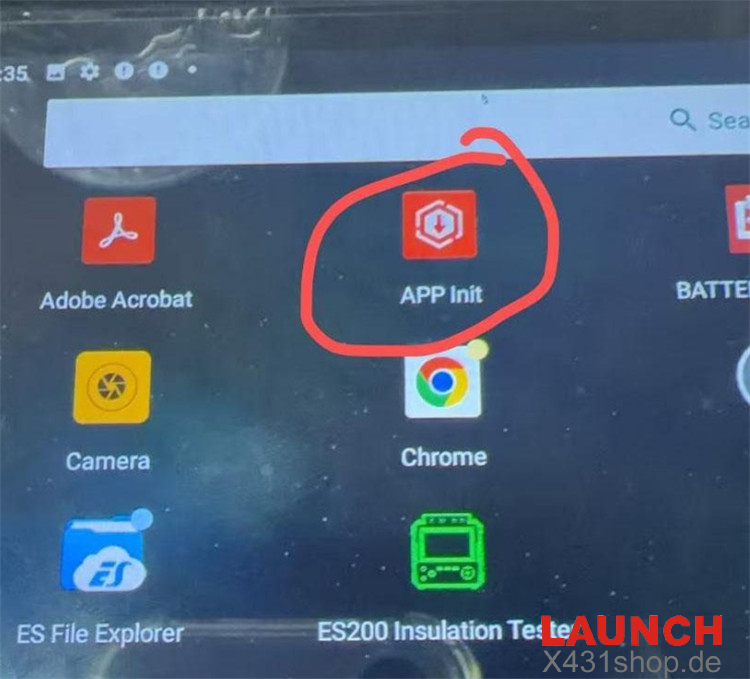
Download and install the latest X431 application version through APP Init.
After installation is complete, reconnect LAUNCH X-PROG5.
Check whether the PAD VII can now recognize and communicate with the G5.
When a new XPROG5 works on a PC but fails to connect to an X431 PAD VII, updating the tablet software should be the first step. If a normal update does not resolve the issue, reinstalling the X431 application through APP Init can provide the required software support for the newer G5 programmer.
Tip: Before troubleshooting the hardware, make sure your X431 tablet is running a software version that supports LAUNCH G5.
Contact us
E-Mail: sales@X431shop.de
Business WhatsApp: +86 17782330462
Tel: 0086-17782330462