



Launch X431 PRO Elite is a powerful diagnostic tool for Mercedes-Benz light commercial vehicles. And we received feedback that:
I bought the Launch x431 pro elite device because I wanted to diagnose my Mercedes Sprinter with it.
Mercedes Sprinter 906 CV.
The device cannot read the vehicle.
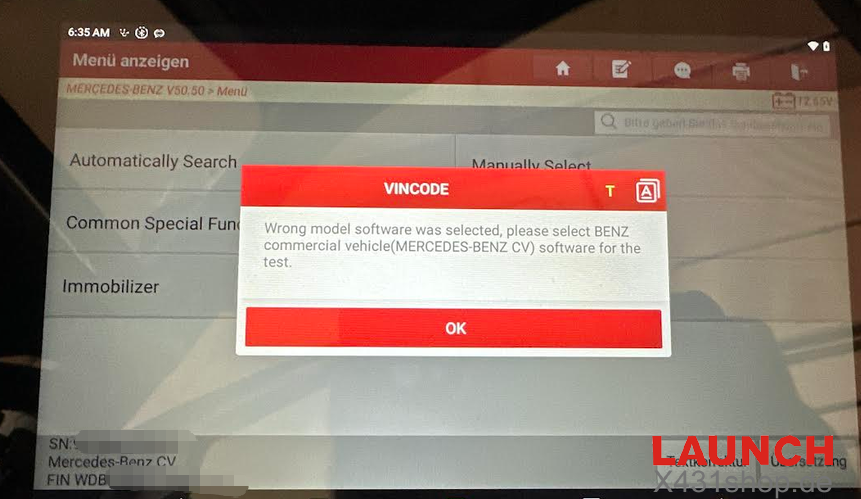
The device reads the VIN, but then shows the message:
“Wrong model software was selected, please select BENZ commercial vehicle (MERCEDES-BENZ CV) software for the test.”
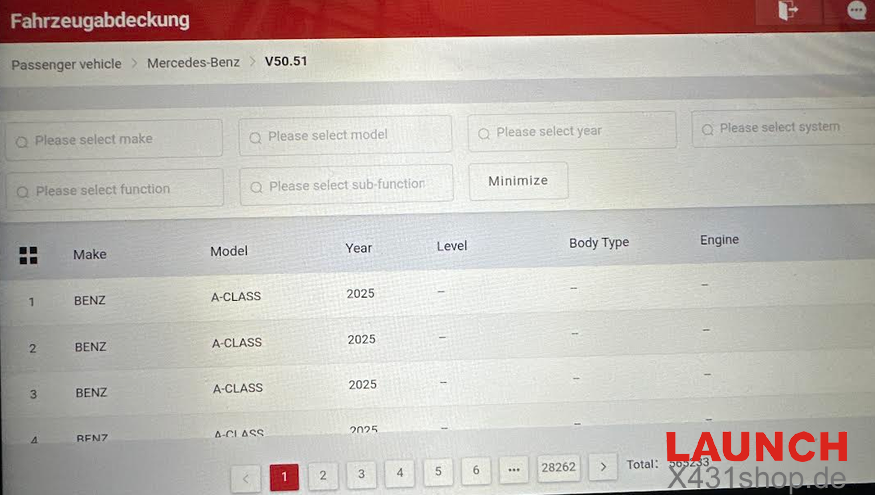
On the device, I can only find Passenger Vehicle > Mercedes-Benz. There is no separate Mercedes-Benz CV / commercial vehicle software available.
Please activate or provide the Mercedes-Benz CV software for my device.
Solution:
Once you select the dedicated Sprinter pathway, the scanner will establish a stable connection across all control modules—including Engine, Transmission, ABS, Airbag, and DPF systems—without throwing any software mismatches. If you ever see a prompt asking for “MERCEDES-BENZ CV” software while diagnosing a van, simply exit the passenger vehicle menu, select the standalone Sprinter icon, and proceed as normal.