


If your Launch AIOBD Bluetooth Diagnostic Scanner freezes during a full vehicle scan or shows an ECU communication error, the issue may be related to an outdated app version.
Applicable Device
Launch AIOBD Car Diagnostic Tool
Symptoms
Users may encounter the following issues:
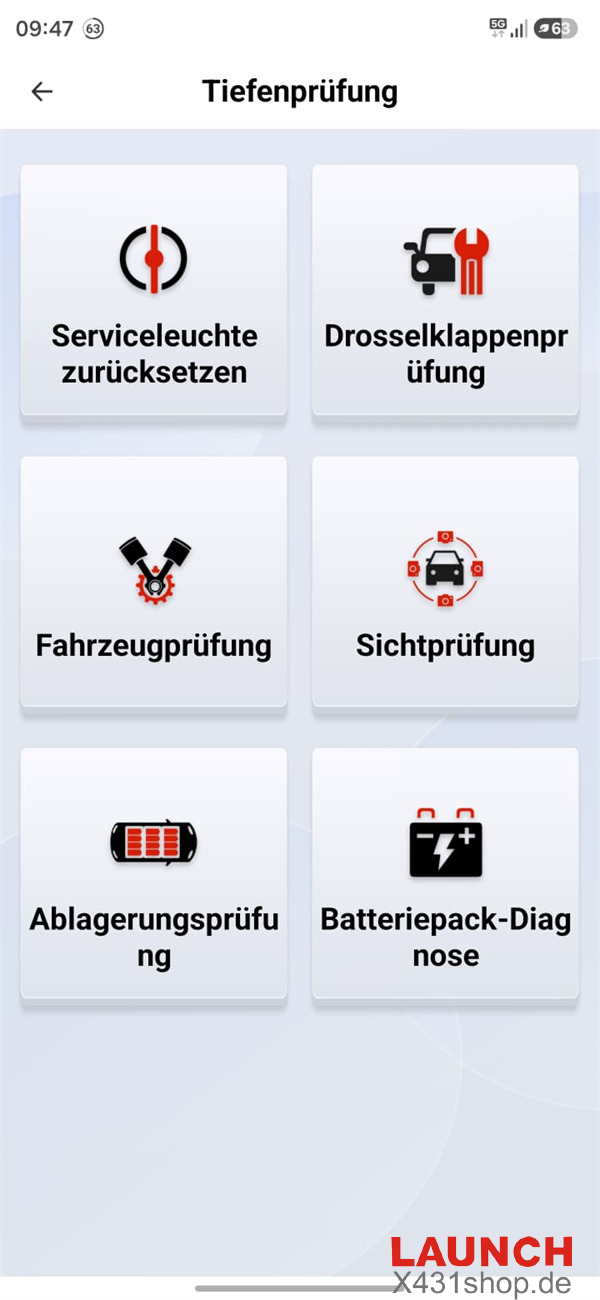
- The screen freezes after selecting “Full Scan (Automatic)”, with buttons becoming unresponsive.
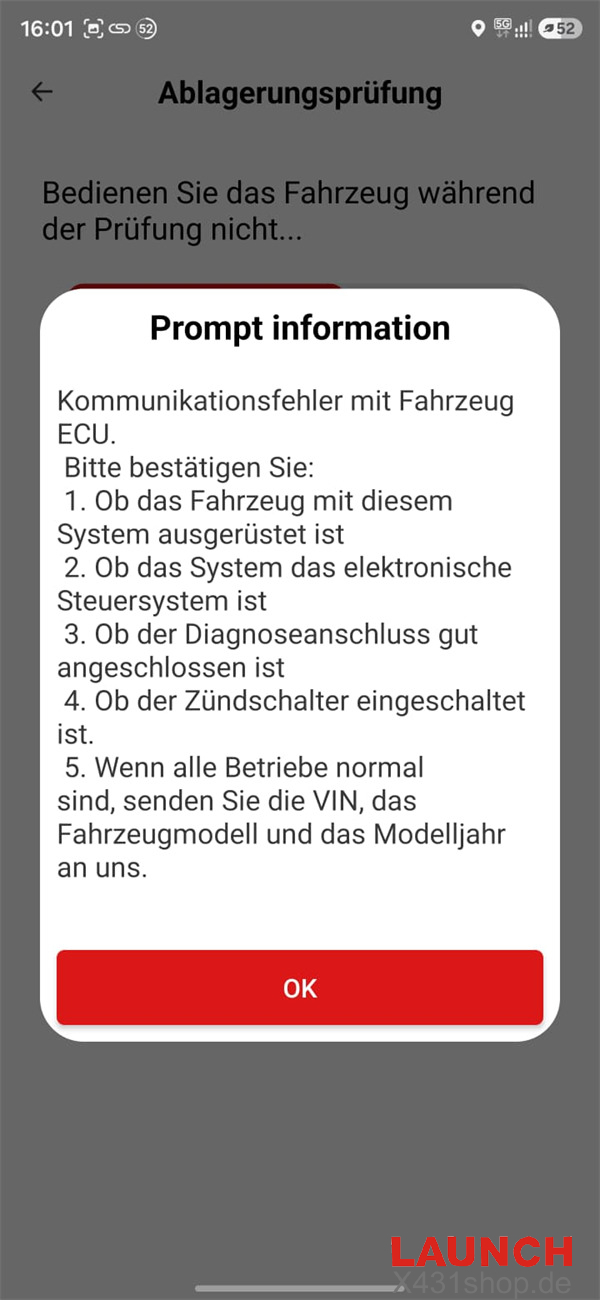
- An ECU communication error appears after a short delay.
- Some functions transferred during a previous software update cannot be opened or loaded.
- The diagnostic hardware and vehicle ECU are physically functioning normally.
Cause
The problem may be caused by a software routing issue in an older version of the Launch AIOBD app, which can prevent updated diagnostic modules from loading correctly.
Solution
Completely close the Launch AIOBD app.
On iOS, open the official App Store and search for “LAUNCH AIOBD”.
On Android, open Google Play and search for “LAUNCH AIOBD”.
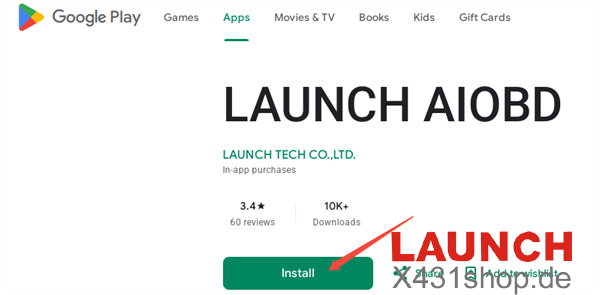
Download and install the latest version of the Launch AIOBD app.
Reopen the app and run “Full Scan (Automatic)” again.
In most cases, updating the application resolves the screen freeze and ECU communication problems caused by the outdated software routing.
Tech support:
E-Mail: sales@X431shop.de
Business WhatsApp: +86 17782330462
Tel: 0086-17782330462