





Problem
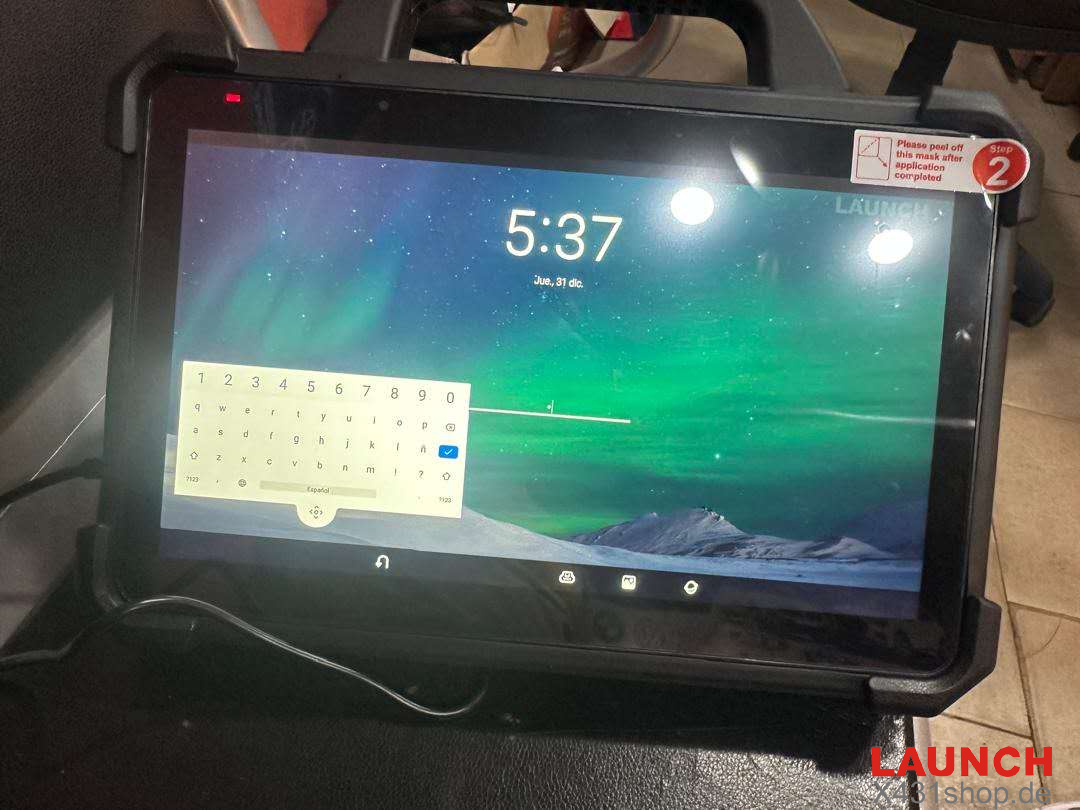
A customer reported that when powering on Launch X431 PAD VII Elite, the device requested a power-on password. However, the password had been forgotten and the tablet could not be accessed.
Solution
According to the suggestion from the Launch X431 technical team, try the following steps:
Press and hold the POWER button and VOLUME button at the same time.
Keep holding the buttons to force the device to restart.
Check whether the issue is resolved after the restart.
If the device still requires the password after restarting:
Contact Support
If the password cannot be recovered or reset manually, please contact an authorized Launch X431 dealer for further assistance and device repair.
E-Mail: sales@X431shop.de
Business WhatsApp: +86 17782330462
Tel: 0086-17782330462
This method can help troubleshoot power-on password issues on the Launch X431 PAD VII Elite.