


In this guide, we’ll demonstrate how to configure the odometer on a 2023 Ford Transit after installing a replacement instrument cluster using LAUNCH X431 diagnostic tool.
Function Overview
The Odometer Configuration function is designed to write the correct mileage into a newly installed instrument cluster.
Tested Vehicle
2023 Ford Transit
Compatible Devices
This function is supported by comprehensive Launch X431 diagnostic scanners, including X431 PRO3 LINK HD, X431 V+ SmartLink HD, X431 PAD V, X431 PAD VII, X431 PRO5 and
Other advanced X431 models
Steps:
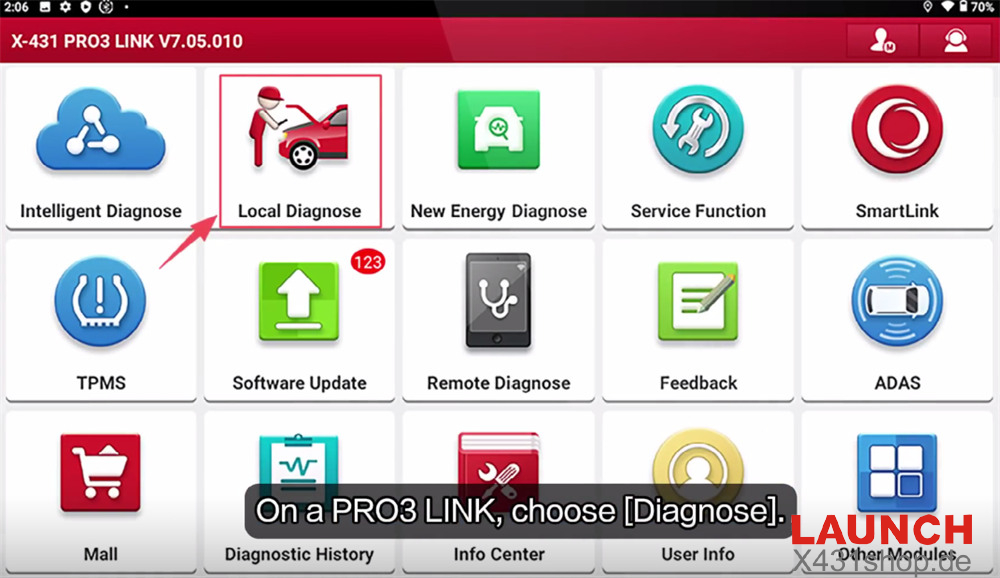
Power on the Launch X431 tablet and enter [Local Diagnose] from the main menu.
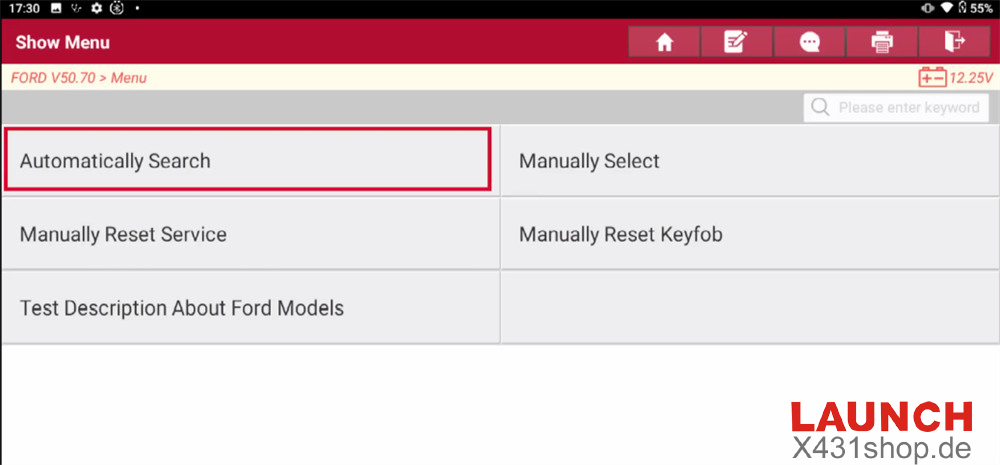
Select Ford → Ford Diagnostic Software → Automatically Search
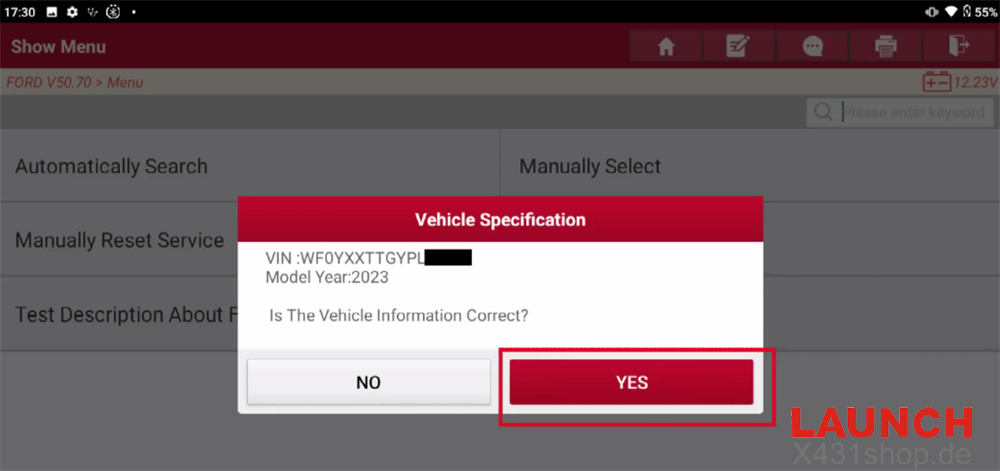
Turn the ignition to ON (Position II) and verify that the detected vehicle information is correct.
Tap [Smart Detection] to perform a complete scan of all available vehicle systems.
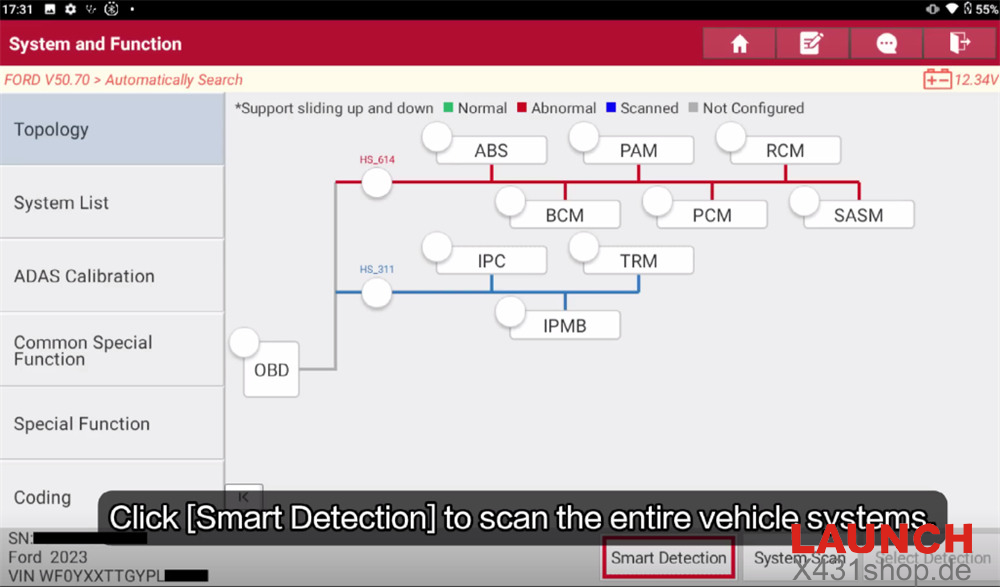
After the scan is complete, select Instrument Panel Cluster (IPC) to enter the module.
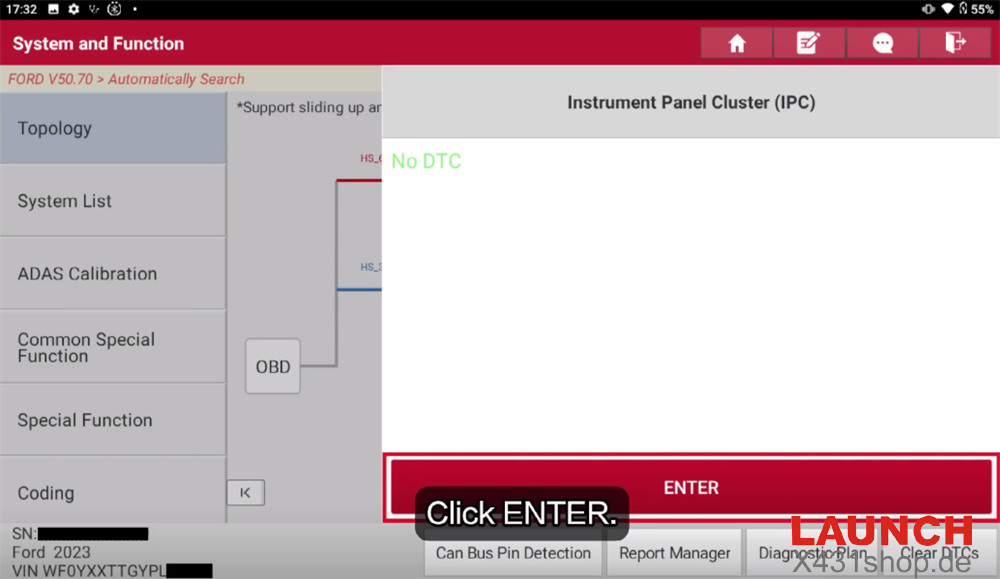
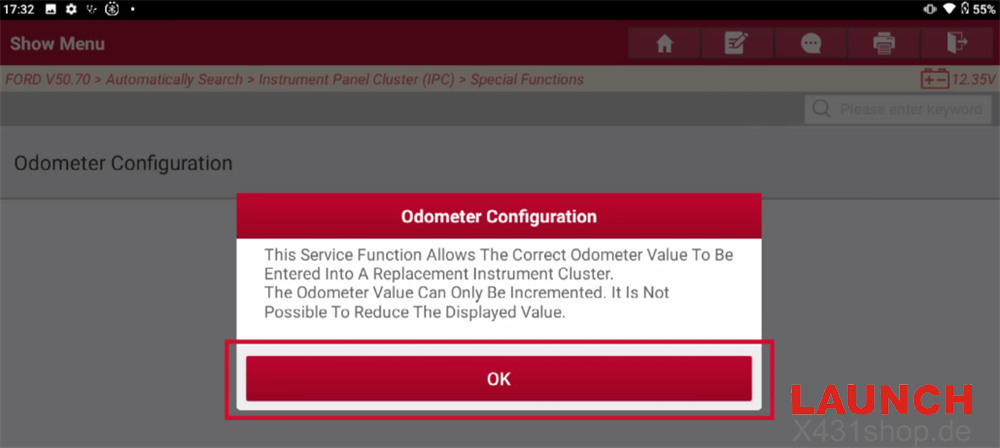
Choose Special Functions → Odometer Configuration
Important:
The odometer value can only be increased. Lower mileage values cannot be programmed into the instrument cluster.
Confirm that you wish to continue.
Switch the ignition to ON (Position II) if prompted.
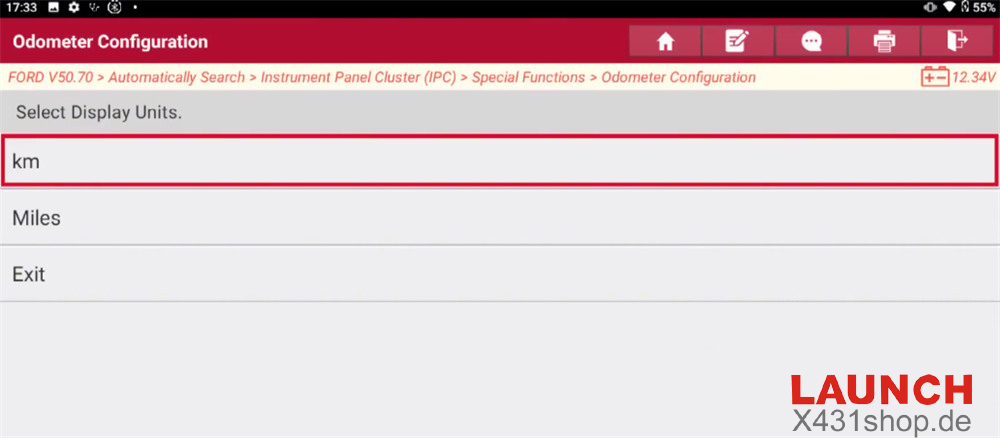
Select the display unit for the odometer.
In this example, Kilometers are selected. The operation for Miles follows the same procedure.
If you do not wish to continue, select Exit to leave the program.
Enter the desired odometer value as a whole number (for example, 888).
Carefully verify the value before confirming, then start writing the mileage to the replacement instrument cluster.
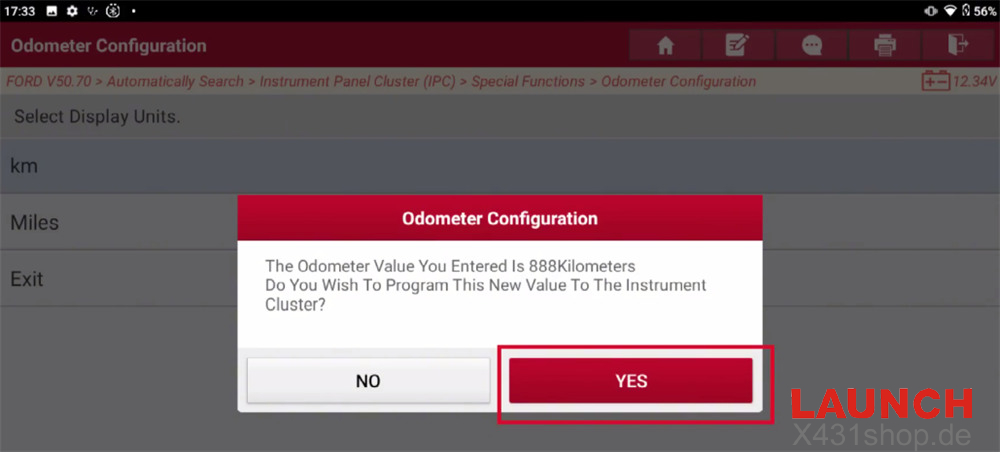
Wait while the Launch X431 writes the new odometer value.
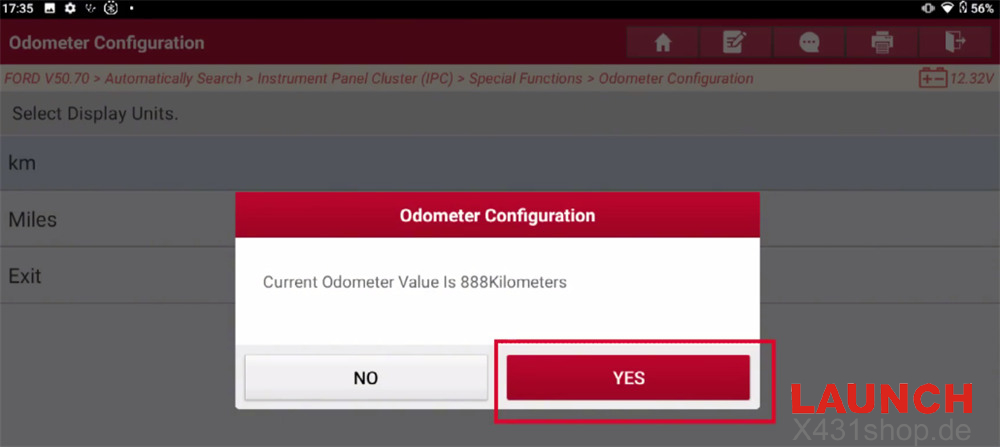
Once the operation is finished, the scanner will display the current mileage stored in the instrument cluster. Verify that the programmed value is correct.
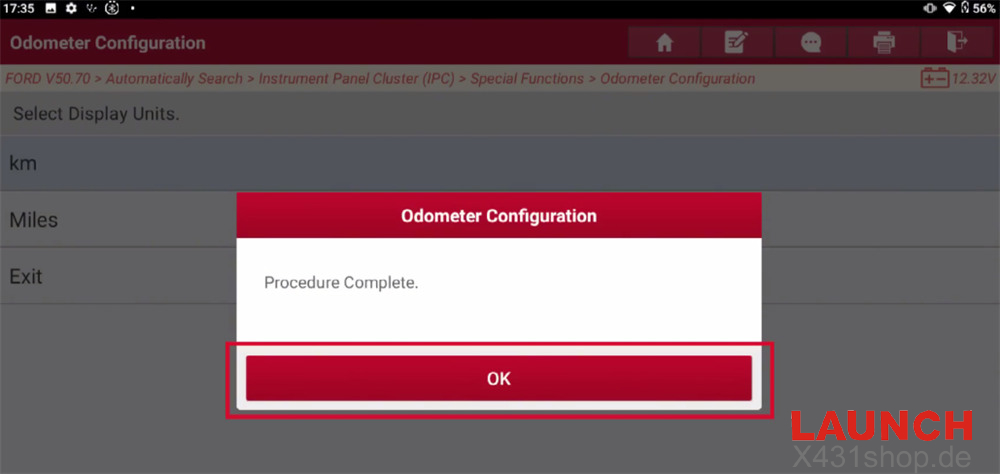
Finally, turn the ignition switch to OFF (Position 0) to exit the function.
Read also:
Launch X431 Simplifies Fiat Longitudinal and Lateral Sensor Calibration