


LAUNCH X431 CRP919X BT supports active testing functions for Audi systems, including Park Assist activation. This article shows the complete process for accessing and running the test.
Operating Instructions
1. Access Audi Software
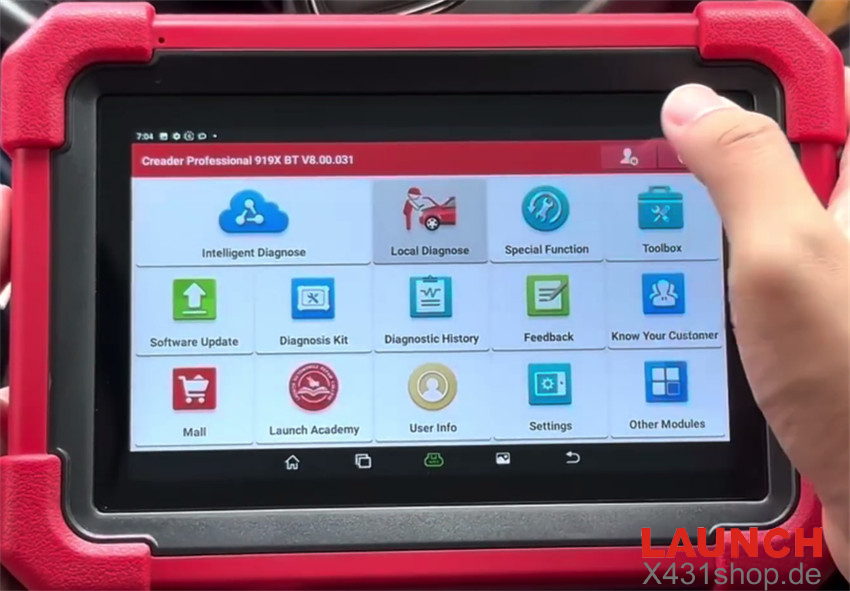
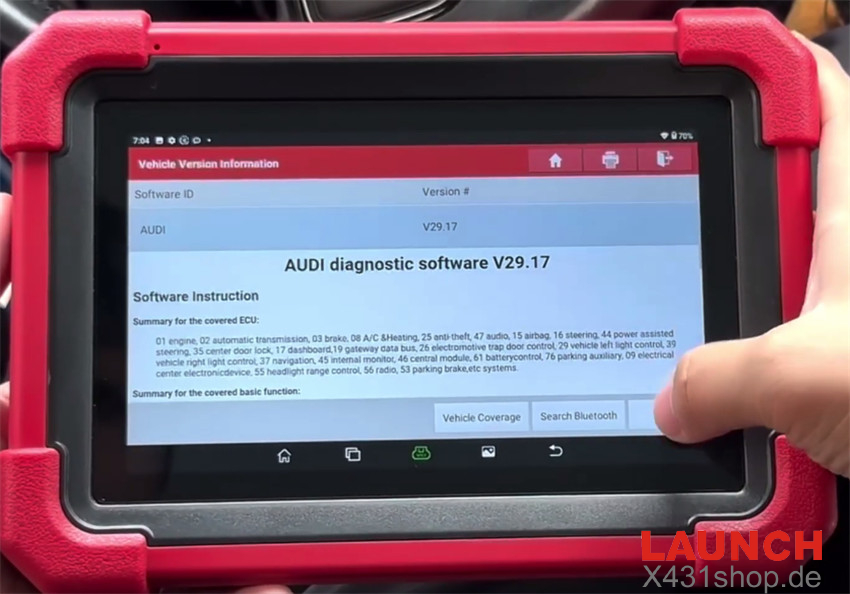
Go to Local Diagnose → Audi → Audi Diagnostic Software V29.17+
2. Enter Parallel Parking Module
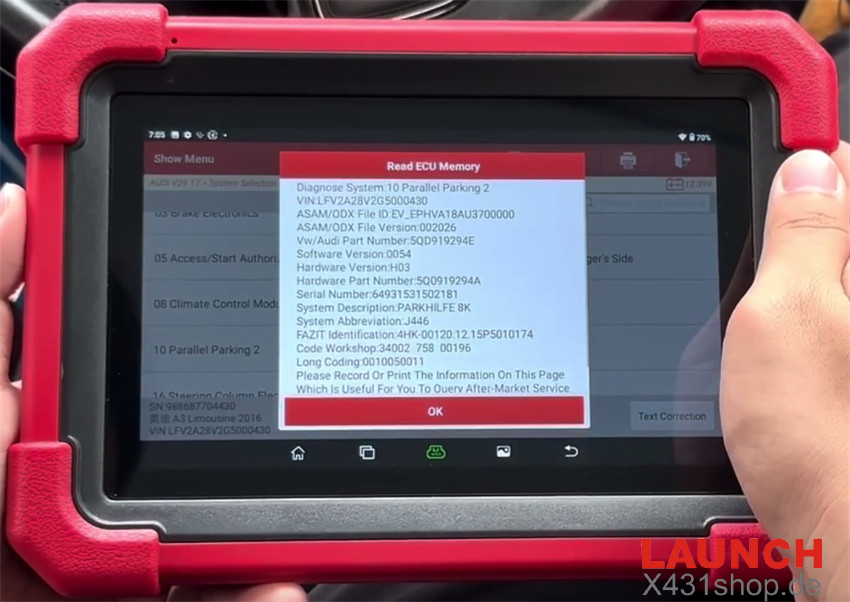
Tap System Selection → Parallel Parking 2
The tool will automatically retrieve the vehicle information.
3. Verify Vehicle Information
Review the detected information and select OK.
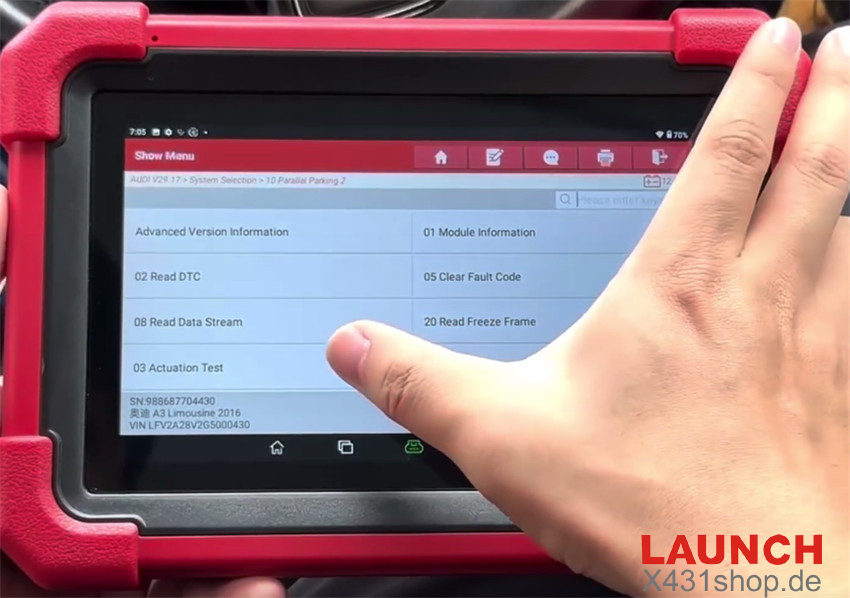
4. Enter Actuation Test
Open Actuation Test.
Before continuing, ensure the Ignition is switched ON and the Engine remains OFF.
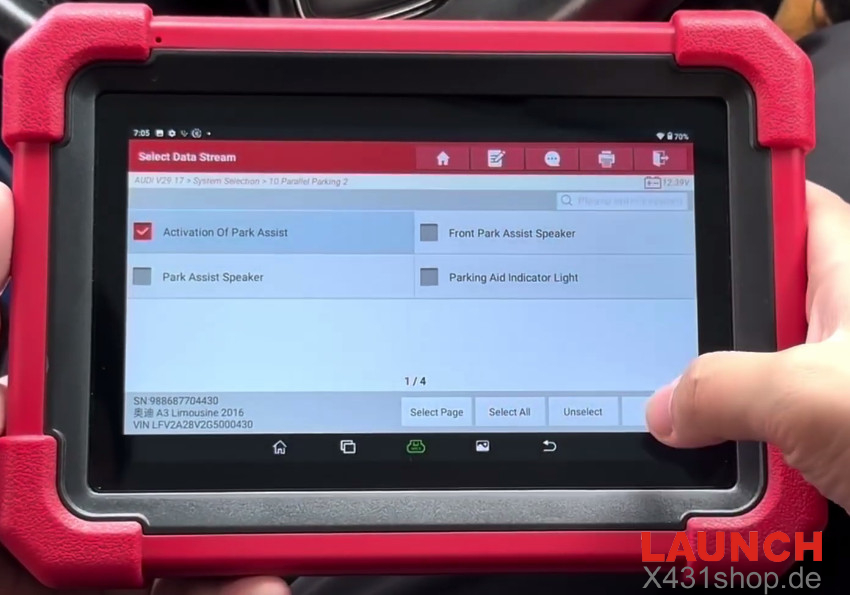
5. Start Park Assist Activation
Select Activation Of Park Assist and tap OK.
Click Start to run the test.
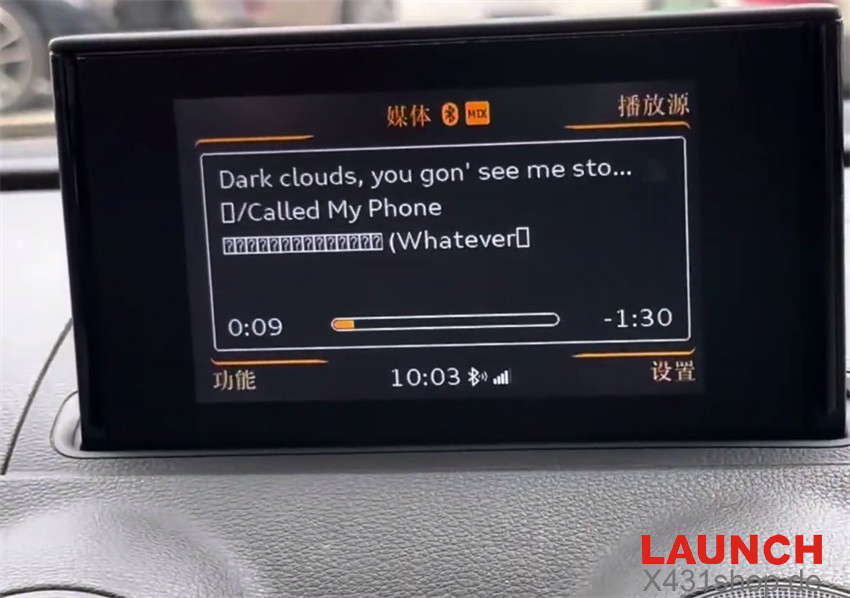
The Park Assist screen will appear on the vehicle display.
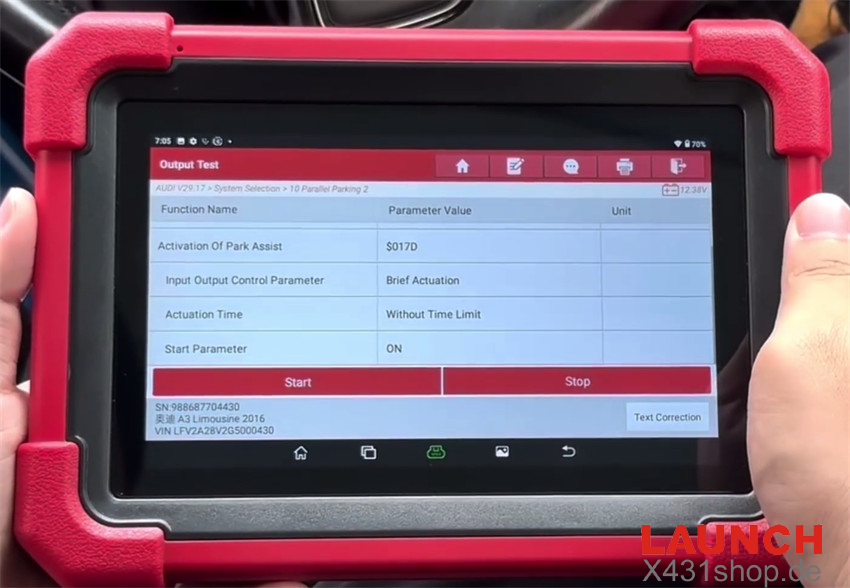
6. End the Test
Tap Stop.
When the vehicle screen returns to its normal interface, the procedure is complete.