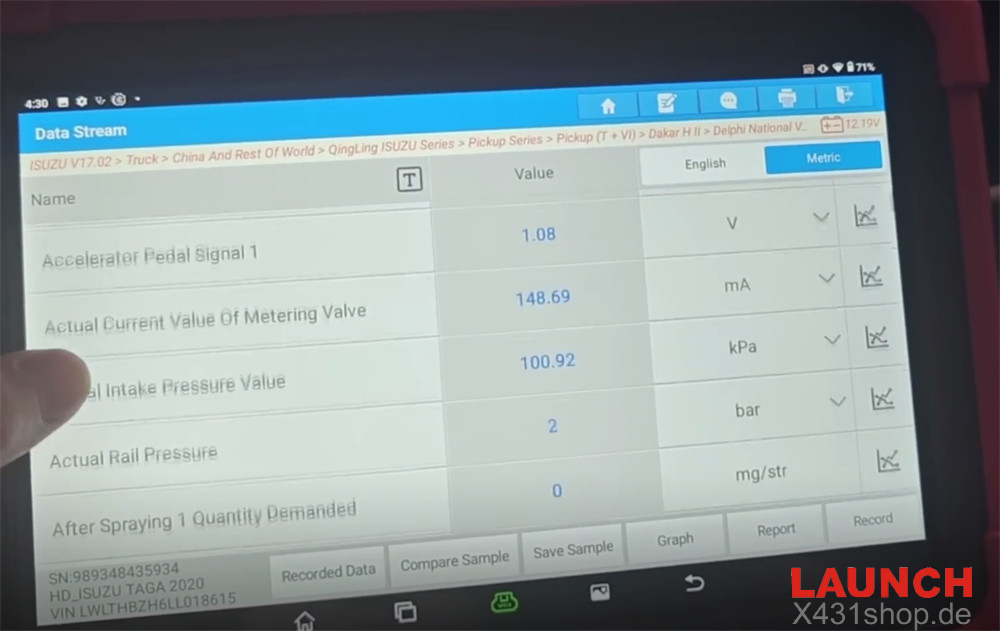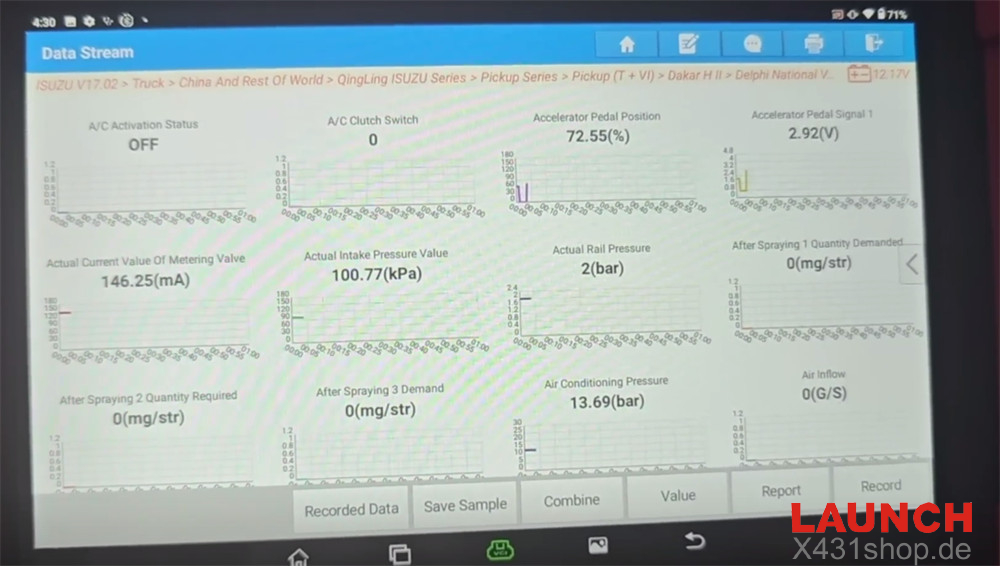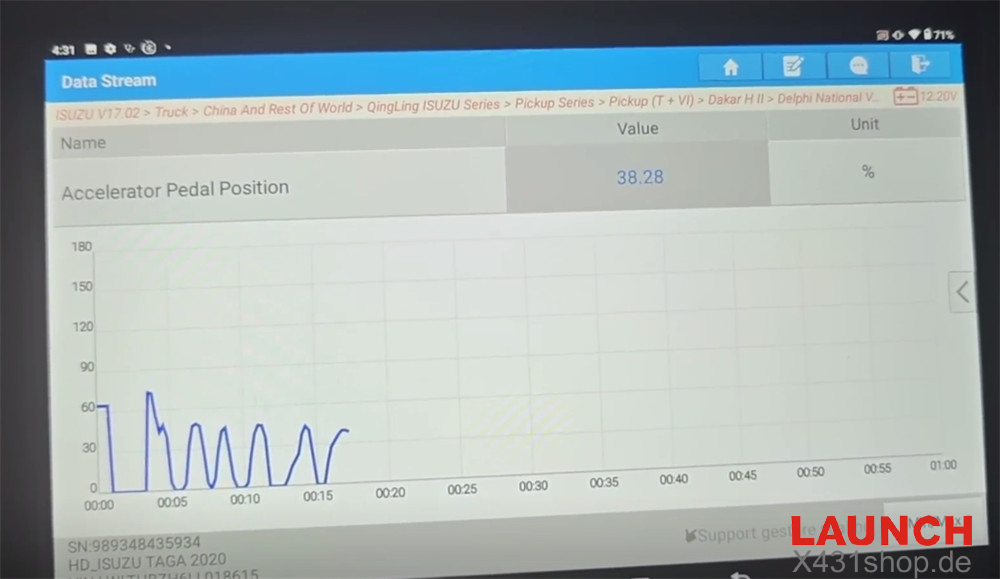
If you need to troubleshoot engine faults on a 2022 Isuzu TAGA, Launch X431 PAD5 LINK HD provides fast access to diagnostic trouble codes (DTCs) and real-time engine data. This guide demonstrates how to perform a complete fault code scan and monitor live data to help identify vehicle issues more efficiently.
Note:
X431 PAD5 LINK HD = X431 PAD V Elite with SmartLink C and HD Truck Software Authorization Pack.
The same procedure is also supported by Launch X431 PRO3 LINK HD (V+ SmartLink HD).
1. Enter the Diagnostic Menu
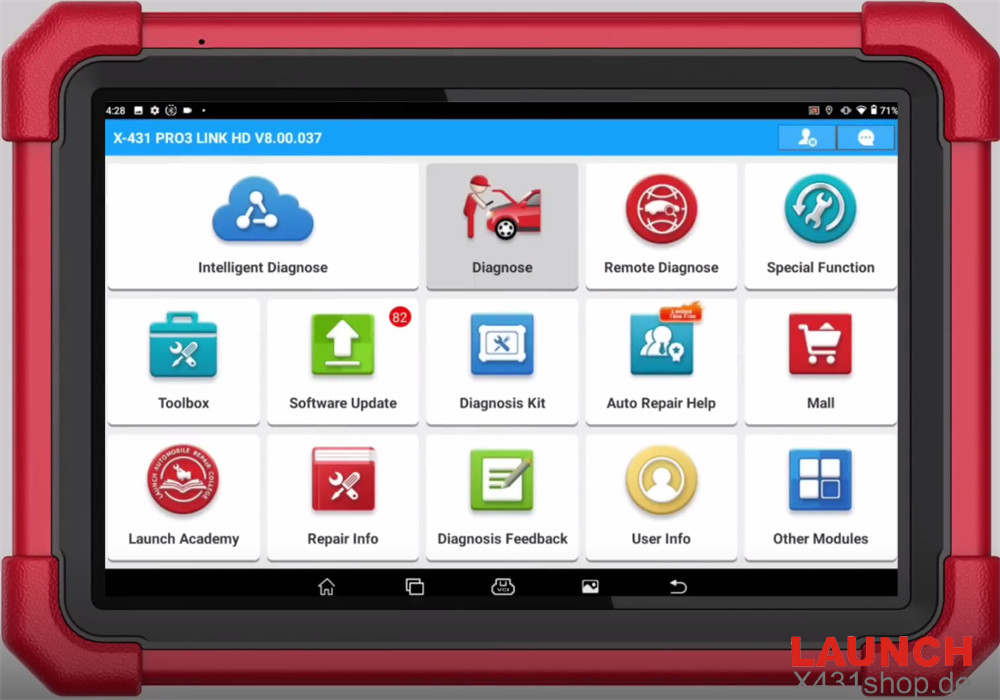
From the main screen, select [Diagnose]
2. Select the Vehicle
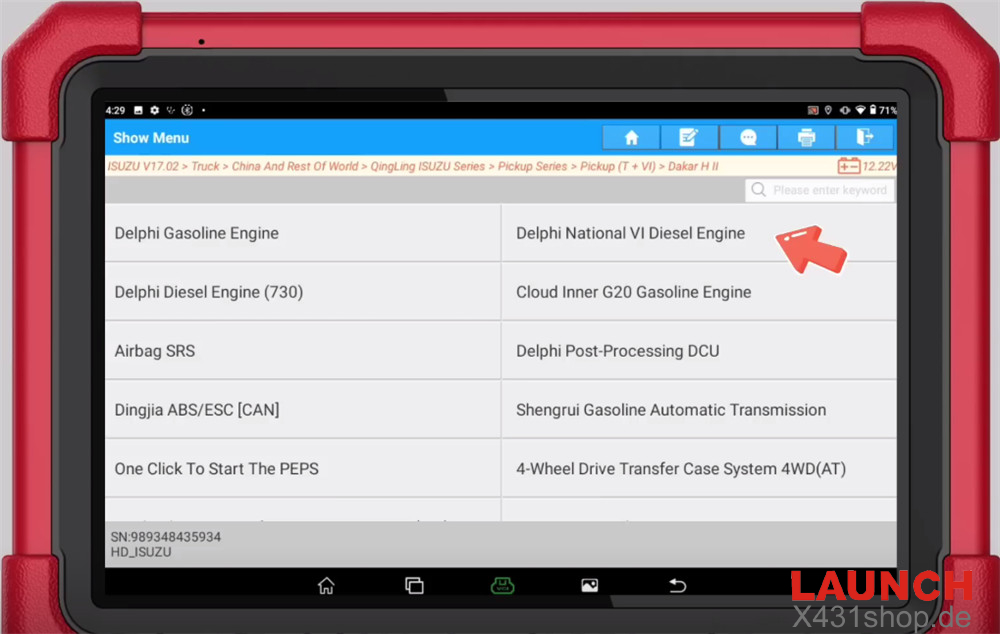
Navigate through the following menu:
ISUZU → ISUZU Software (e.g. V17.02) → Truck → China and Rest of World → QingLing ISUZU Series → Pickup (T+VI) → Dakar HII → Delphi National VI Diesel Engine
3. Confirm Vehicle Information
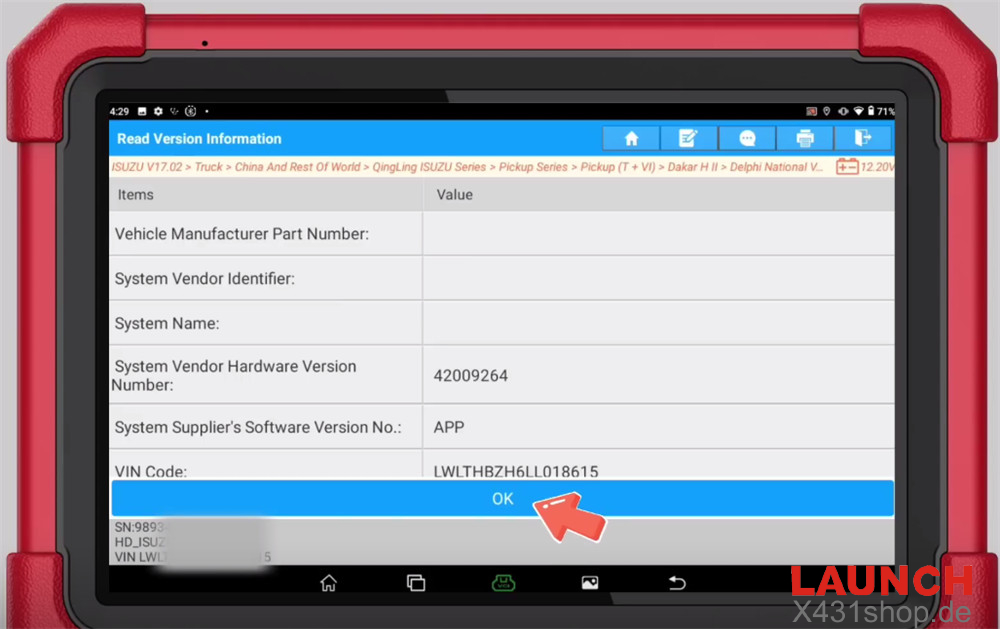
Verify that the detected vehicle information matches the vehicle being diagnosed before continuing.
4. Read Diagnostic Trouble Codes
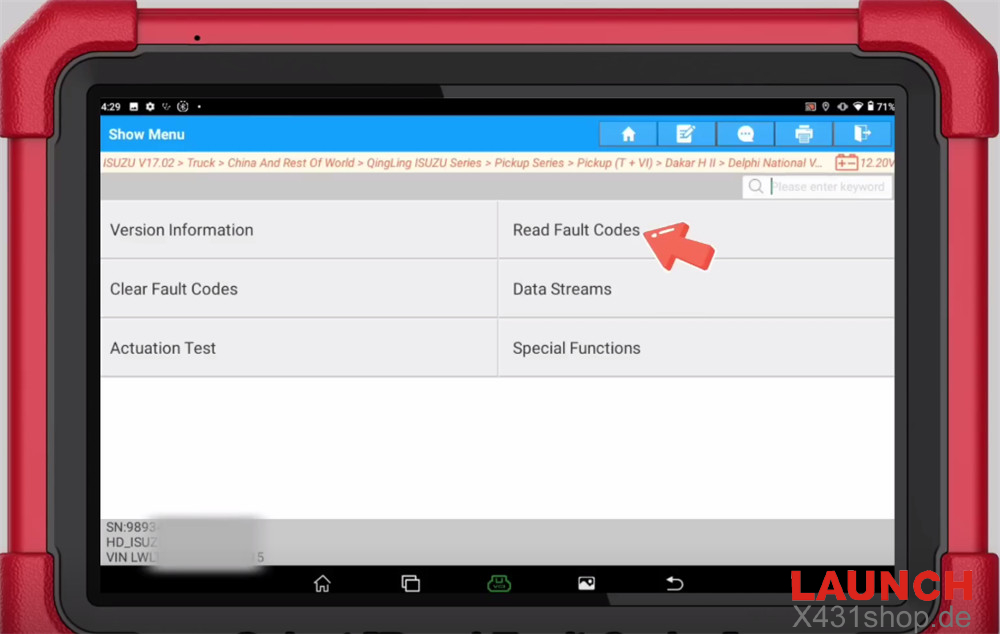
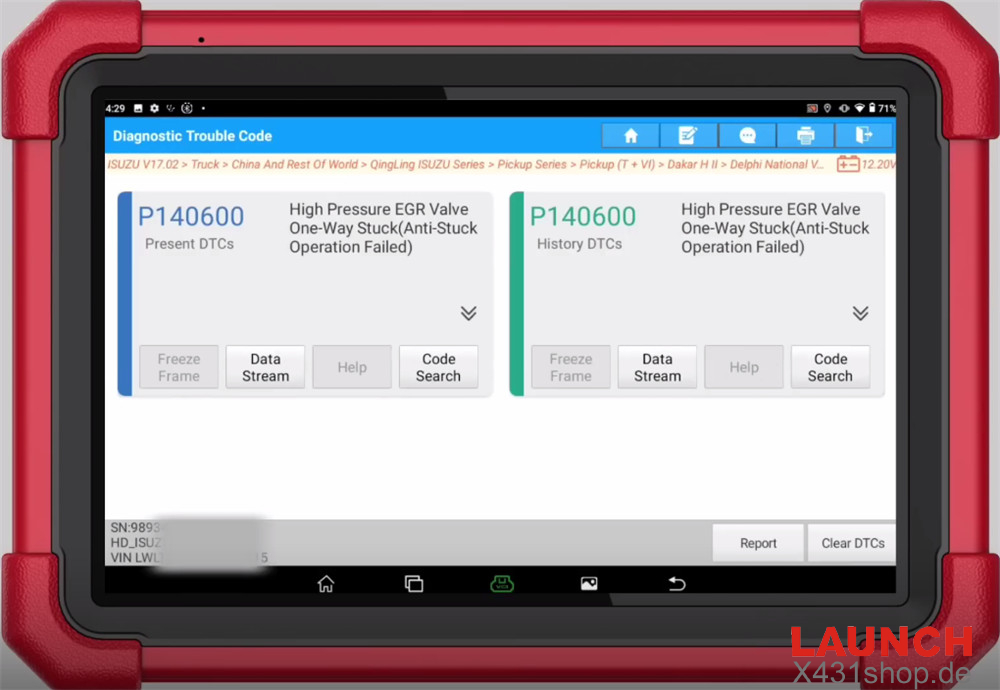
Select Read Fault Codes to retrieve any stored or current diagnostic trouble codes from the engine control module.
5. View Live Data Stream
Go to: [Data Stream] → [Engine Data]
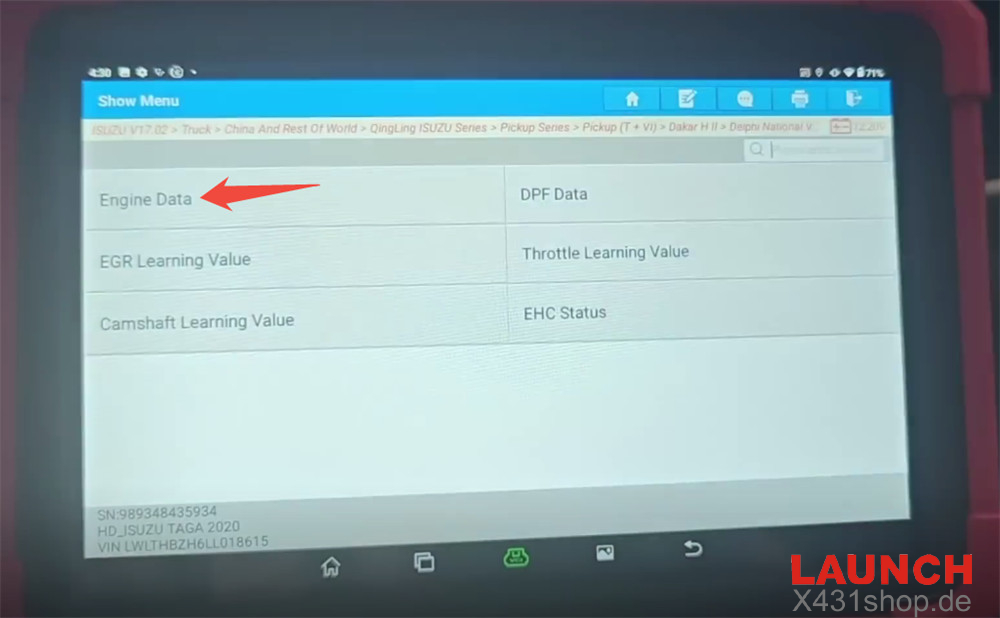
Tap Select All to display all available engine parameters.
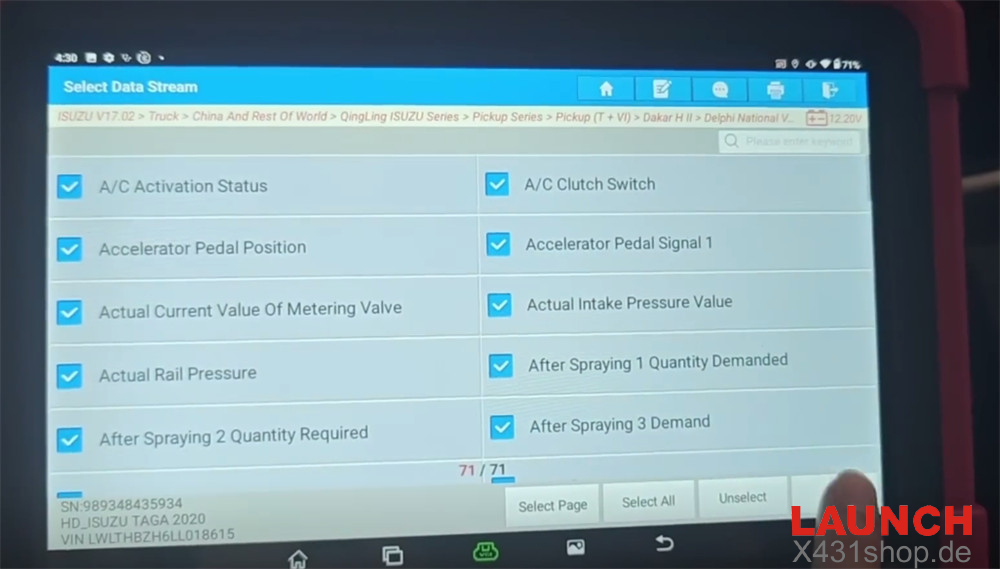
6. Display Data as Graphs
Tap Graph to switch from numerical values to graphical waveform display, making it easier to observe sensor behavior and identify abnormal readings during diagnosis.