


When transmission repairs cause the loss of adaptive data, shifting issues often occur. This guide explains how to run a static adaptive calibration on the Transmission Control Module (TCM) for a 2018 MG (SAIC) New MG6 using a Launch X431 diagnostic scanner.
Vehicle & Tool Coverage
- Tested Vehicle: 2018 MG (SAIC) New MG6
- Compatible Scanners: All comprehensive Launch X431 diagnostic tools (such as X-431 V+ SmartLINK HD / PRO3 LINK HD)
What TCM Fast Learn Does
While the vehicle remains stationary, the diagnostic scanner commands the TCM to calibrate and write clutch fill time, oil pressure compensation, and shift adaptation parameters. This single procedure rebuilds the transmission’s learned values and fixes abnormal shifting.
Step-by-Step Operation Guide
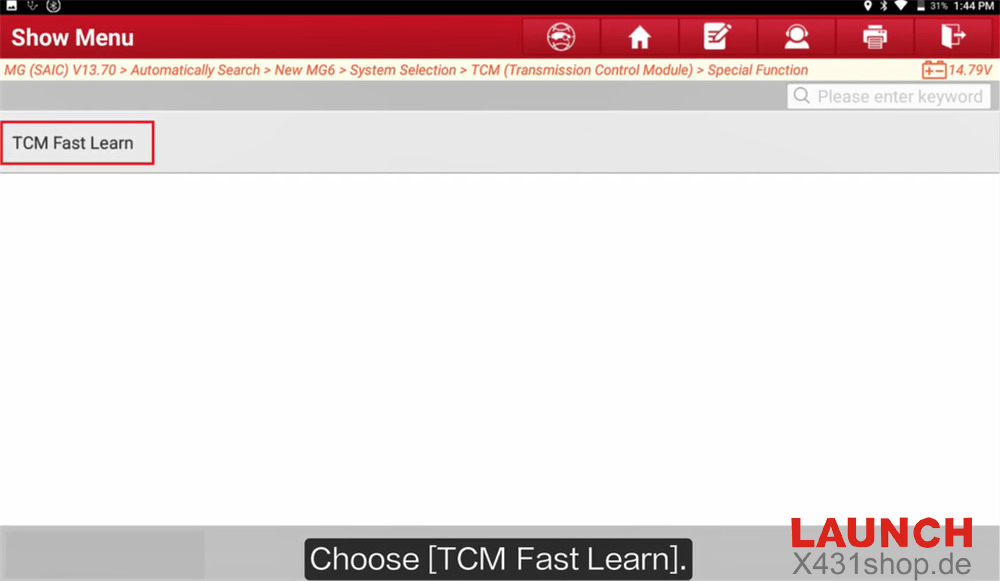
1. Access the Function:
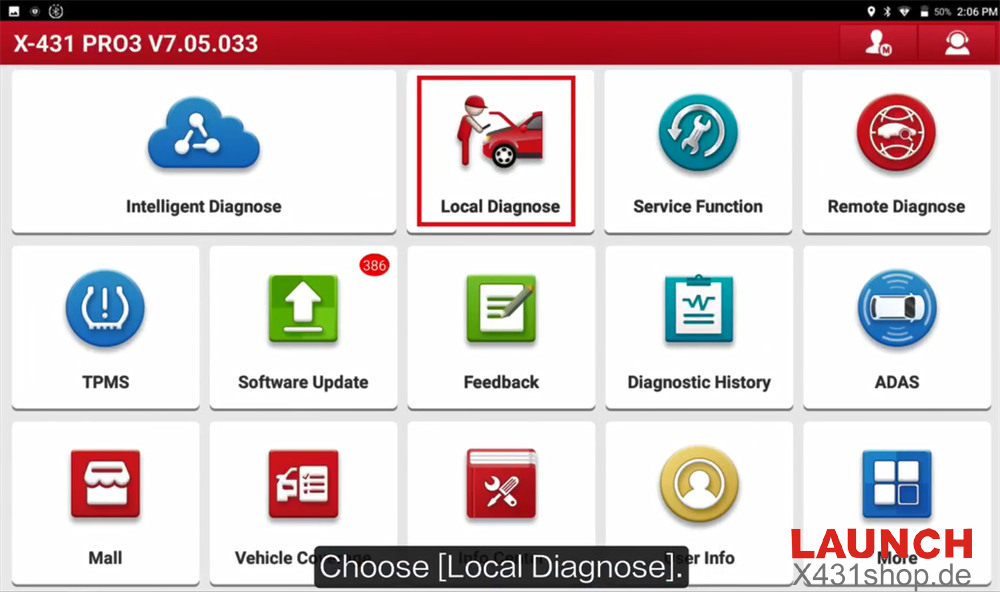
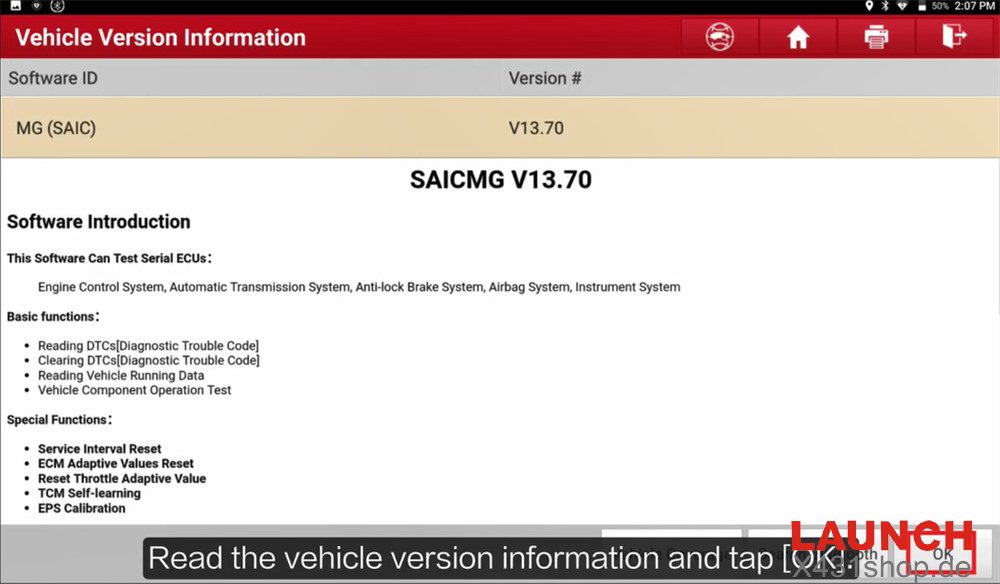
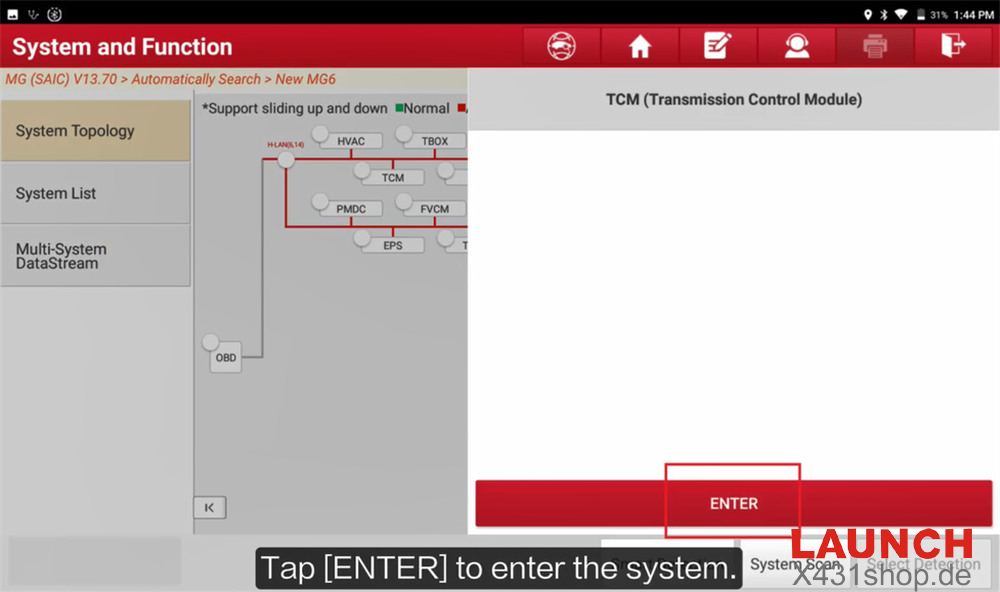
Open Local Diagnose -> MG (SAIC) -> SAICMG V13.70 -> Automatically Search -> New MG6 -> TCM (Transmission Control Module) -> Special Function -> TCM Fast Learn
2. Prepare the Vehicle:
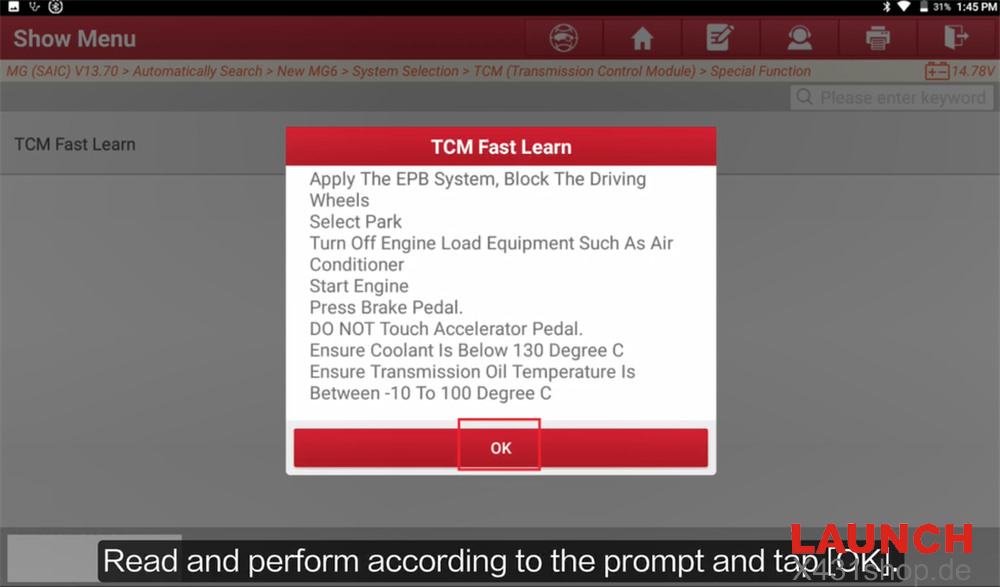
Read the on-screen notice and continue. Place the gear selector in P or N, turn the ignition ON, and make sure the engine is NOT running or in READY mode. Confirm to start TCM Fast Learn.
3. Cycle the Ignition:
- Turn the ignition OFF and tap [OK]. Wait for the timer countdown to finish.
- Turn the ignition ON and tap [OK]. Wait until the second countdown ends
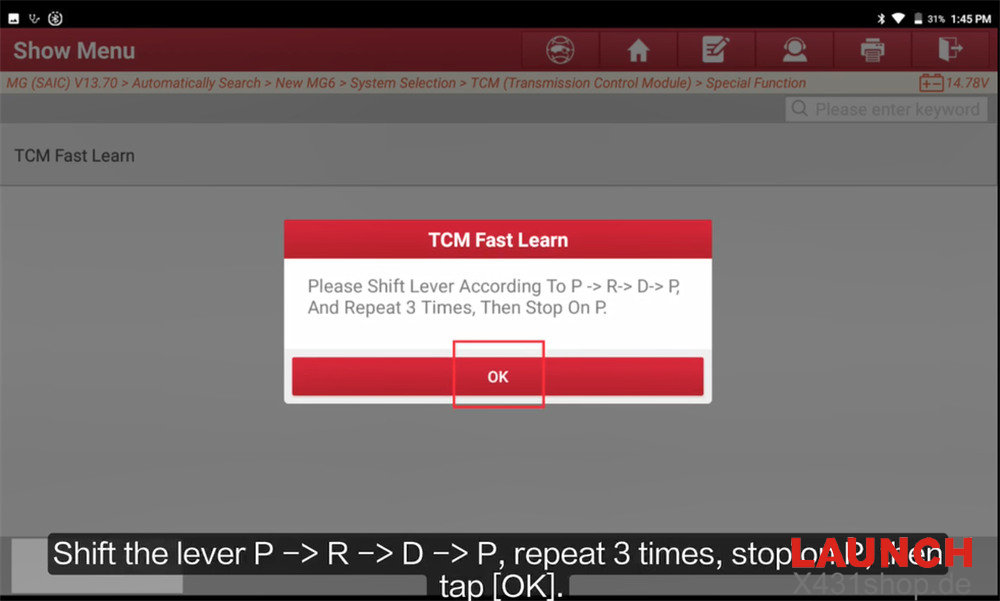
4. Shift Gear Positions:
Follow the prompt to shift the gear lever through P -> R -> D -> P. Repeat this cycle 3 times, ending in P
5. Finish Calibration:
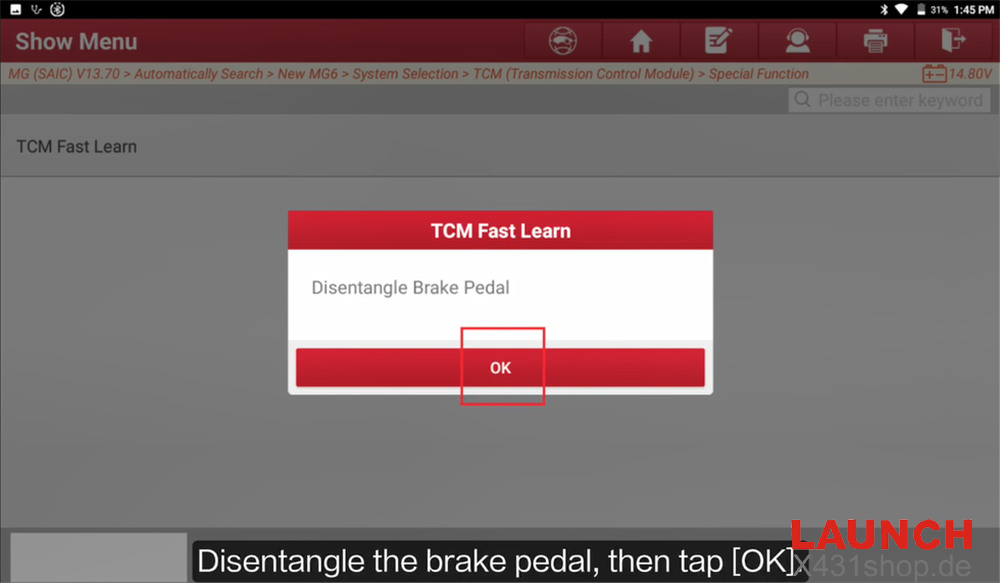
Release the brake pedal
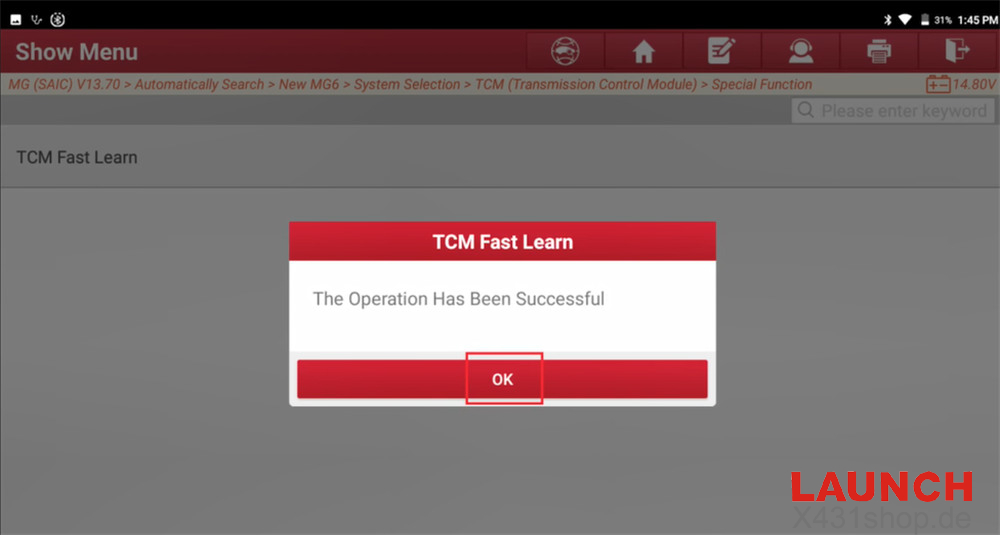
The screen will confirm that the operation succeeded