

Learn how to use Launch X431 IMMO series tablets (IMMO Plus/Elite/Pro) to generate remote and perform anti-theft key matching on a Buick Regal.
Example: X431 IMMO PRO
The guide applies to other IMMO series tablets as well.
Step 1: Generate Remote
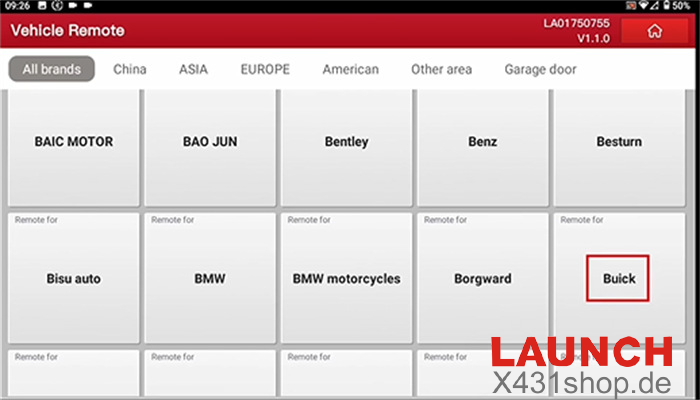
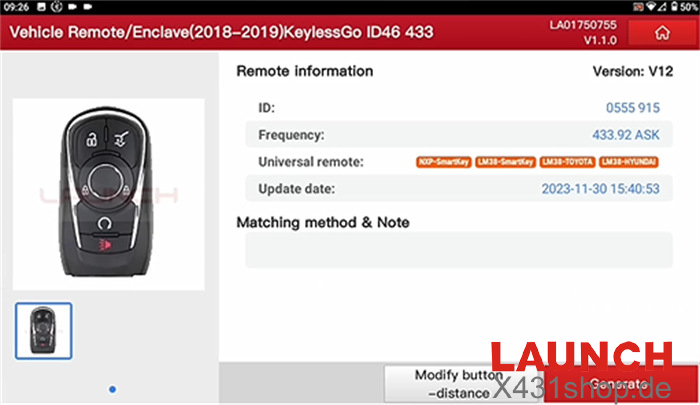
Navigation path: Key Programmer-> Vehicle Remote-> Buick-> Enclave (2018-2019) keylessGo ID46 433
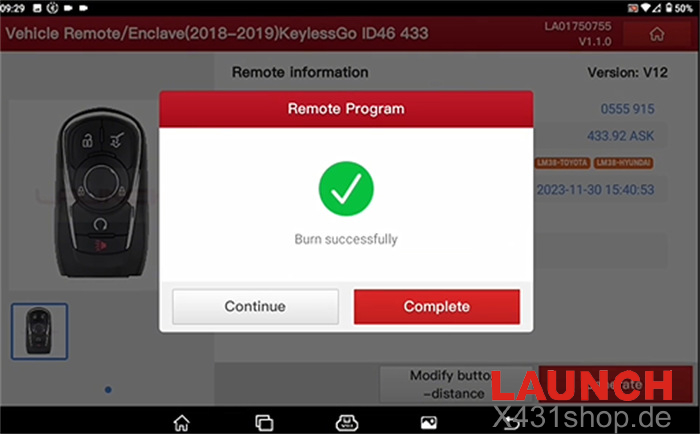
Put the key into the key programmer and tap “Generate” to complete key generation.
Step 2: Program Key
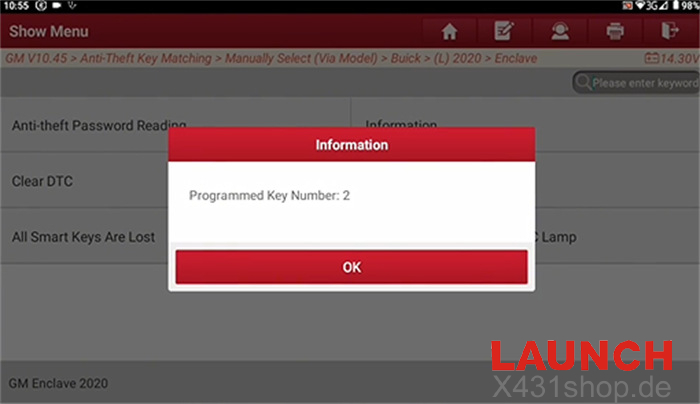
Navigation path: IMMO-> GM-> GM IMMO Diagnose V10.45 or above-> Anti-theft Key Matching-> Manually Select (Via Model)-> Buick-> (L) 2020-> Enclave-> Anti-theft Key Matching -> Smart Key-> Add Smart Key
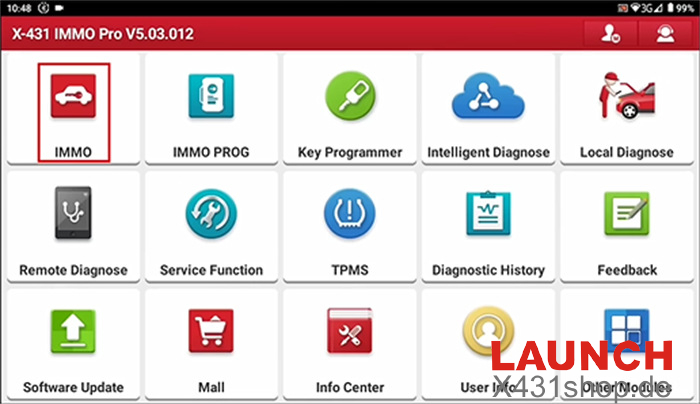
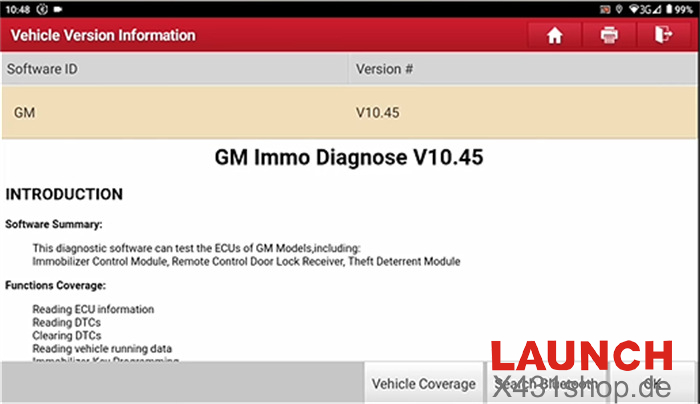
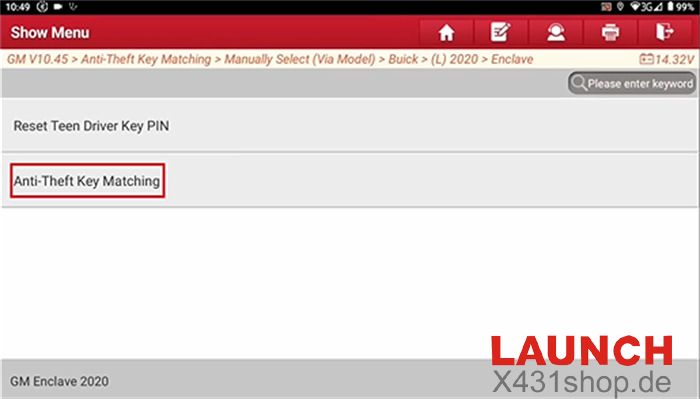
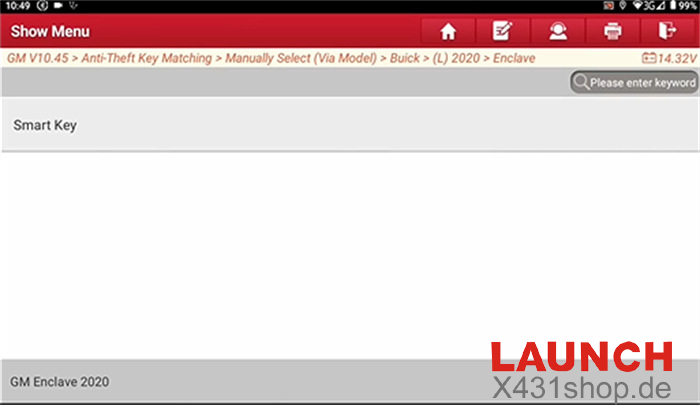
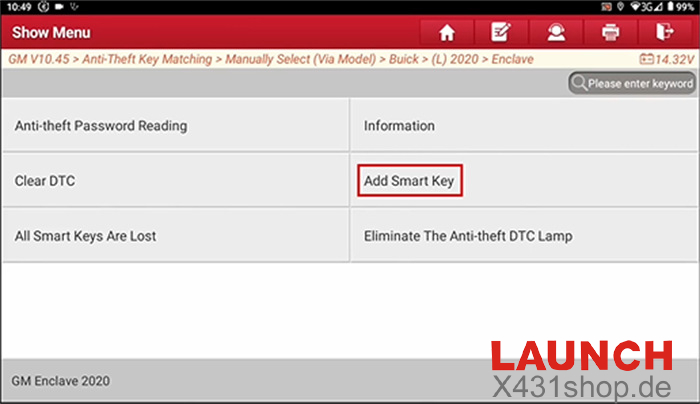
Follow the on-screen instruction to operate
Input the 4-digit PIN and confirm it is correct
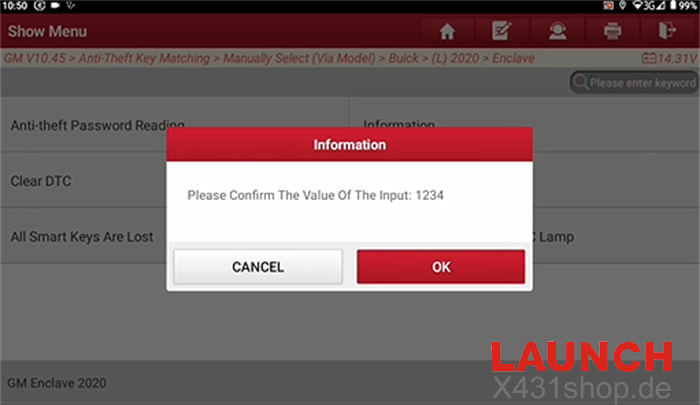
Start programming key
After programming the first key, continue to program if required
Program key successfully