




In this example, we use it to perform a Compressed Air Value test on a 2024 Sinotruk Wangpai 737 equipped with an Aikelan aftertreatment system with LAUNCH X431 PAD5.
Vehicle Info
Vehicle: 2024 Sinotruk Wangpai 737
Diagnostic Tool: LAUNCH X-431 PAD5 LINK HD
Aftertreatment System: Aikelan
Function: Compressed Air Value
How to Perform the Compressed Air Value Test
Connect LAUNCH X-431 PAD V ELITE to the vehicle and enter the diagnostic software.
1. Select Diagnose.
2. Enter Aftertreatment and select Aikelan.
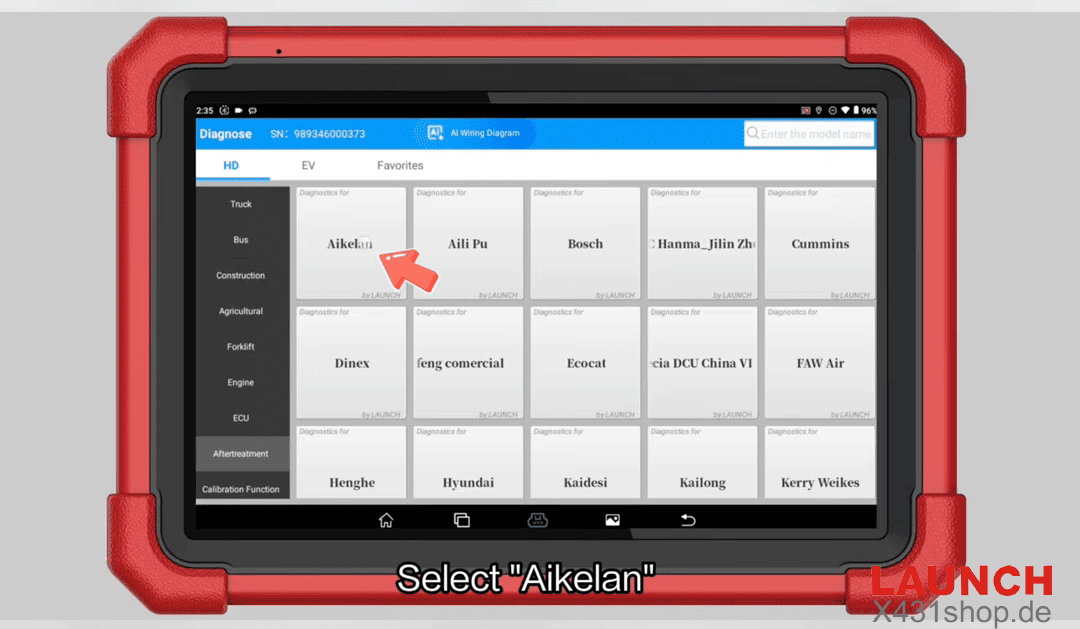
3. Click OK to continue.
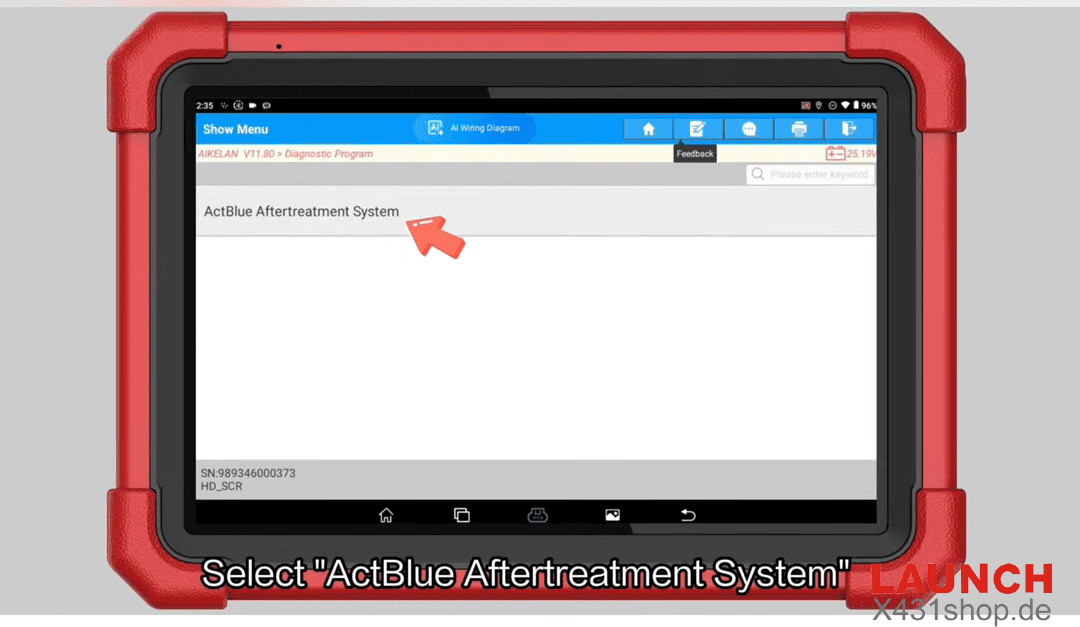
4. Select ActBlue Aftertreatment System.
5. Select Aikelan (VI).
6. Confirm the displayed vehicle information and continue.
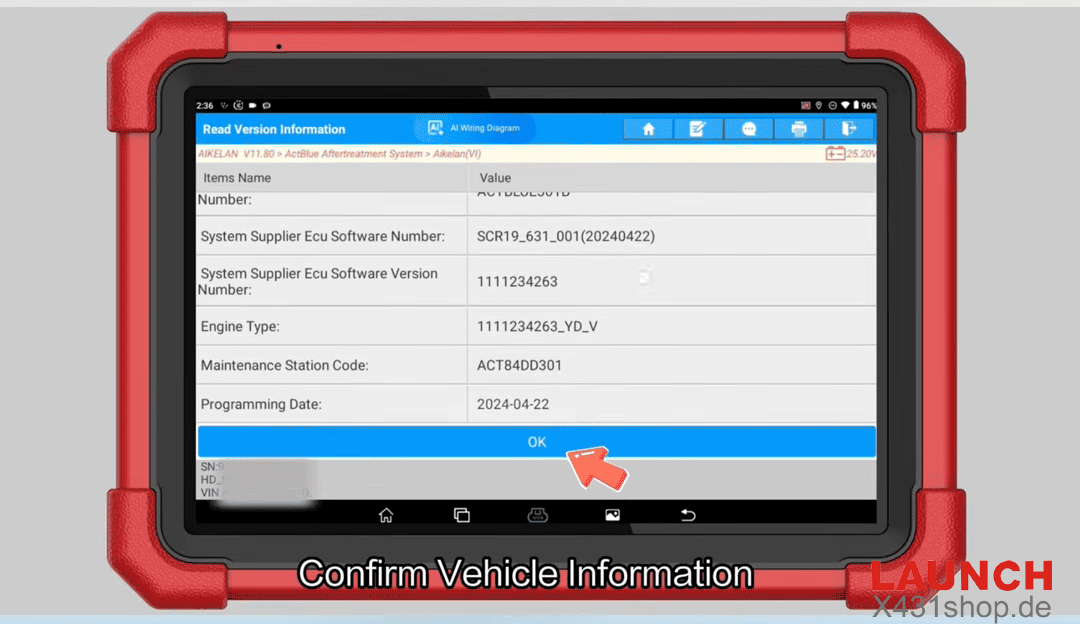
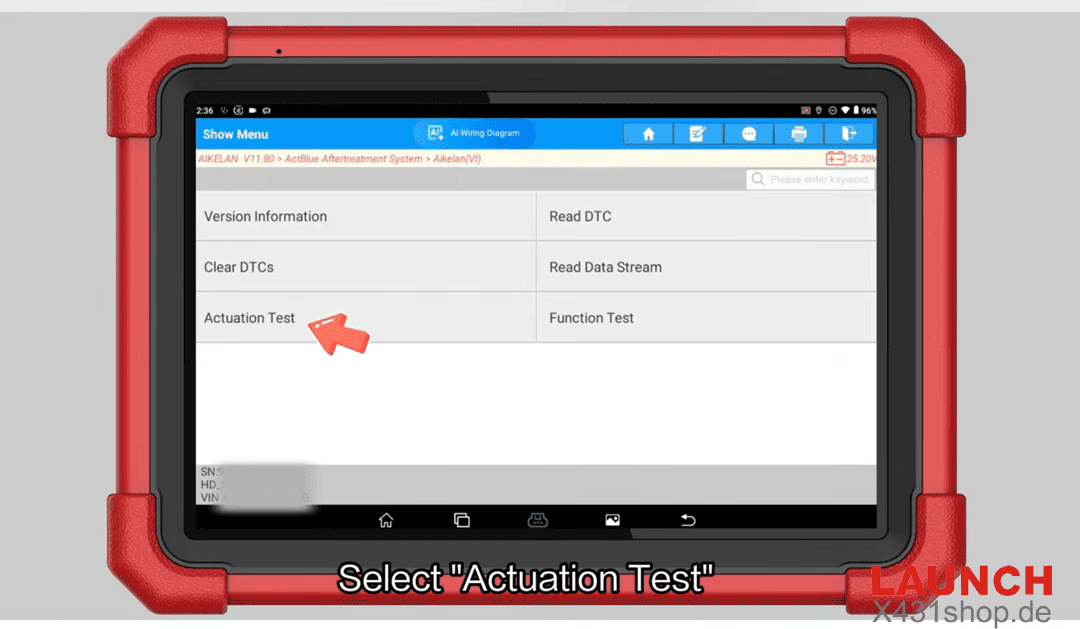
7. Select Actuation Test.
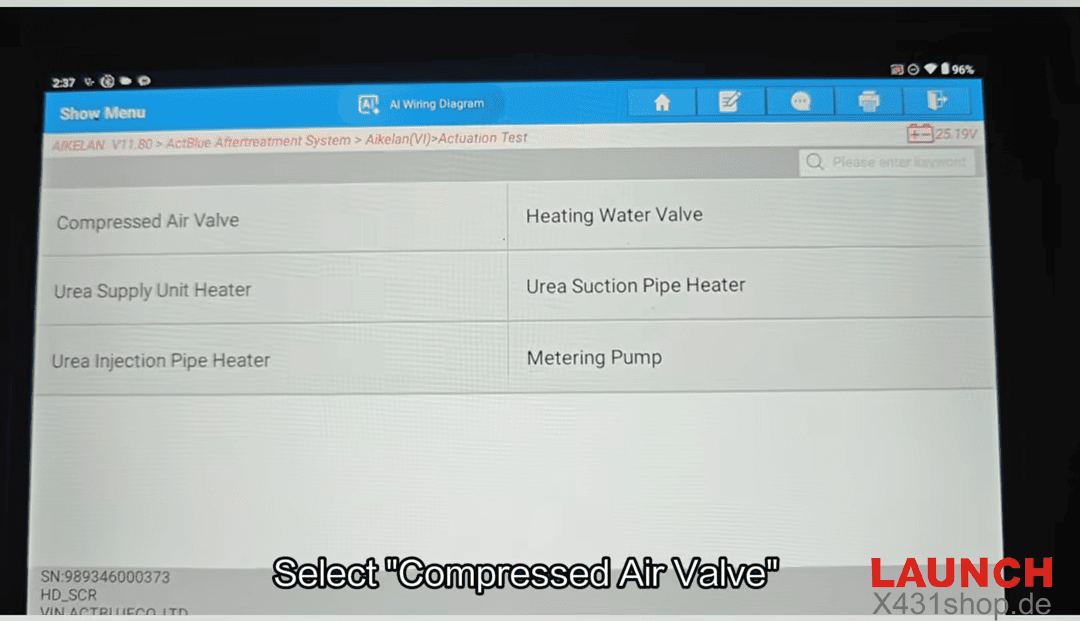
8. Find and select Compressed Air Value.
9. Click Open to perform the operation.
10. After the operation is completed, click Close.
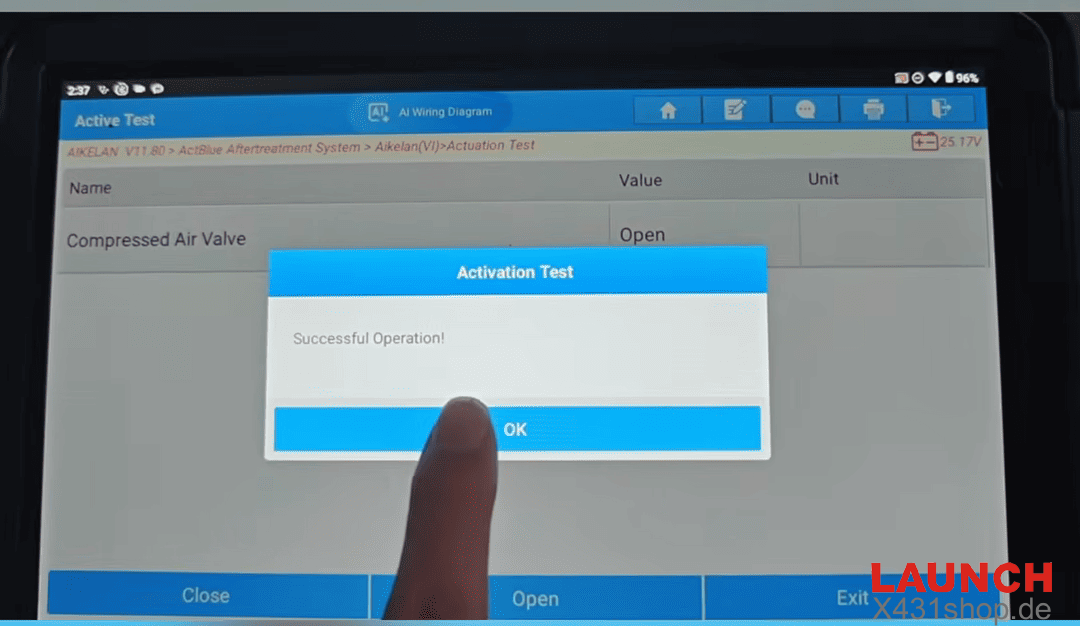
The Compressed Air Value operation is now complete.
Tip: Always confirm the vehicle information and select the correct aftertreatment system before performing an actuation test.