





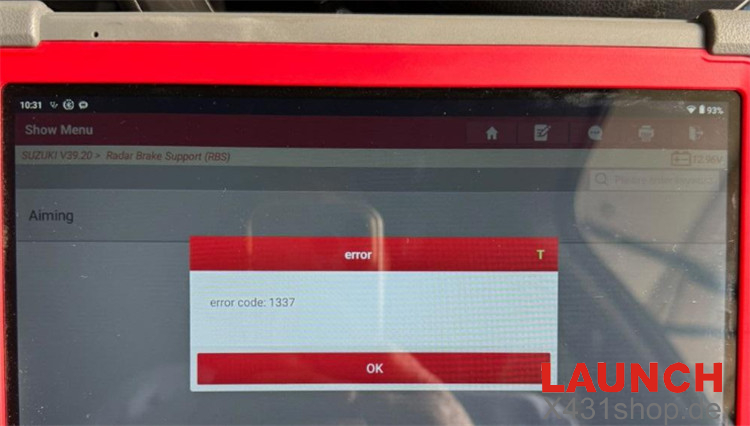
When calibrating the front radar on a 2019 Suzuki Swift with LAUNCH X431 PRO5, you may encounter Error Code 1337, indicating that the calibration has failed. The same error may appear whether you access the ADAS function through the dedicated ADAS menu or the vehicle software menu.
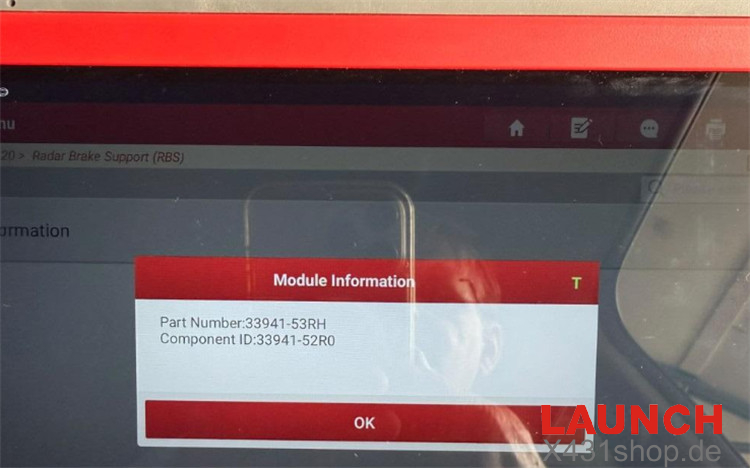
This error does not mean that the X431 PRO5 does not support ADAS calibration. The key is to identify the type of calibration required.
- Dynamic Calibration: No physical calibration target is required. The vehicle is calibrated while driving, with the diagnostic tool guiding the procedure through software.
- Static Calibration: Requires specific physical targets or reflectors to establish the correct calibration reference.
For front radar calibration, static calibration is required. Therefore, X431 PRO5 must be used together with a compatible physical calibration frame.
For example, you can use LAUNCH X431 ADAS Radar 3-in-1 ACC + Doppler + Corner Reflector Calibration Set. After connecting the required calibration hardware and setting it up correctly, the radar calibration can be performed normally without Error Code 1337.
Tip: If Error Code 1337 appears during radar calibration, first check whether the procedure requires a physical ADAS target rather than assuming there is a problem with the X431 PRO5 itself.
Tech support:
E-Mail: sales@X431shop.de
Business WhatsApp: +86 17782330462
Tel: 0086-17782330462