
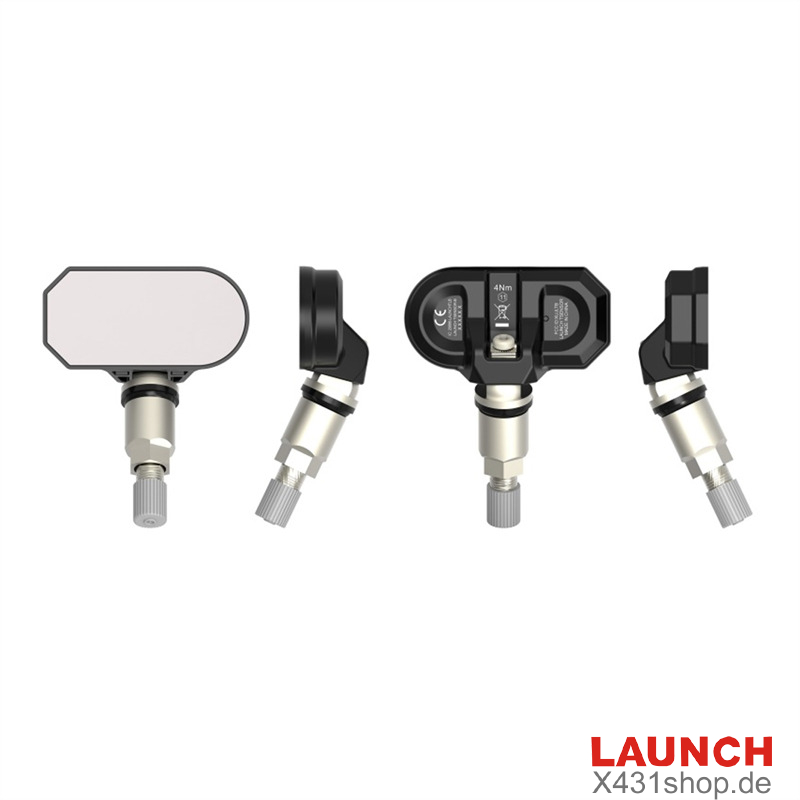
LAUNCH T-SENSOR B is a plug-and-play Bluetooth tire pressure monitoring system (TPMS) sensor designed for Tesla vehicles. It requires no additional programming or ID copying, making it a convenient replacement for compatible original sensors.
Supporting the Tesla Model 3, Model S, Model X, and Model Y, the T-SENSOR B uses Bluetooth Low Energy (BLE) technology to transmit tire pressure data directly to the vehicle.
Key Features of LAUNCH T-SENSOR B
- No Programming Required
The T-SENSOR B comes pre-configured for compatible Tesla vehicles. Simply install the sensor without performing additional programming or copying sensor IDs.
- Bluetooth Low Energy Technology
Equipped with a low-power 2.4GHz BLE chip, the sensor communicates tire pressure information directly to the vehicle’s built-in TPMS system.
- OEM Compatibility
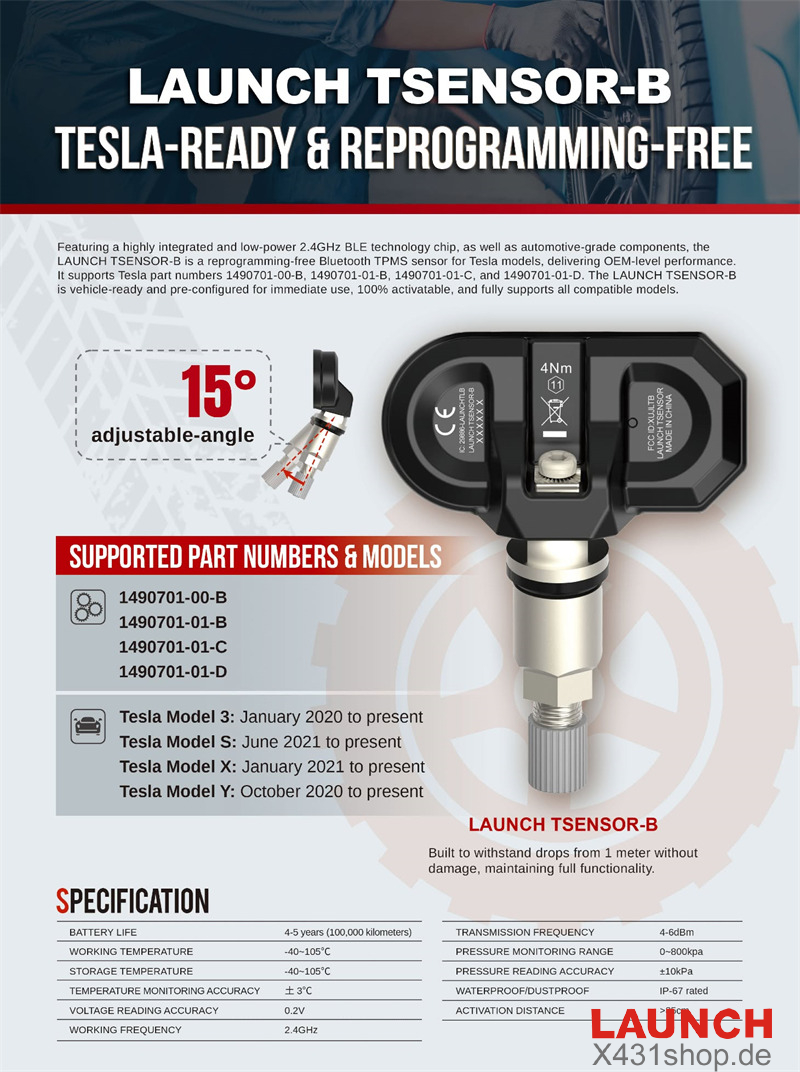
The T-SENSOR B is designed to deliver OEM-level performance and supports the following Tesla sensor part numbers:
- 1490701-00-B
- 1490701-01-B
- 1490701-01-C
- 1490701-01-D
With an IP67 dustproof and waterproof rating, the T-SENSOR B is built to withstand demanding driving conditions. It features automotive-grade components and an aluminum alloy valve stem for durability.
The sensor offers an estimated battery life of 4–5 years or up to 100,000 km, providing long-term TPMS monitoring.
Supported Tesla Models
The LAUNCH T-SENSOR B is compatible with the following Tesla models and production periods:
| Tesla Model | Supported Production Period |
|---|---|
| Model 3 | January 2020–Present |
| Model Y | October 2020–Present |
| Model S | June 2021–Present |
| Model X | January 2021–Present |
LAUNCH T-SENSOR B Installation and Matching
Installing the T-SENSOR B involves mounting the sensor and resetting the wheel configuration through the vehicle’s touchscreen.
1. Mount Launch TSENSOR-B onto the wheel.
2. Inflate all tires to the vehicle manufacturer’s recommended pressure.
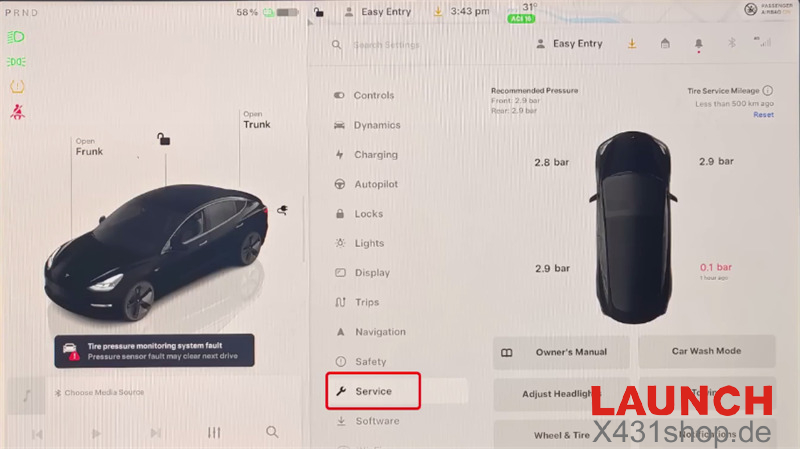
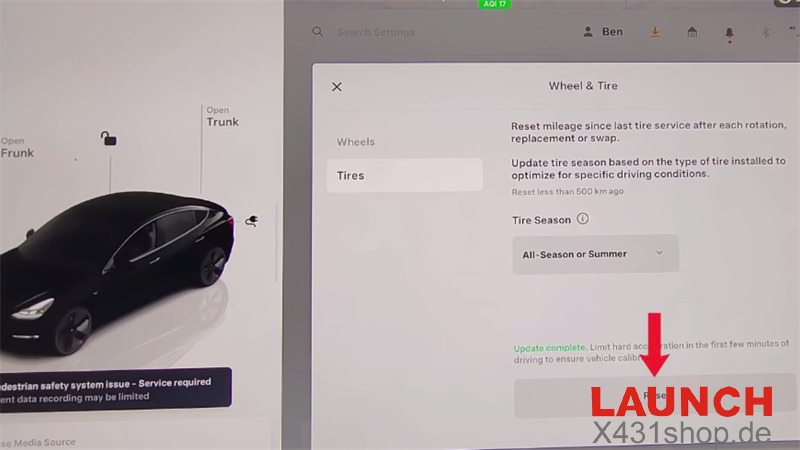
3. On the Tesla touchscreen, navigate to Service > Wheels & Tires.
Enter the correct wheel configuration for your vehicle, then select Reset to complete the matching procedure.