
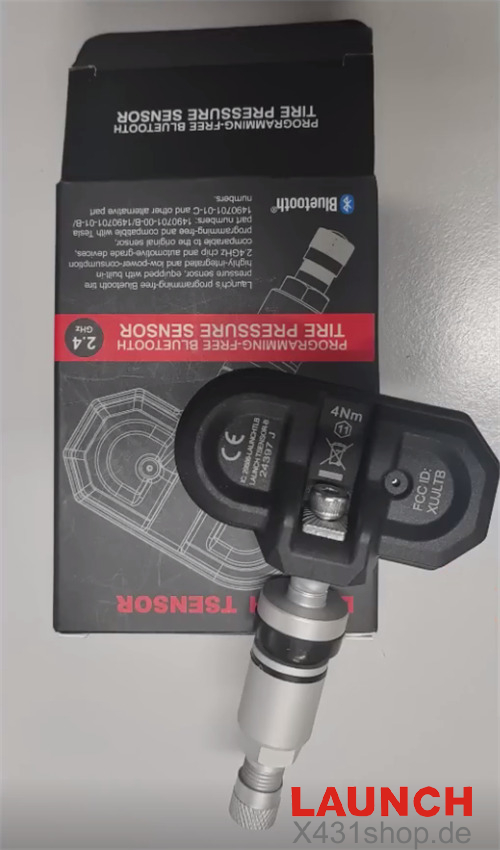
If your 2022 Tesla Model Y has a faulty Bluetooth tire pressure monitoring system (TPMS) sensor, LAUNCH TSENSOR-B offers a direct replacement solution. This Tesla-specific 2.4GHz Bluetooth sensor requires no manual programming, making replacement and setup straightforward.
This guide demonstrates how to identify and replace a faulty TPMS sensor, configure the new sensor through the vehicle’s touchscreen, and verify that tire pressure readings are working correctly.
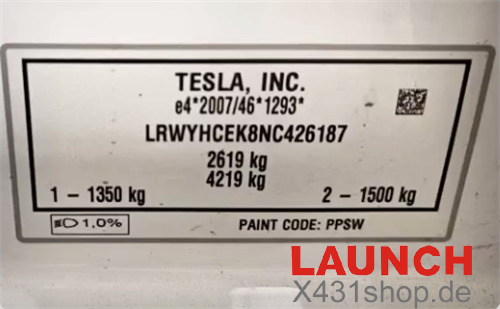
1. Identify the Faulty TPMS Sensor
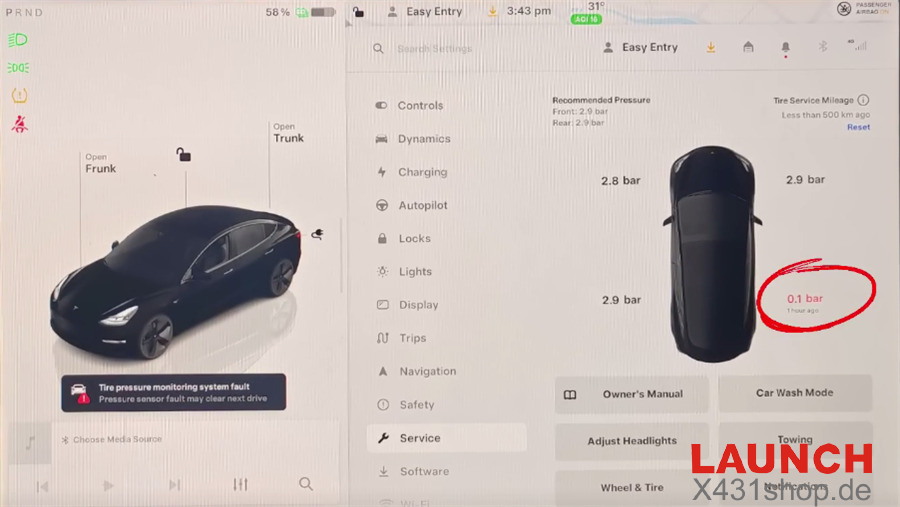
Inflate and deflate the tires to check their pressure readings. If the right rear tire’s pressure reading remains unchanged while the other tires show changes, the right rear TPMS sensor may be faulty.
2. Remove the Damaged Sensor
Remove the faulty TPMS sensor from the right rear wheel assembly. Prepare the wheel for installation of the replacement sensor.
3. Install the LAUNCH T-SENSOR B
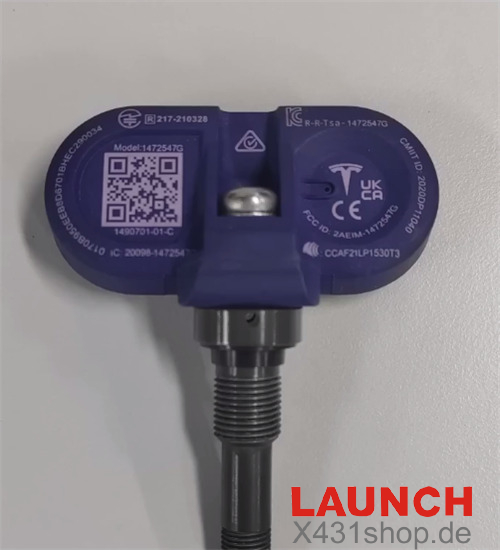
Install LAUNCH T-SENSOR B 2.4GHz Bluetooth TPMS sensor in the wheel to replace the damaged unit.
4. Configure the New Sensor Through the Vehicle
After installing the sensor, use the Tesla touchscreen to configure the wheel and tire settings.
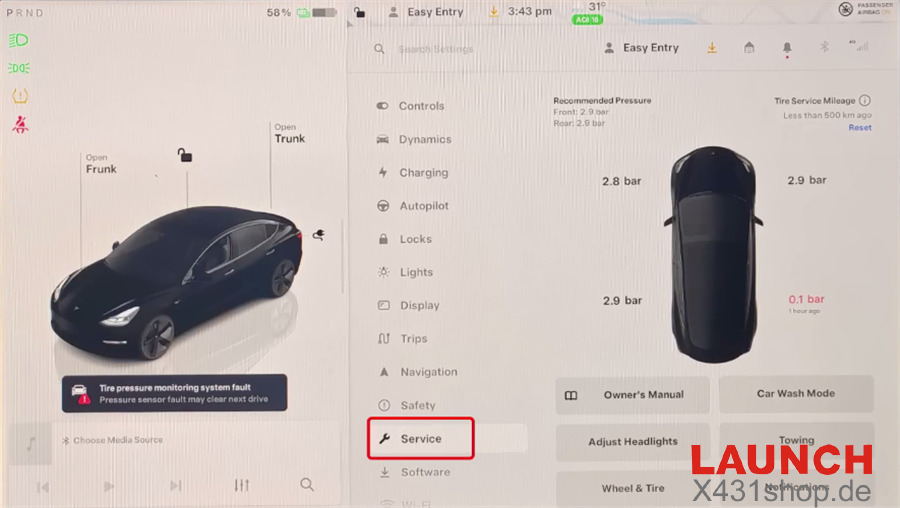
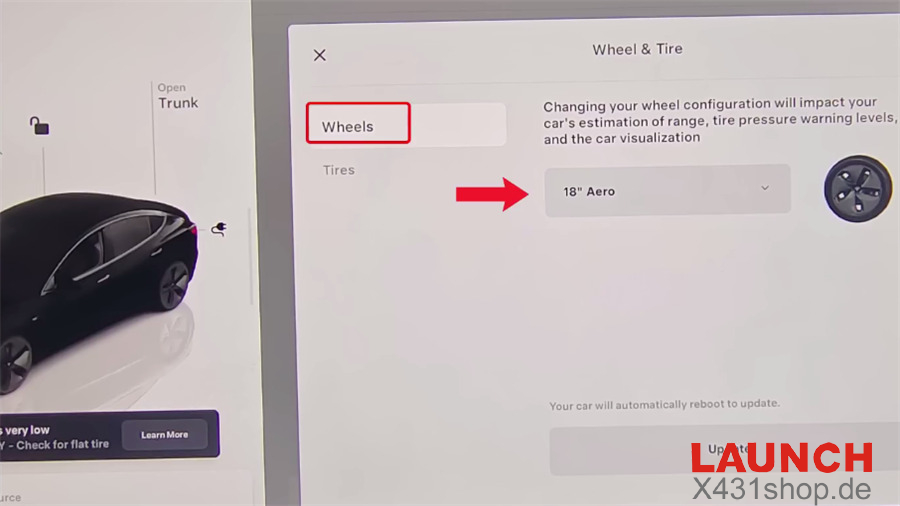
Open the vehicle menu and navigate to Service > Wheels.
Select the correct wheel size for your vehicle.
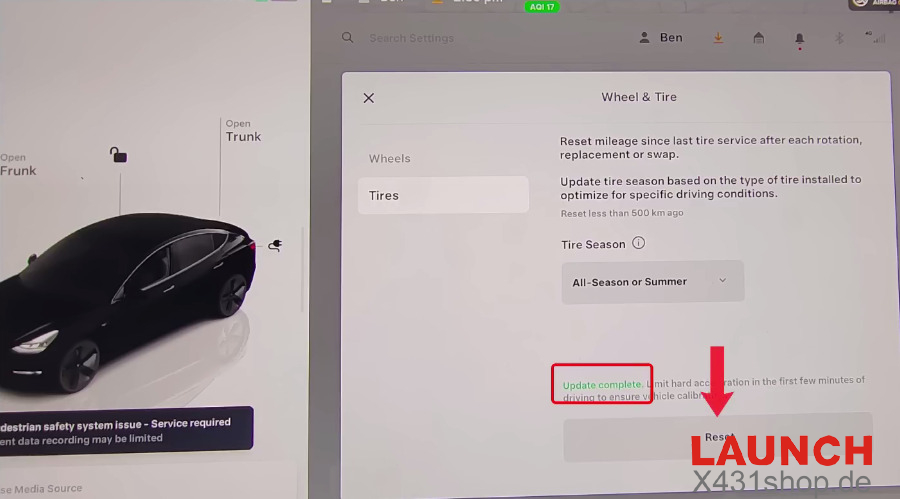
Go to Tires and select the appropriate tire type, either All-Season or Summer.
Select Reset to initiate the sensor update process.
Wait for the screen to display Update Complete.
5. Inflate the Tires and Verify the Results
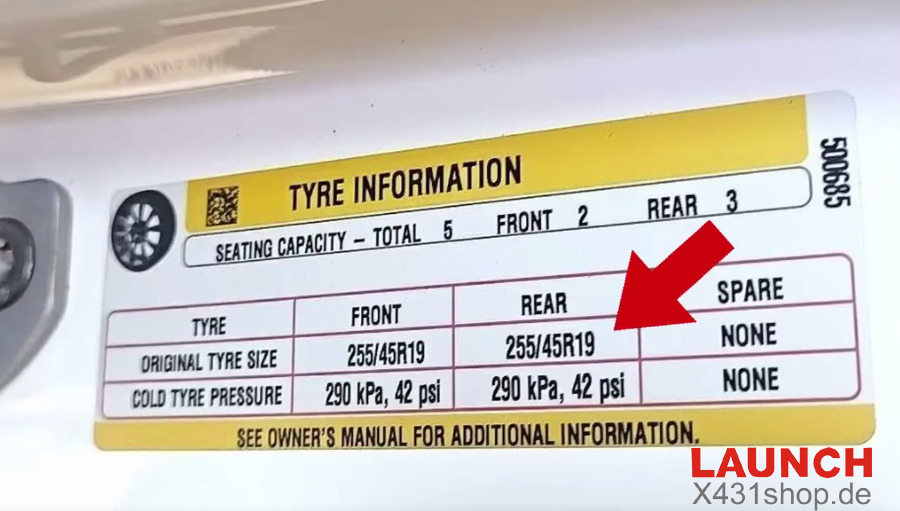
Inflate all four tires to the recommended pressure. Then take the vehicle on a short road test to allow the new sensor to synchronize with the vehicle’s TPMS system.
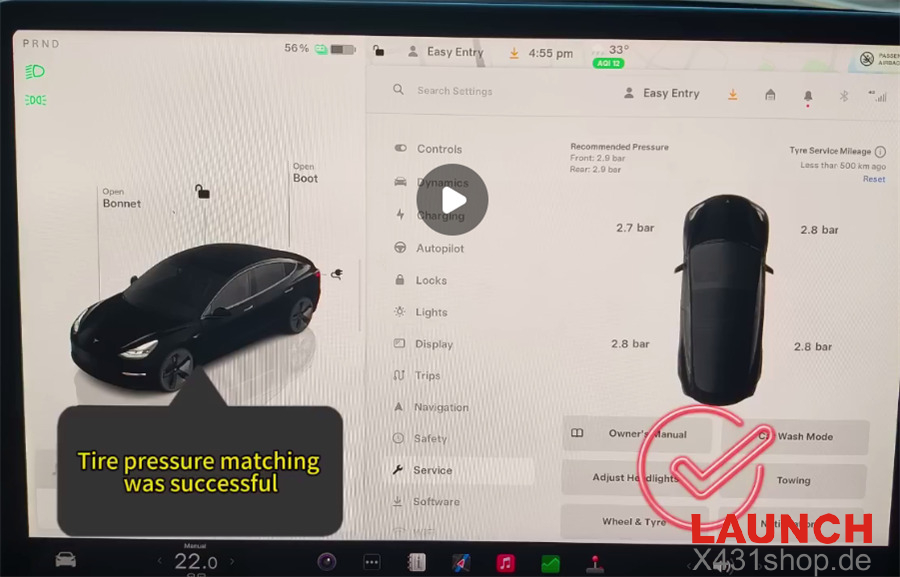
Check the live tire pressure readings on the touchscreen to confirm that the replacement sensor is communicating correctly.