





If you want a portable diagnostic scanner that combines basic OBD functions with AI-powered vehicle analysis, LAUNCH AIOBD is becoming a popular option among DIY users and professional mechanics.
In this guide, we’ll walk through how LAUNCH AIOBD works on a 2011 Volvo C30, including app setup, activation, full-system diagnostics, and intelligent repair reporting.
1. Download the LAUNCH AIOBD App
Before starting, install the LAUNCH AIOBD app on your smartphone.
iPhone users: Download “LAUNCH AIOBD” from the Apple App Store.
Android users: Find “LAUNCH AIOBD” on Google Play Store.
Quick installation: You can also scan the QR code included on the package for direct access.
2. Activate the LAUNCH AIOBD Device
After opening Launch AIOBD mobile app, simply log in using your email account.
The device activation process is completed automatically without requiring manual activation codes or registration steps.

3. Full-System Vehicle Diagnostics
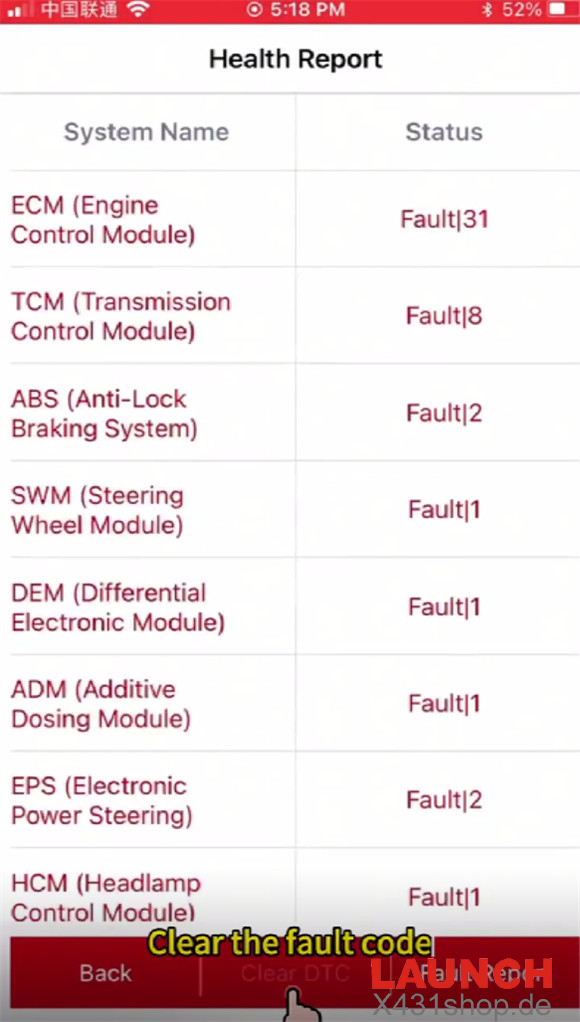
When performing a Full System Scan, the app automatically detects and displays all available control modules inside the Volvo C30.
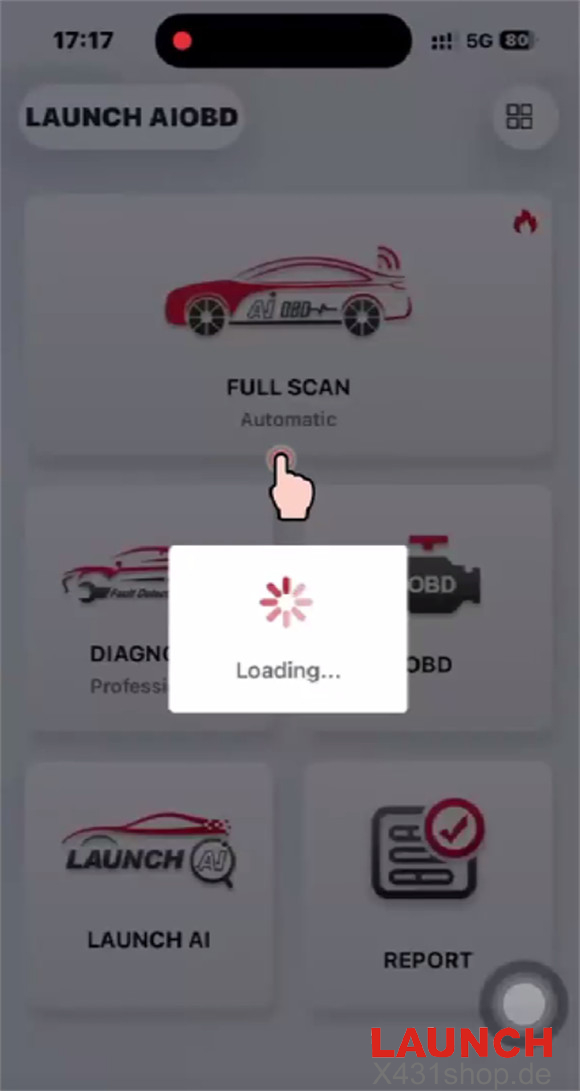
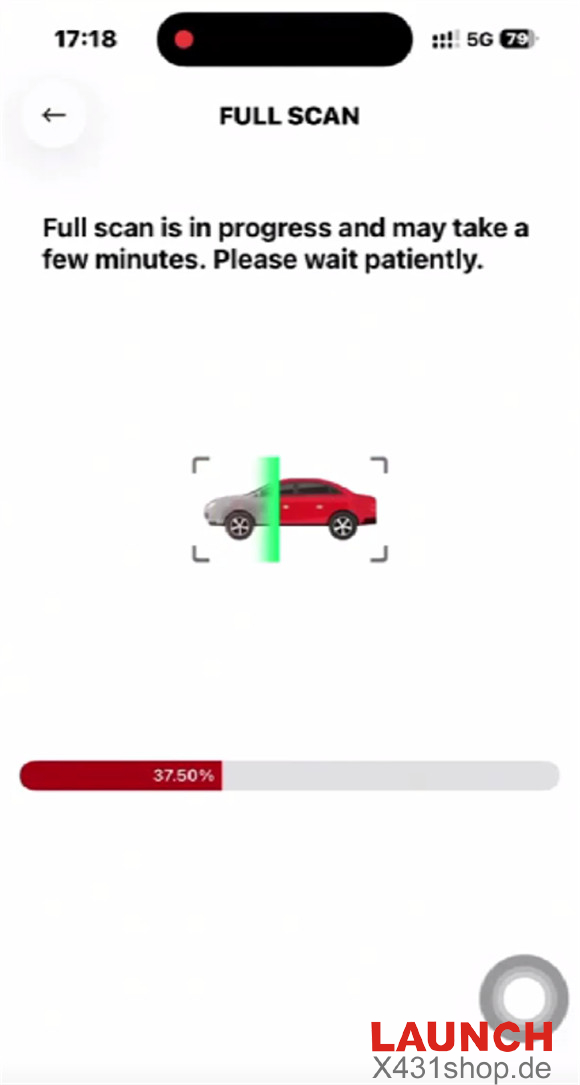
The standard OBD diagnosis is free to use. For advanced manufacturer-level functions, LAUNCH uses a flexible brand-based unlock system.
Key Features:
- Preview diagnostic results before purchasing
- Unlock only the vehicle brand you need
- Access deeper system functions for Volvo vehicles
- Support advanced reports and AI-assisted diagnostics
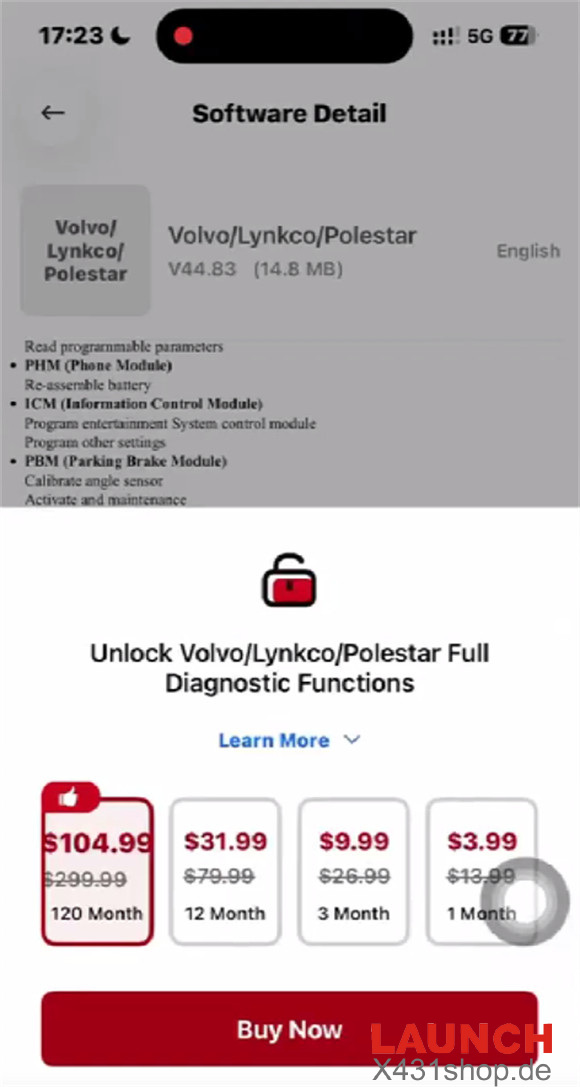
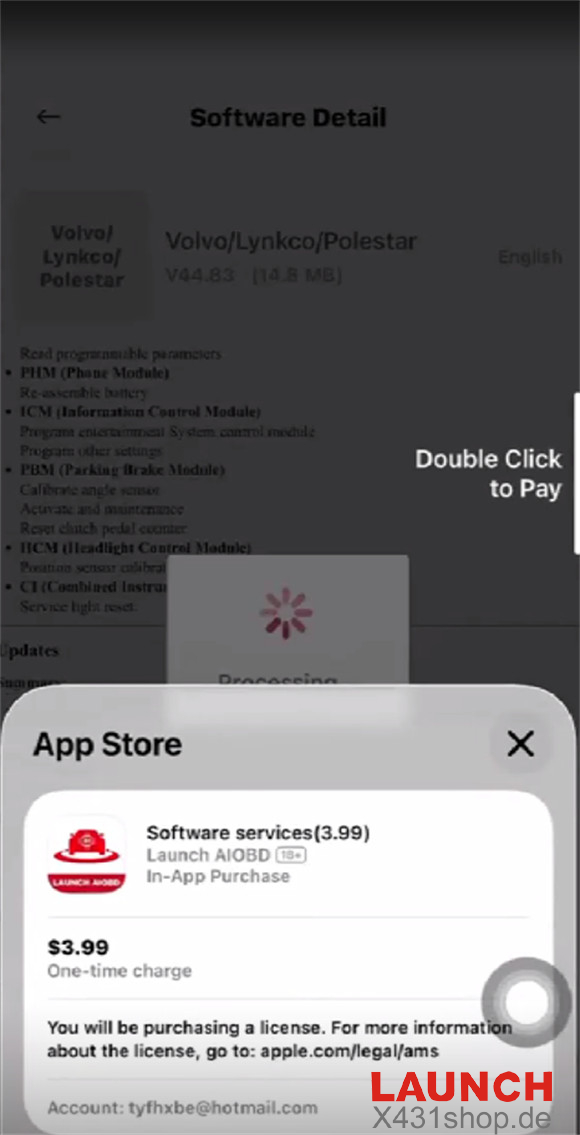
Once activated, users gain access to professional-level diagnostic features including bi-directional controls and advanced module analysis.
4. Advanced Functions & Module Access
After unlocking the Volvo software, LAUNCH AIOBD Diagnostic Connector can perform much more than simple code reading.
Supported functions include:
- DTC Functions
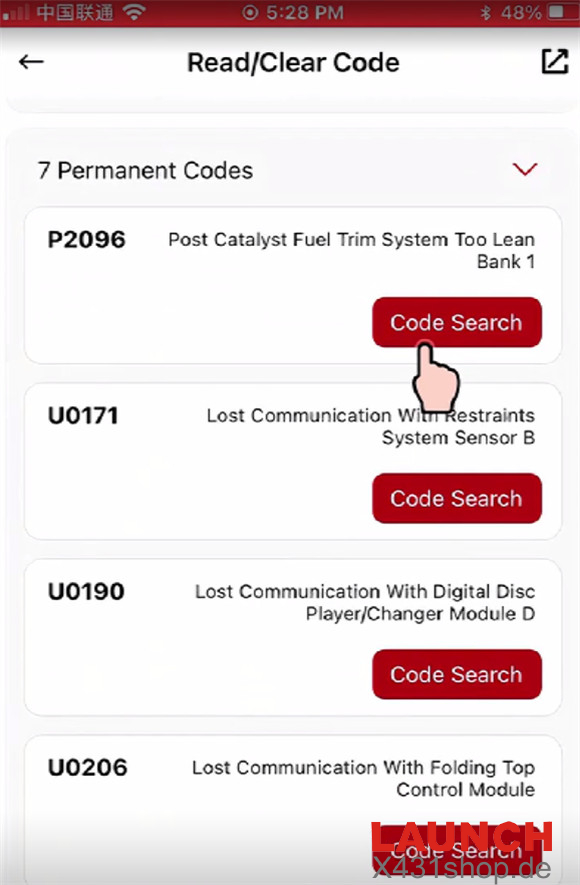
- Read fault codes
- Clear manufacturer-specific trouble codes
- Live Data Monitoring
- Display real-time data streams
- Dynamic graph visualization for easier analysis
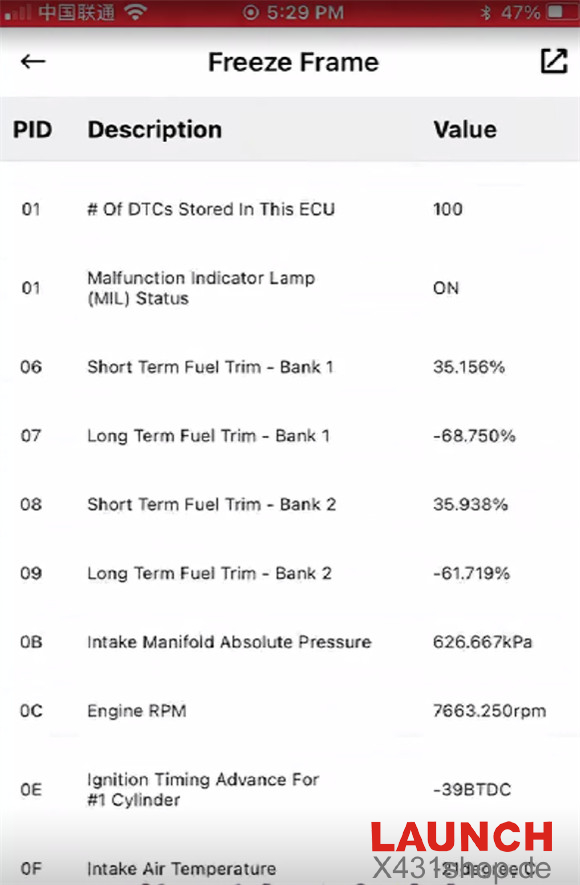
- Freeze Frame Data
- Record operating conditions when faults occur
- Help reduce unnecessary parts replacement
- Advanced Service Functions
- Active tests
- ECU coding
- Hardware information reading
- Reset and maintenance functions

5. Standard OBD Functions
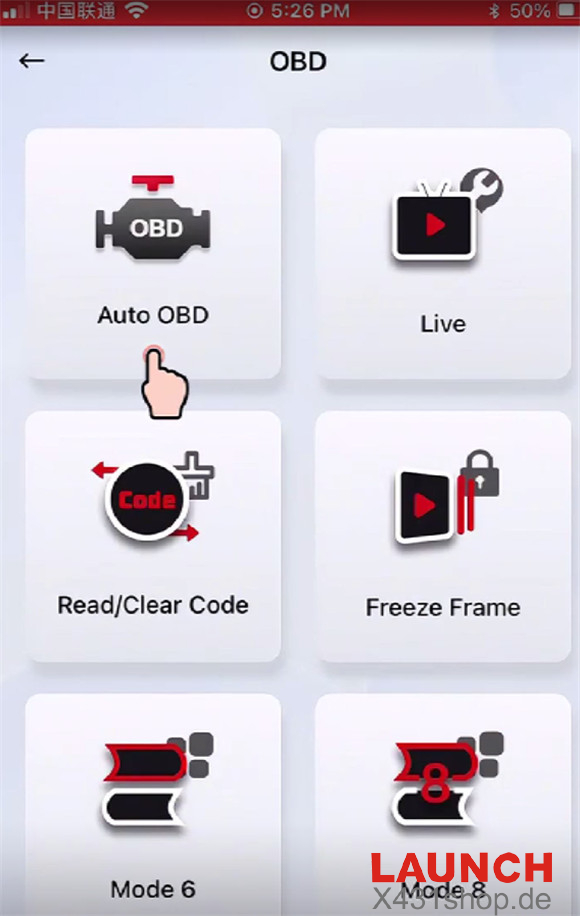
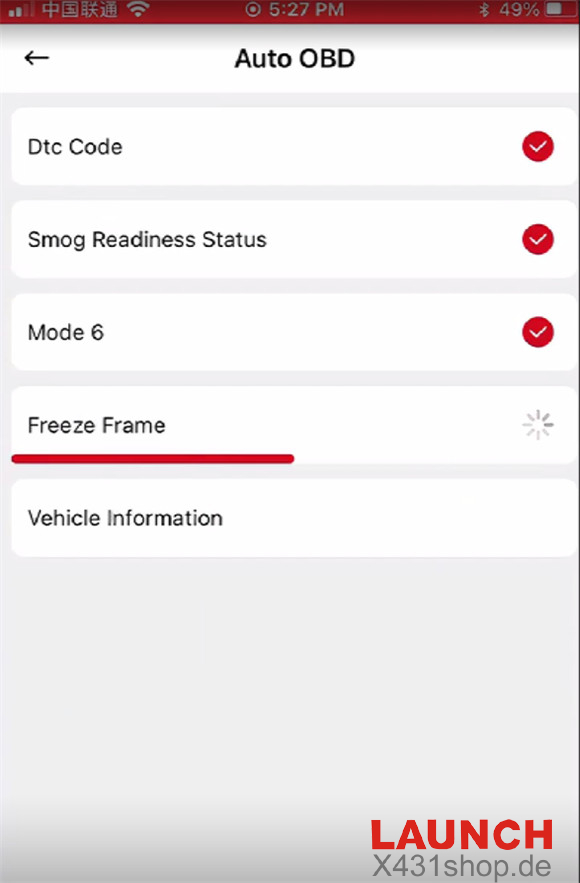
The LAUNCH AIOBD also supports common OBD diagnostic modes:
- Auto OBD
- Live Data
- Smog Check
- Read/Clear Codes
- Mode 6
- Freeze Frame
- MIL Status
- Mode 8
- OBFCM


6. AI Diagnostic Reports & Smart Analysis
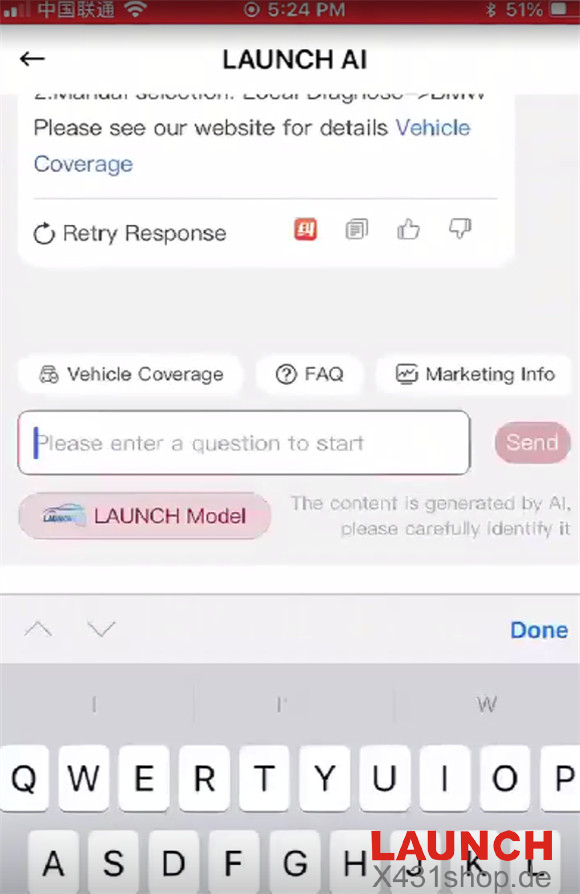
One of the most interesting features is the built-in LAUNCH AI assistant powered by LLM technology.
Users can ask maintenance-related questions directly based on vehicle fault data.
The AI-generated reports provide:
- Repair suggestions
- Estimated labor times
- Approximate repair costs
- Vehicle health summaries
- Nearby repair service recommendations

This makes the LAUNCH AIOBD more than just a scanner — it becomes a smart diagnostic assistant.
7. Diagnostic History & Report Sharing
All reports are stored inside the “More” section of the app, including:
- Standard OBD reports
- Full-system scans
- AI diagnostic analysis
Users can quickly share reports through email or messaging apps with one click.
The app also includes a built-in interactive user manual for easy reference.


For more details about LAUNCH diagnostic tools, visit: