






Looking for an easy guide to program a new smart key for your Peugeot 3008?
In this post, we will walk you through the step-by-step programming process using Launch X431 IMMO Plus / IMMO Elite / IMMO PRO paired with X431 X-PROG5 key programmer.
Step 1: Generate the Remote Key
1. Connect the devices: Plug your Launch X431 X-PROG5 into your X431 IMMO tablet and connect it to the Peugeot vehicle using the matching cables.
2. Select vehicle info: On your tablet, go to: Vehicle Remote -> Peugeot -> All remote -> 3008 (2016+) Remote FSK ID4A.
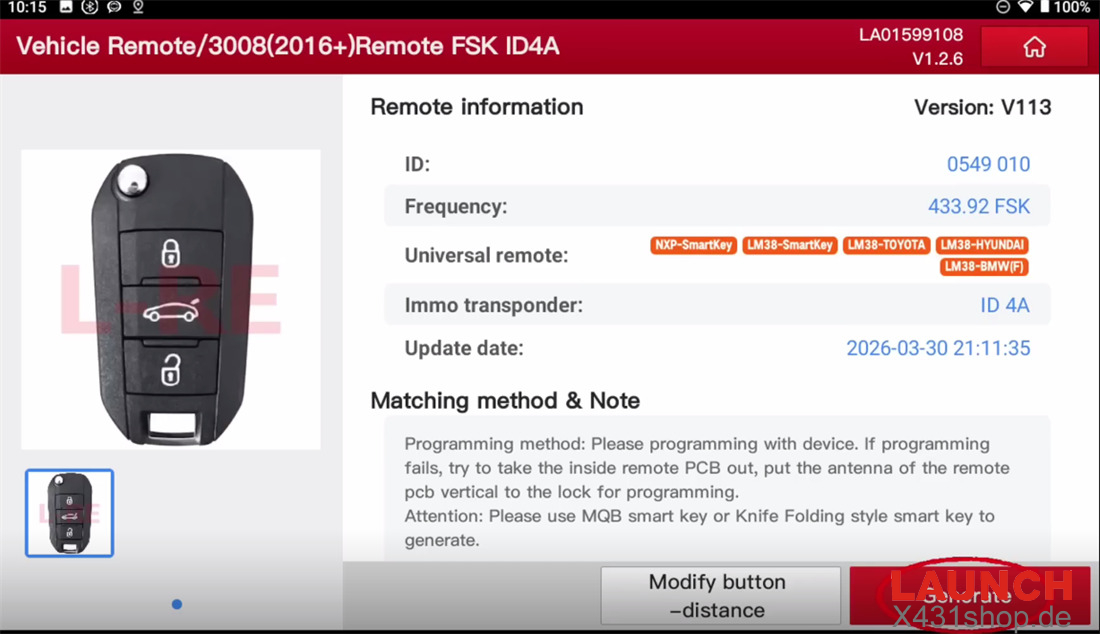
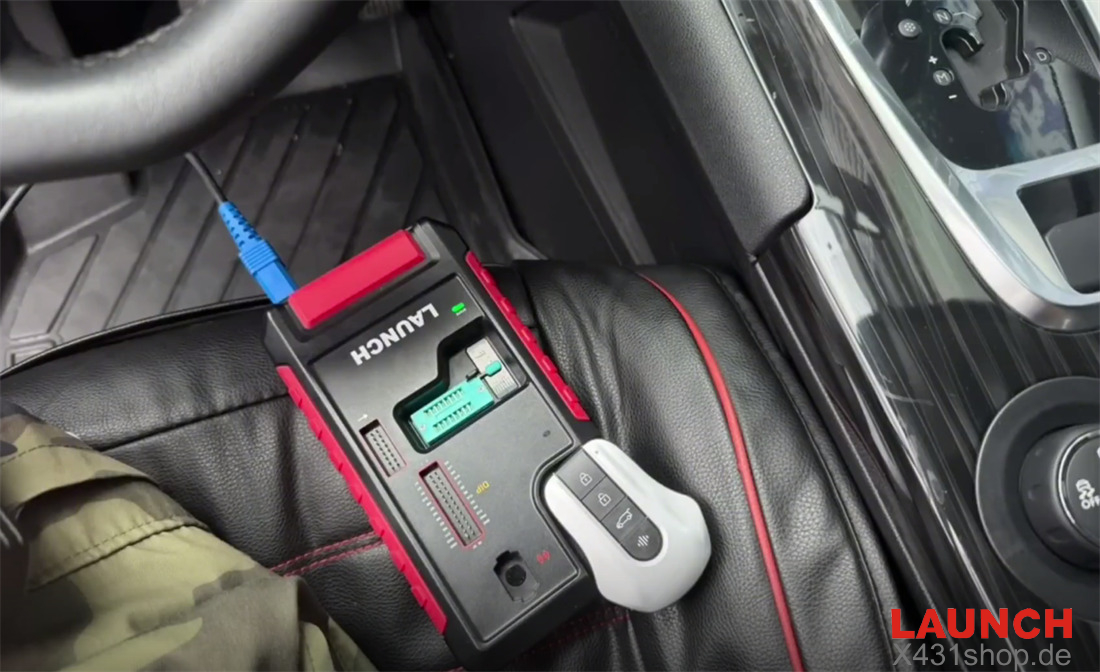
3. Place the key: Put your new key into the detection slot of the X431 X-PROG5 programmer.
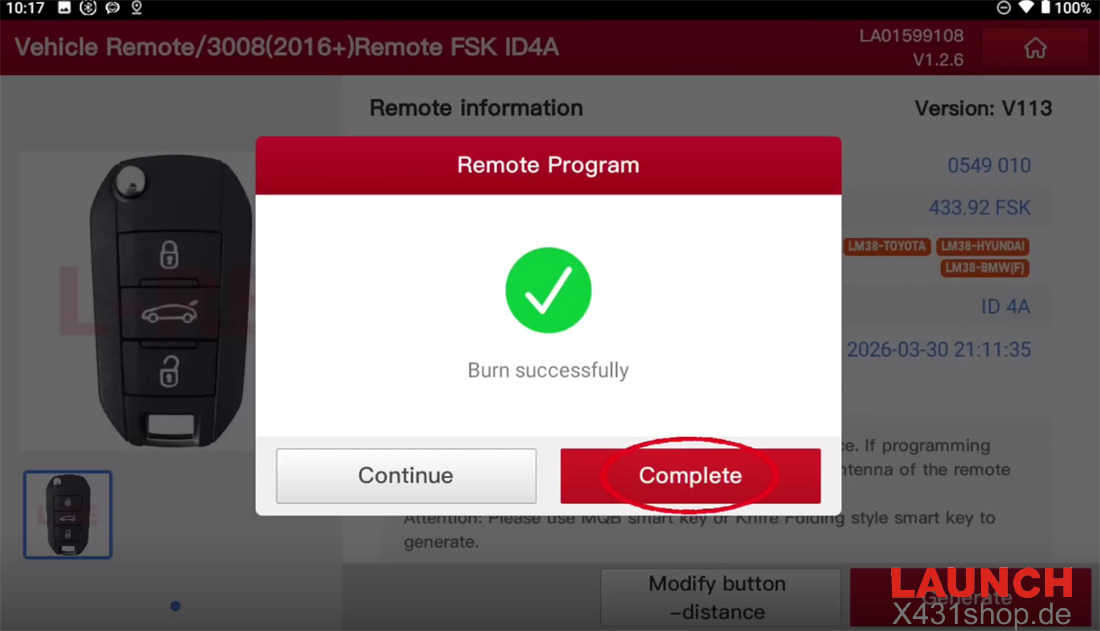
4. Generate: Click “Generate” and wait until the key writing/burning process finishes successfully.
Step 2: Read the Anti-Theft Password (PIN Code)
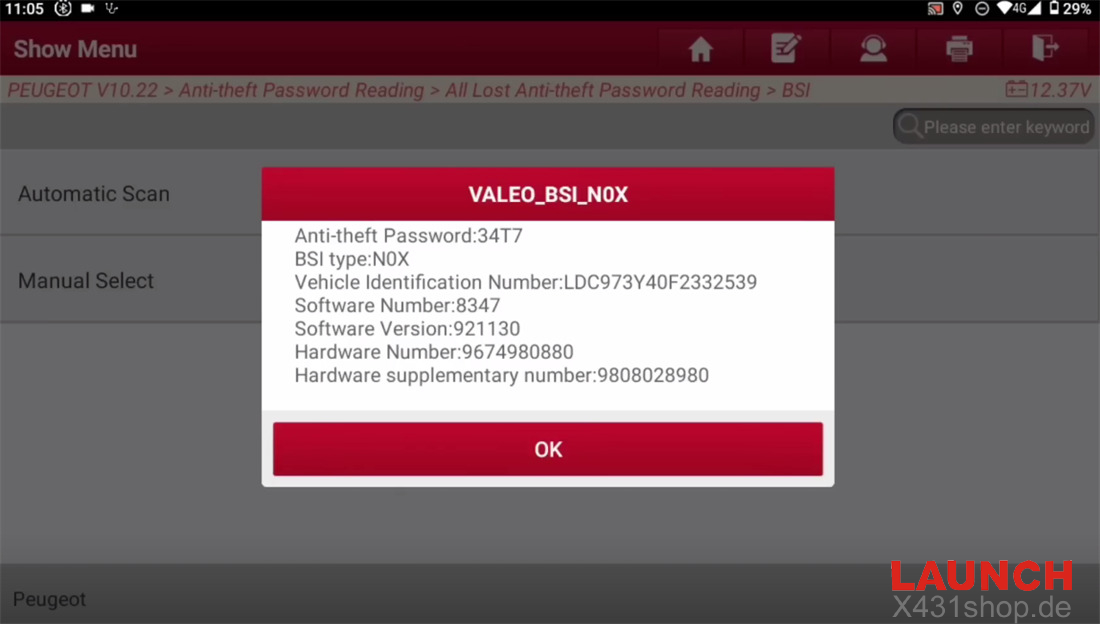
1. Navigate to the menu: Go to PEUGEOT -> PEUGEOT V10.22 -> Anti-theft Password Reading -> All Lost Anti-theft Password Reading -> BSI -> Automatic Scan.
⚠️ Important Notes Before Proceeding:
Make sure the car battery is fully charged. Low voltage in the BSI unit can cause the process to fail.
Ensure your Launch X431 tablet is connected to a stable Wi-Fi network.
2. Start scanning: Click “OK”, turn on the hazard lights (double-flash switch), and click “OK” again. (Note: It is normal for the windshield wipers and headlights to turn on automatically during this process. To avoid this, you can pull out the corresponding fuses beforehand).
3. Save the PIN: Write down the 4-digit anti-theft password shown on the screen. You will need it in the next step.
Step 3: Match the Smart Key
1. Enter matching menu: Return to the main PEUGEOT menu and select Anti-Theft Key Matching.
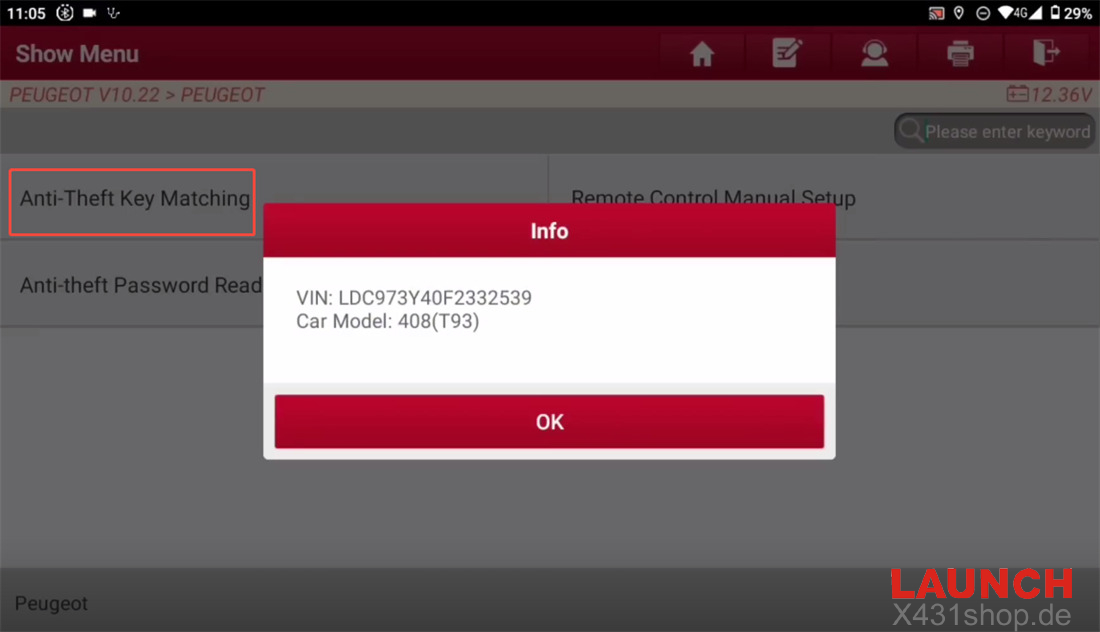
2. Scan the system: Confirm your vehicle’s VIN and car model info. Choose “Automatic Scan”, confirm the vehicle details again, and select “Smart Key System”.
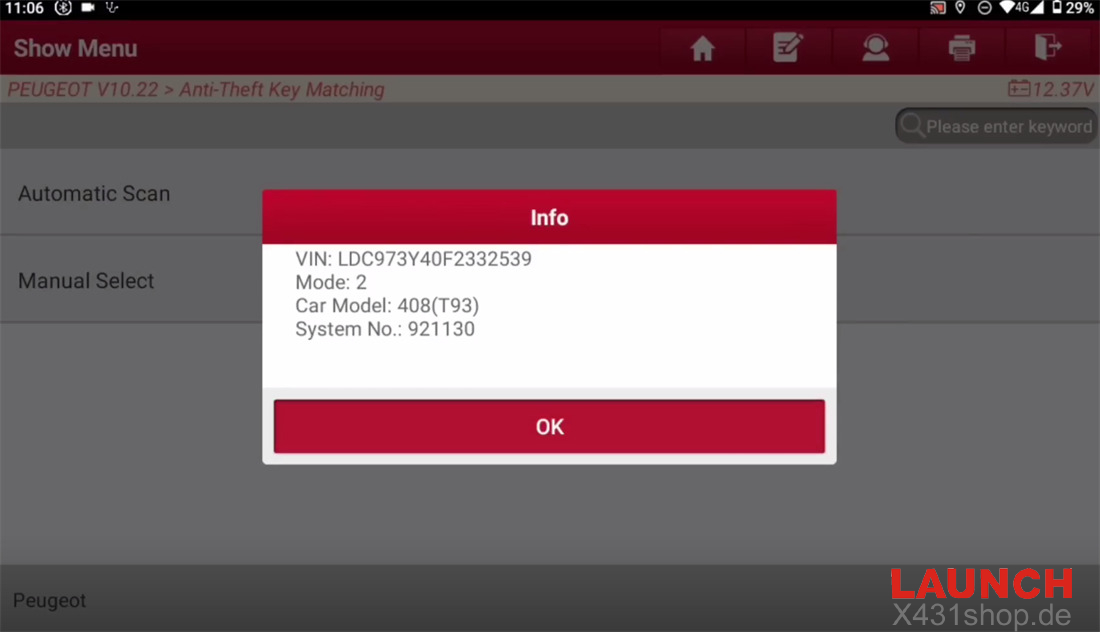
3. Prepare the keys: Turn on the hazard lights and click “OK”.
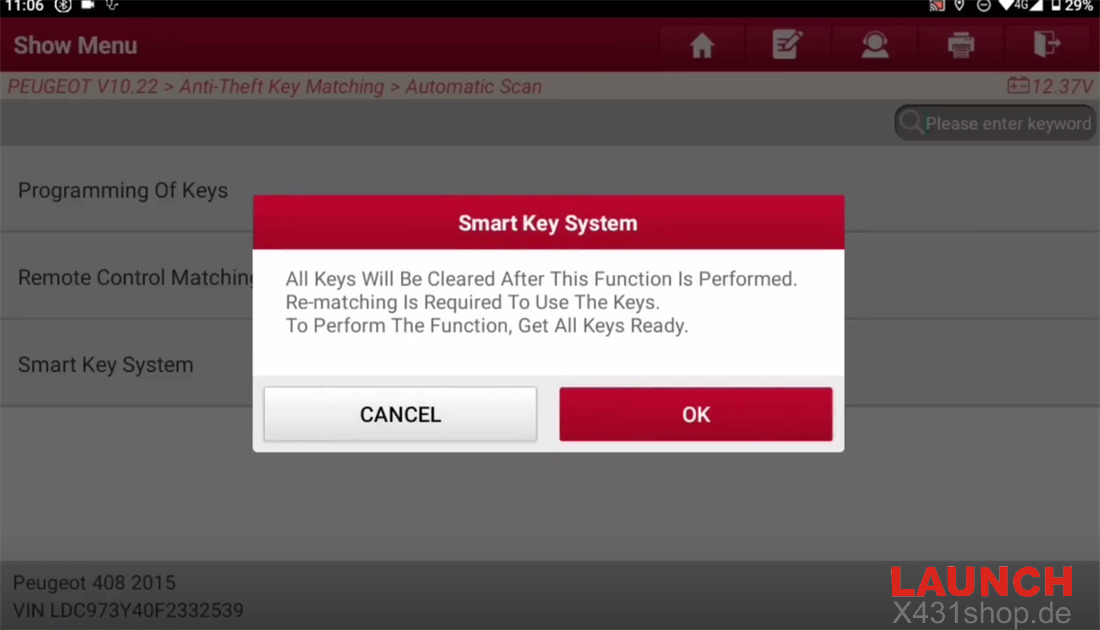
⚠️ Warning: This function will erase all previous keys. You must have ALL keys ready (including original keys) to match them together.
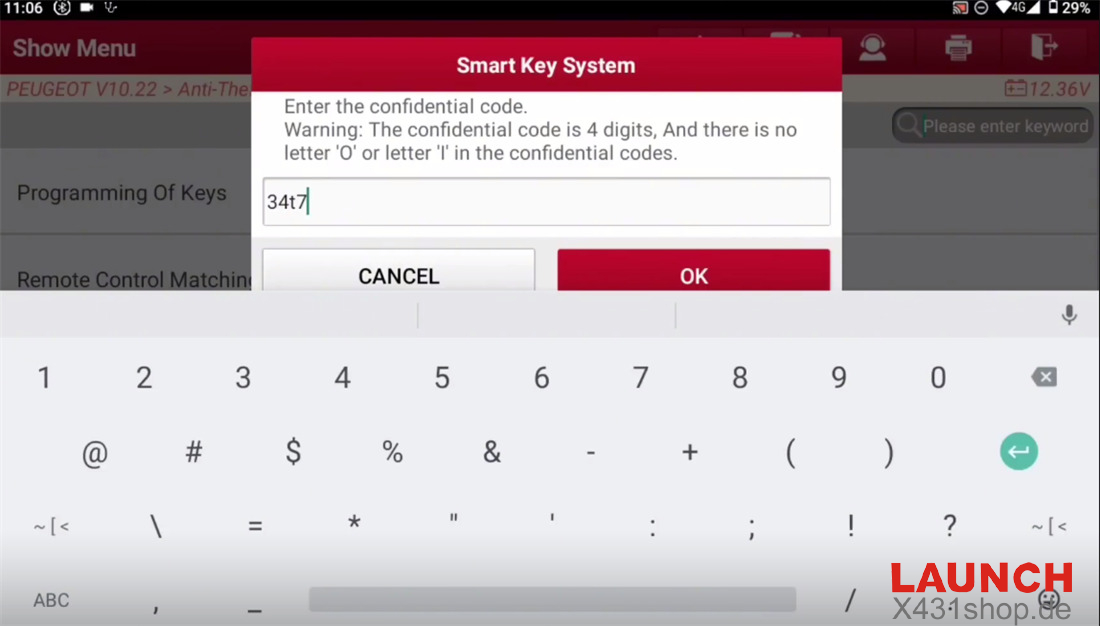
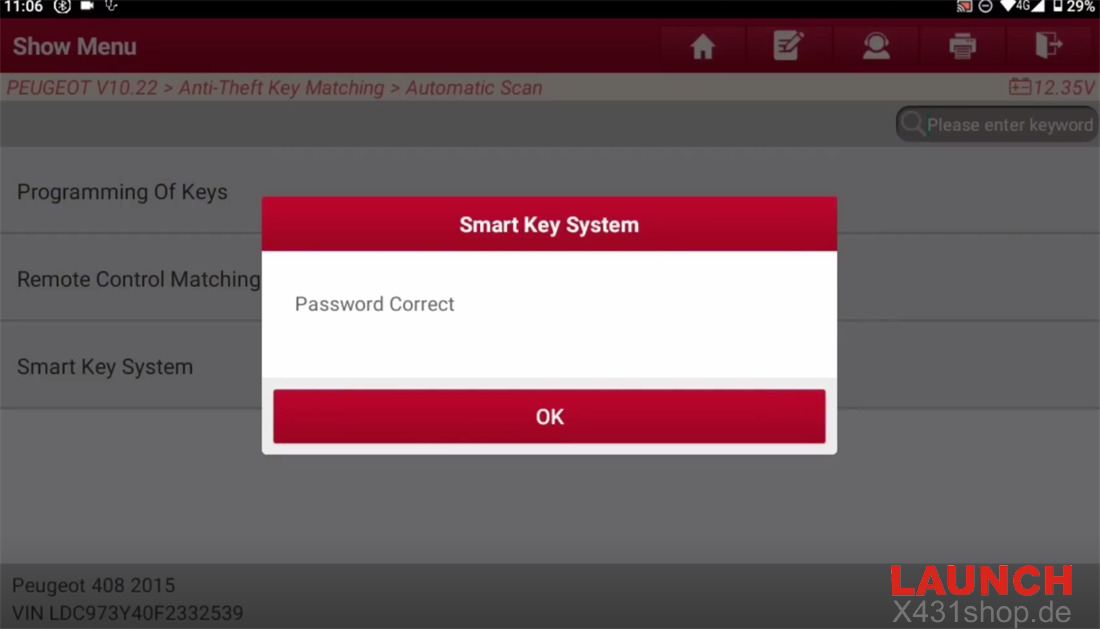
4. Input PIN: Enter the 4-digit confidential code you saved from Step 2. The system will verify if it’s correct.
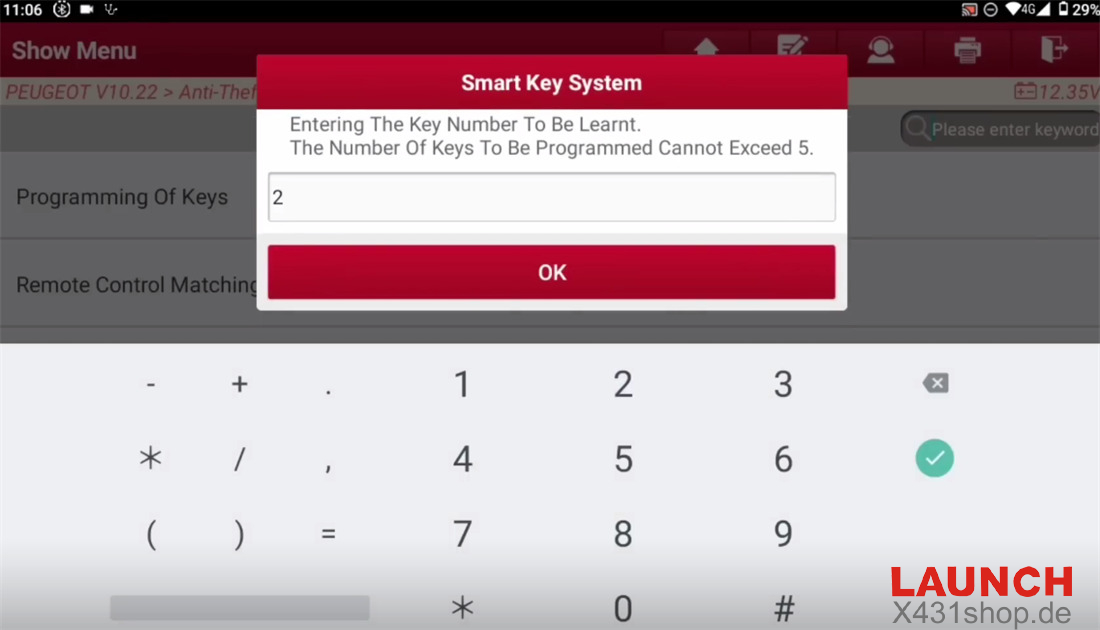
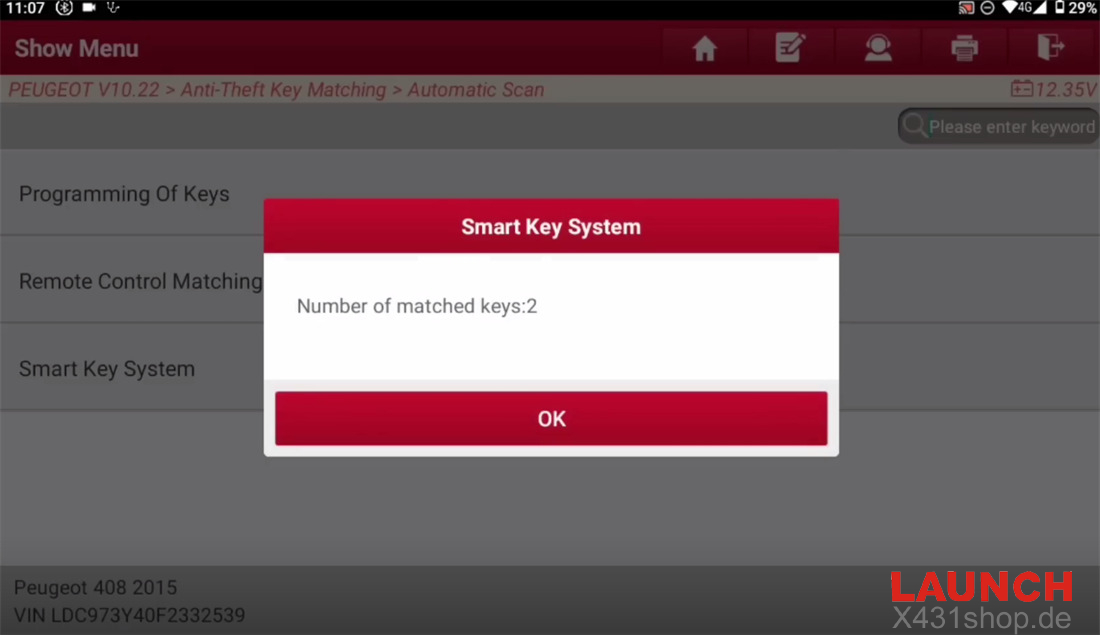
5. Set key quantity: Enter the total number of keys you want to program (e.g., 2).
6. Program the keys: Insert the smart key into the car’s key slot. (Crucial Tip: If you still have the original car key, always program the original key first before matching the new one. Otherwise, the new key might lose its remote control and smart key functions).
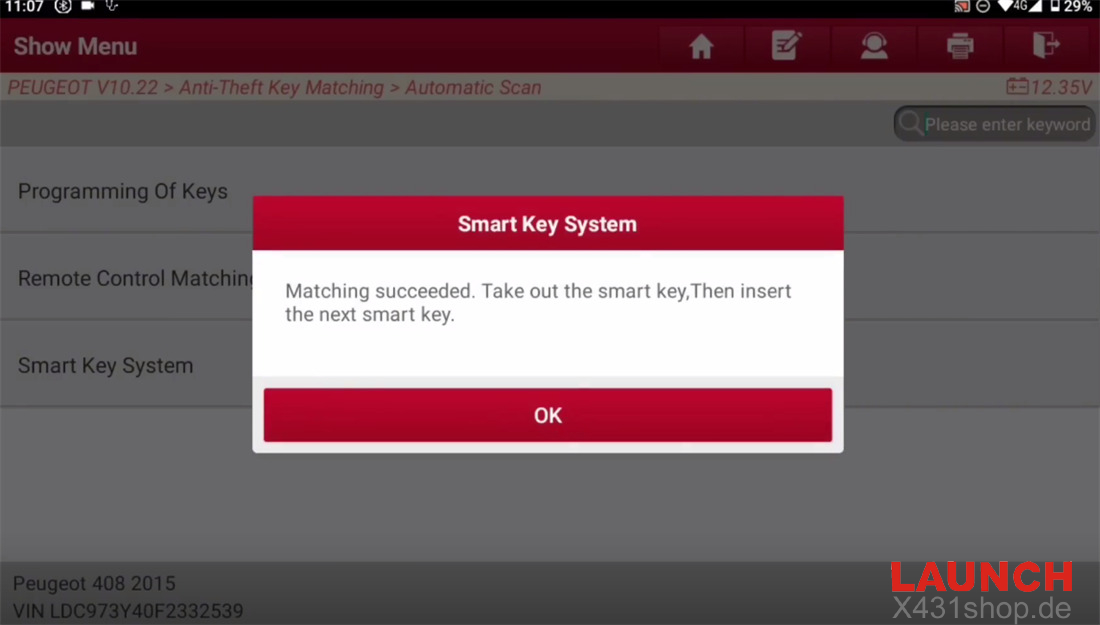
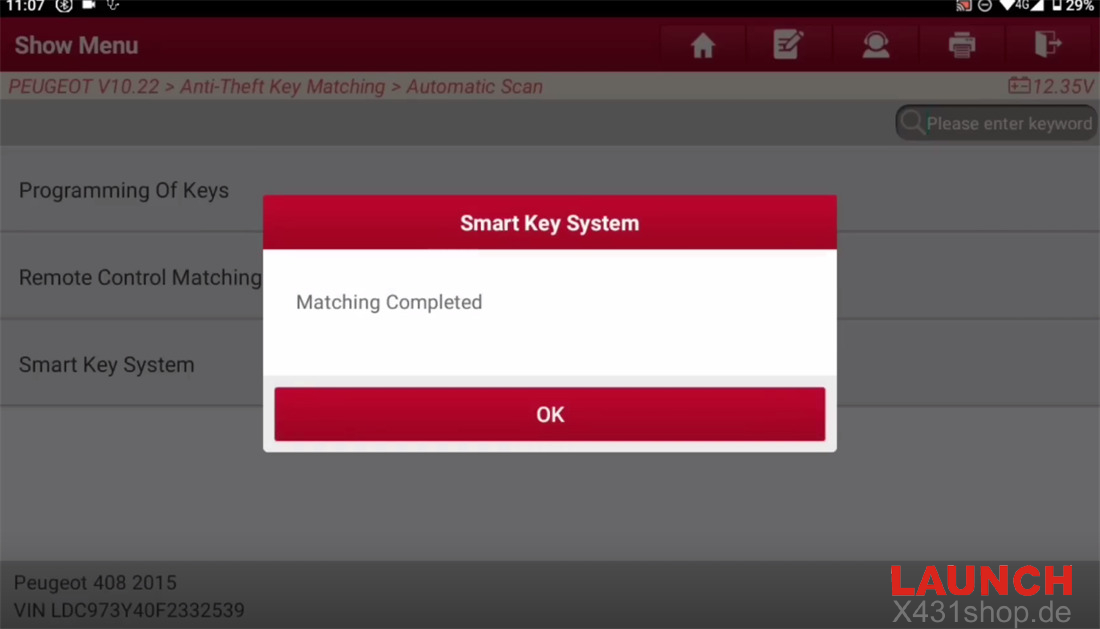
7. Finalize the synchronization: After the screen shows the matching is successful, remove the key and insert the next one if applicable.
8. Activate the remote function: To complete the programming for each smart card:
Insert the smart card into the slot.
Turn the ignition ON and wait for 3 seconds.
Turn the ignition OFF, take the card out, and immediately press and hold the Lock button for 5 seconds.
Done! Your Peugeot 3008 new smart key is now successfully programmed and ready to use!
Tech support:
E-Mail: sales@X431shop.de
Business WhatsApp: +86 17782330462
Tel: 0086-17782330462