






In this guide, we demonstrate how to perform a driver-side power window reset on a 2024 Honda Civic using LAUNCH X431 diagnostic platform. The procedure is supported by advanced LAUNCH devices including LAUNCH X431 PAD9 LINK, X431 PAD VII, X431 PRO5, and X431 PRO3 APEX.
Function Purpose
The Power Window Reset function is used to:
- Restore one-touch automatic window operation
- Recover anti-pinch protection functionality
- Relearn window travel limits after battery disconnection
- Resolve abnormal window behavior following component replacement
Requirements Before Operation
Before starting the calibration process, ensure the following conditions are met:
- Diagnostic connector is connected
- Ignition switch is ON
- Transmission is in Park (P) or Neutral (N)
- Parking brake is applied
These devices provide full-system diagnostics, special functions, coding, and maintenance services for modern Honda vehicles.
Steps
Step 1: Enter Vehicle Diagnosis
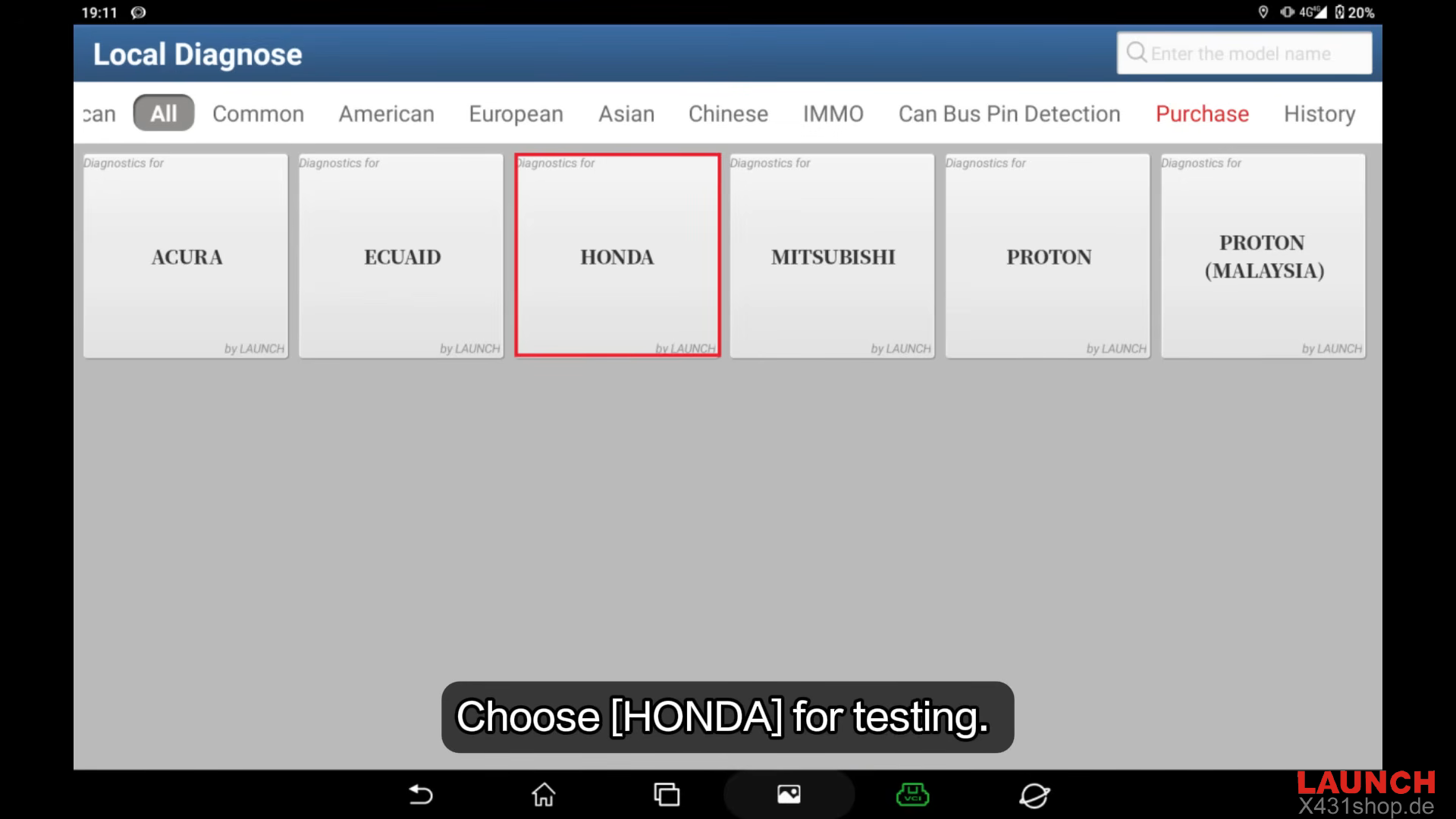
Launch the diagnostic software and select [Local Diagnose] → [HONDA]
Confirm the vehicle connection and continue.
Step 2: Select Vehicle Communication
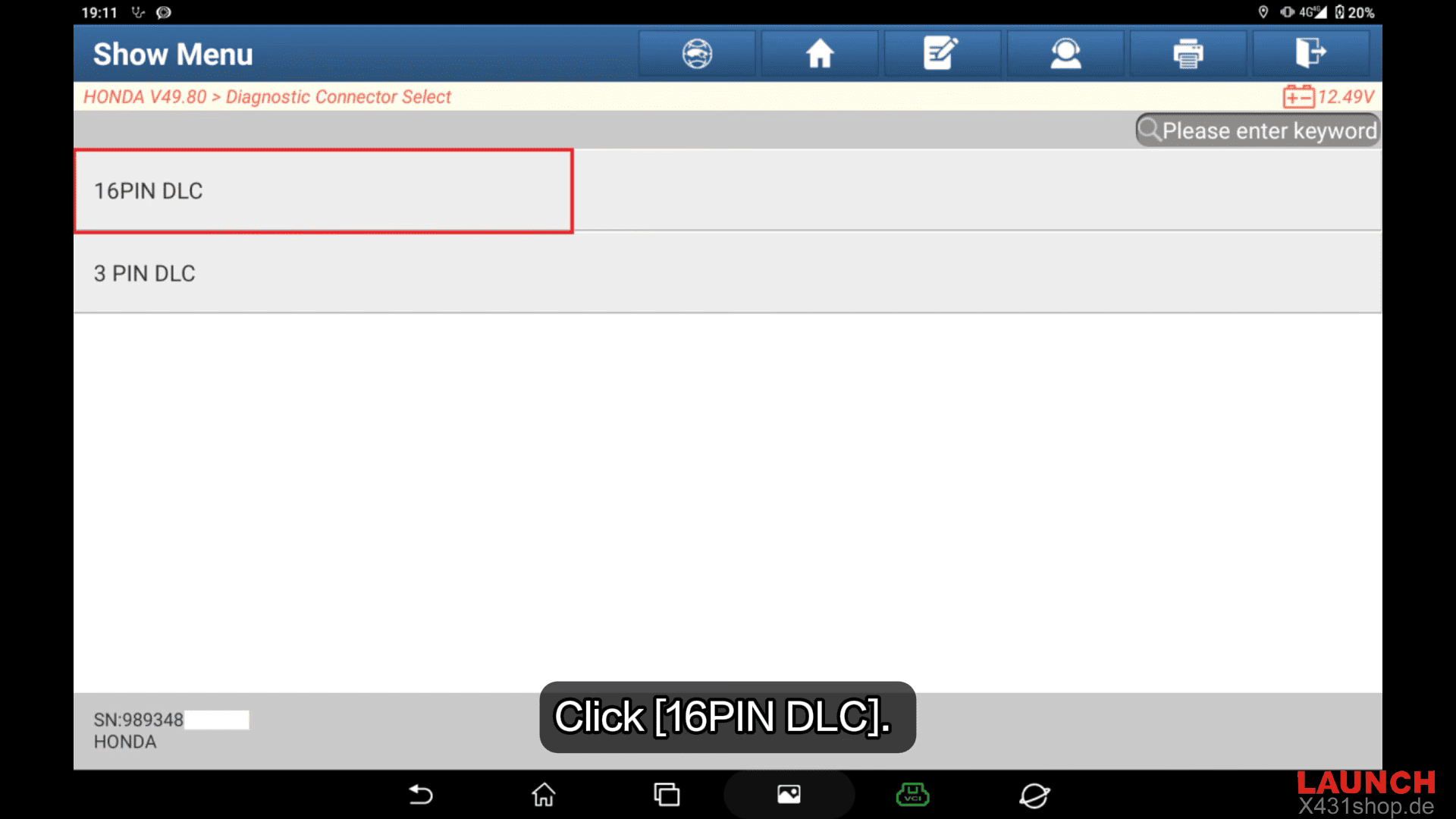
Choose [16PIN DLC]
When prompted for region selection, choose: [USA]
The system will automatically identify the vehicle model.
Step 3: Access the Body Control Module
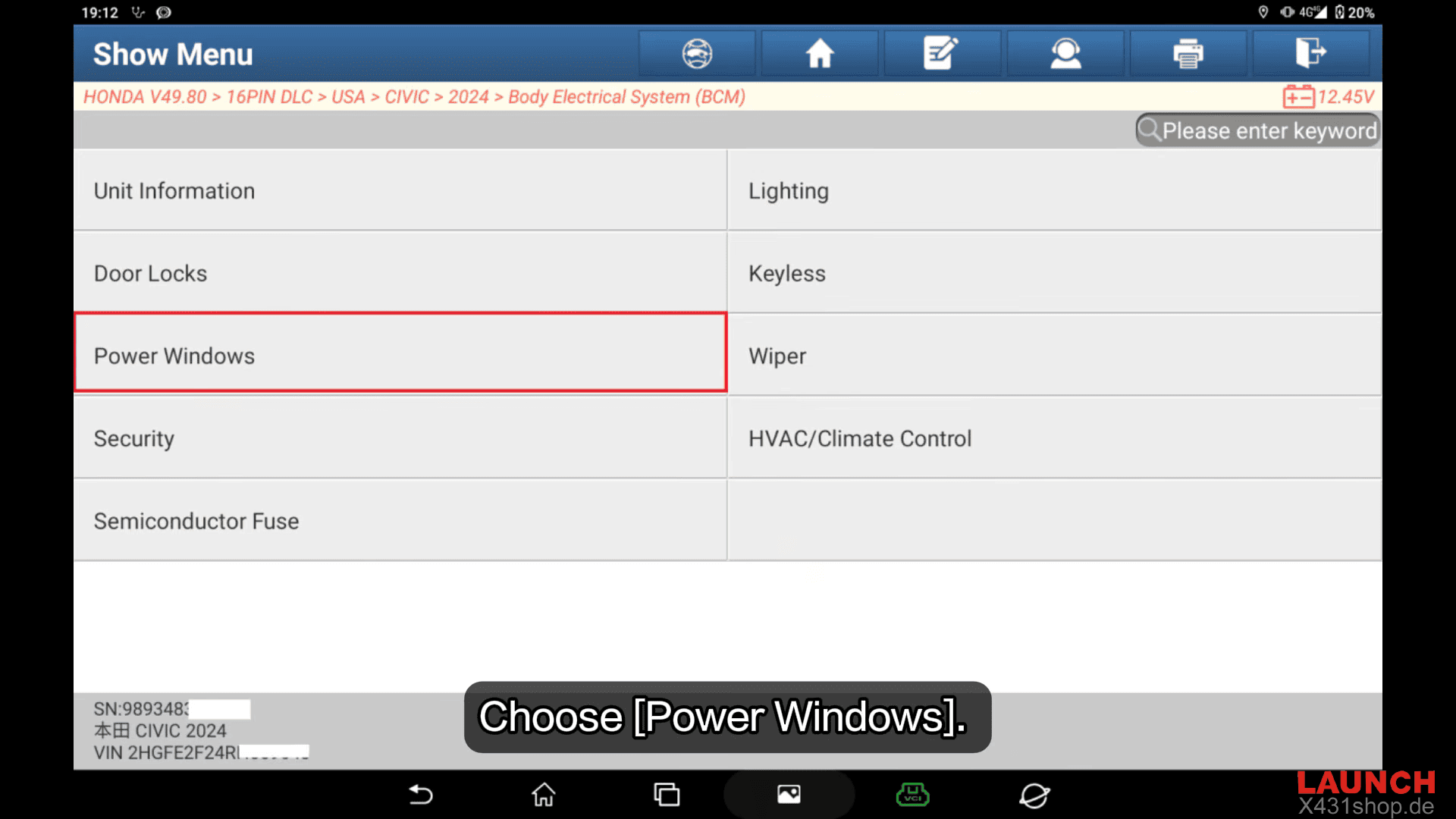
Enter: BCM (Body Control Module)
Then select [Power Windows]
Step 4: Enter Special Functions
Choose: [Special Function]
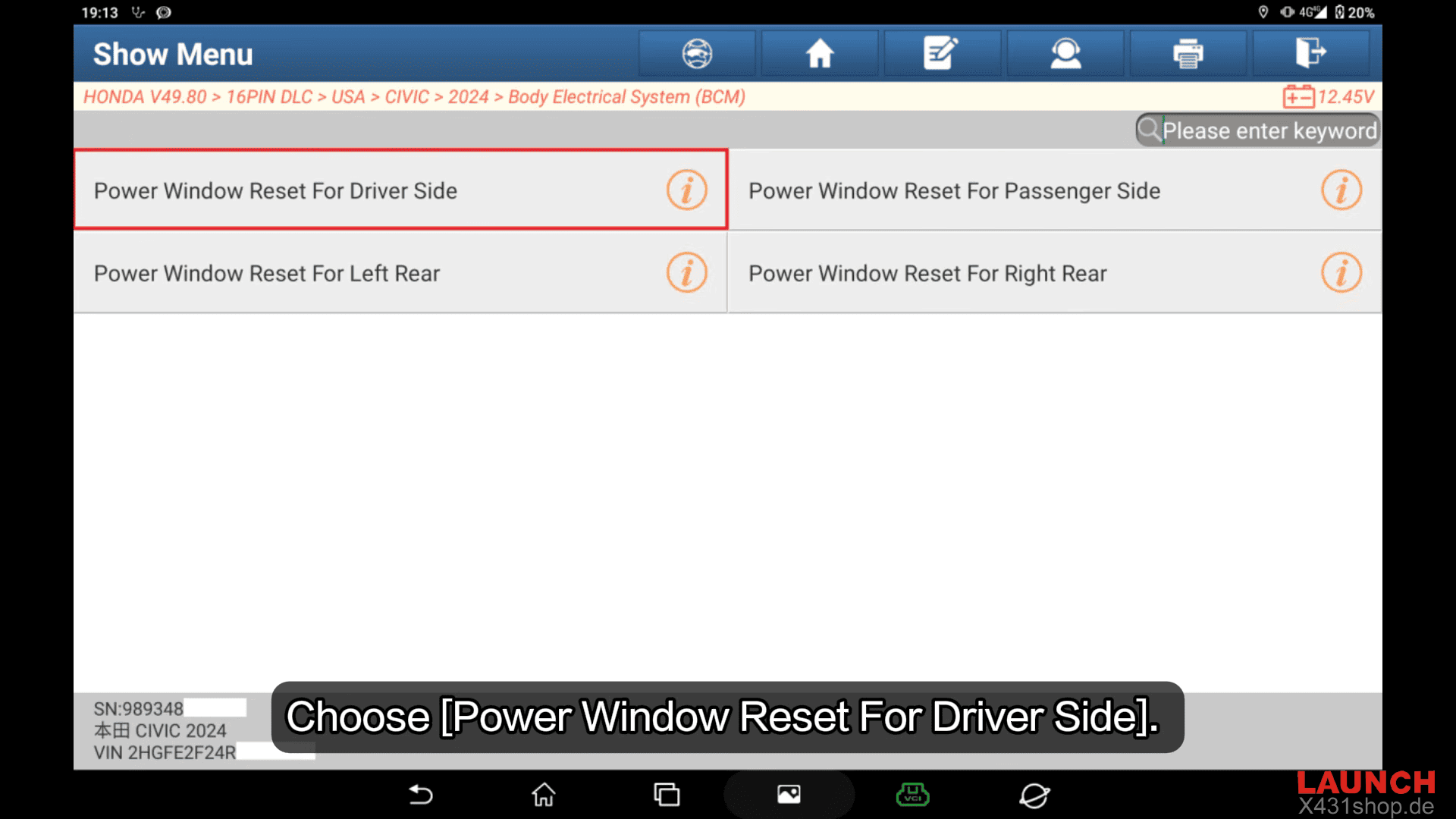
Then select [Power Window Reset For Driver Side]
Press [OK] to start the procedure.
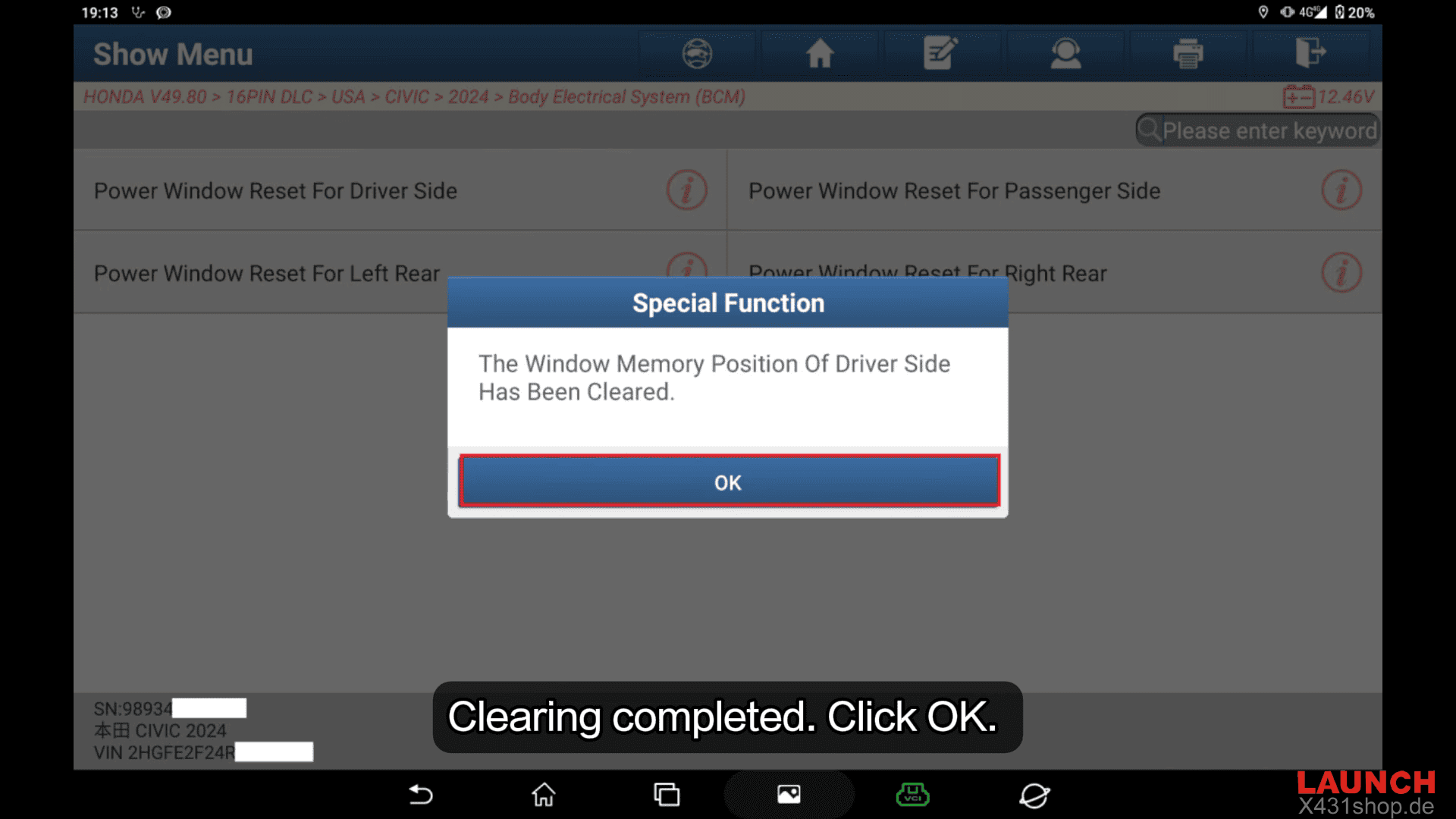
Step 5: Clear Existing Window Memory
The system will erase the stored driver-side window position data.
Wait until the message confirms [Clearing completed]
Press [OK] to continue.
Step 6: Fully Lower the Window
Using the driver-side window switch, lower the window completely until it reaches the full open position.
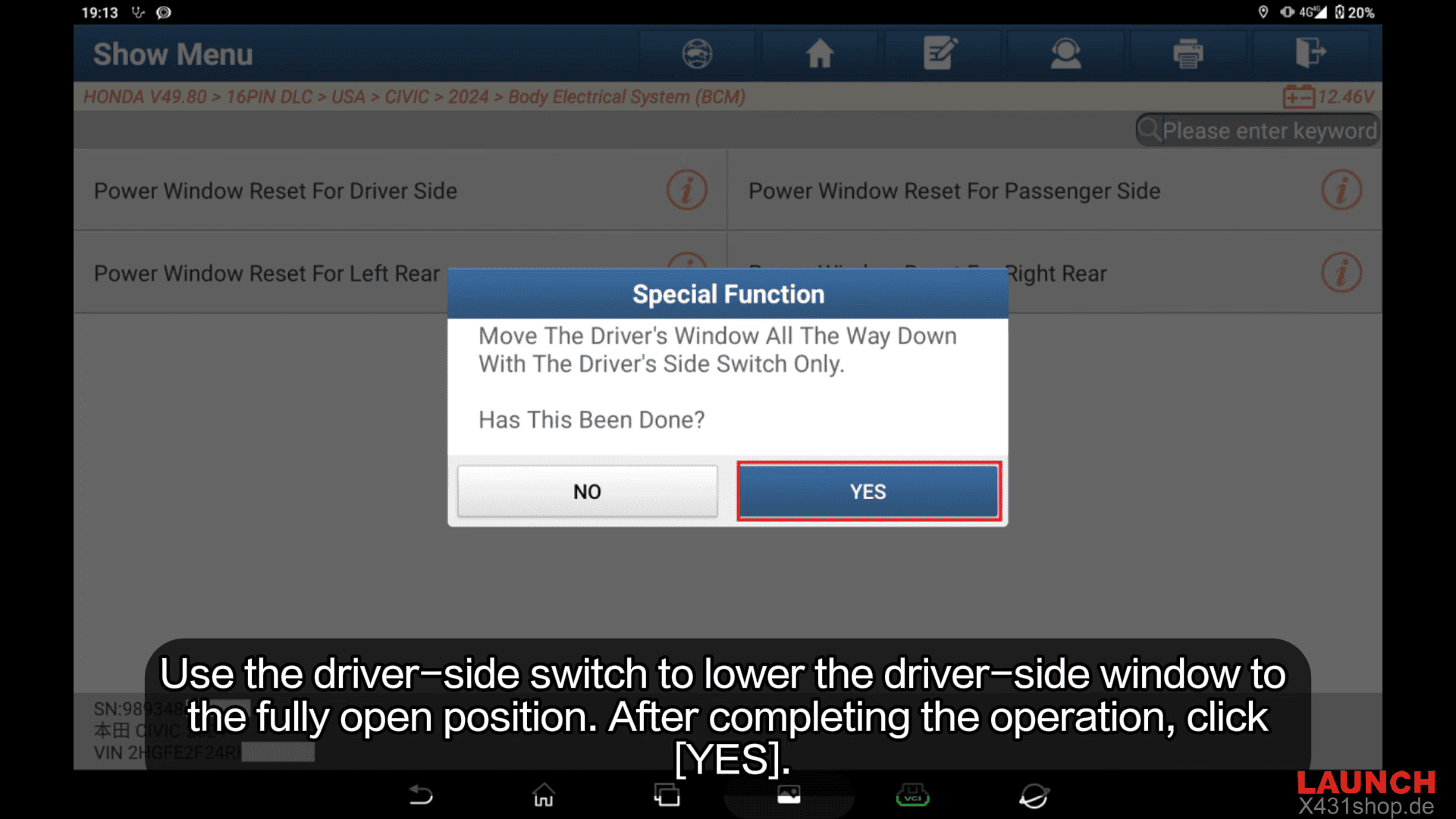
After the operation is complete, press: [YES]
Step 7: Fully Raise the Window
Use the driver-side switch to raise the window completely.
Once the window reaches the fully closed position, continue holding the switch in the UP position for more than two seconds.
After completion, press: [YES]
Step 8: Finish Calibration
The diagnostic tool will confirm that the driver-side power window reset has been completed successfully.
Press [OK] to finish.
If additional windows require calibration, simply return to the function menu and repeat the procedure for the corresponding window.
For workshops servicing Honda vehicles, LAUNCH X431 PAD9 LINK and other X431 series diagnostic tools provide an efficient solution for window calibration, module programming, service resets, and advanced troubleshooting.
Window calibration on the 2024 Honda Civic is a simple but essential procedure whenever power window memory is lost. Using a professional LAUNCH diagnostic scanner such as the X431 PAD9 LINK, LAUNCH X431 PAD VII, LAUNCH X431 PRO5, or LAUNCH X431 PRO3 APEX allows technicians to restore one-touch operation and anti-pinch functionality safely and accurately in just a few minutes.