






This guide walks you through the process of cloning a BMW MSV90 TC1796 ECU using Launch X431 IMMO series, including X-431 IMMO Plus, X-431 IMMO Elite, and IMMO Pro. Follow the steps below to complete the cloning procedure safely and efficiently.
Menu Navigation:
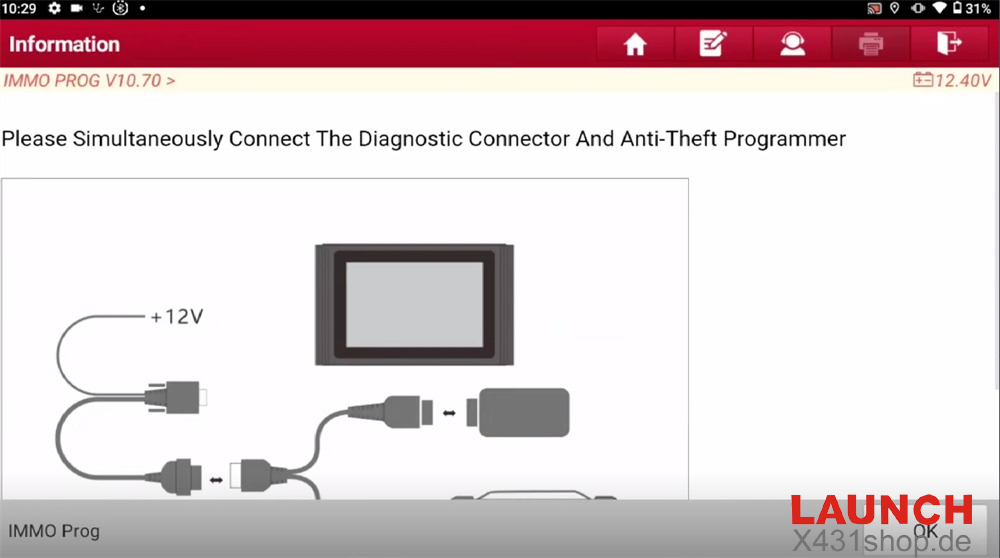
Enter [IMMO PROG] from the main menu
Connect the diagnostic connector and X431 IMMO tablet at the same time
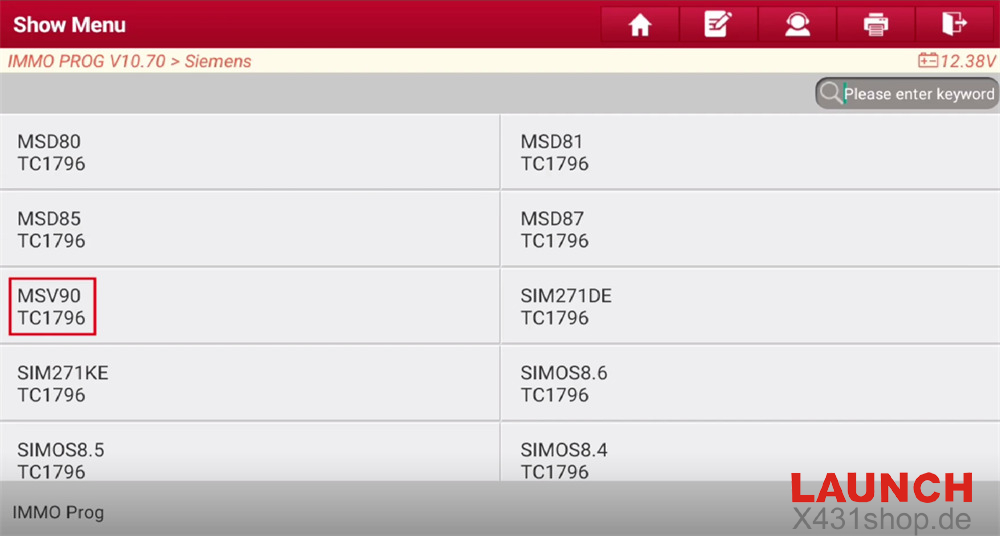
Select: Engine → Siemens → MSV90 TC1796
Note:
If the engine belongs to VW, Audi, or Porsche, please access the corresponding vehicle model software to perform the cloning function.
Important Notice:
When working in bench mode, unstable connections via Bluetooth or WiFi may lead to ECU damage during data reading or writing.
It is strongly recommended to use a USB connection for better stability.
Step-by-Step Procedure:
1. Check Wiring Diagram
Open the wiring diagram for reference
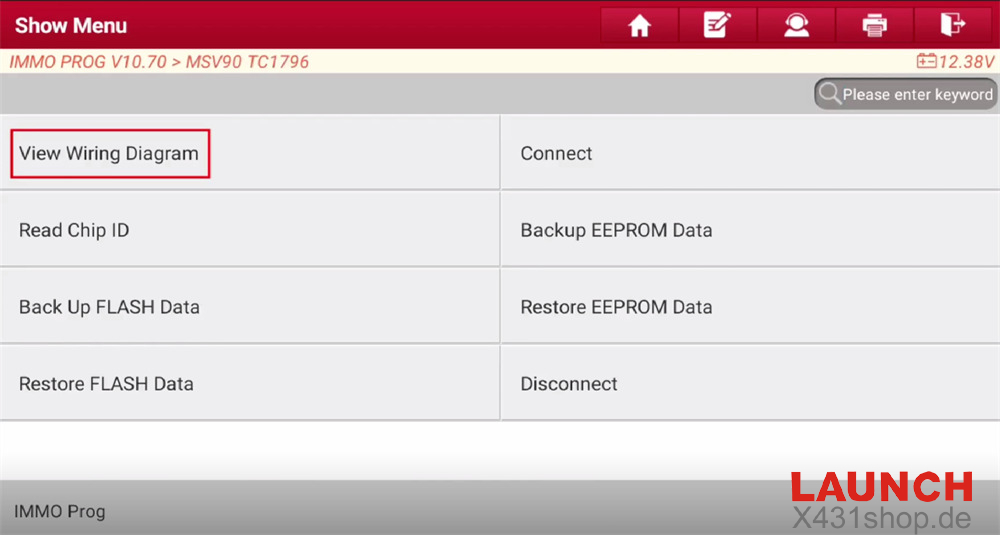
Click “Connected to MCU_V3 Adapter Plate”
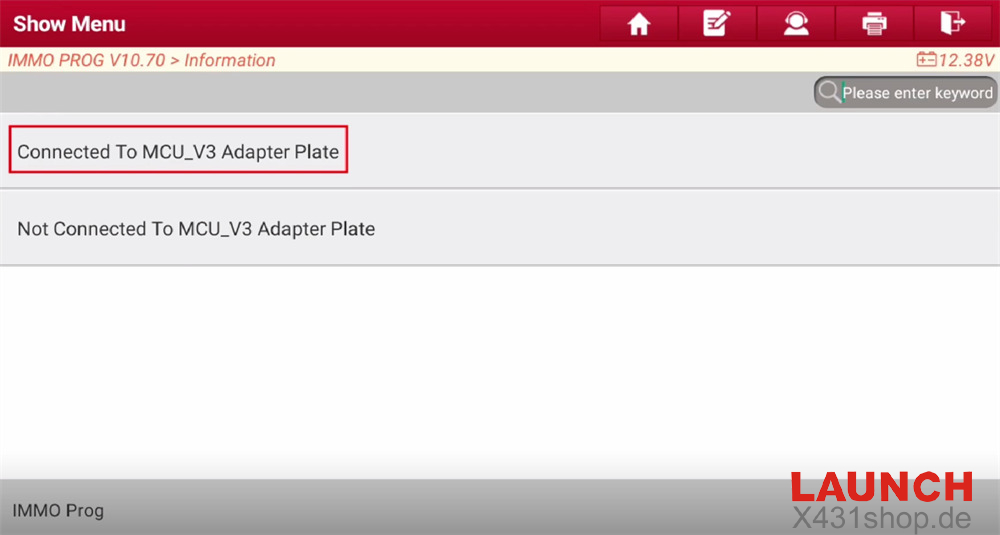
Connect the ECU according to the wiring diagram
For stable communication during large data transfer, always use a USB connection
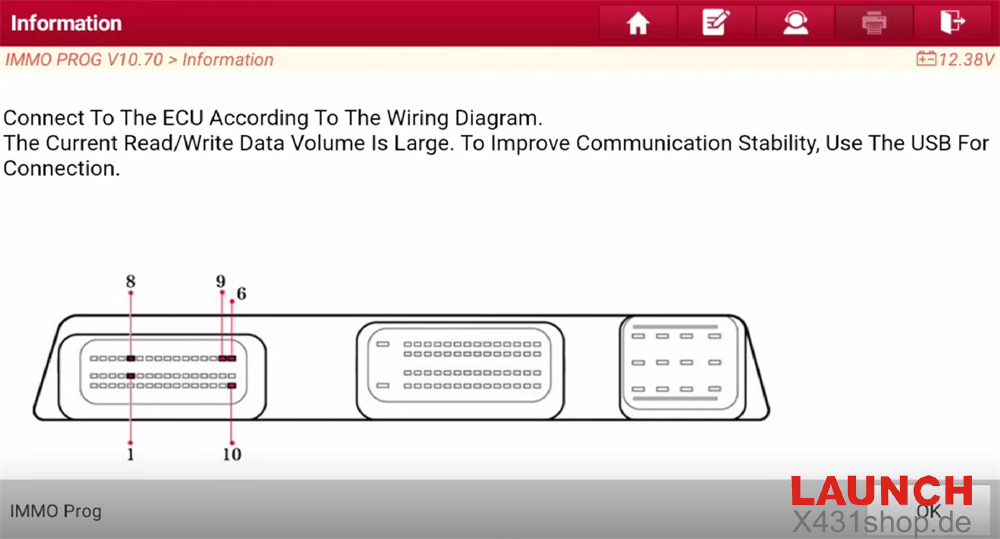
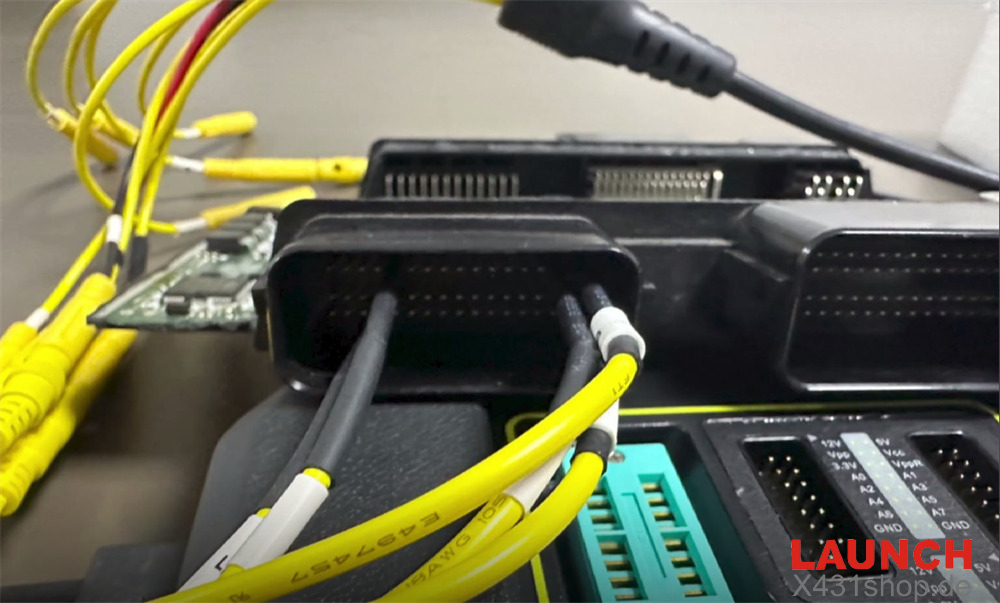
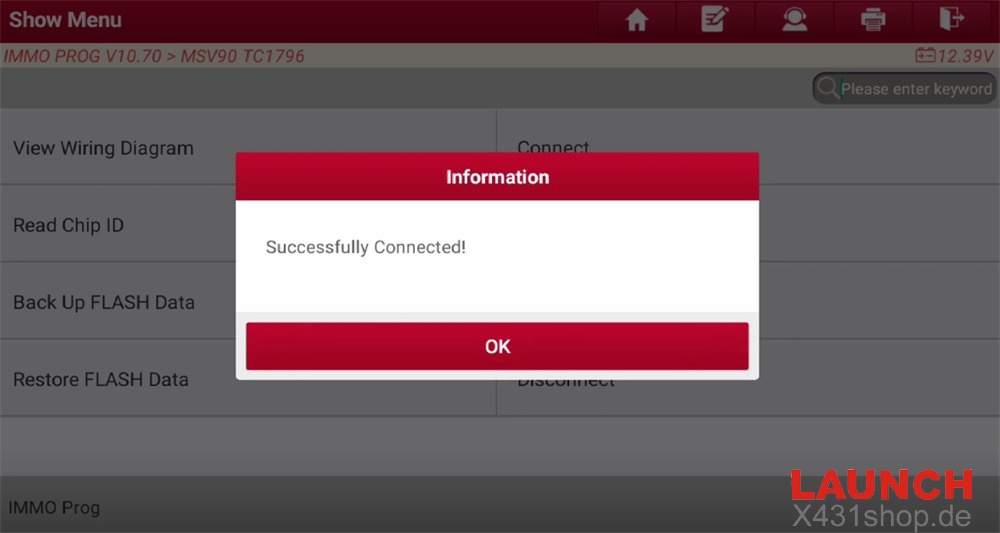
2. Establish Connection
Click “Connect” to link the ECU with LAUNCH IMMO Plus/IMMO Elite device
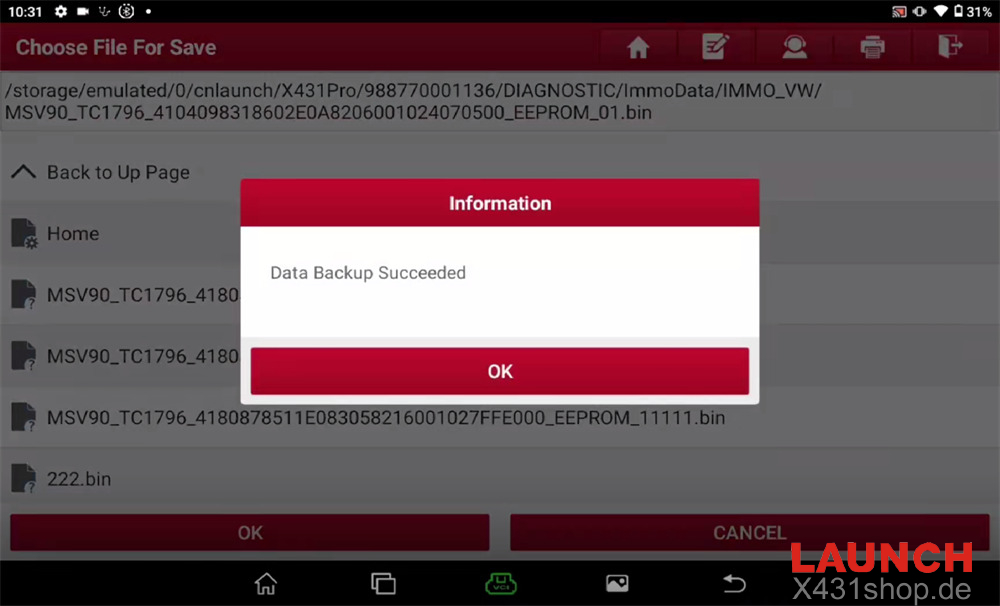
3. Backup EEPROM Data
Read and save the EEPROM data
When naming the file, use only:
Letters (A–Z, a–z)
Numbers (0–9)
Allowed symbols (., _ , space)
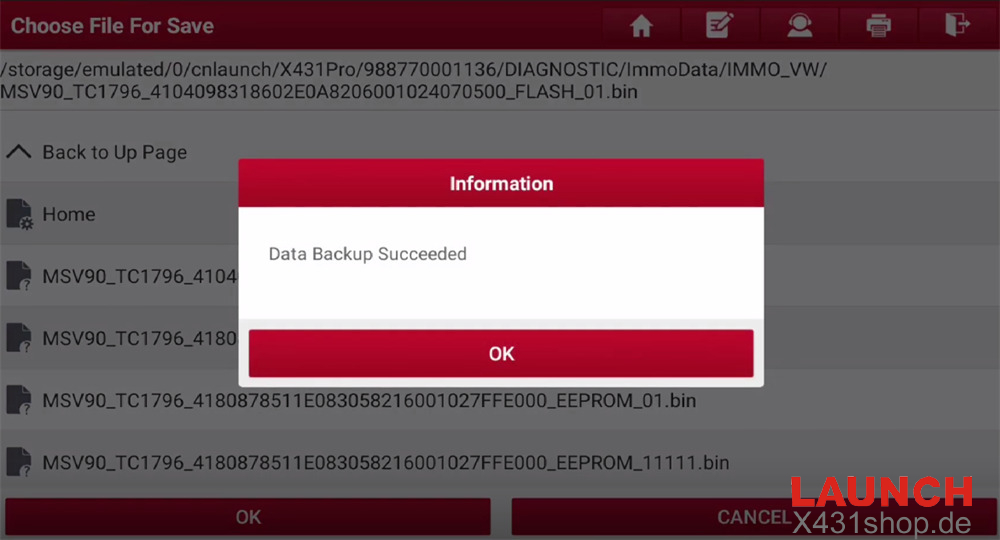
4. Backup FLASH Data
Read and save the FLASH data
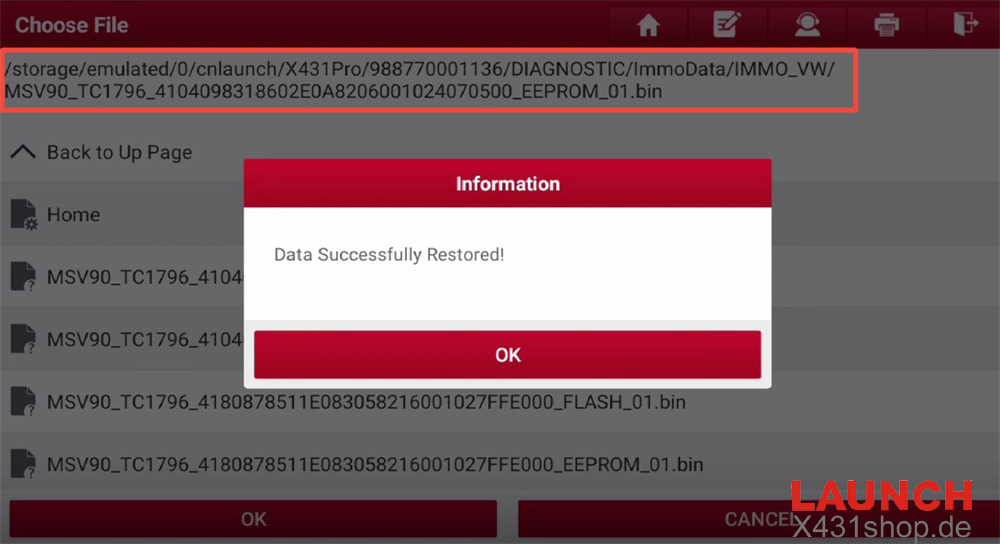
5. Restore EEPROM Data
After reading the original ECU data, load it into the replacement ECU and restore the EEPROM data
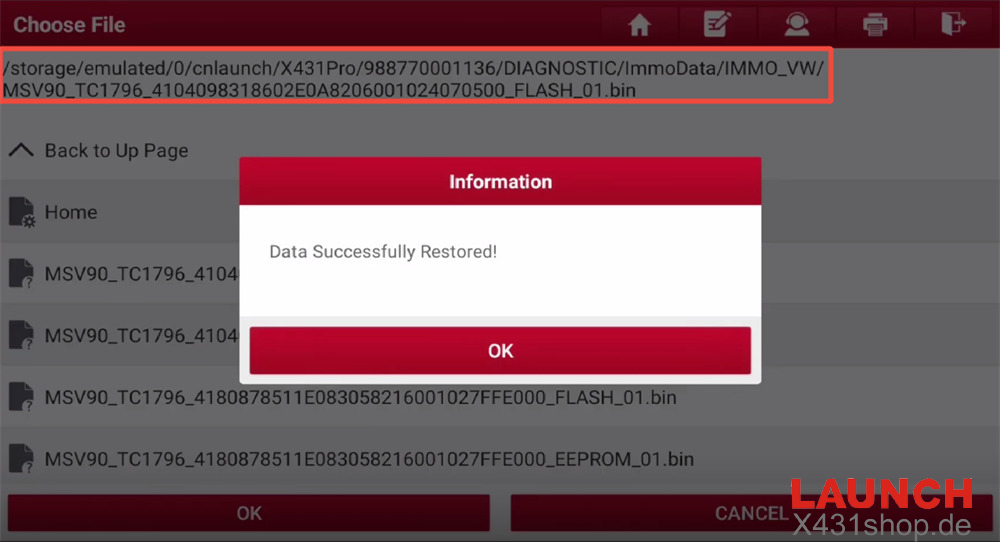
6. Restore FLASH Data
Write the original vehicle’s FLASH data into the new ECU
7. Disconnect
Once cloning is completed, disconnect the ECU and the device
Done!
You have now successfully cloned a BMW MSV90 ECU using Launch X431 IMMO series (IMMO Plus / IMMO Elite / Pro).
Read also:
Launch X431 IMMO Elite Peugeot 408 Add Key