
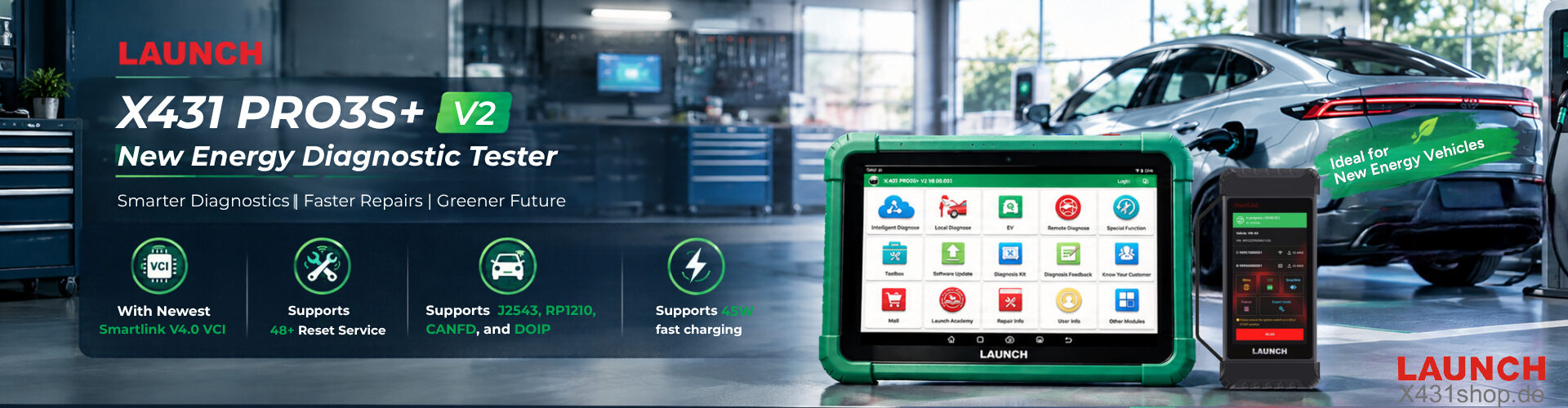


Launch SmartLink C remote diagnosis service provides a more efficient solution by allowing technicians to complete difficult repairs with online expert support through compatible Launch X431 diagnostic tools.
Benefits include:
- Built-in Smart Link C support
- No extra equipment cost
- Online technical assistance
- More efficient vehicle repair solutions
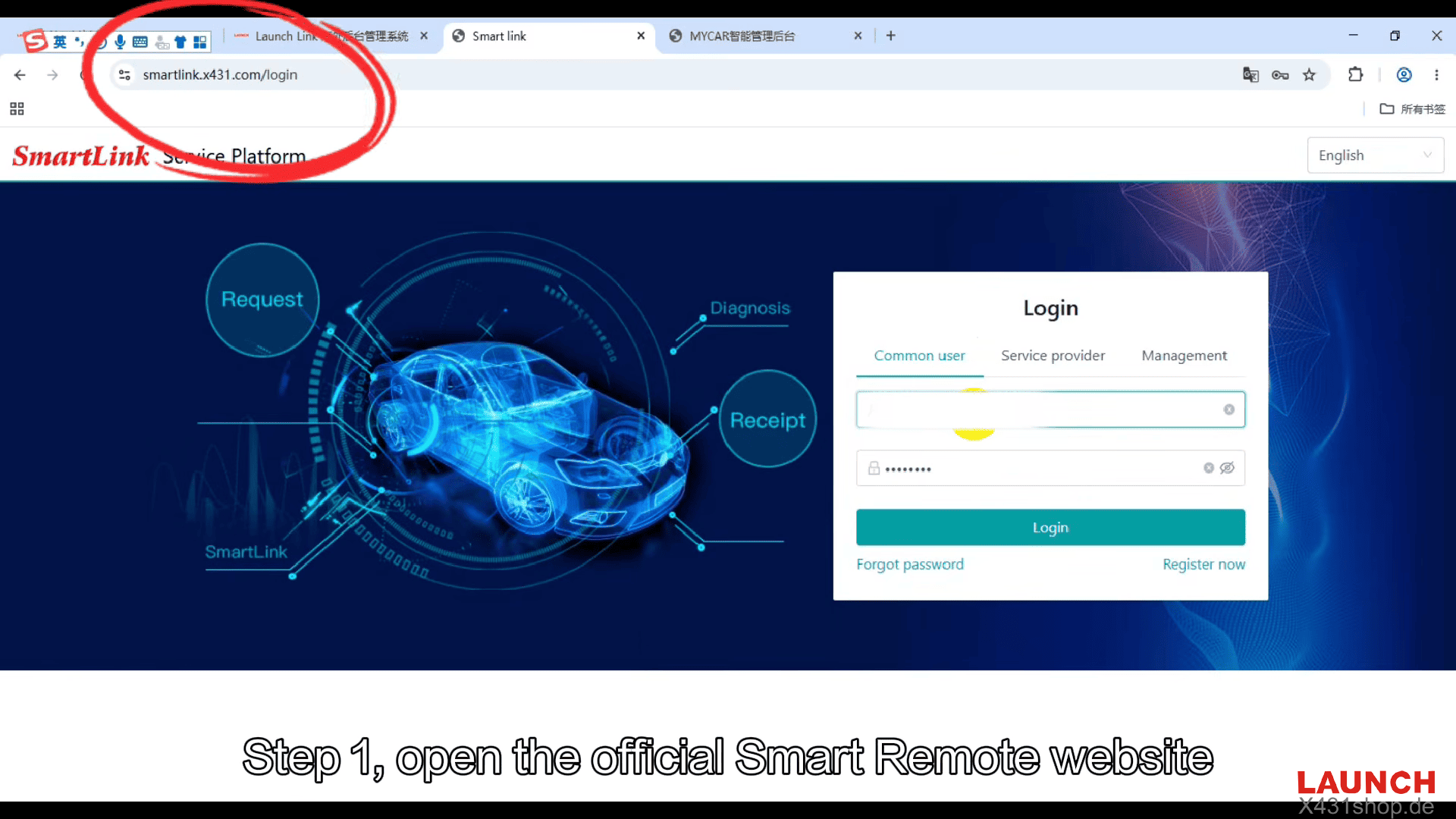
1. Access the Official Smart Remote Website
Open the official Smart Remote service website and register or log in as a user.
2. Activate Your Device
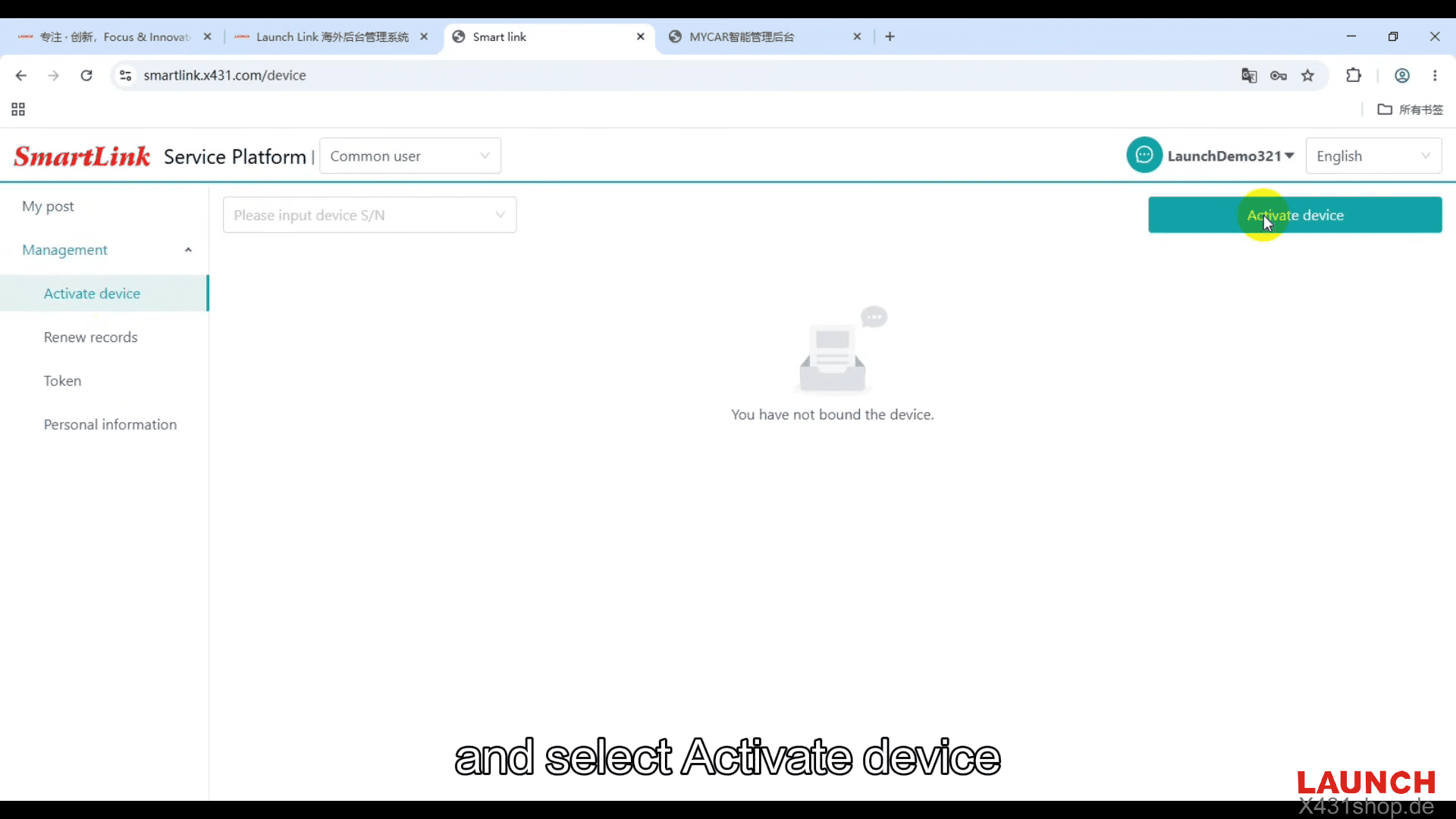
After login, open [Management] from the left menu, select [Activate Device].
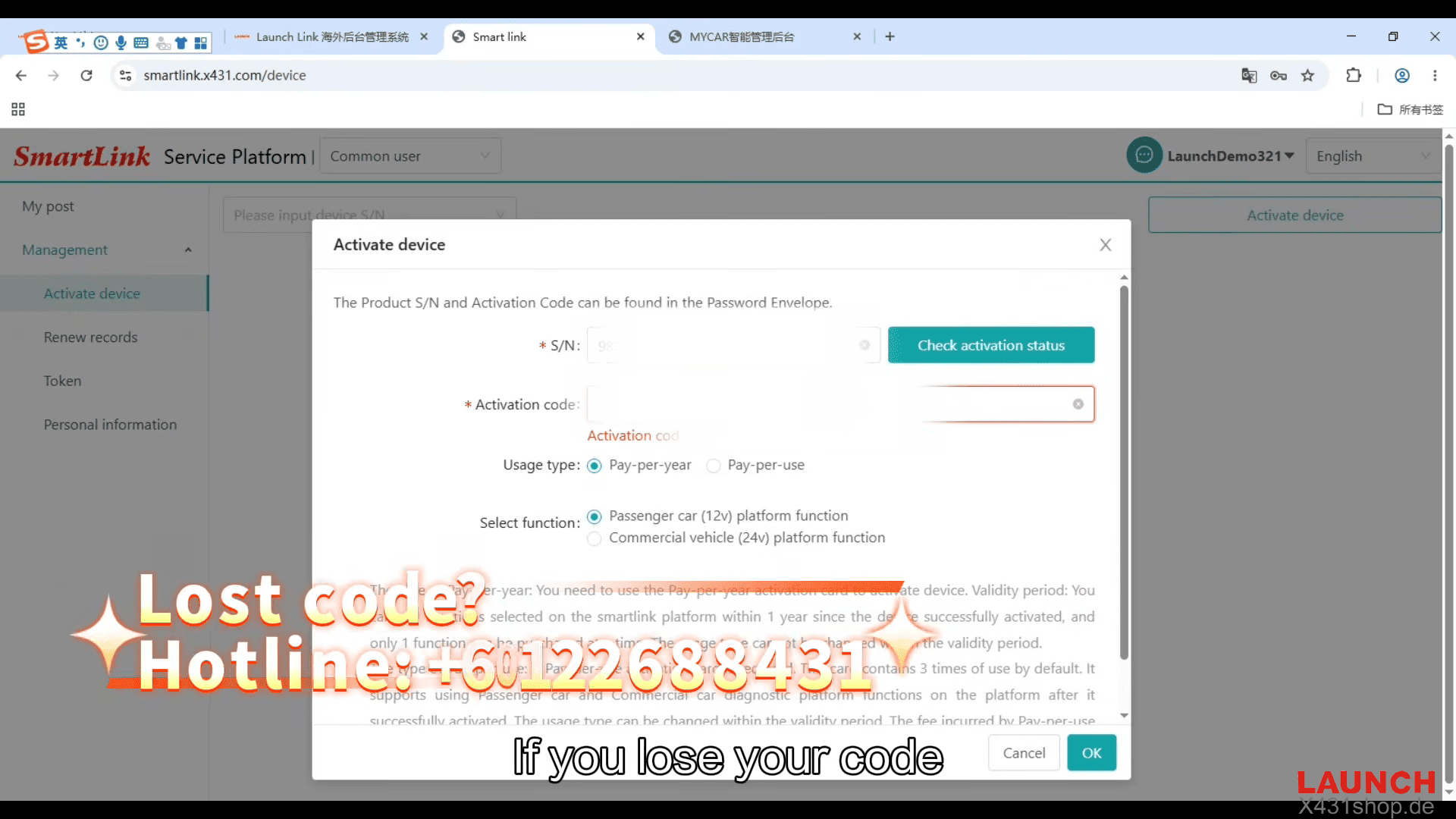
Then enter your device serial number and activation code, and select the Pay-per-use billing option.
Click OK and continue
If the activation code is unavailable, contact the Launch support branch for assistance.
3. Submit a Remote Diagnosis Request
After activation, open [My Post], select the official service provider and choose [Smart Link remote diagnosis]
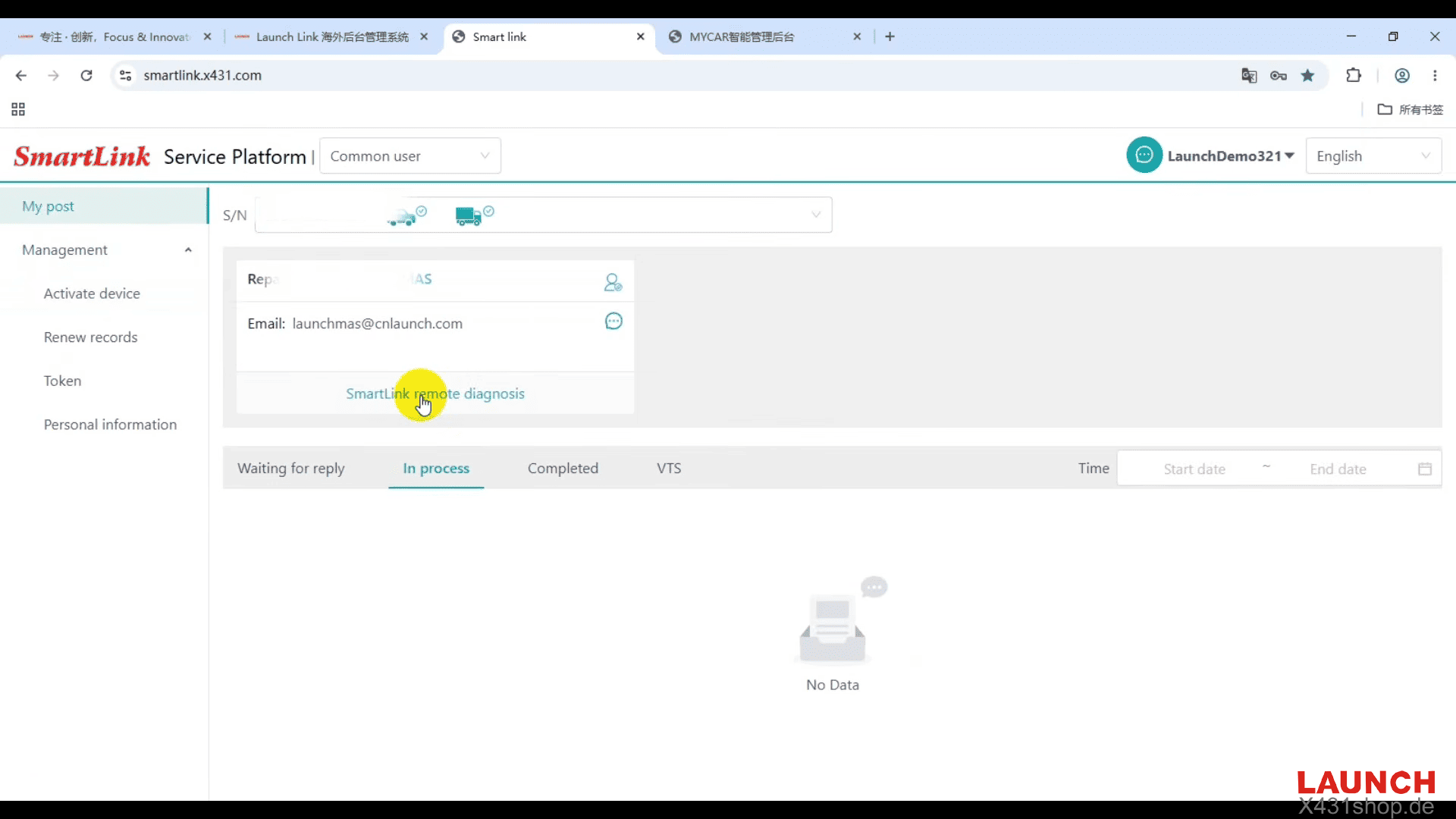
Next enter vehicle information, and add contact details and problem descriptions
Upload related images. Agree to the service terms and submit the request
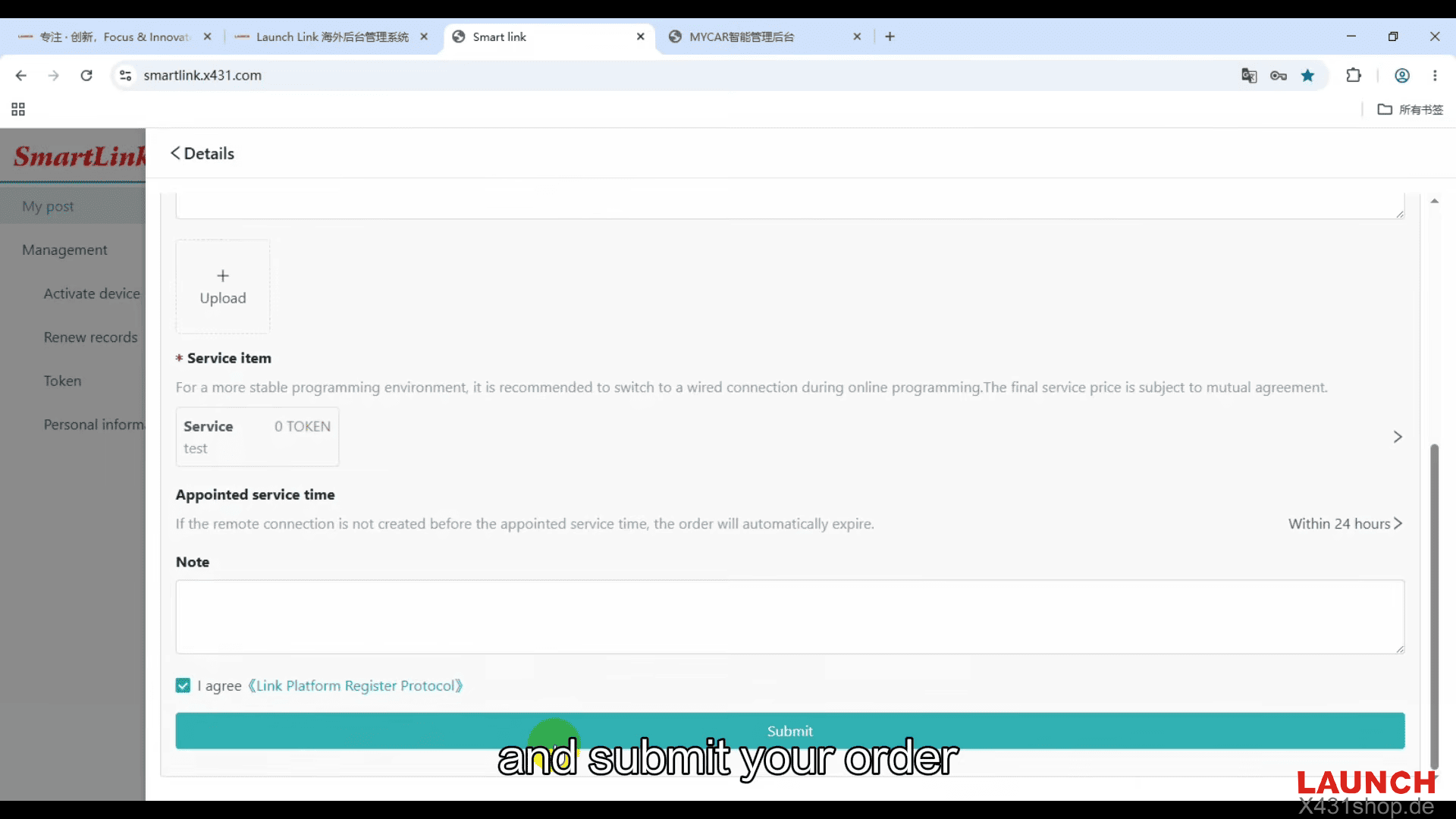
After submission, certified technicians will contact you through phone or platform messages.
Furthermore, SmartLink C helps X431 users overcome technical limitations, reduce repair delays, and provide better service to customers.