

LAUNCH X431 IMMO Software Package can be activated using a Subscription Renewal Card. This guide explains how to redeem the 24-digit PIN code, install the IMMO software, and enter the vehicle diagnosis menu.
The IMMO software activation guide can also apply to X431 PAD V, PAD VII, and PRO5 with X-PROG3.
1. Redeem the LAUNCH X431 Subscription Renewal Card
First, prepare your LAUNCH X431 PRO TT and the 24-digit 2 Years IMMO Software Activation PIN code.
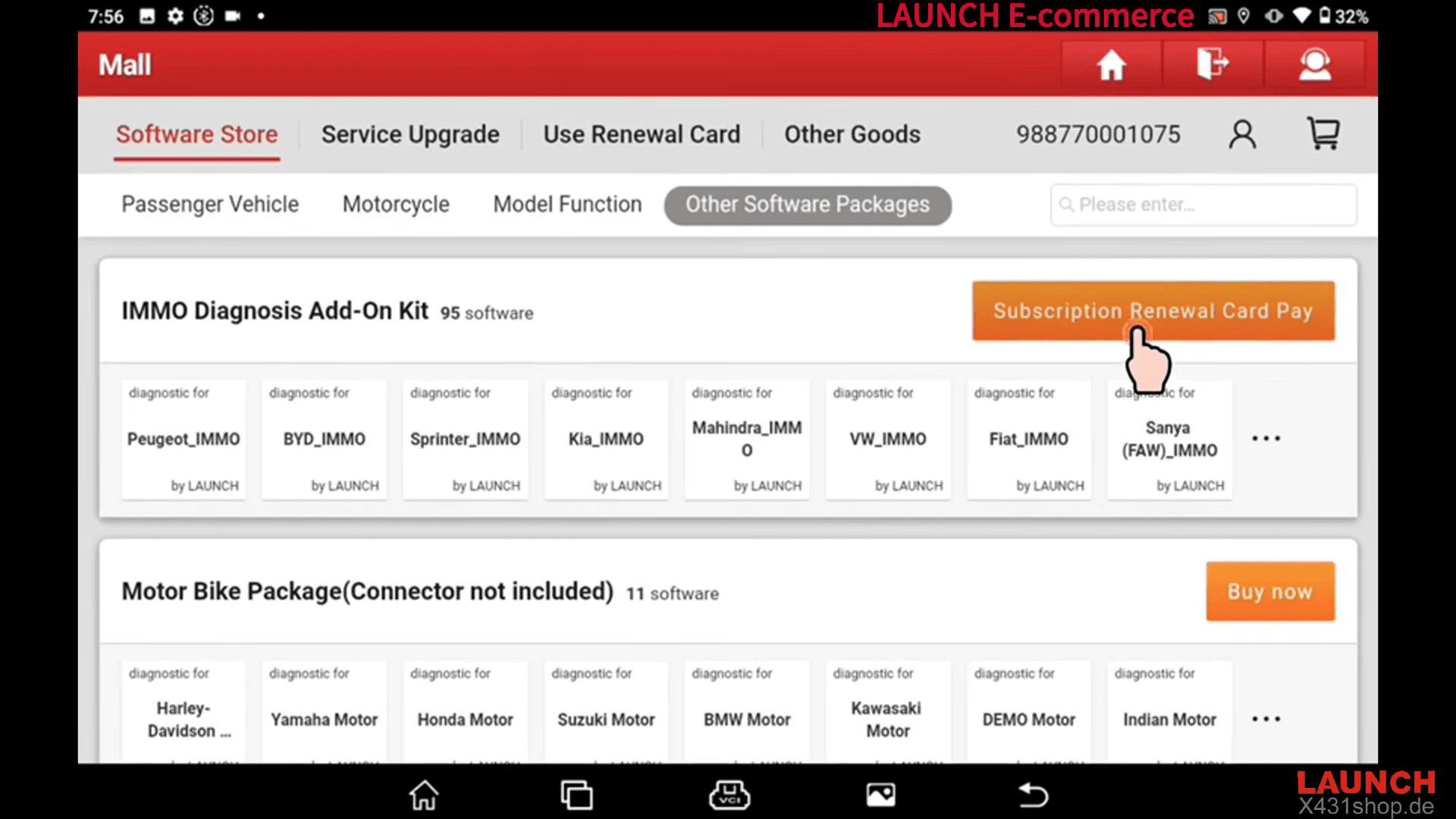
1). Open the Mall application on your LAUNCH X431 tablet.
2). Go to Mall > Other Software Package > Subscription Renewal Card Pay
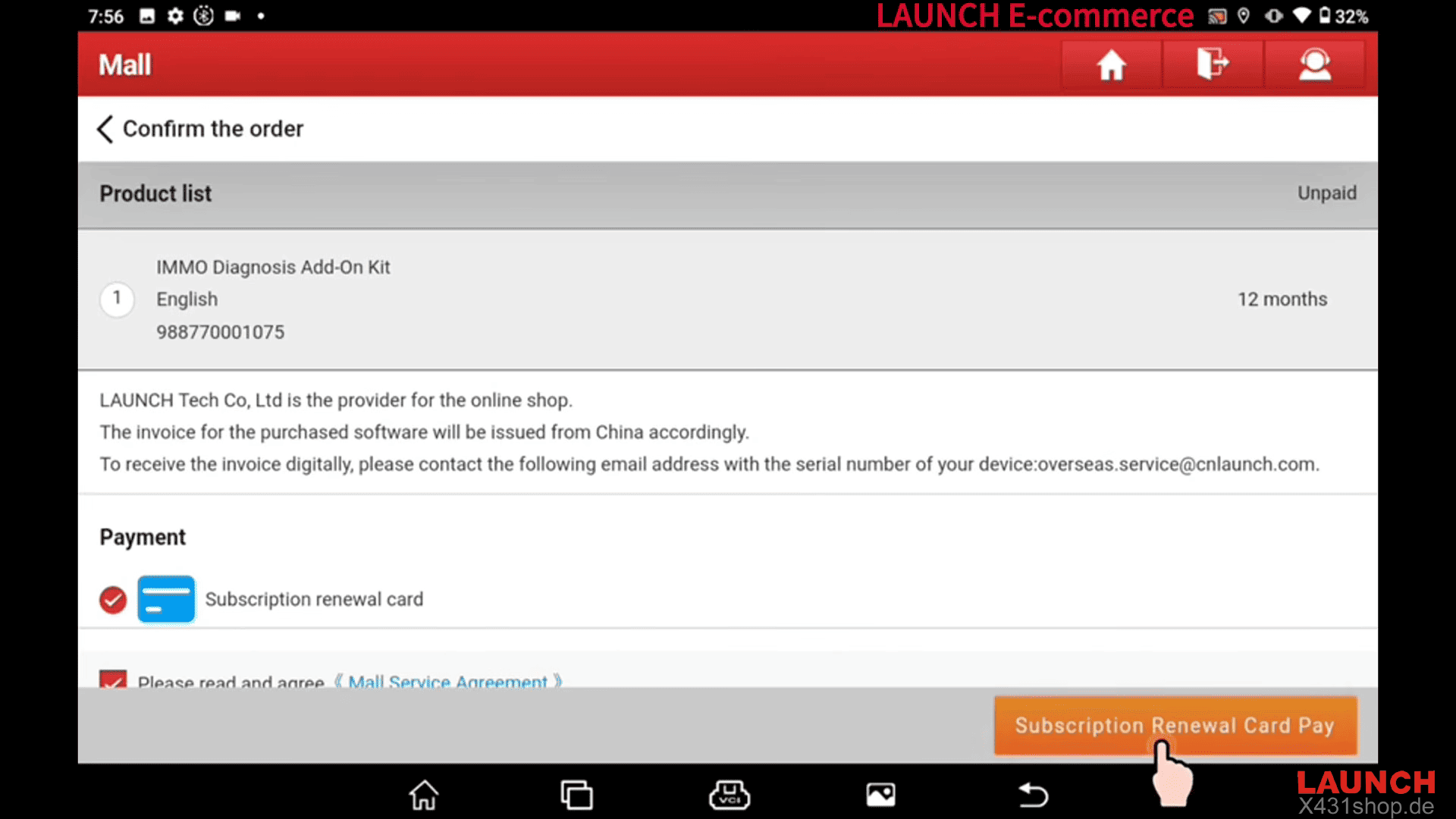
3). Enter the 24-digit subscription renewal card PIN code and click Confirm.
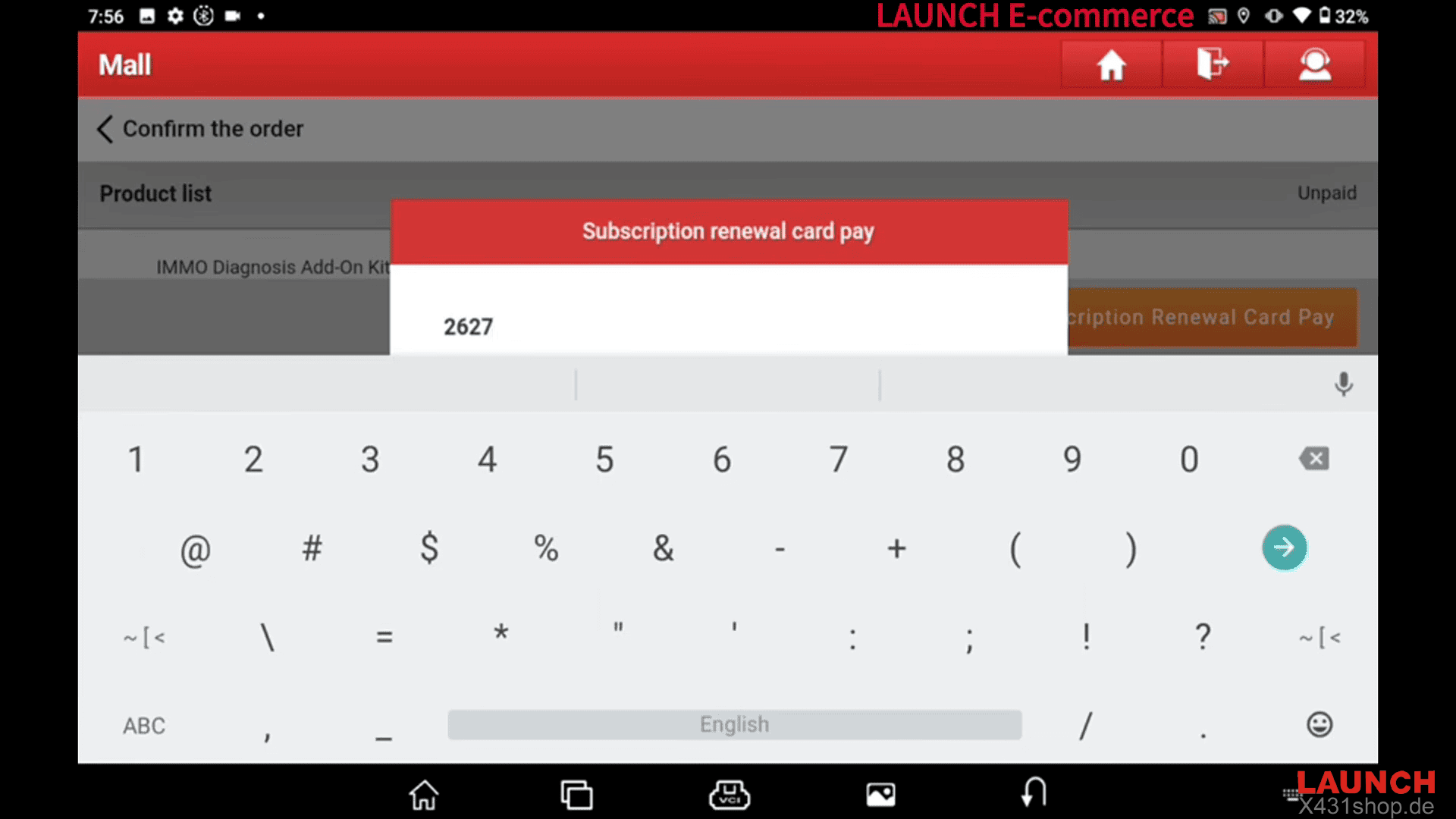
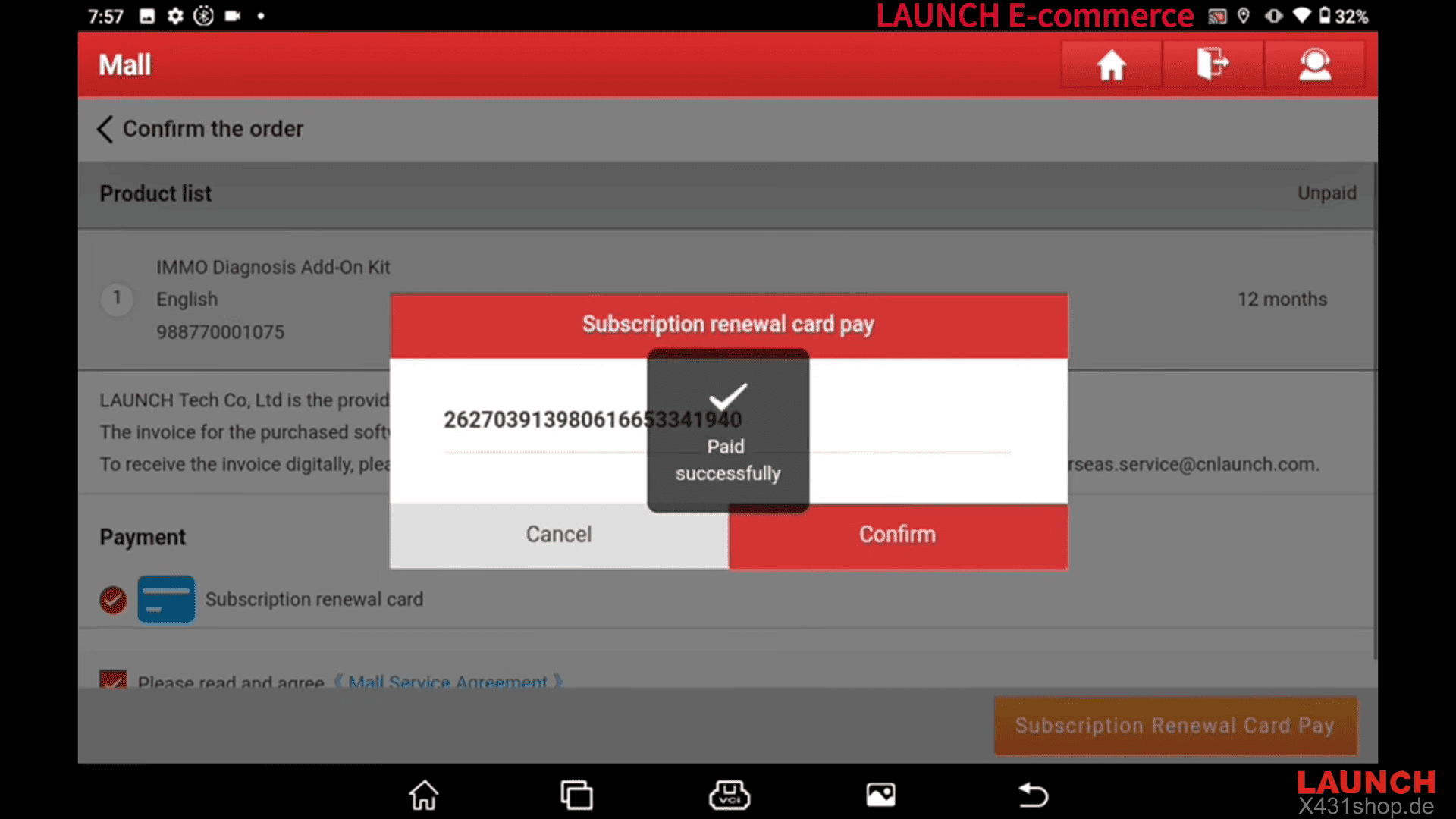
When the device displays “Paid Successfully!”, the subscription card redemption is complete. You can then exit the Mall.
2. Download and Install the IMMO Software
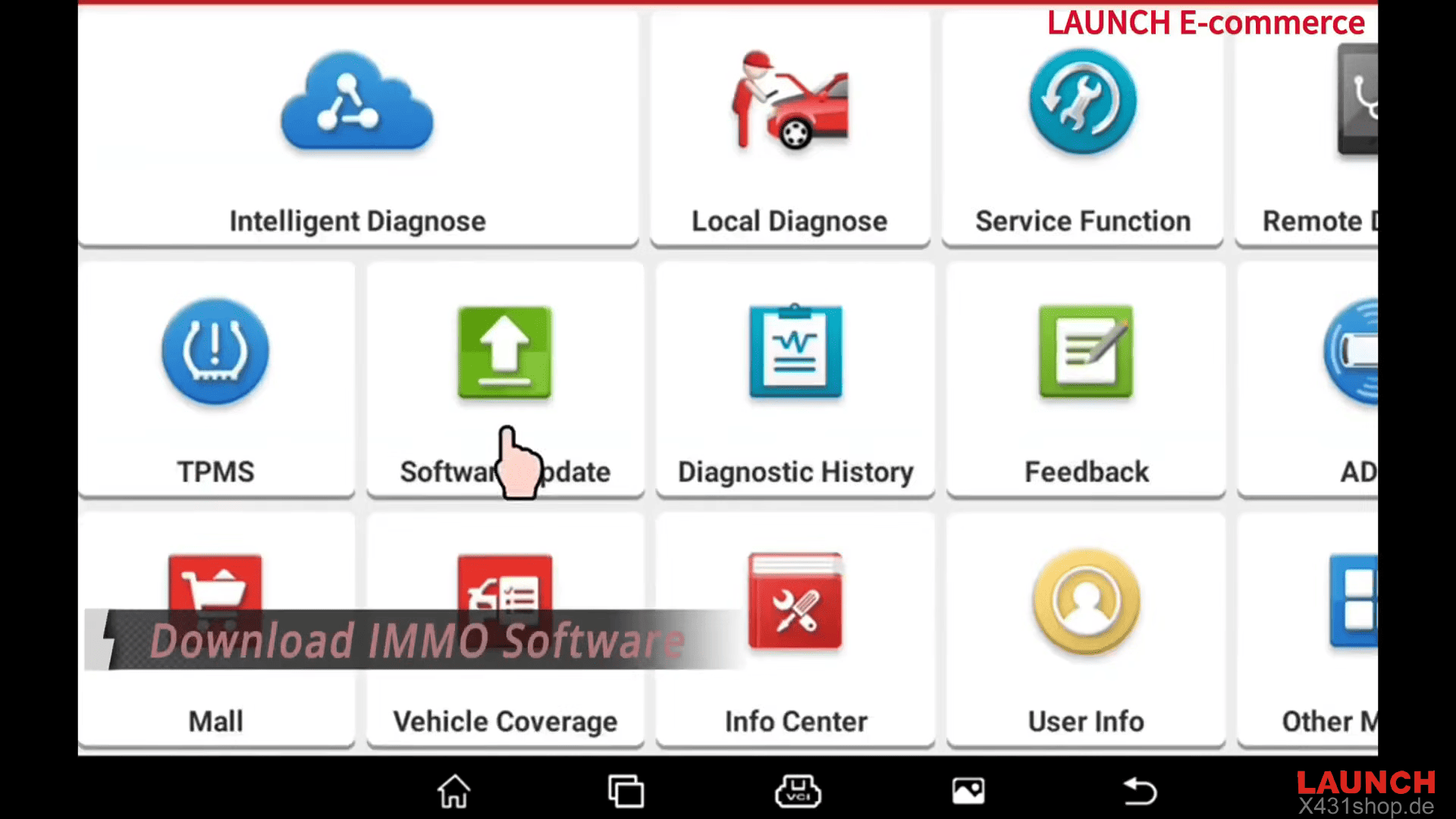
Open Software Update and click Update. Then select All Start to begin downloading the available software.
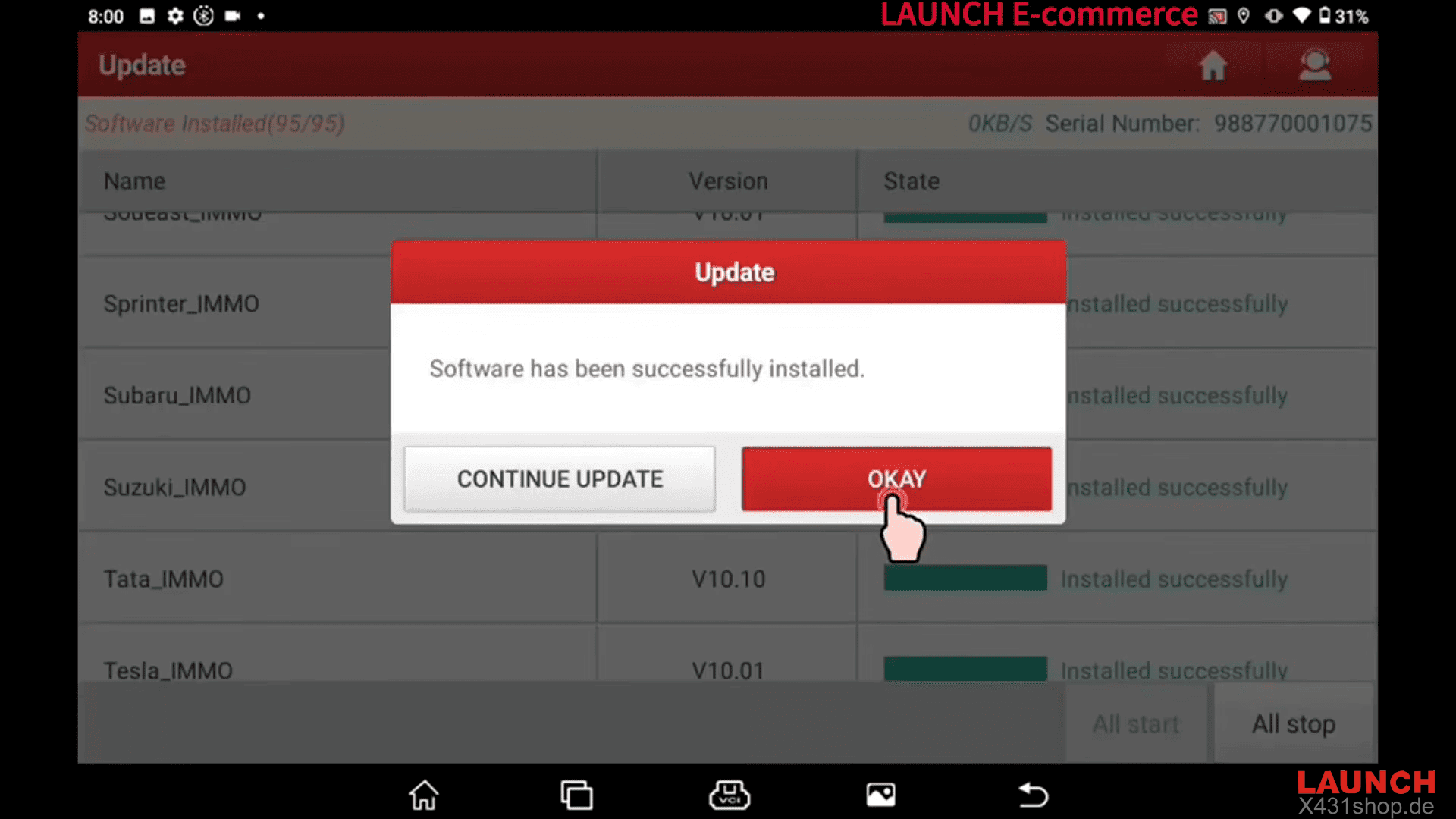
Next Wait for the download and installation process to finish. When the device displays “All software has been successfully installed”, click OKAY.
3. Access the IMMO Diagnosis Menu
Go to Local Diagnose > IMMO
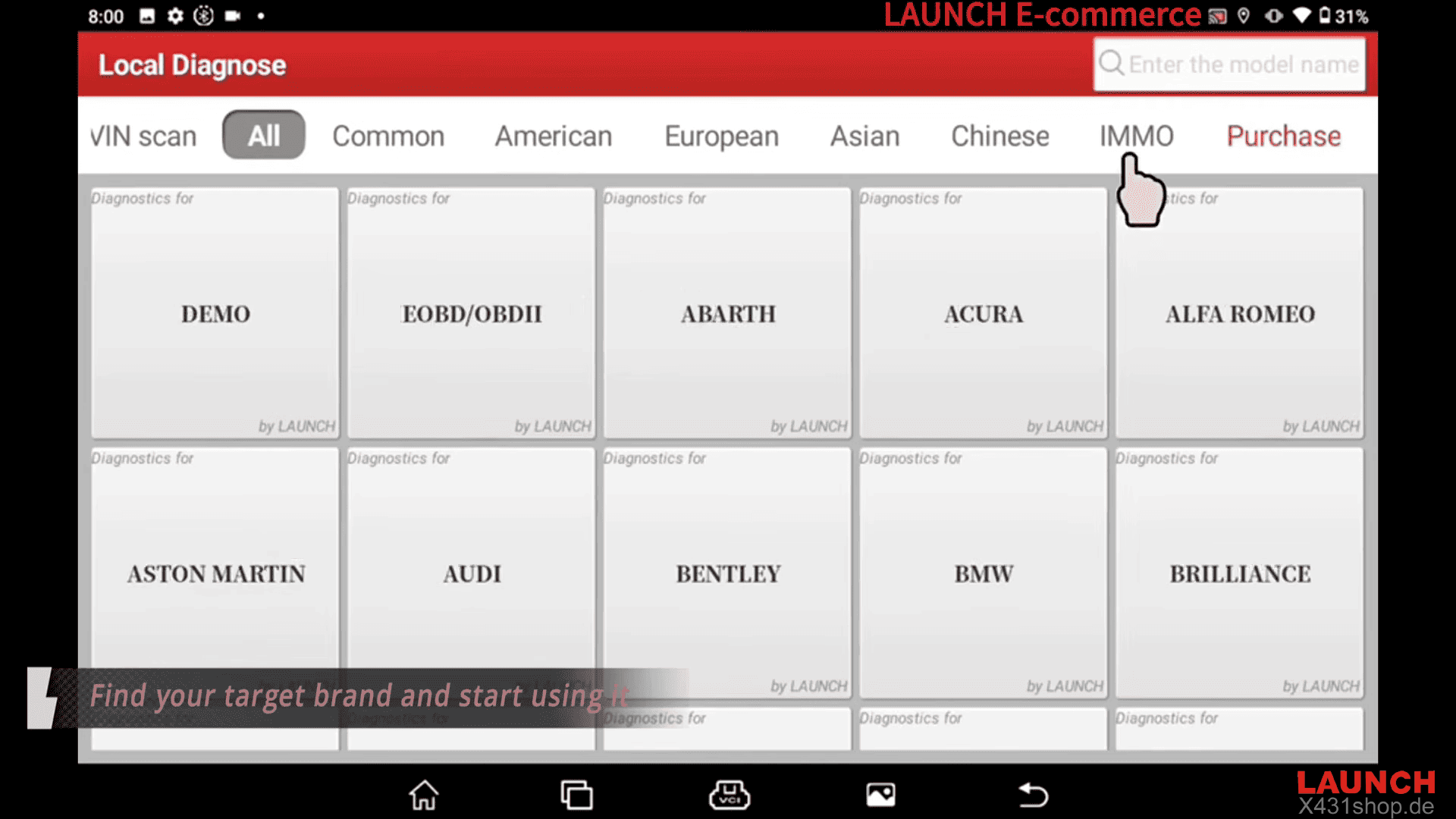
The IMMO menu organizes vehicle coverage into four categories: American/ European/ Asian/ Chinese.
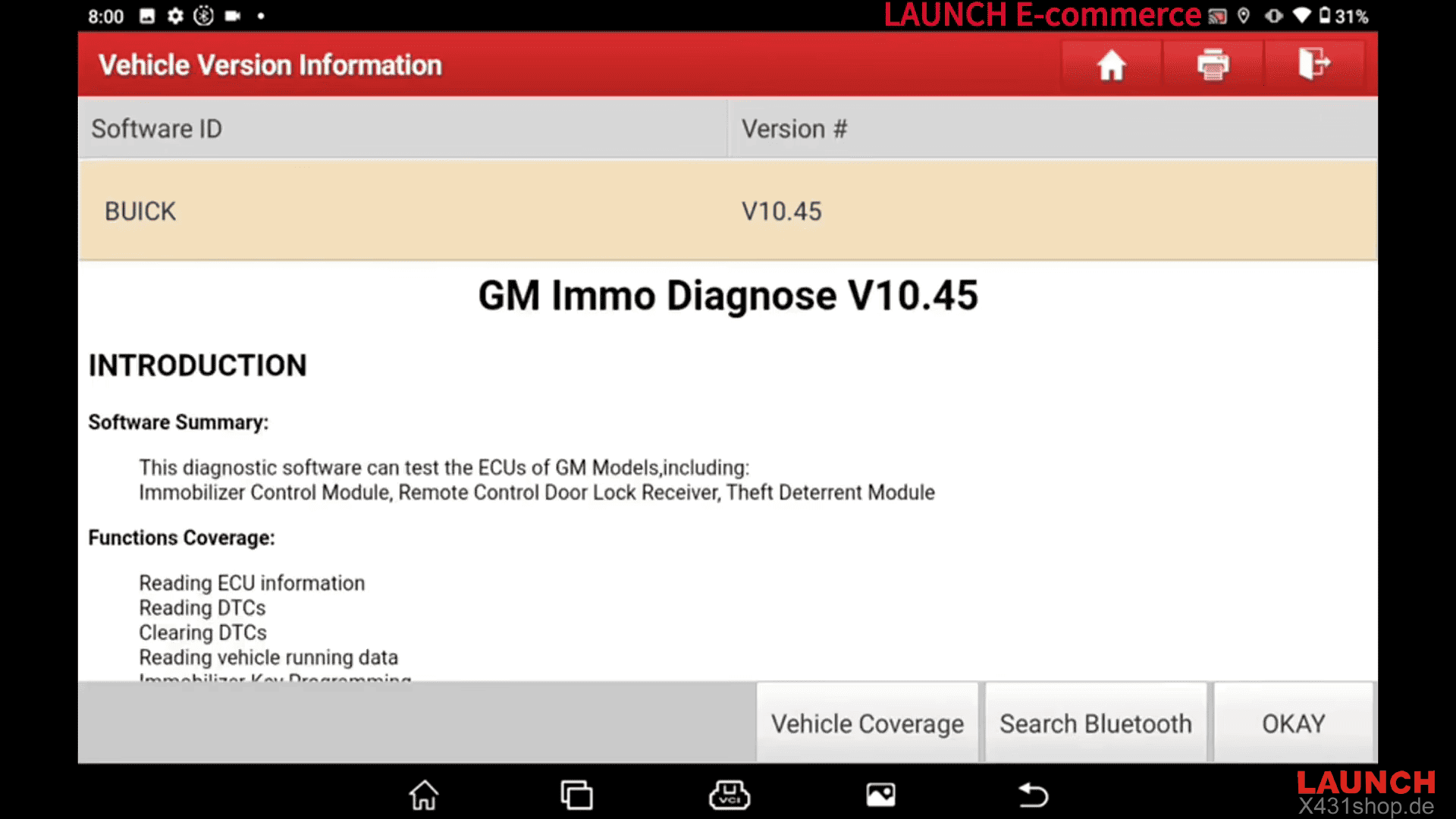
Select the category that corresponds to your target vehicle, then choose the appropriate vehicle brand and software.
Activating LAUNCH X431 IMMO Software Package with a Subscription Renewal Card involves three main steps: redeeming the 24-digit PIN code, downloading the available IMMO software, and accessing the target vehicle category.