


If your Launch X431 scanner with Android 10 has no volume buttons and needs a reset, use this rapid recovery guide to restore your tool in under 10 minutes.
Compatible Scanners
Works on Launch CRP919E BT/XBT, PRO Elite/PROS Elite, PRO3 APEX/PRO3 ACE, PRO3S+ SmartLink HD, V+ SmartLink HD (PRO3 LINK HD), and similar non-volume-button Android 10 tablets
Bench Repair & Recovery Steps
1. Trigger Recovery Mode:
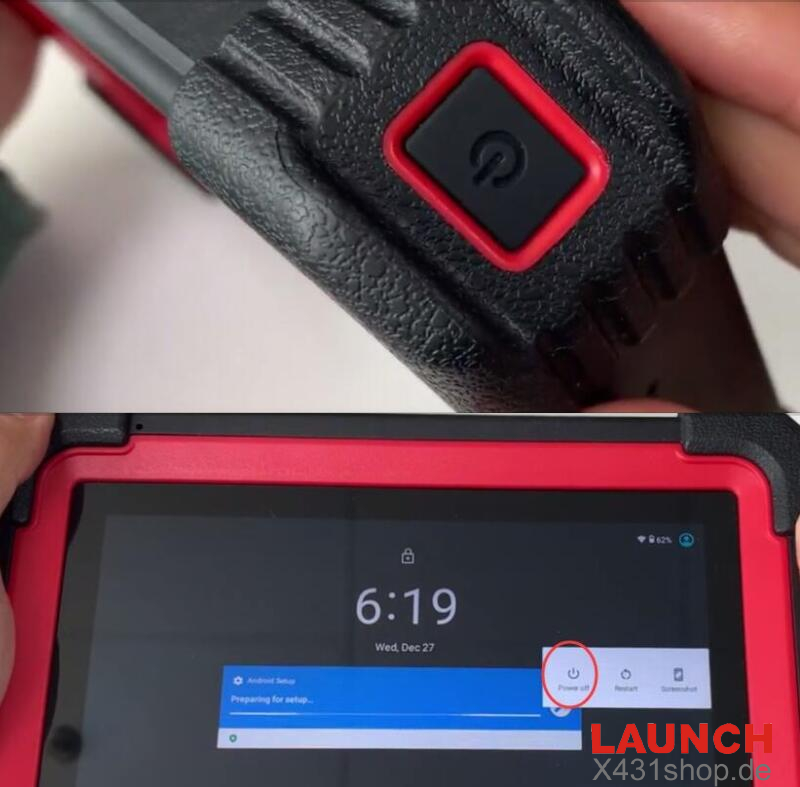
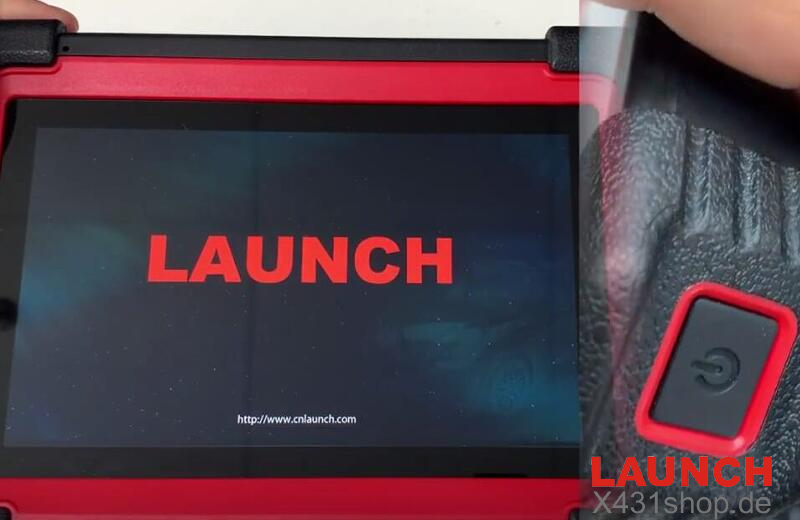
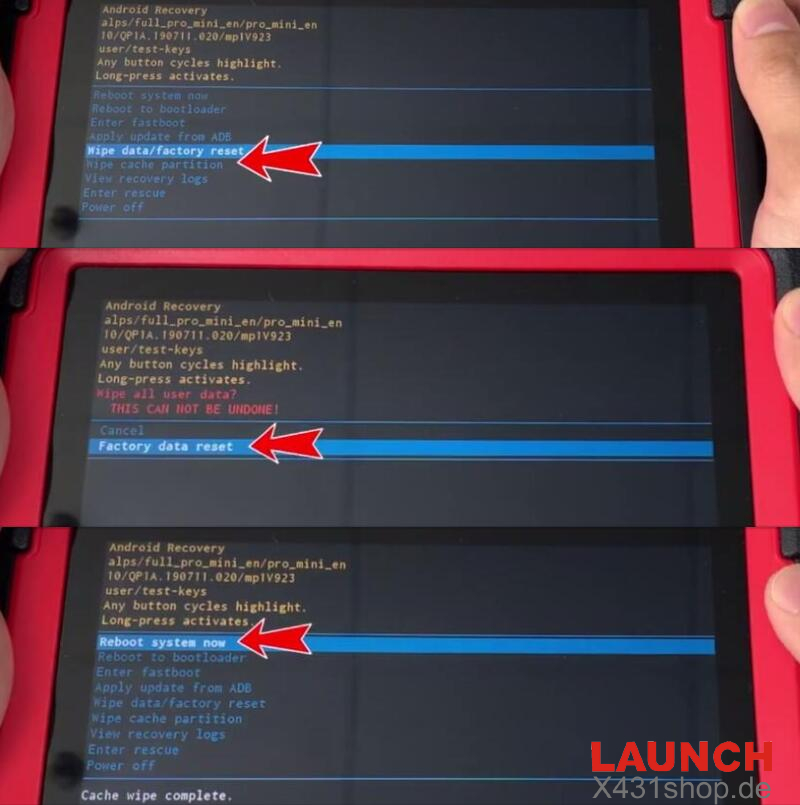
Turn off your scanner, power it back on, and the second you see the LAUNCH logo, quickly press the Power button 5 times
2. Clear Cache & Reset Data:
Use short button taps to scroll and a long tap to enter.
Choose Wipe cache partition > Yes
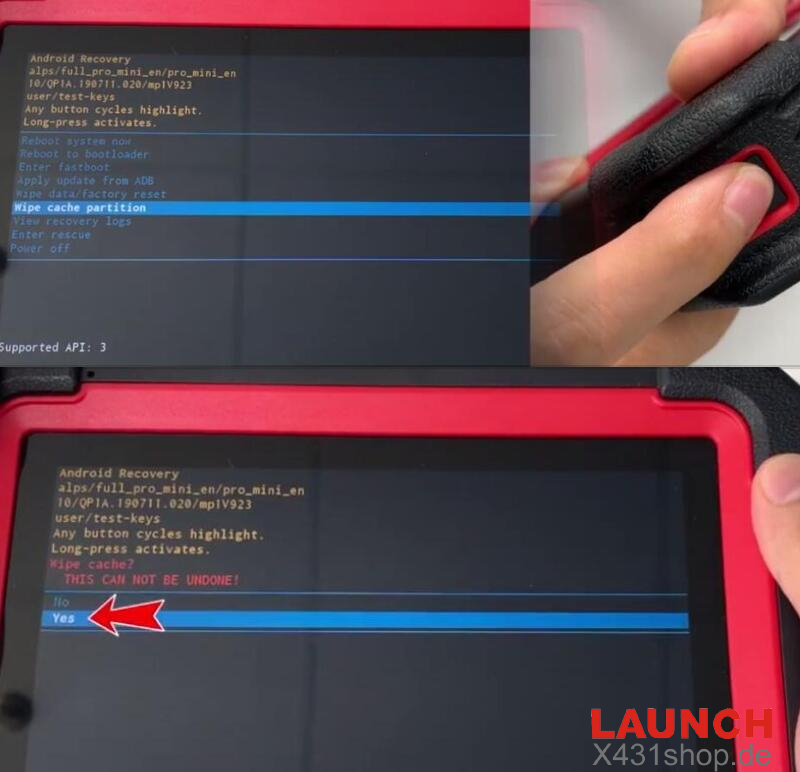
Then hit Wipe data/factory reset > Factory data reset > Reboot system now
3. Bypass Initial Setup:
Click START, then hit Skip on the Wi-Fi screen
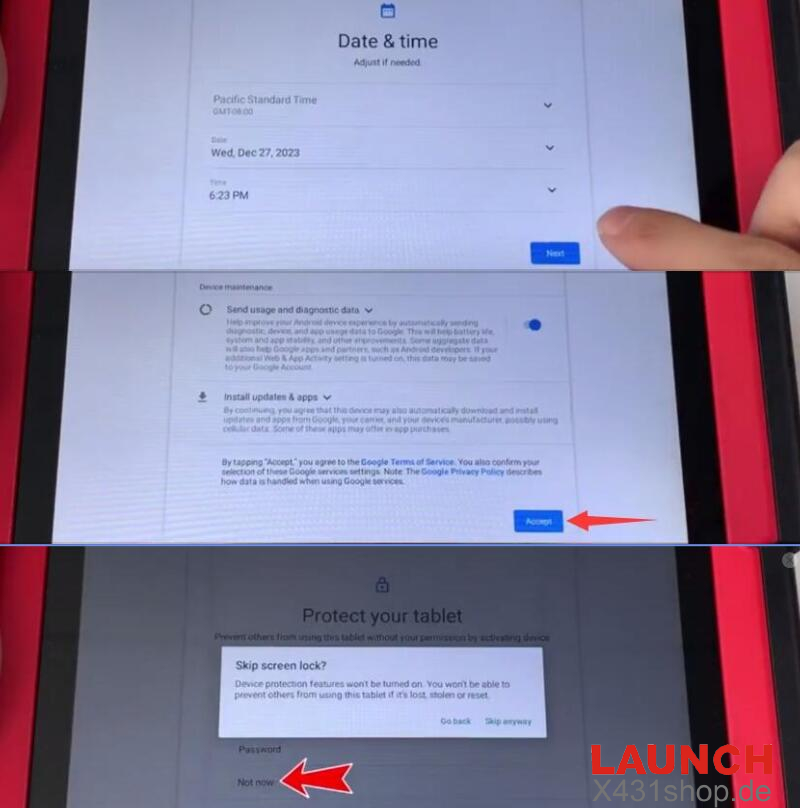
Set your local time zone, accept terms, and click Not now to skip adding a screen lock password [图6]
4. Connect Wi-Fi & Initialize:
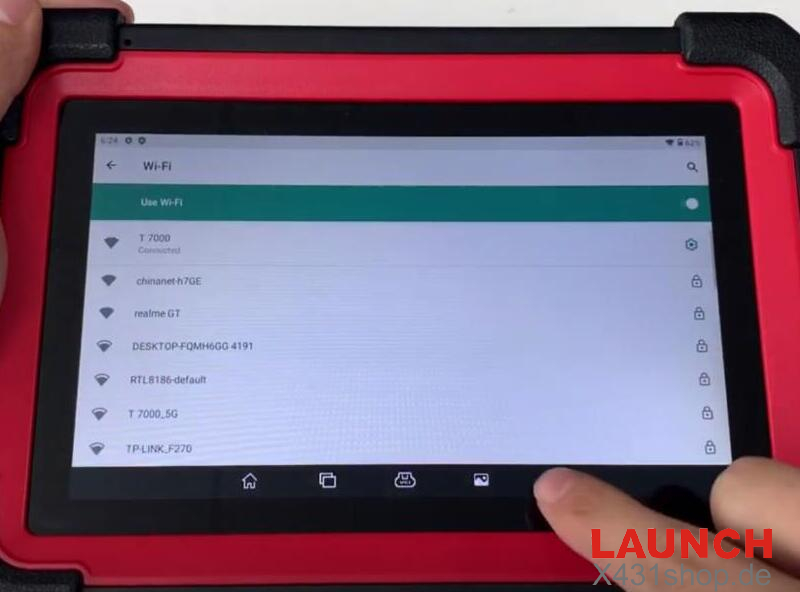
Head to Settings > Network & Internet > Wi-Fi and connect to your shop internet
Return to the home screen, swipe up, and launch APP Init
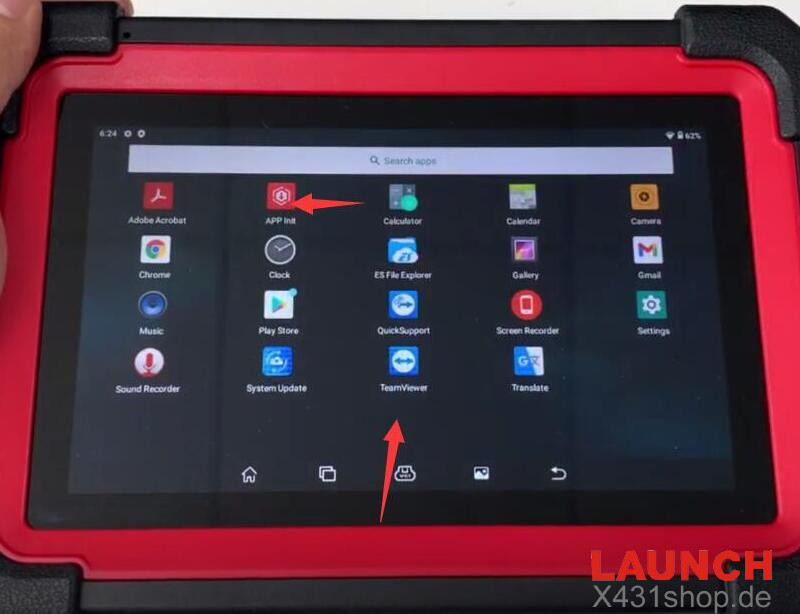
Type in your tablet’s unique serial number to install the base app
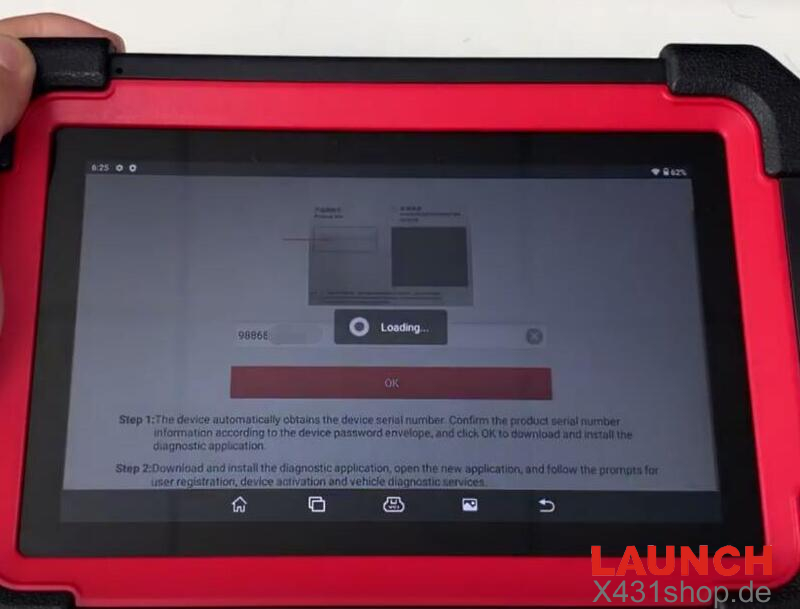
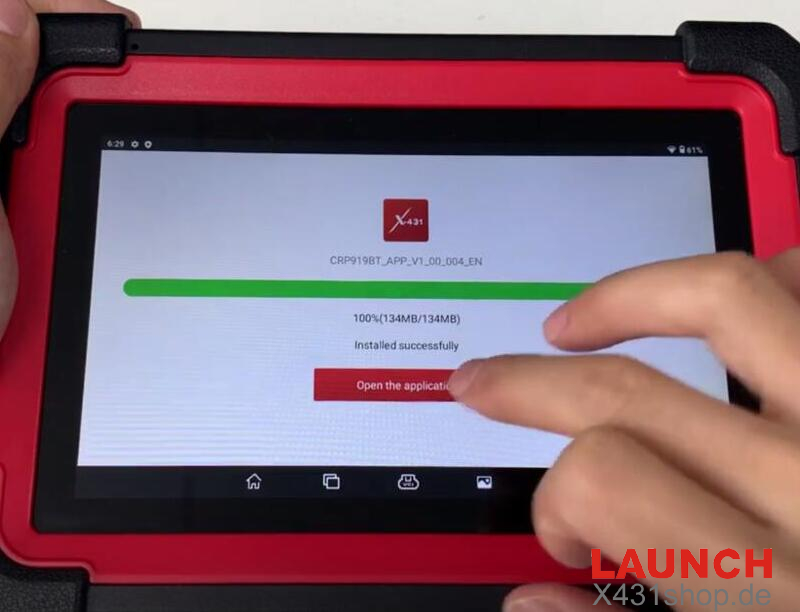
5. Reload Diagnostic Software:
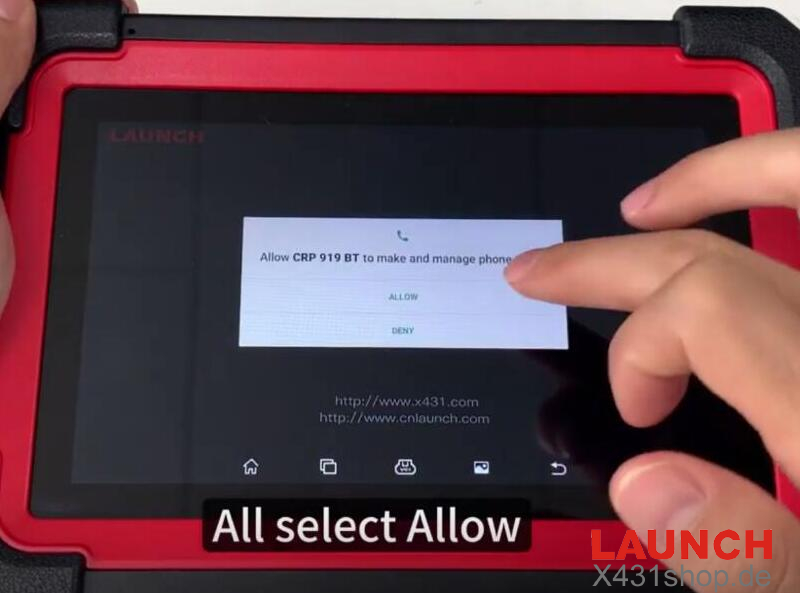
Open the fresh Launch app, hit ALLOW on all permission popups
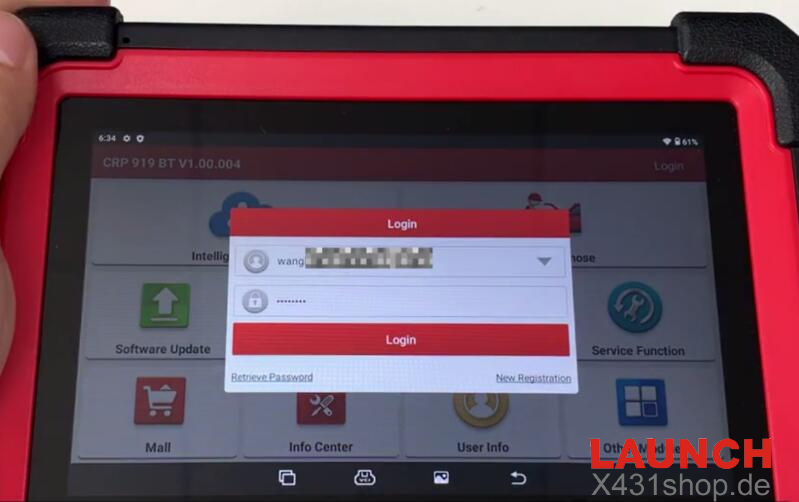
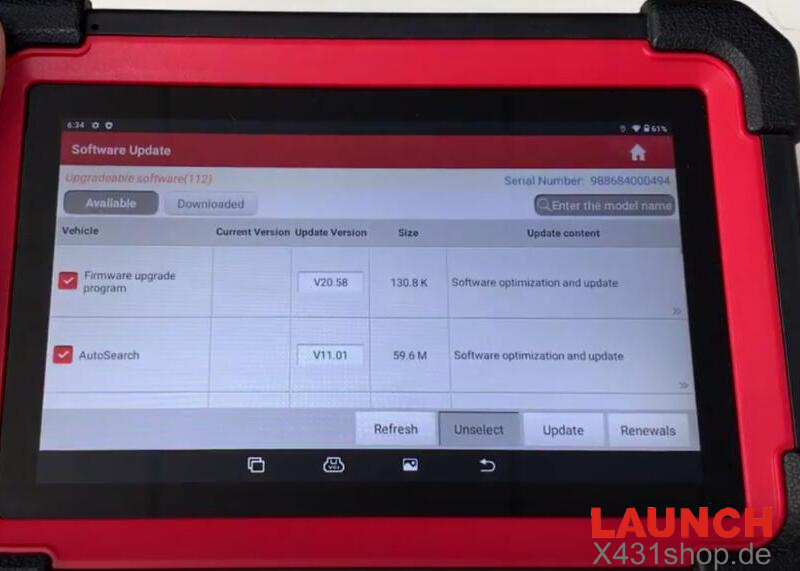
Log back into your account and tap Software Update to download all your vehicle software back onto the tool