
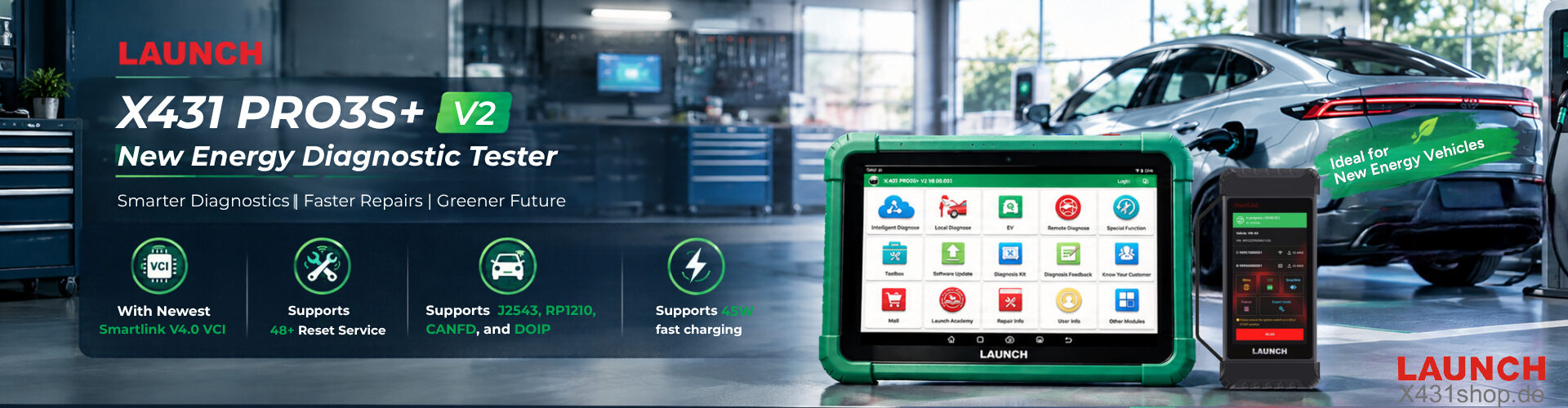


LAUNCH X431 PAD5 has been a popular choice for professional workshops that need advanced diagnostics, coding, programming, and SmartLink connectivity. Now, the new LAUNCH X431 PAD5 V2 brings a major hardware and communication upgrade while keeping the professional diagnostic capabilities that made the PAD5 popular.
So, what has actually changed between the PAD5 V2 and the previous PAD5? Here is a closer look.
PAD5 V2 vs PAD5 Key Differences
| Feature | X431 PAD V ELITE V2 | X431 PAD V ELITE |
|---|---|---|
| Image | 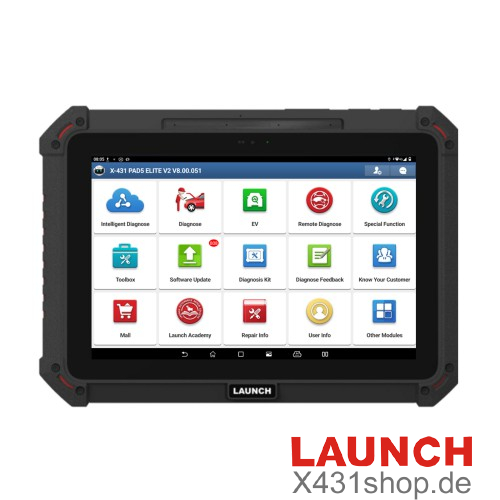 |
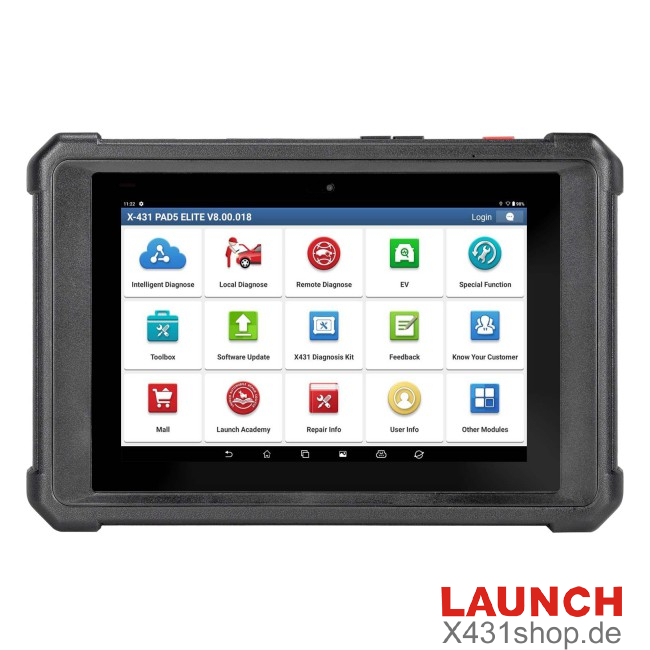 |
| Operating System | Android 15 | Android 11 |
| Processor | Octa-core, 2×2.2GHz + 6×2.0GHz | Octa-core, 4×1.5GHz + 4×2.0GHz |
| RAM | 8GB | 4GB |
| Storage | 256GB | 256GB |
| Display | 10.1″, 1920×1200 | 10.1″, 1920×1200 |
| Wi-Fi | Dual-band Wi-Fi 6 | Dual-band Wi-Fi |
| Bluetooth | Bluetooth 5.1 | Bluetooth 4.2 |
| Battery | 7.6V 7000mAh, 53.2Wh | 3.8V 9360mAh, 35.56Wh |
| Fast Charging | 45W | Standard fast charging |
| VCI | SmartLink C V4 | SmartLink C V2 |
| IP Rating | IP65 | IP65 |
1. Android 15 and 8GB RAM Bring a Major Performance Upgrade
The most obvious upgrade is inside the tablet.
The PAD5 V2 runs Android 15 and comes with 8GB of RAM, compared with Android 11 and 4GB RAM on the previous PAD5.
The new octa-core processor also uses a newer configuration of 2×2.2GHz + 6×2.0GHz. Together with the increased RAM, the PAD5 V2 is better suited to demanding diagnostic software, multitasking, and future software updates.
For workshops that frequently switch between diagnostic functions, vehicle information, and other applications, the additional memory can make everyday operation smoother.
2. SmartLink C V4 Is One of the Biggest Upgrades
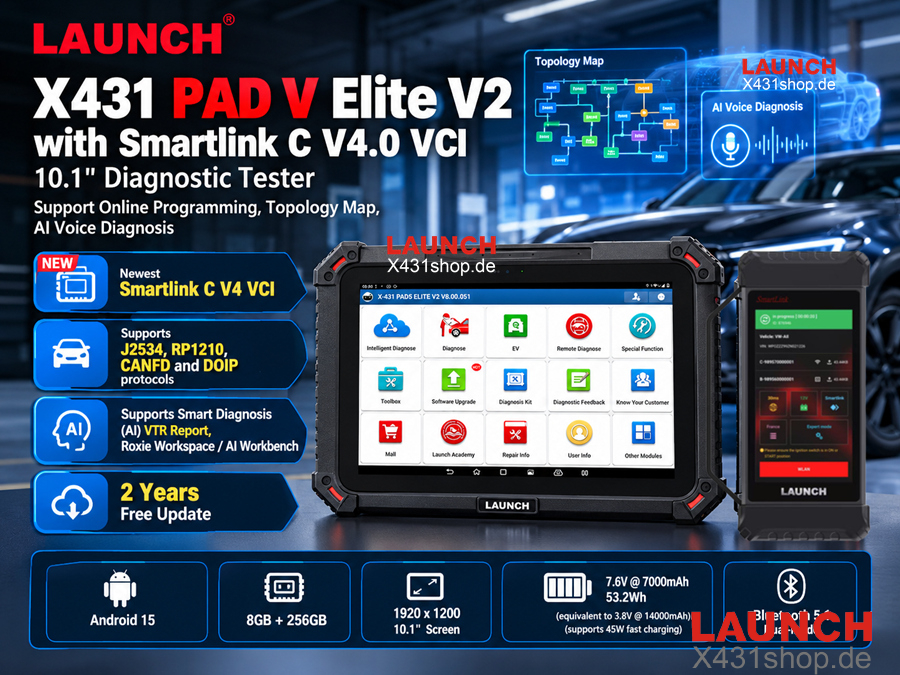
The tablet is only part of the upgrade. The SmartLink C V4 is another major improvement over the previous SmartLink C V2.
- Dual-core 1.7GHz processor
- 1GB RAM
- 5-inch 1280×720 touchscreen
- Wi-Fi 6
- Bluetooth 5.0
- 4-channel CAN FD
- Smaller and lighter design
By comparison, the SmartLink C V2 uses a single-core 528MHz processor and 256MB RAM.
This means the V4 is designed for faster communication and a more responsive user experience during diagnostic operations. It also continues to support key communication technologies such as CAN FD, DoIP and J2534, making it suitable for advanced diagnostic and programming work.
3. Faster and More Convenient Wireless Communication
PAD5 V2 Elite upgrades its wireless connectivity to Wi-Fi 6, while the previous PAD5 uses dual-band Wi-Fi.
This is particularly useful when working with wireless diagnostic communication, online functions, remote diagnosis, and other operations that depend on a stable network connection.
Bluetooth has also been upgraded from Bluetooth 4.2 to Bluetooth 5.1.
For a professional workshop, these improvements are not just about specifications. A more responsive connection can make daily diagnostic work more convenient.
4. More Powerful Battery and 45W Fast Charging
Battery capacity has also been redesigned.
The PAD5 V2 uses a 7.6V 7000mAh battery with a 53.2Wh capacity and supports 45W fast charging. LAUNCH states that the new battery configuration is equivalent to approximately 14,000mAh at 3.8V.
The previous PAD5 uses a 3.8V 9360mAh battery with a 35.56Wh capacity.
The PAD5 V2 is therefore designed to provide longer working time while also reducing charging time. This is especially useful for technicians who use the diagnostic tablet throughout the working day.
5. The Same Professional 10.1-Inch Display
Despite the internal upgrades, the PAD5 V2 keeps the familiar 10.1-inch 1920×1200 display.
This provides enough screen space for viewing live data, diagnostic reports, wiring information, and other detailed information without making the tablet unnecessarily large.
The PAD5 V2 also retains an IP65-rated design for better protection against dust and water in workshop environments.
6. Advanced Diagnostic and Programming Capabilities Remain
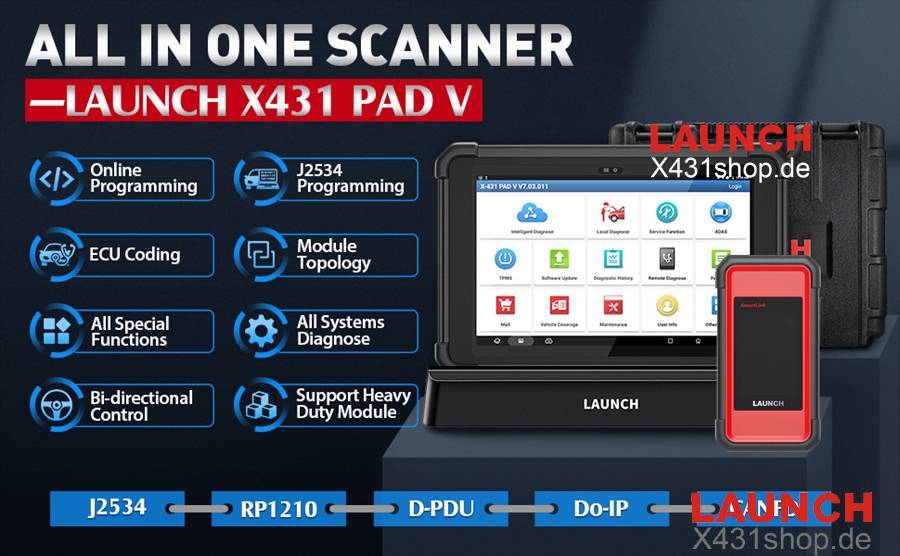
PAD5 V2 is not simply a faster tablet. It retains the professional functions expected from the PAD5 platform.
- Full-system diagnostics
- ECU coding
- Online ECU programming
- J2534 Pass-Thru
- CAN FD diagnostics
- DoIP diagnostics
- Topology mapping
- Active tests
- Special functions
- Service resets
- ADAS-related functions with compatible equipment
- Remote diagnostic functions
The PAD5 platform can also be expanded for commercial vehicle diagnostics with the appropriate software and adapters. For example, X431 PAD5 LINK HD is used with dedicated HD software and adapter packages for heavy-duty applications.
7. Which One Should You Choose?
Choose X431 PAD5 V2 if
- You want the newest hardware platform
- You need more RAM for demanding applications
- You prefer Android 15
- You want Wi-Fi 6 connectivity
- You need the newer SmartLink C V4
- You perform advanced coding and programming regularly
- You want faster charging and improved battery performance
- You plan to use the tool for many years
Choose the Previous X431 PAD5 if
- You already own a PAD5 and it meets your current diagnostic requirements
- You do not need the latest hardware upgrades
- Your main priority is advanced diagnostics, coding, and programming rather than maximum hardware performance
Final Verdict
LAUNCH X431 PAD5 V2 is more than a simple refresh of the X-431 PAD5. Its biggest improvements are the move to Android 15, 8GB RAM, a newer processor, Wi-Fi 6, a redesigned battery system with 45W fast charging, and especially the upgrade from SmartLink C V2 to SmartLink C V4.
For technicians who are buying a high-end LAUNCH diagnostic platform today, the PAD5 V2 offers a more modern hardware foundation for current and future diagnostic software.
For existing PAD5 users, upgrading is most worthwhile if you regularly use demanding diagnostic, coding, programming, or online functions and want the benefits of the newer SmartLink and hardware platform.