




When using Launch X431 PAD VII with a PC, some users may encounter an unstable USB connection issue. The device may repeatedly ask for permission to access the STM32 Virtual COM Port, or the USB connection may disconnect during operation.
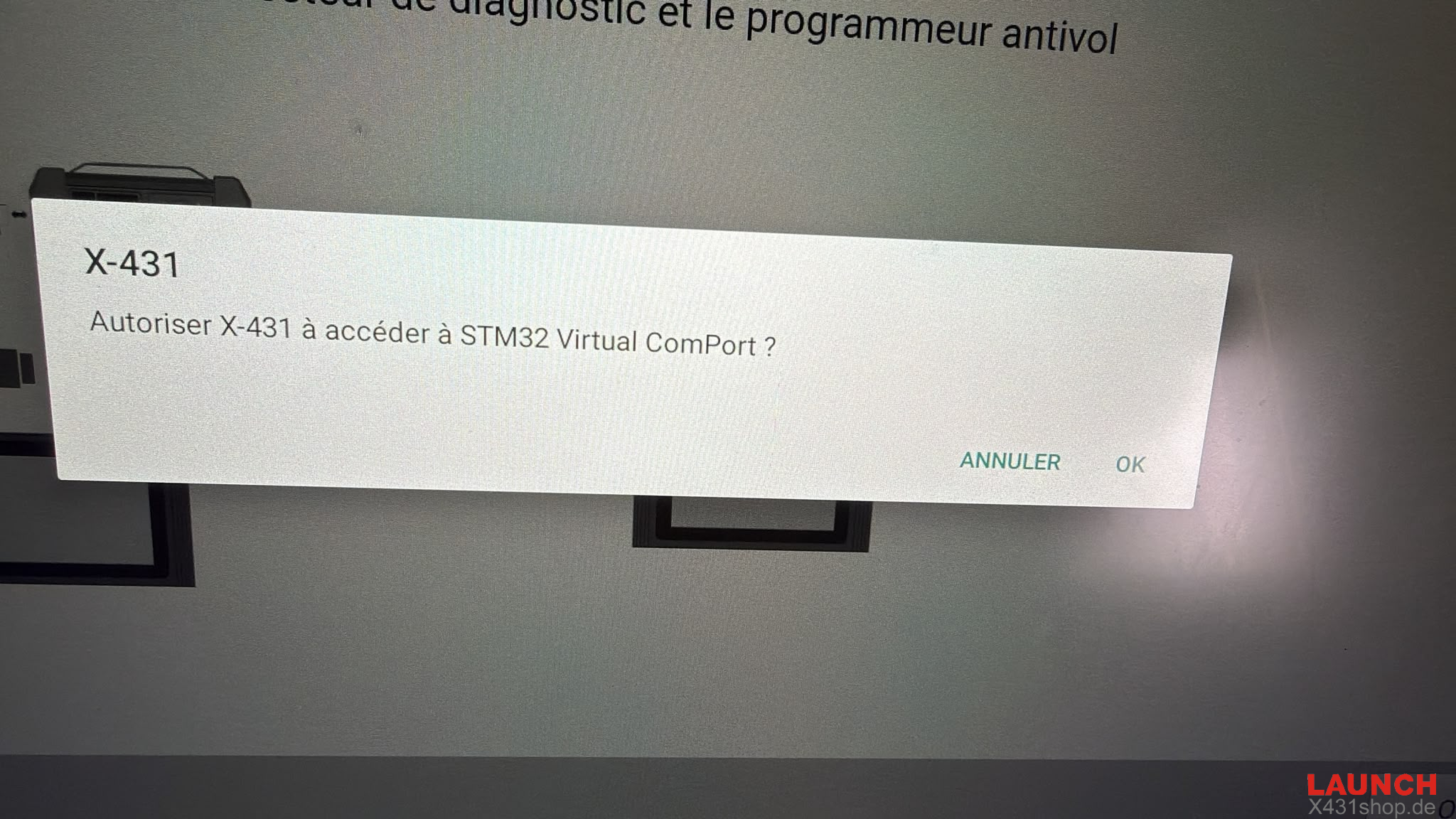
Common Symptoms
- STM32 Virtual COM Port authorization prompt appears repeatedly
- USB connection is unstable
- Device disconnects randomly from the computer
- Firmware update does not solve the problem completely
Possible Solutions
1. Allow STM32 Virtual COM Port Access
When the prompt appears “Authorize X-431 to access STM32 Virtual Com Port?”
Click OK / Allow to authorize the connection.
2. Check USB Connection
3. Restore Device Factory Settings
If the problem continues after firmware updates and USB checks, try restoring the Launch X431 PAD7 to factory settings, then reconnect it with the PC and test again.
Contact us
E-Mail: sales@X431shop.de
Business WhatsApp: +86 17782330462
Tel: 0086-17782330462