




The Citroen Bosch MED17.4.4 ECU supports bench cloning using Launch X431 X-PROG3 with PC Adapter, allowing technicians to transfer the original ECU data to a replacement unit.
1. Read Original ECU Data
Connect X431 X-PROG3 with PC Adapter to the computer and open the software.
Search for MED17.4.4 and select Citroen C4 Grand Picasso MED17.4.4_TC1793
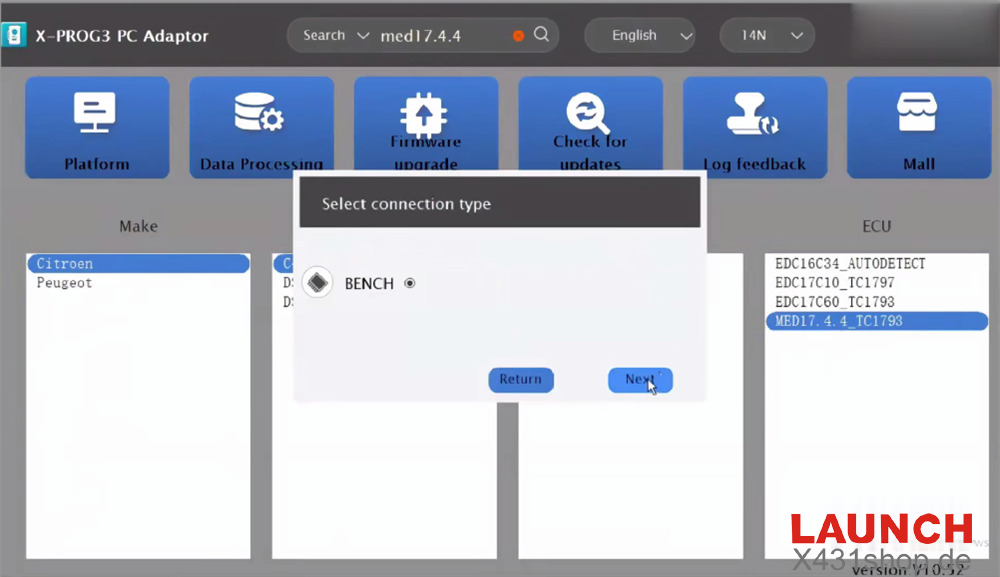
Select BENCH mode and check the ECU wiring diagram.
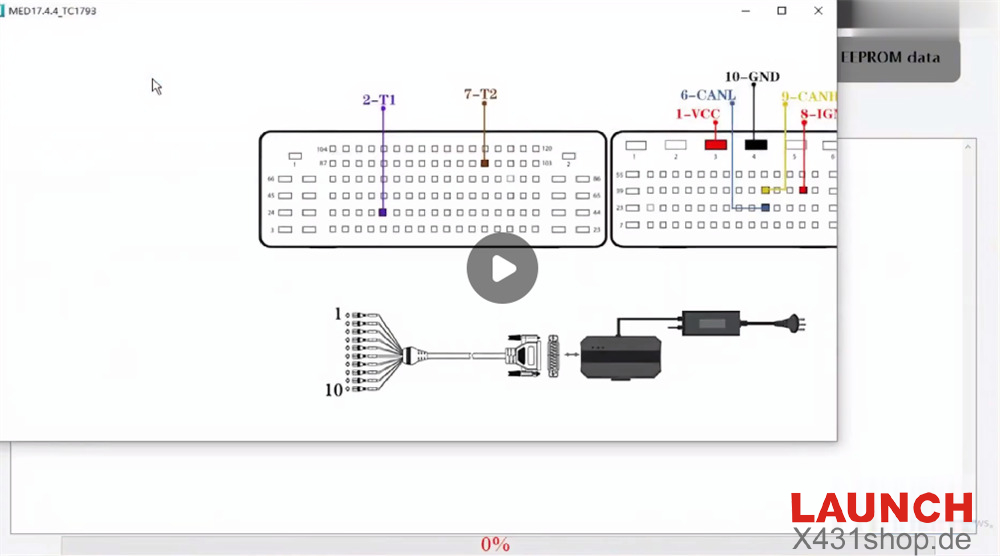
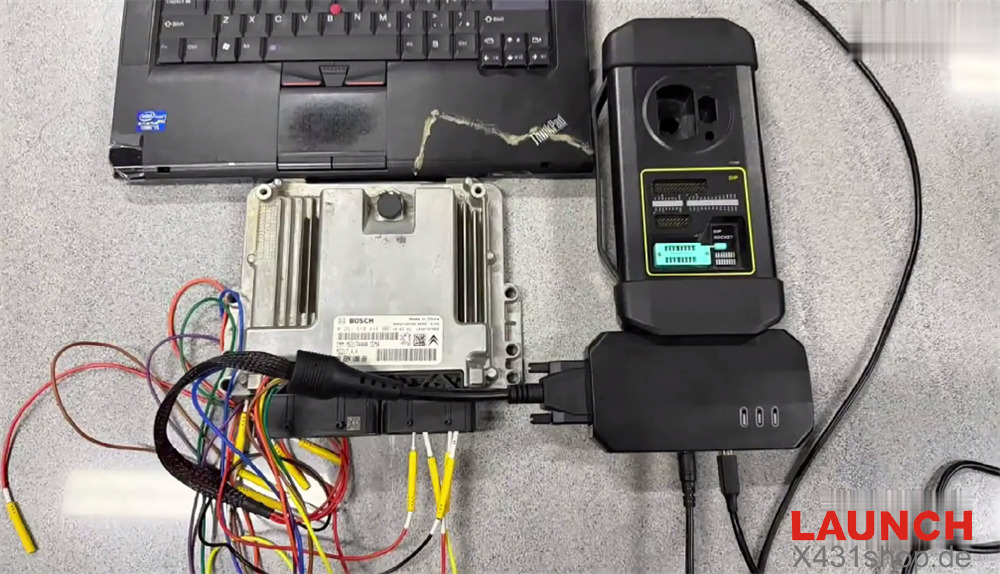
Connect the original Bosch MED17.4.4 ECU according to the wiring diagram.
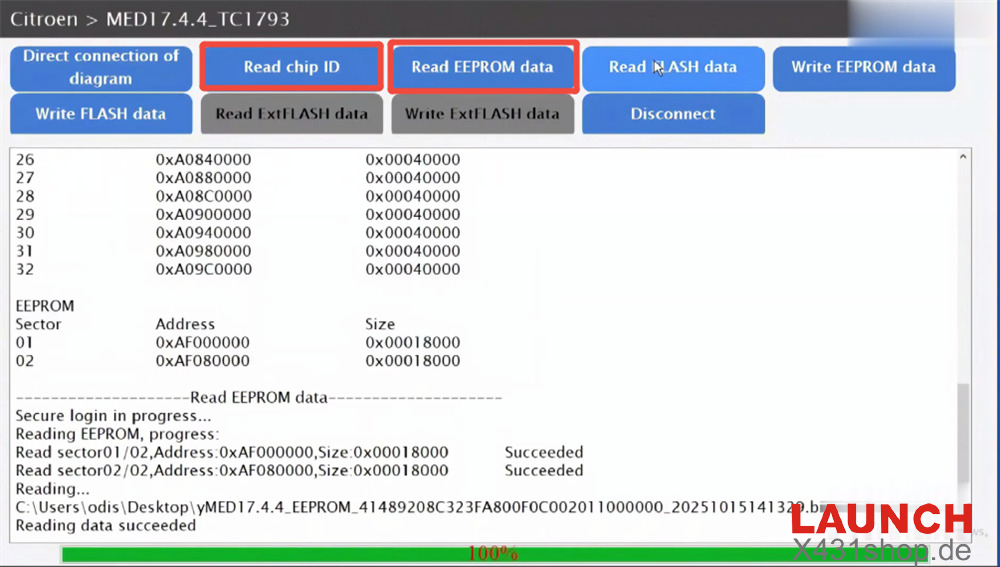
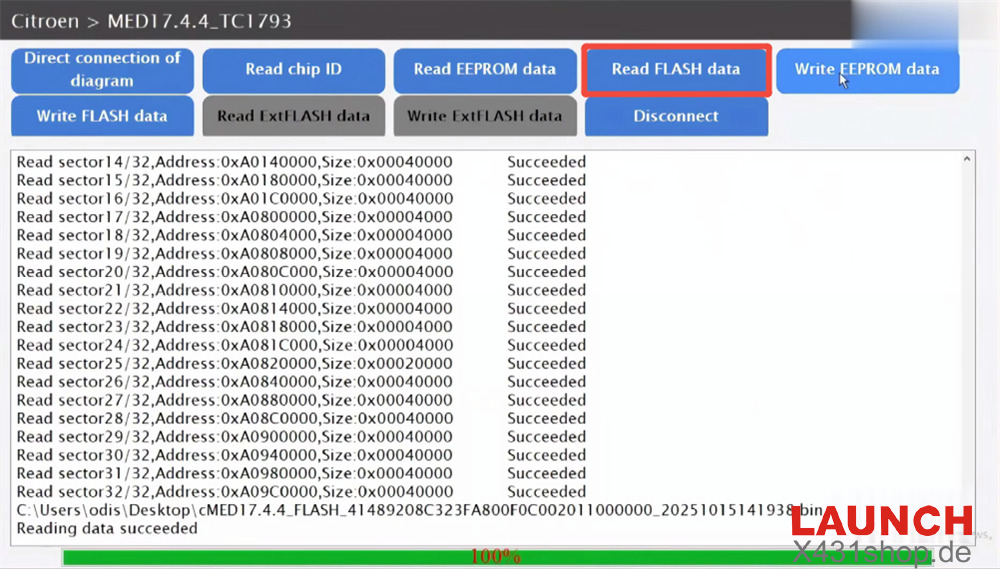
Read the ECU information:
Read Chip ID
Read EEPROM data
Read Flash data
Save the original ECU files safely.
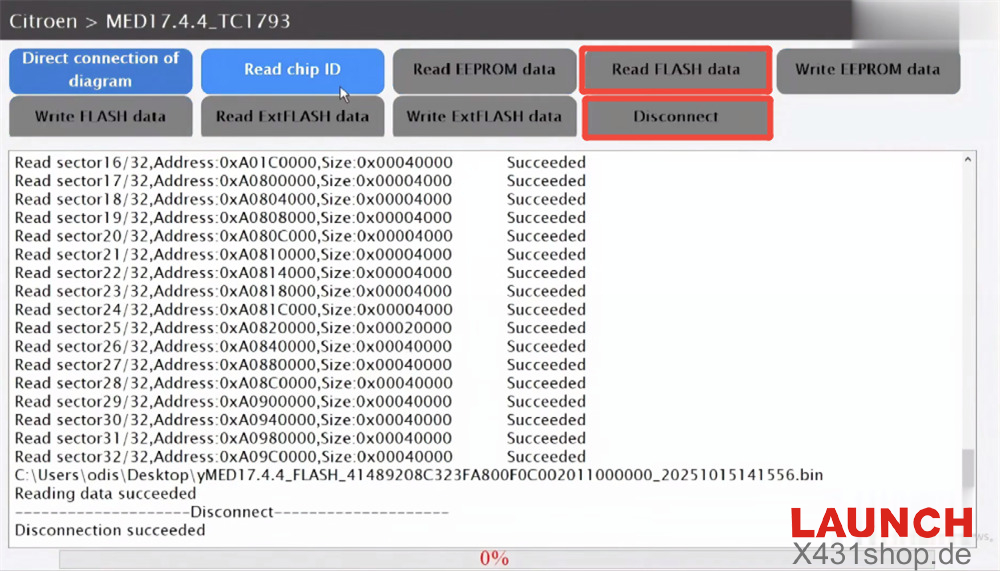
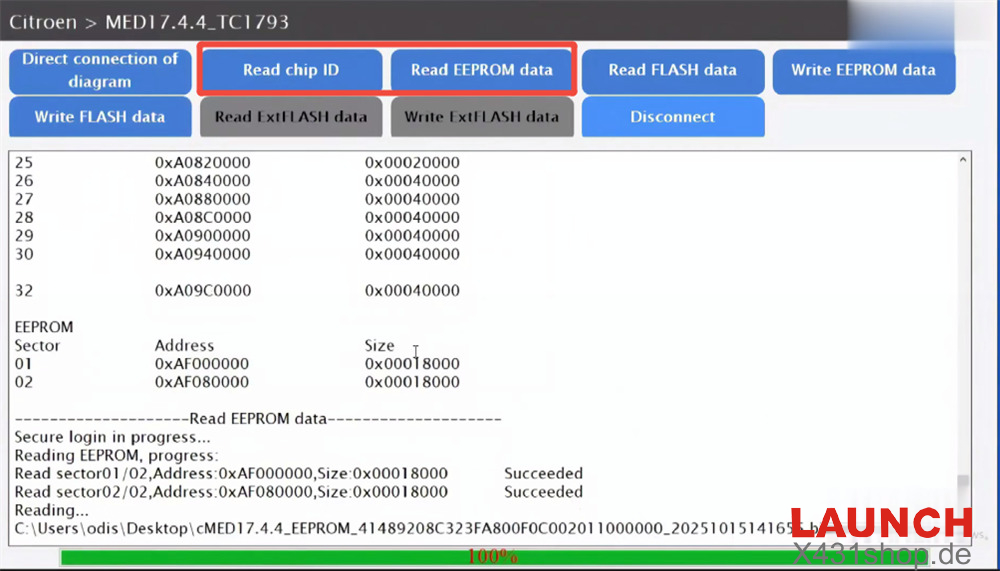
2. Read Donor ECU Data
Connect the replacement MED17.4.4 ECU using the same BENCH wiring method.
Read and save the donor ECU EEPROM and Flash data.
3. Write Original Data to Replacement ECU
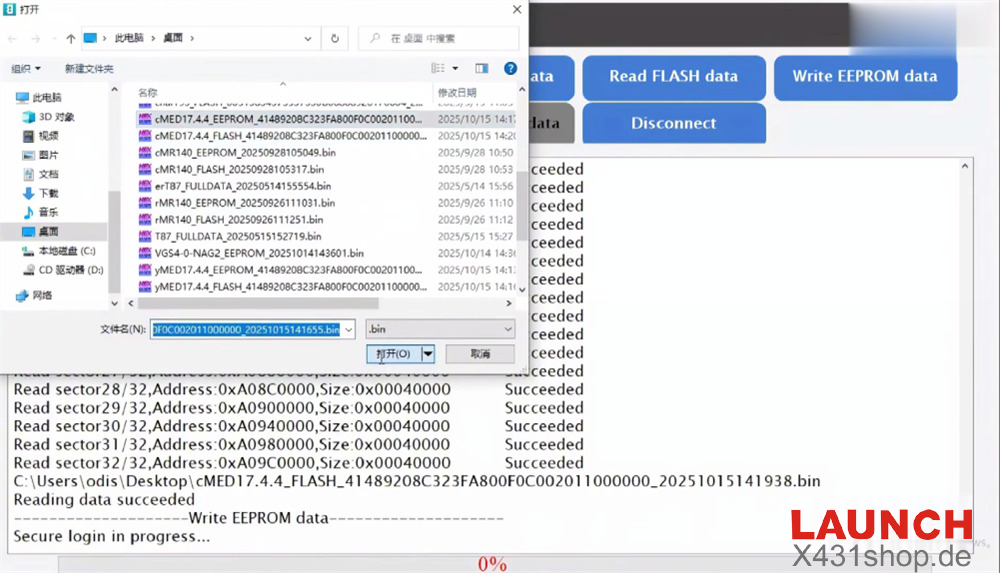
Load the original ECU EEPROM and Flash files.
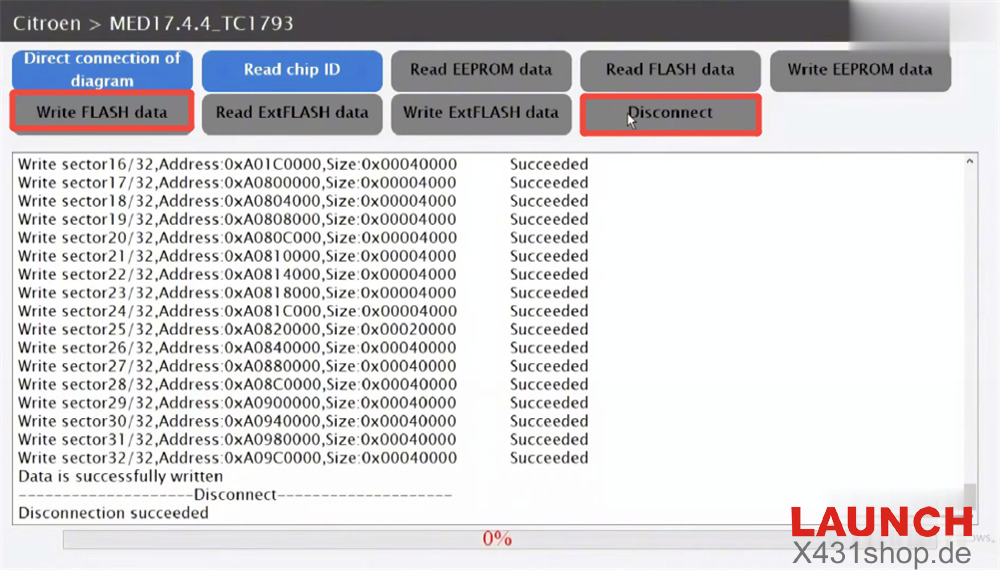
Write the data separately into the replacement ECU.
After writing is completed, disconnect the ECU.
Launch X431 ECU Programmer also supports Citroen Bosch MED17.4.4 ECU clone on bench, no need any X431 tablet.
Clone Citroen Bosch MED17.4.4 ECU with Launch X431 Programmer