



A customer recently reported an issue with Launch X431 PRO5 when performing Porsche vehicle diagnostics.
After selecting the Porsche vehicle model, the device remains stuck on the “Loading” screen. Although it successfully enters the vehicle software interface, no further operations can be performed.
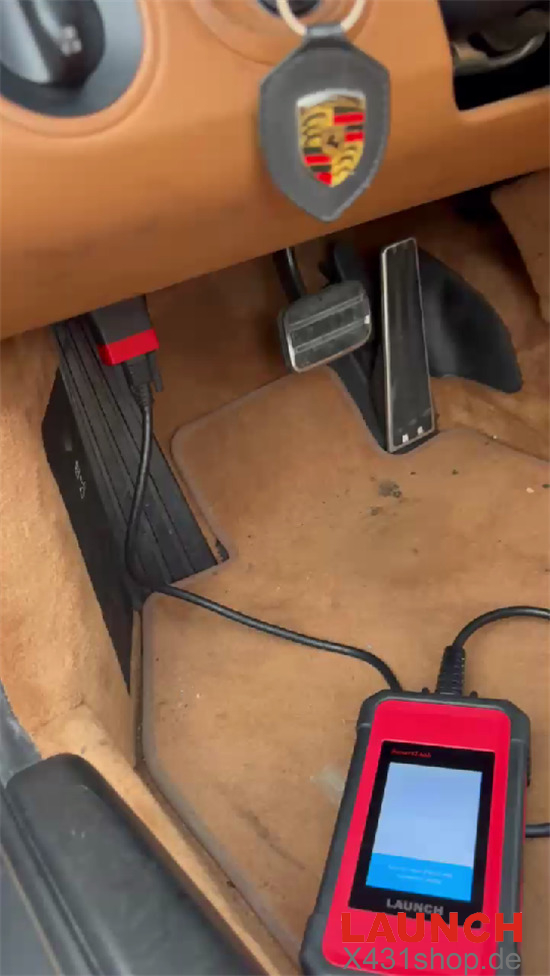
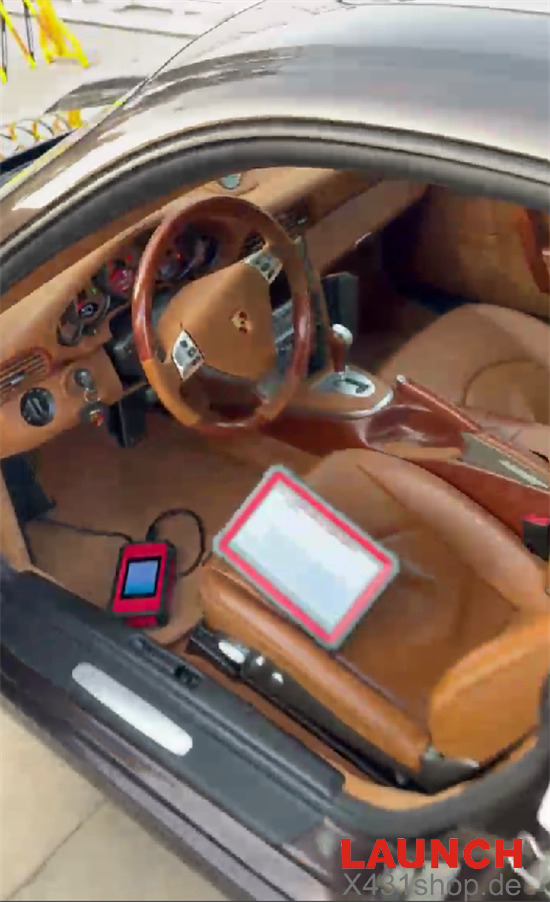
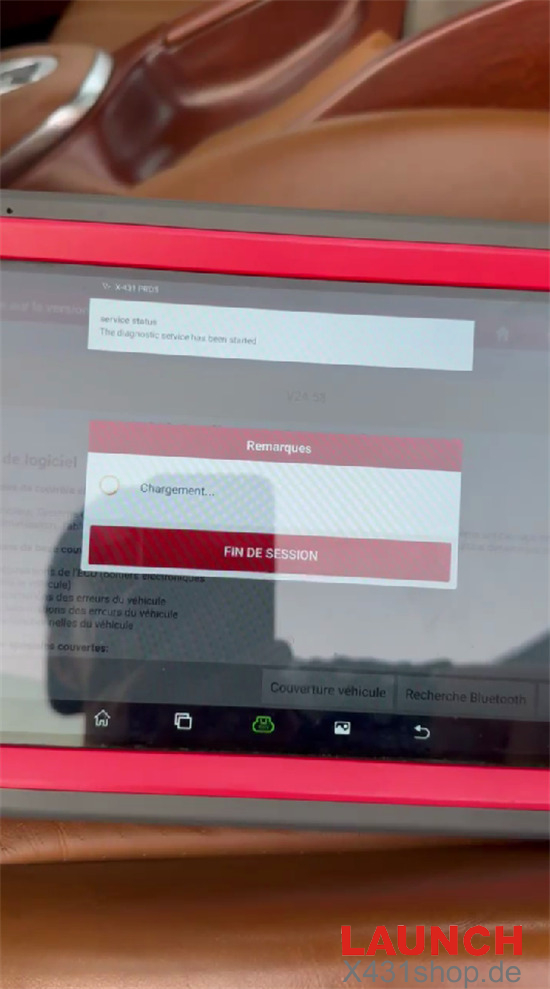
Solution
This issue is usually caused by a synchronization problem between the diagnostic software and the VCI firmware module during the vehicle communication process.
Follow the steps below to restore normal operation:
- Connect your X431 PRO5 to a stable Wi-Fi network.
- Open the main menu and select Software Update.
- Download and install the latest Porsche diagnostic software package.
After completing the software update, go to:
User Info / System Settings → Firmware Fix (Firmware Repair)
Connect the VCI using USB or Bluetooth, then wait for the device to complete the firmware repair process.
Once the firmware repair is finished, restart the Porsche diagnostic application.
The diagnostic functions and menu operations should be restored, allowing the Launch X431 PRO5 to communicate with Porsche vehicles normally again.
Tech support
E-Mail: sales@X431shop.de
Business WhatsApp: +86 17782330462
Tel: 0086-17782330462