






To use LAUNCH AIOBD smart Bluetooth diagnostic adapter, you need to connect it to your Android or IOS phone’s app- LAUNCH AIOBD APP via Bluetooth.
Just plug it into your car and keep your phone nearby. Then you can check your car’s problems right on your phone.
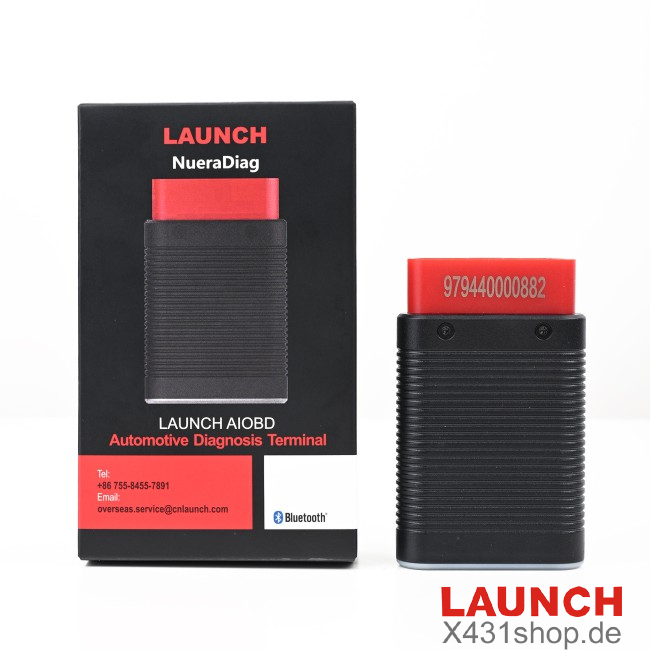
What is LAUNCH AIOBD?
It’s a smart Bluetooth tool for checking cars.
You can use basic checks for free.
If you need more advanced checks, you can buy them later.
It has smart help built-in to explain car problems and suggest how to fix them.
Great for car owners and people who like to fix things themselves.
How to download LAUNCH AIOBD APP?
If you have an iPhone or iPad, search “LAUNCH AIOBD” in the App Store.
If you have an Android phone or tablet, search “LAUNCH AIOBD” in Google Play.
You can also scan the QR code on the box. It will take you right to the app store page.

LAUNCH AIOBD APP Display
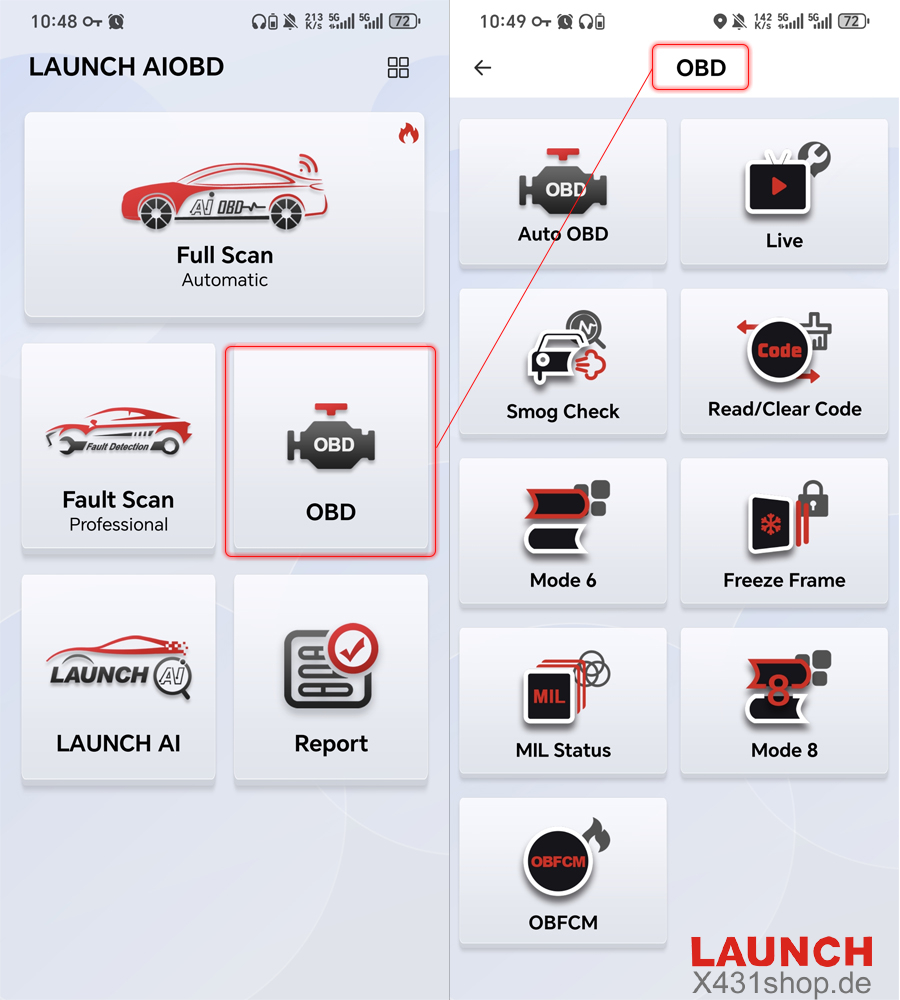
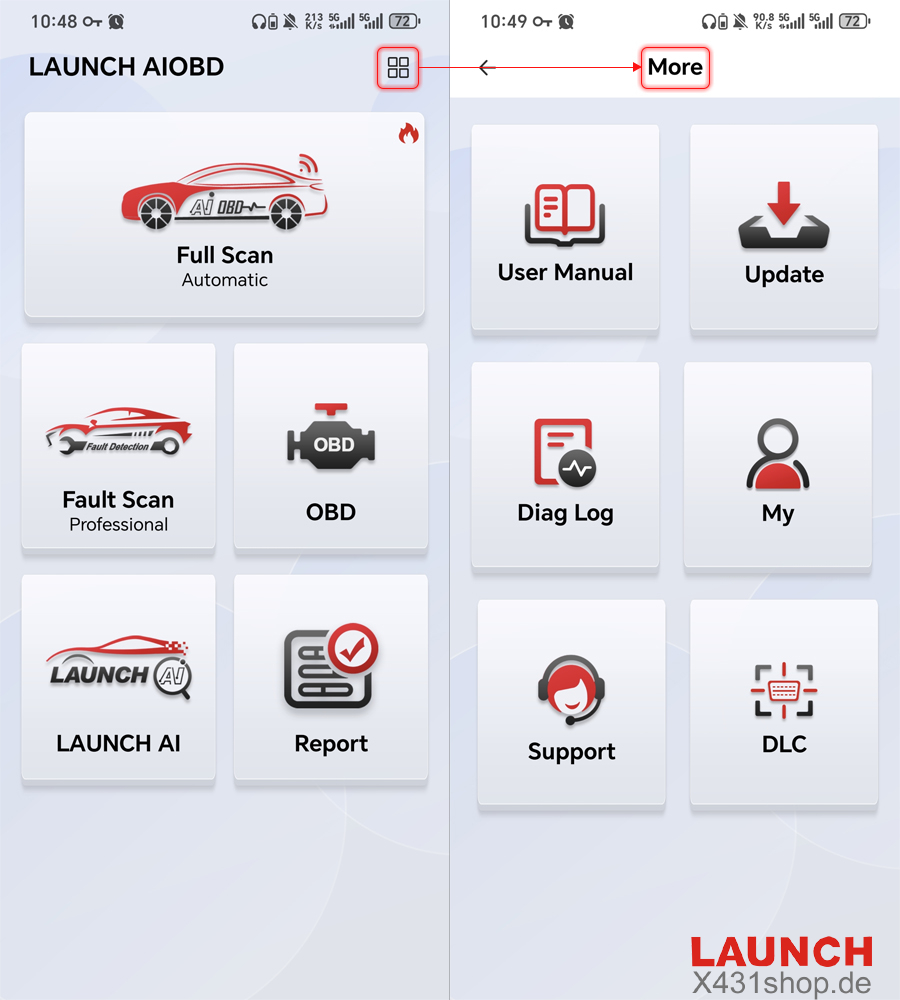
| Free OBD Functions | Description |
| AutoOBD | Automatically reads all static OBD data and generates a report, which can be cleared. |
| Live | Select data to display real-time data in a line chart. |
| Read/Clear Code | Read/Clear fault code |
| OBFCM | European emissions-related data, with report generation and sharing capabilities. |
| Smog Check | Support Smog Check |
| Freeze Frame | Support Freeze Frame |
| Mode 6 | Mode 6 (vehicles without Mode 6 display Mode 5 data, including oxygen sensor data). |
| Mode 8 | Request vehicle system control. |
| MIL Status | Engine status. |