



For Launch X431 series device, after you receive, firstly will need register account. If you need want to change Launch X431 registered email account, how to change? Here is the simple steps.
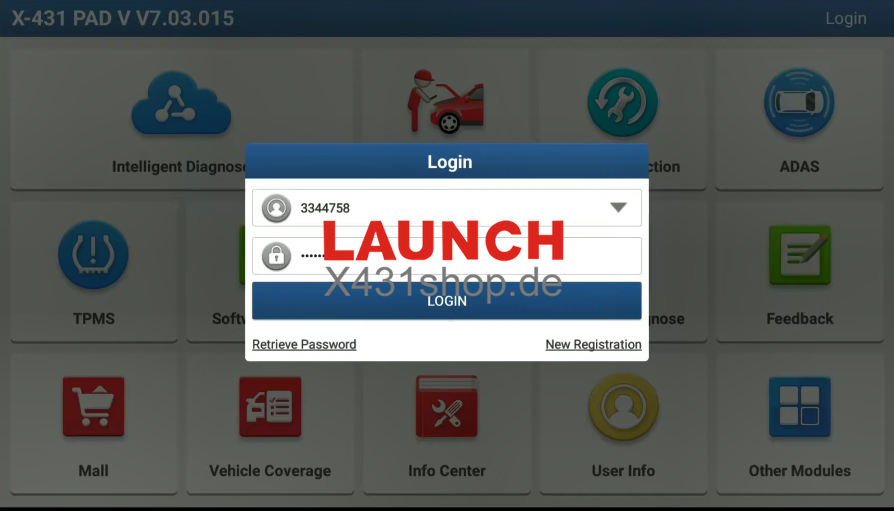
1.Login firstly.
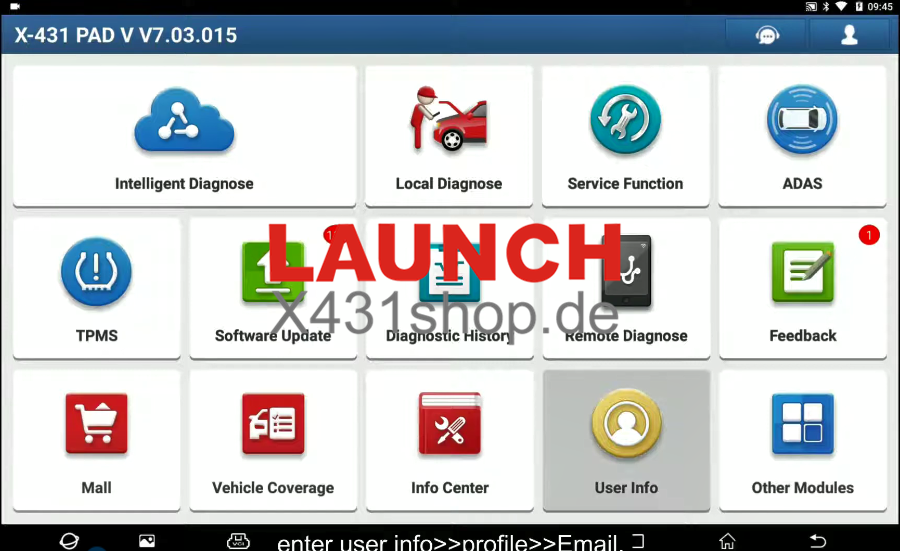
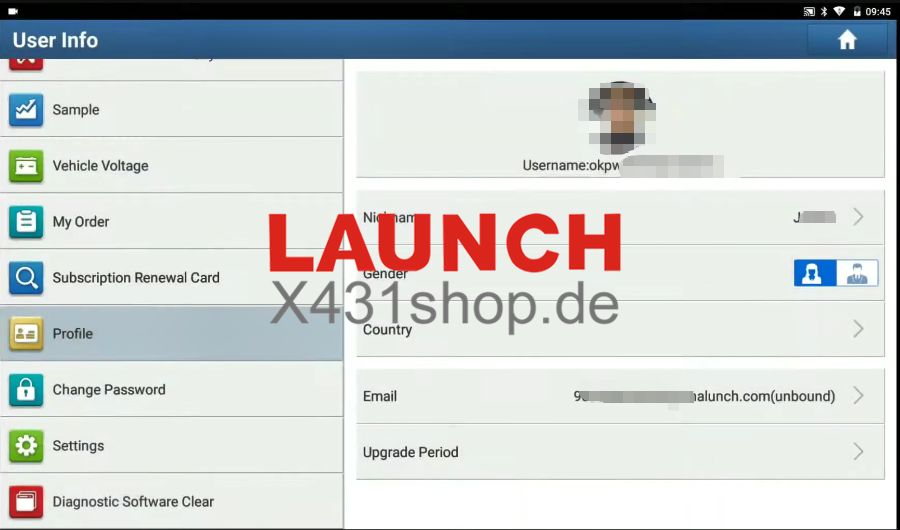
2.Enter “user info>>profile>>email”
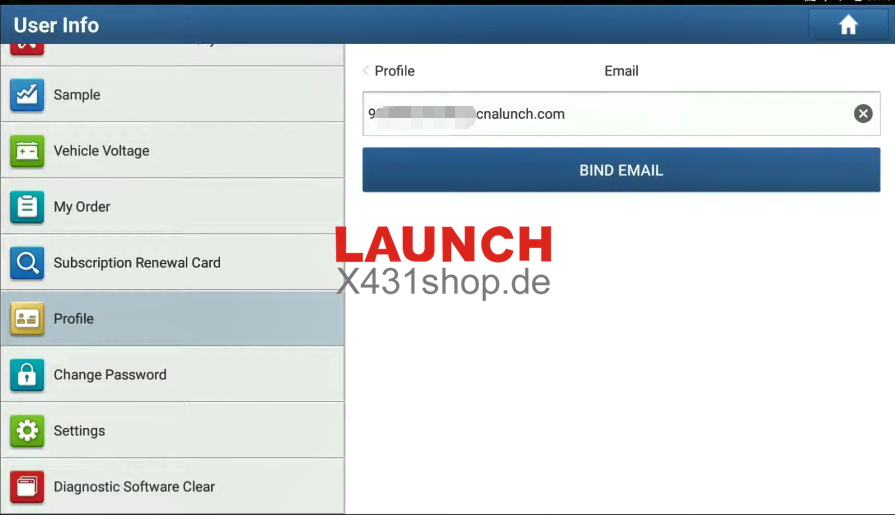
3.Fill in new email address, and then click bind email.
4.Go to your new email inbox, check the verification code.
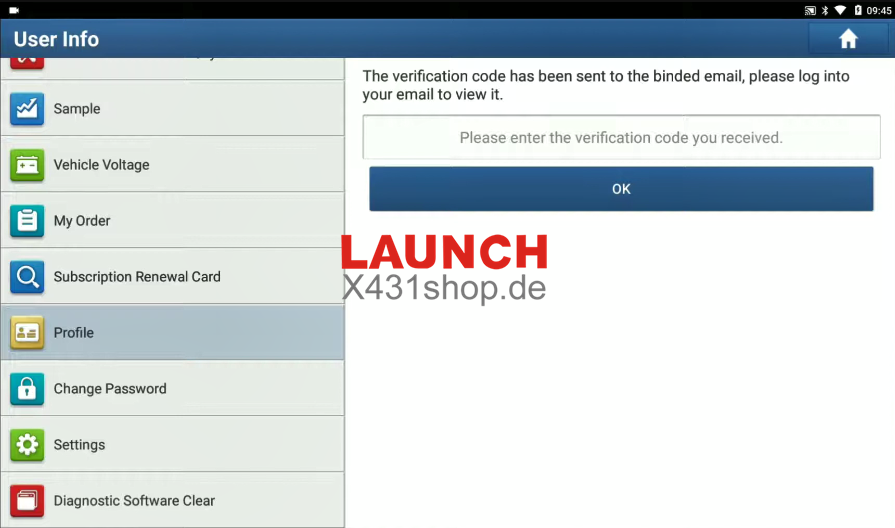
5.Fill the code, and click OK.
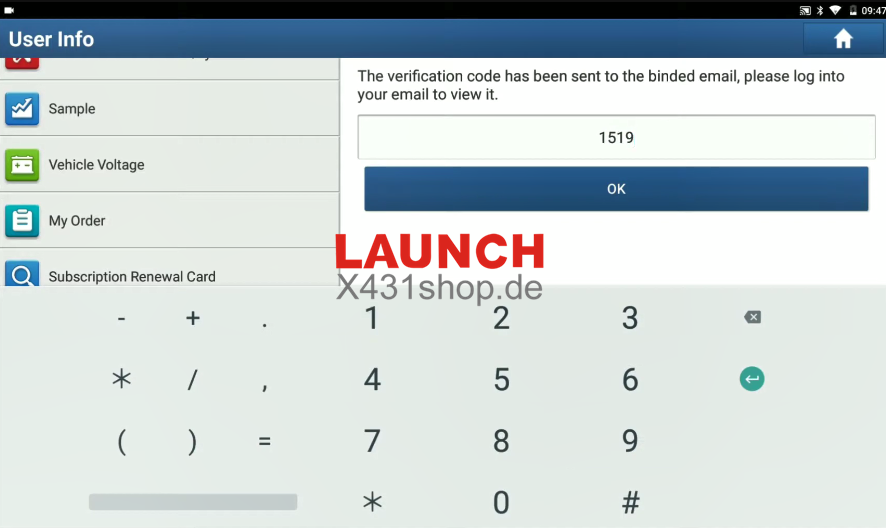
Finish.