
This guide explains how to add a new key to a Subaru BRZ using Launch X431 IMMO series devices. The process requires remote generation first, followed by immobilizer key registration.
Equipment Supported
- Launch X431 IMMO Plus
- Launch X431 IMMO Elite
- Launch X431 IMMO Pro
Remote Generation Procedure
1. Path Selection
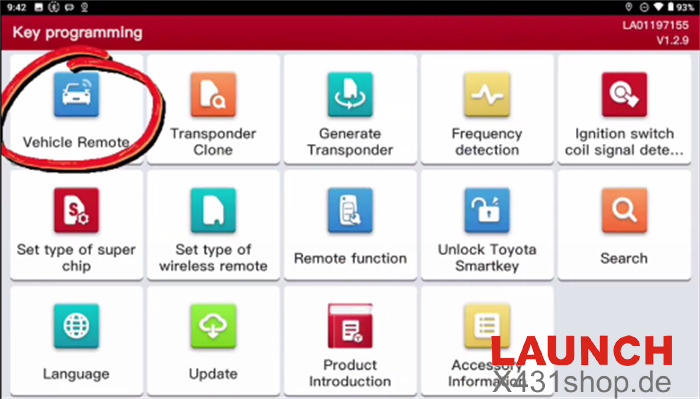
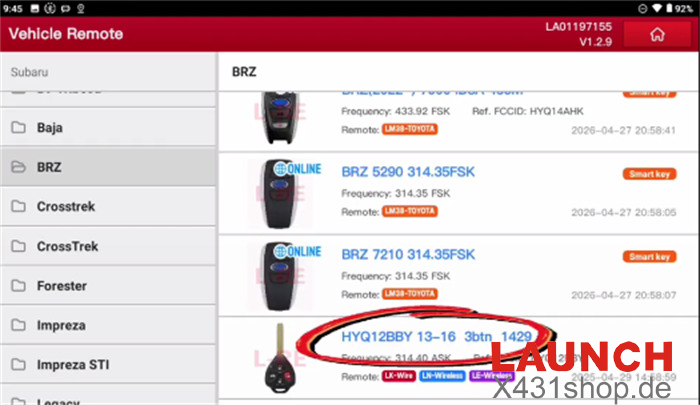
Open the programming menu and select: Key Programming → Vehicle Remote → Subaru → BRZ → HYQ12BBY 13-16 3BTN 1429
Choose the appropriate remote type.
2. Generate Remote
- Connect the programmer to the vehicle’s OBD-II port.
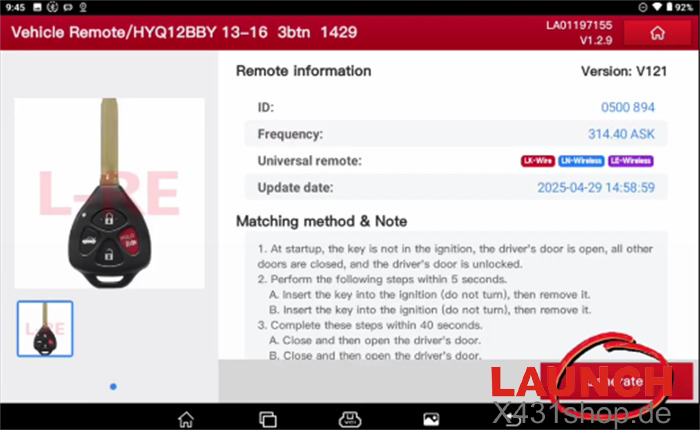
- Read and follow the displayed notes.
- Press Generate.
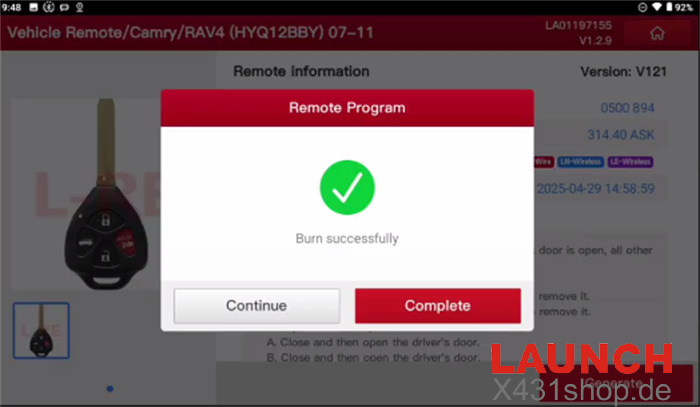
- Wait for the confirmation message.
3. Immobilizer Registration Procedure
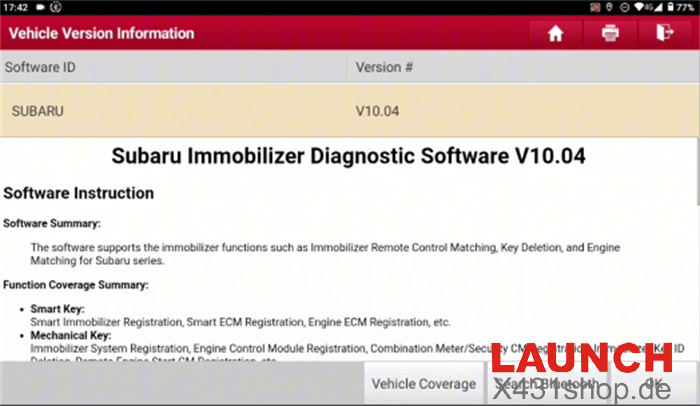
Launch Subaru Immobilizer Diagnostic Software V10.04 or above.
Choose: Immobilizer Key Matching → Smart Scan
Verify the following conditions:
- Ignition ON
- All vehicle doors closed
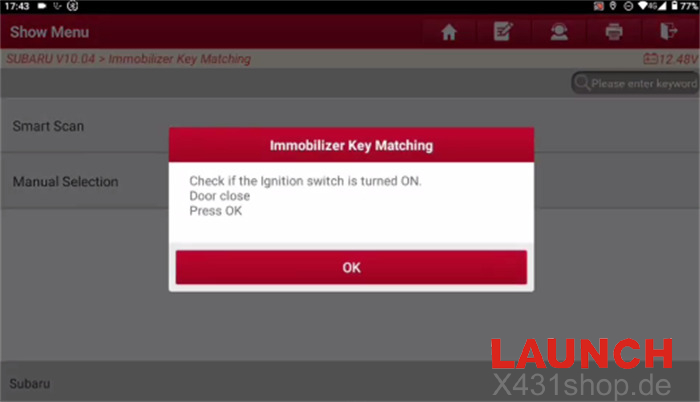
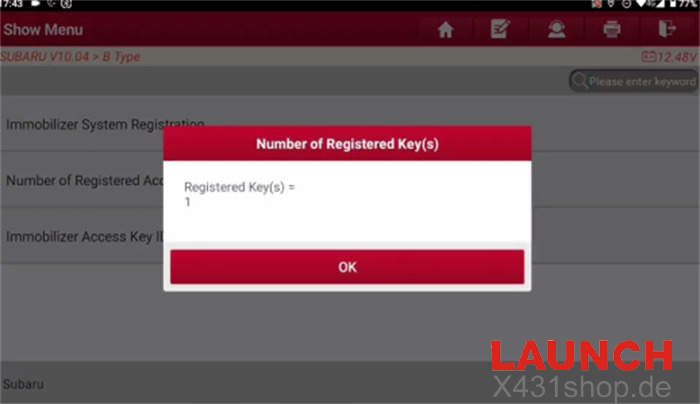
Check the current key quantity by selecting: Number of Registered Key(s)
The system will display the number of keys currently learned by the vehicle.
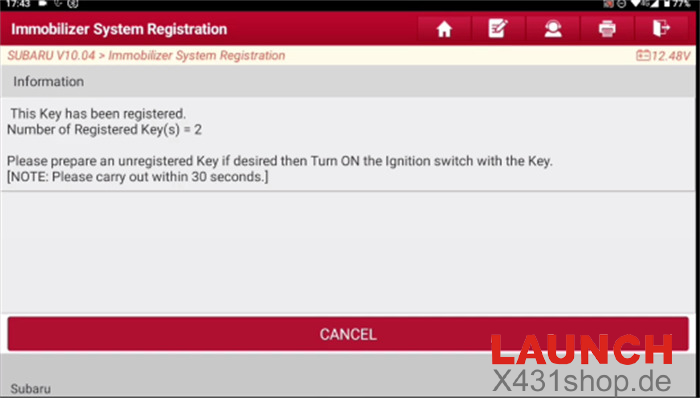
Select: Immobilizer System Registration
Follow the prompts shown by the software and complete the registration process.
After registration, the new key will be stored in the immobilizer system.
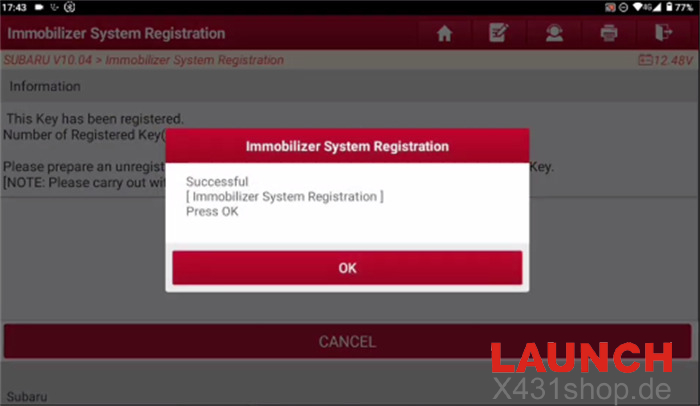
Result
The Subaru BRZ will recognize the newly added key, and the registered key count will increase after successful programming.