



Programming an additional key for VAG vehicles equipped with the MQB49 (5C/5D) immobilizer system, such as the 2023 Volkswagen T-Roc, can be performed on bench mode using Launch X431 X-Prog5 together with a compatible X431 diagnostic tablet.
Required Tools
- Launch X431 Tablet (X431 IMMO Plus, PAD V Elite, or PAD VII Elite) with activated VAG IMMO software
- Launch X431 X-Prog5 (PROG5/G5) IMMO programmer
- MCU V1 Cable
- Soldering tools and power supply cable
- Blank MQB49 5C/5D key
1. Connect the Devices
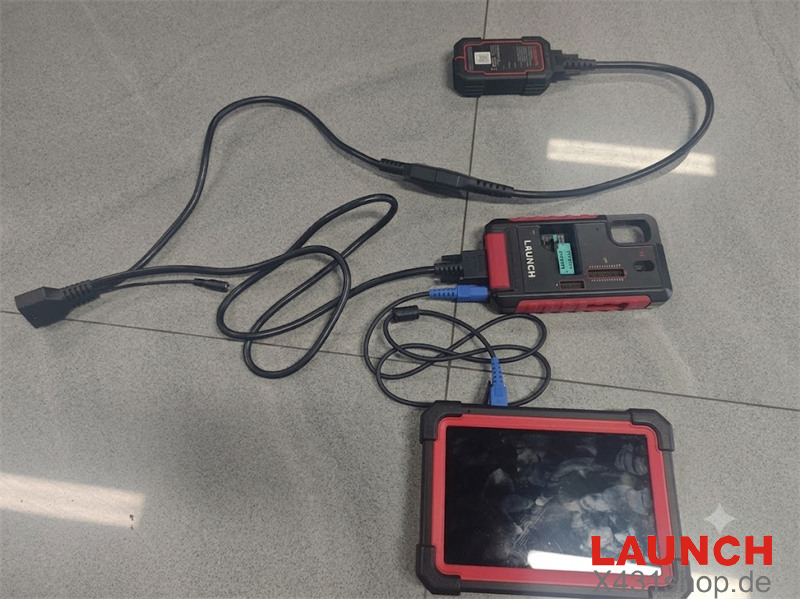
Connect Launch G5 to the X431 tablet through the built-in USB interface.
Connect external power supply to the G5 module to ensure stable operation.
2. Select MQB49 5C/5D System and Check Wiring Diagram
Turn on the X431 tablet and enter:
Immobilizer → System Mode → Immobilizer Key Programming → Key Learning → MQB Immobilizer System
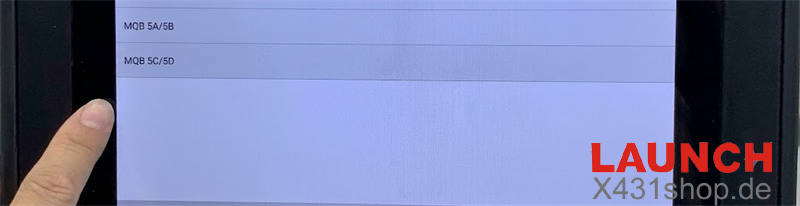
Select MQB49 5C/5D from the available immobilizer system list.
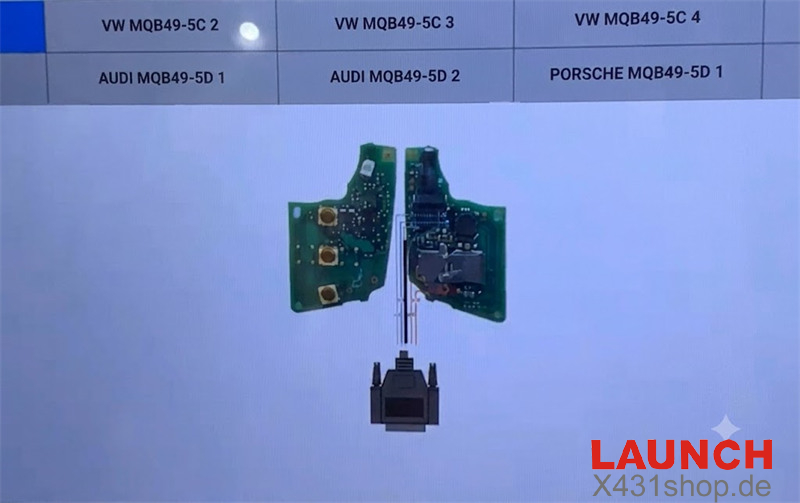
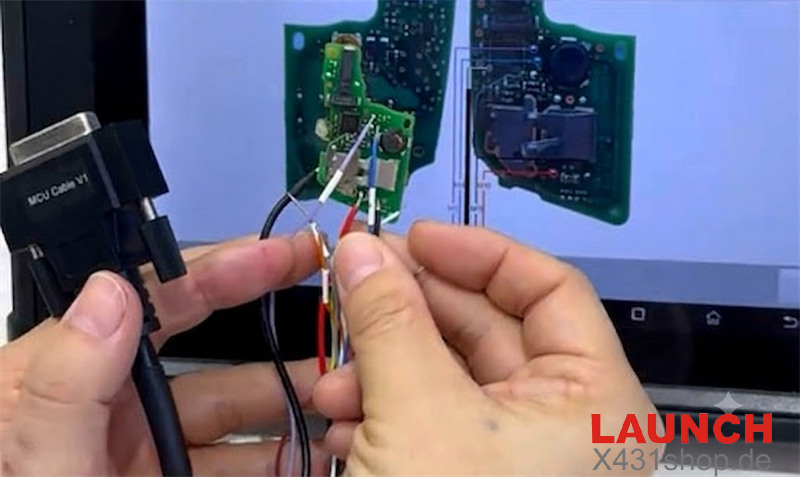
Open the pinout diagram and confirm the correct MCU V1 wiring points according to the key PCB version.
3. Connect MCU V1 Cable to Original Working Key
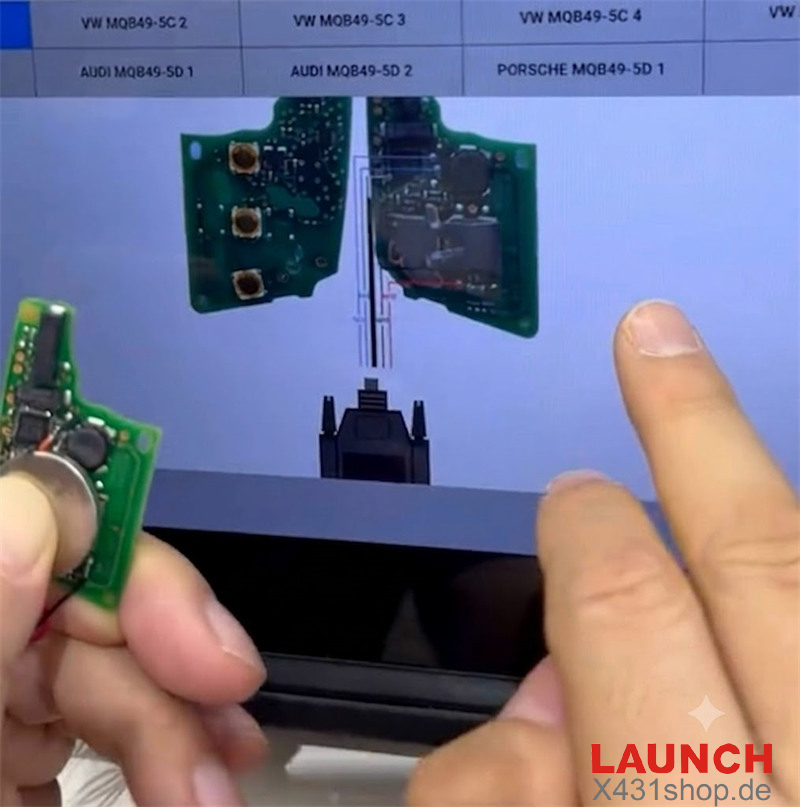
Open the original working key shell and remove the PCB board.
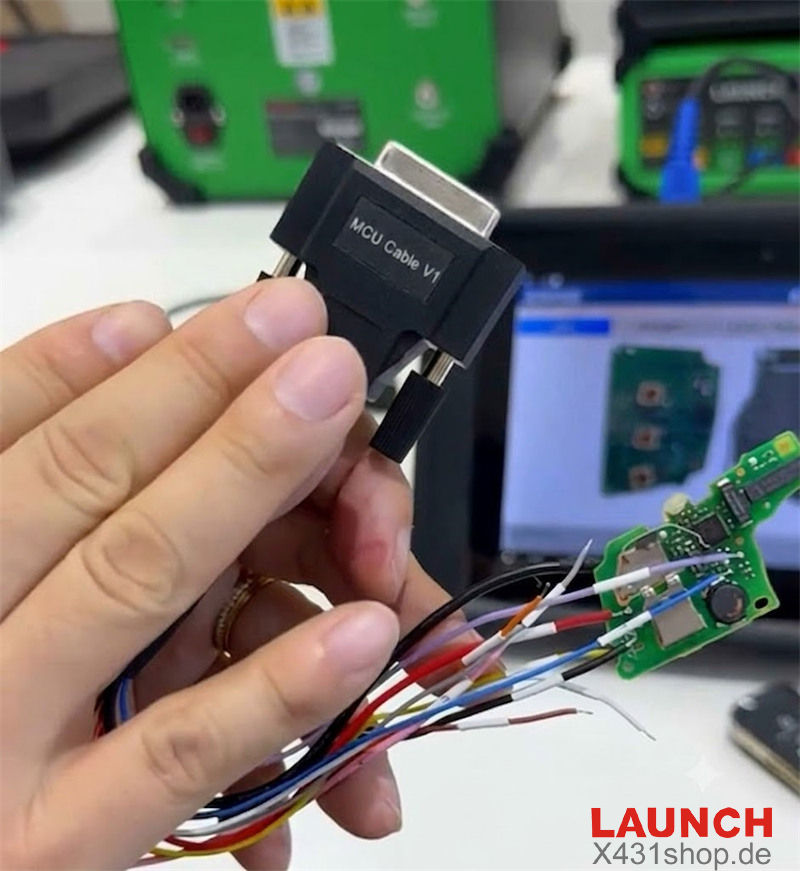
Solder the MCU V1 cable wires to the corresponding test points on the PCB.
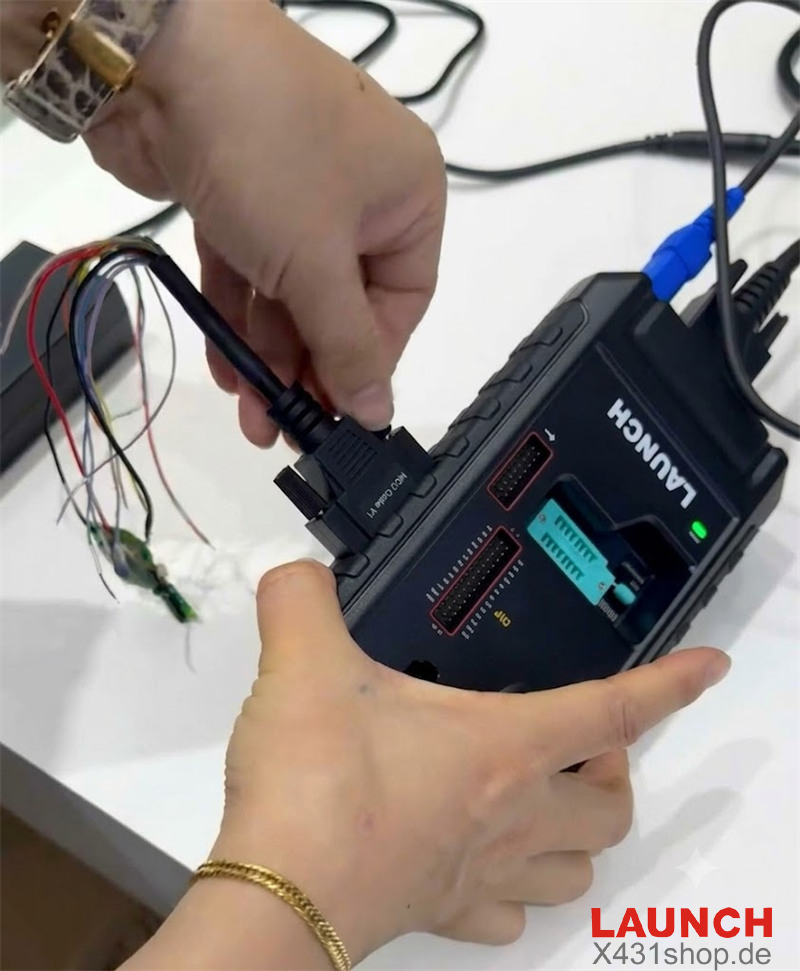
Connect the DB25 connector of the MCU V1 cable to the main port of Launch G5 Key Programmer.
4. Read Data, Generate Dealer Key and Complete Learning
- Start the MCU data reading function.
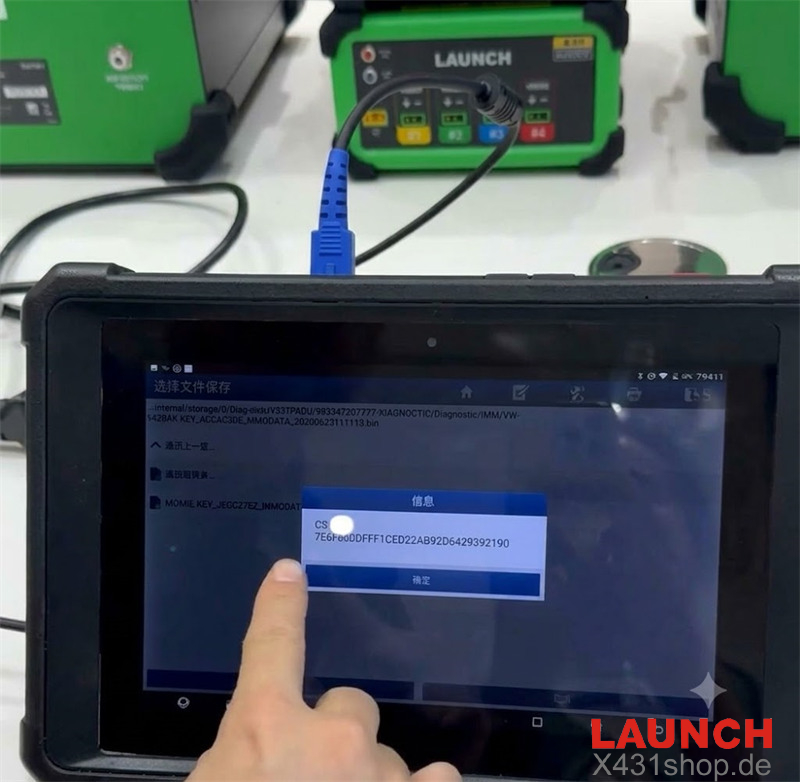
LAUNCH X-Prog5 will read the key PCB data, extract the component security (CS) information, and generate the immobilizer data file. - Save the generated IMMO data file on the X431 tablet.
- Remove the MCU V1 cable from the original key PCB.
- Solder the MCU V1 cable to the blank MQB49 key PCB using the same connection method.
- Connect the blank key PCB to X431 X-Prog5 programmer through the MCU cable.
- Select Generate Dealer Key to create a new dealer key.
- After dealer key generation is completed, enter the Key Learning function and follow the on-screen instructions to adapt the new key to the vehicle immobilizer system.