



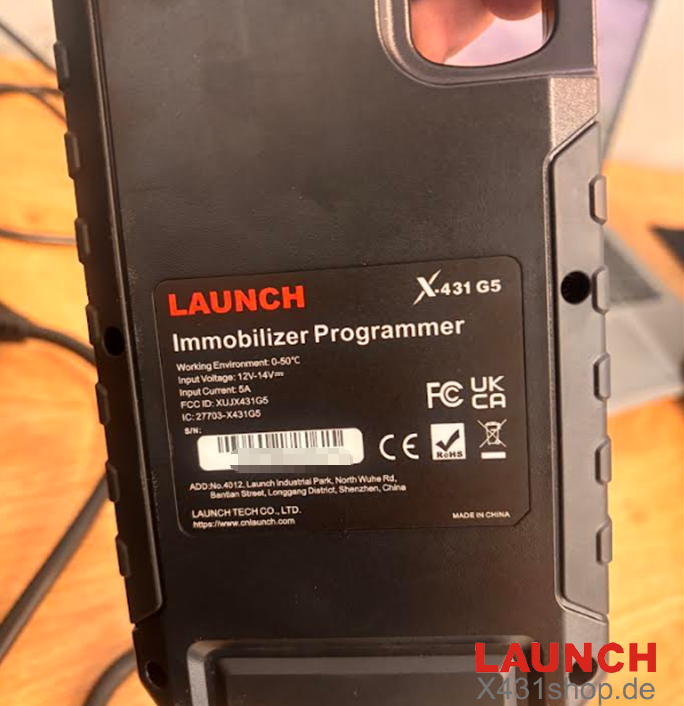
Launch has recently released its next-generation immobilizer tool: the Launch XPROG5 (G5) IMMO & Remote Key Programmer 3-in-1. Positioned as a major upgrade for locksmiths and automotive technicians across Europe, the new Xprog G5 consolidates multiple previous devices into one powerful package:
-
3-in-1 Integration: Combines the capabilities of the original X-PROG3, the PROG PC Adapter, and the X431 Key Programmer into a single hardware unit.
-
New Advanced Functions: Adds crucial coverage including MQB49 / 5C key matching and V850 / RH850 instrument cluster reading/writing, making it a comprehensive tool for modern VAG and other European vehicle immobilizer platforms.
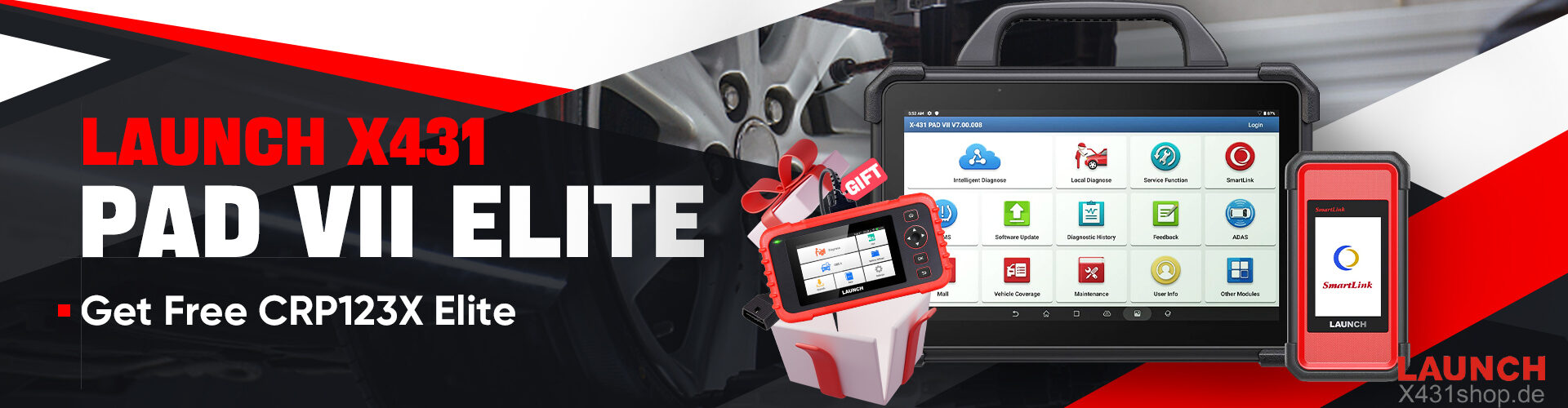
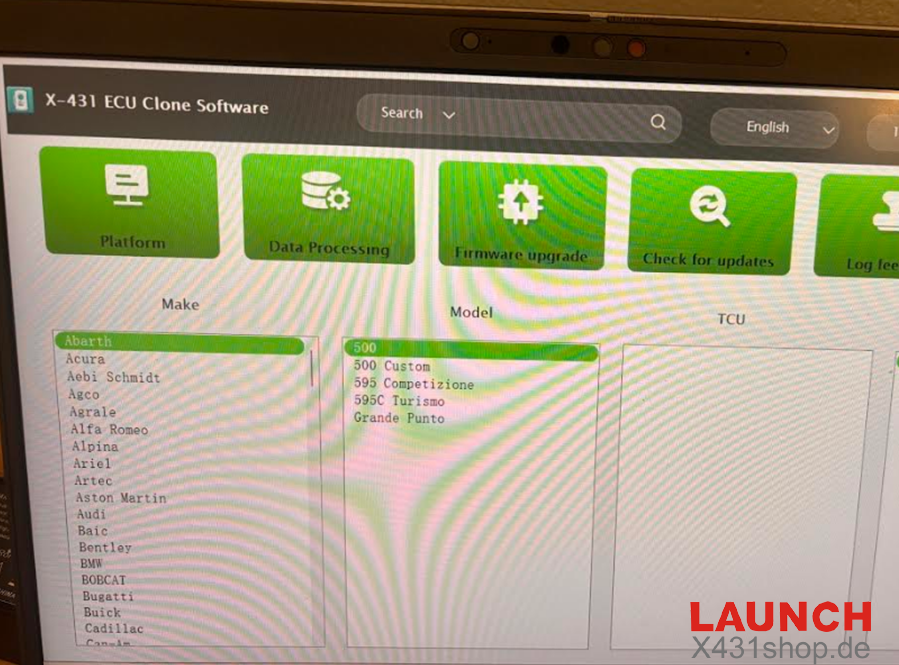
However, we received feedback that Launch Xprog G5 and are trying to pair it with Launch X-431 PAD VII but not working:
-
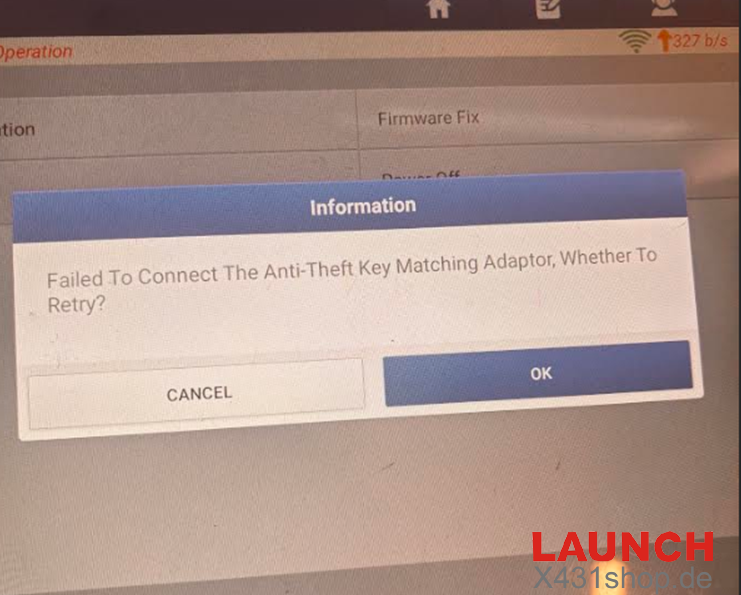
PAD VII Adapter Mode Failure: The new Xprog G5 fails to communicate or function as an immobilizer adapter when paired with the Launch PAD VII tablet as described in the manual. It shows error “Failed to connect the anti-key matching adapter, whether to retry?”
-
PC Connection Works Normally: When connected directly to a PC via USB, the Xprog G5 is recognized and connects successfully as a key/chip programmer.
-
Missing Chip Programming Features: Even after activating the Xprog G5 via PC connection, chip programming functions remain inactive or unavailable when attempted via the diagnostic tablet.
-
Older Hardware Works Fine: An older X-PROG3 unit connected to the exact same Launch PAD VII tablet works normally without any issues.
Official Solution
Launch engineer replied X431 PAD 7 version is lower, will release newer version, update newer one is OK.