







Customer Question
A user asked:
I need to change the tire size settings on a 2015 Ford Ranger 2.2 using my Launch X431 Pro Elite. However, I cannot find any tire size adjustment option in the common service functions. Does the tool support this feature?
Solution
Yes, the function is fully supported by X431 Pro Elite.
The tire size configuration is not located in the standard service reset menus. Instead, it is integrated into the vehicle’s Body Control Module (BCM) configuration settings.
To access the function, follow the menu path below:
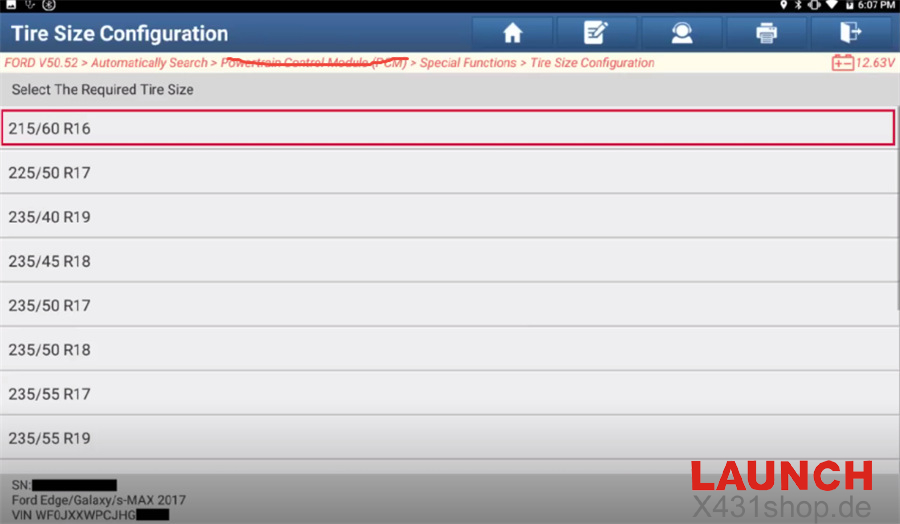
Local Diagnose → Ford → Latest Ford Software → Automatic Search → BCM → Tire Size Configuration → Tire/Rolling Circumference Setting
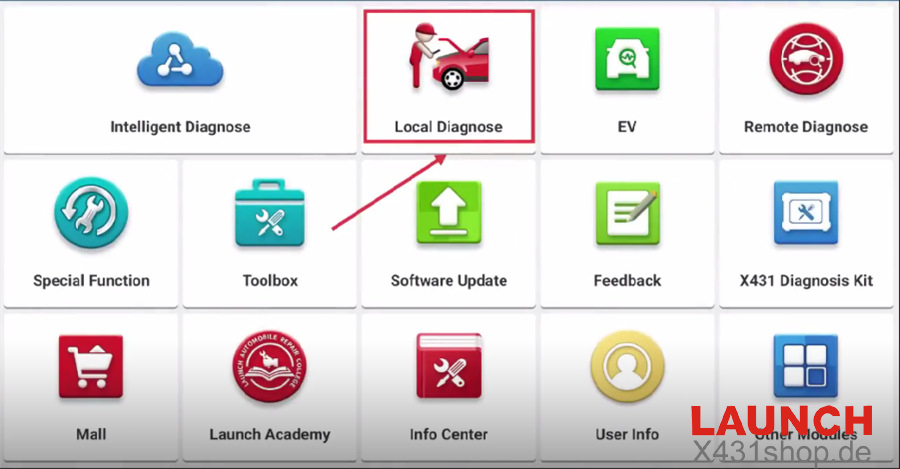
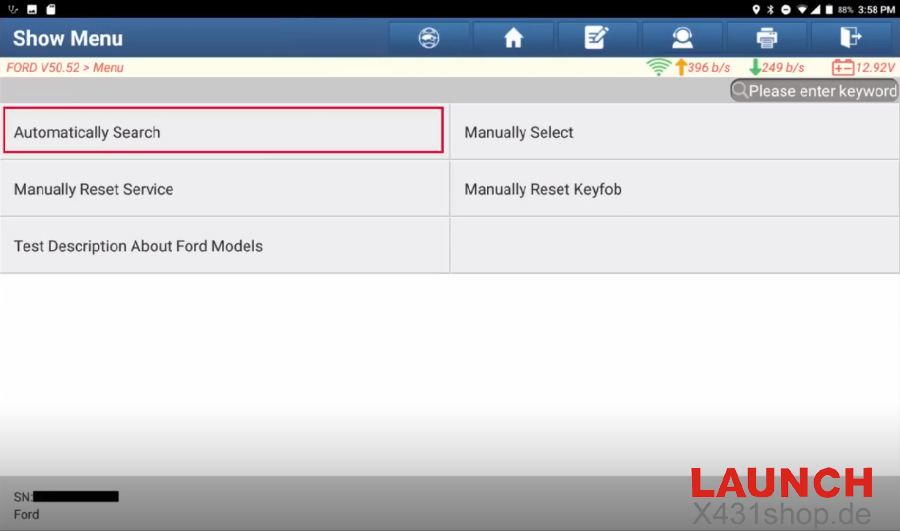
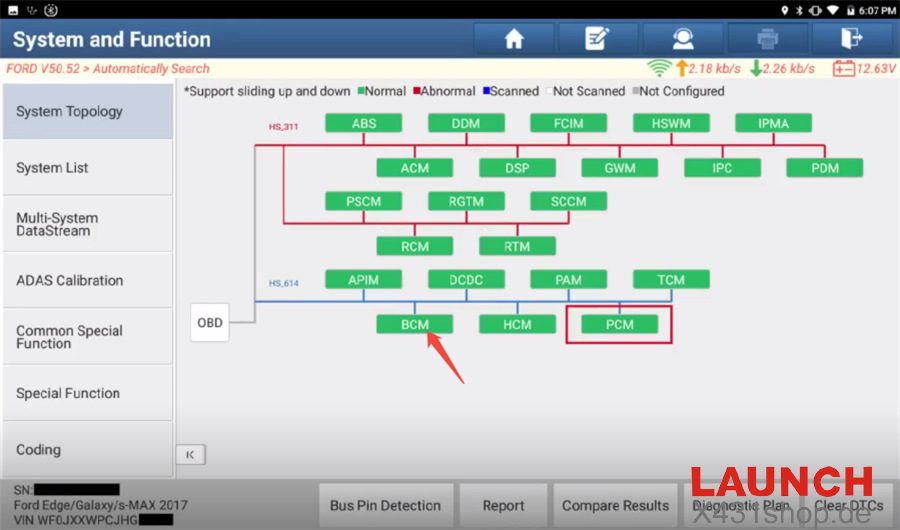
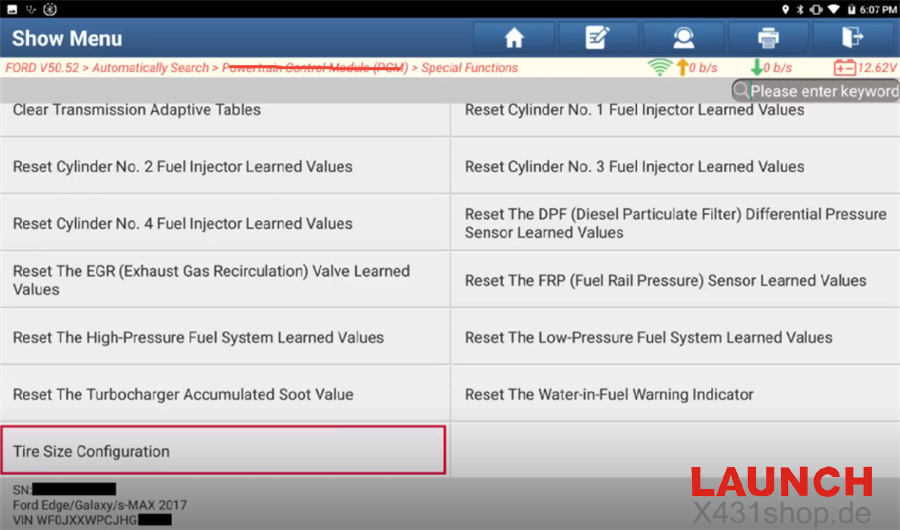
Once you enter the Tire Size Configuration menu, you can:
- Modify the tire rolling circumference value
- Select the appropriate tire specification
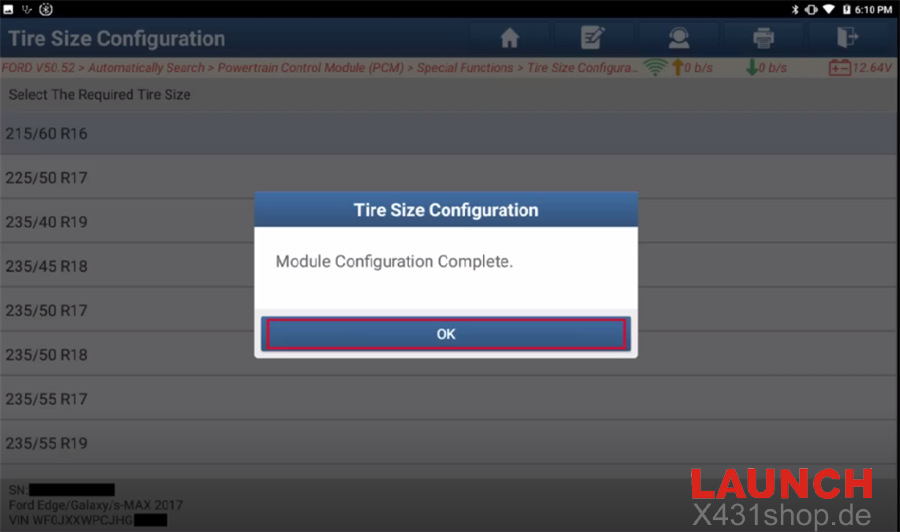
- Update the vehicle’s central configuration after tire replacement or wheel upgrades
This ensures that speedometer readings, ABS calculations, and related vehicle systems continue to operate accurately after changing tire dimensions.
Important Note
The screenshots shown above were captured using Launch X431 PAD IX LINK HD platform and are provided for reference only.
Menu layout and interface appearance may vary slightly on X431 Pro Elite and X431 PROS Elite, but the function path and operation process remain essentially the same.
If you are unable to locate the function, make sure your device software and Ford diagnostic package are updated to the latest version.