






This guide explains how to diagnose and fix TPMS (tire pressure monitoring system) issues on a 2019 BMW 730Li using Launch TPMS 5011 V2 / 511S V2.
With the help of Launch TPMS 5011 V2, technicians can identify faulty sensors, check system status, and restore proper tire pressure monitoring functionality.
Steps
Turn on TPMS 5011 V2
Navigate to:
TPMS → BMW → 7 Series → 2014/10–2022/12 (433MHz) [G11/G12]
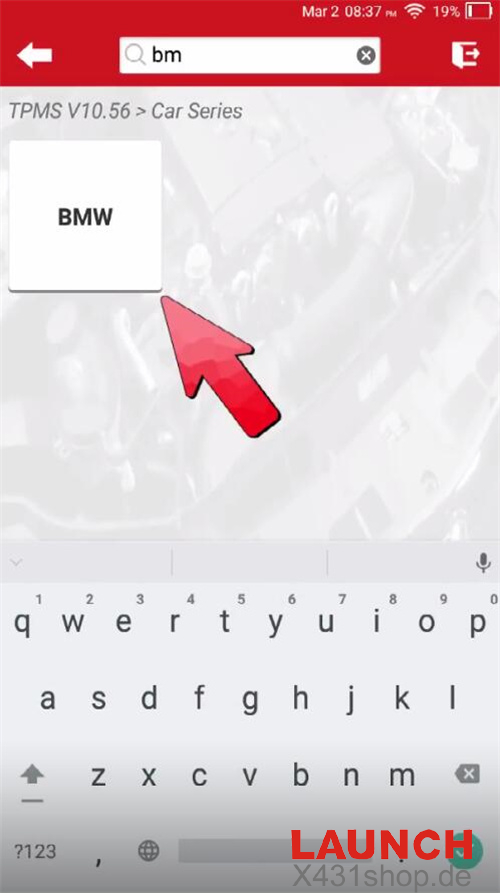
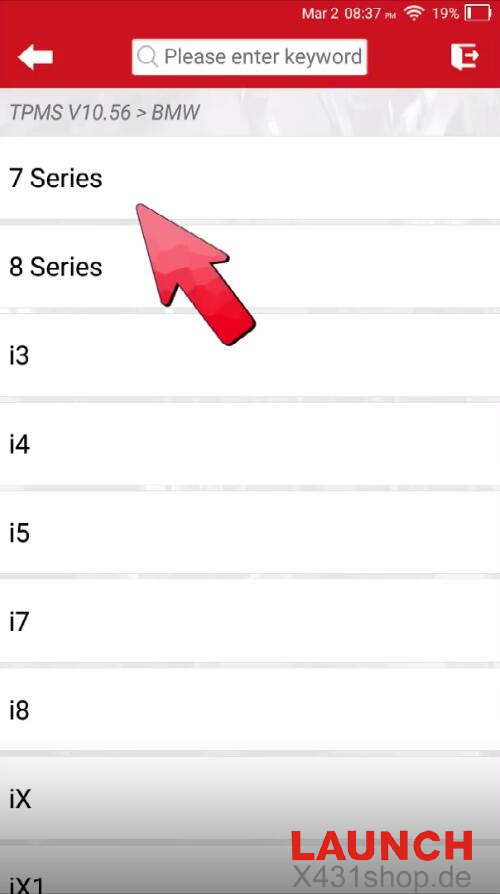
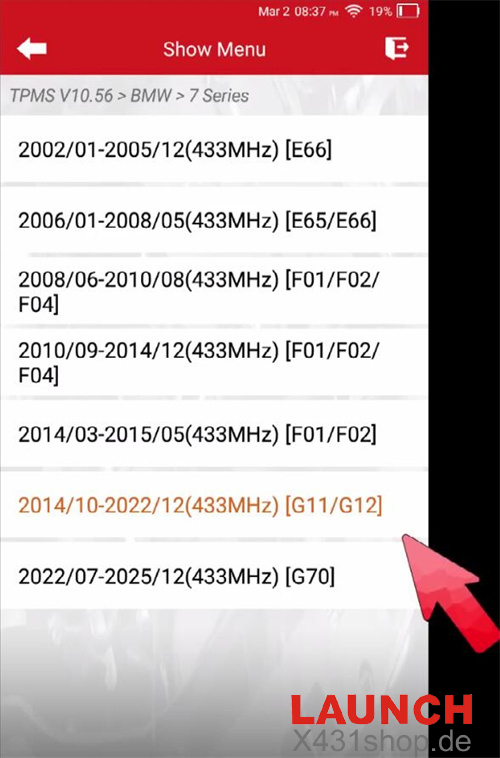
Note: If there are multiple options for the same model year, switch to another one if activation does not work.
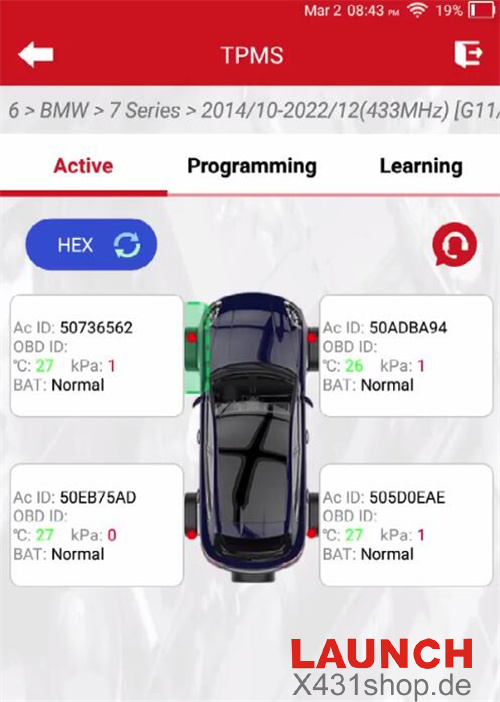
Select [Active] to trigger all four tire pressure sensors
The tool successfully activates the FR, RR, and RL sensors, but the FL sensor does not respond. This indicates that the FL sensor is faulty.
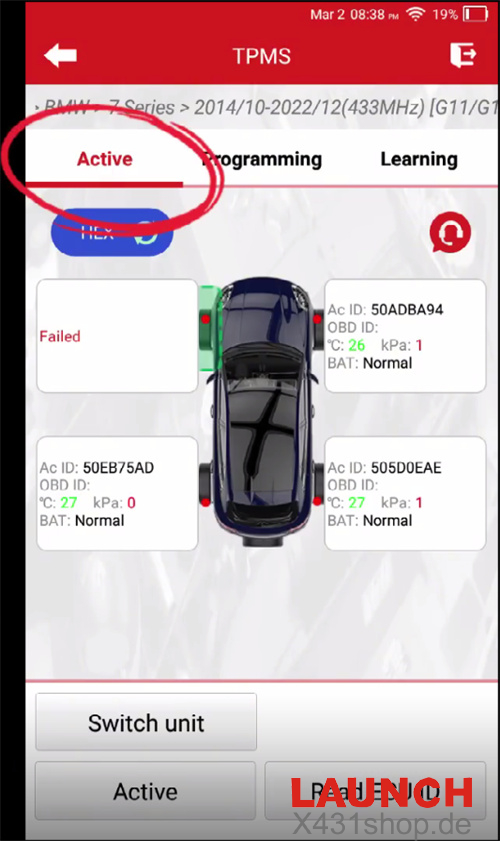
Remove the defective sensor. Then enter [Learning] to check the sensor part number or print number. Continue only if one of them matches.
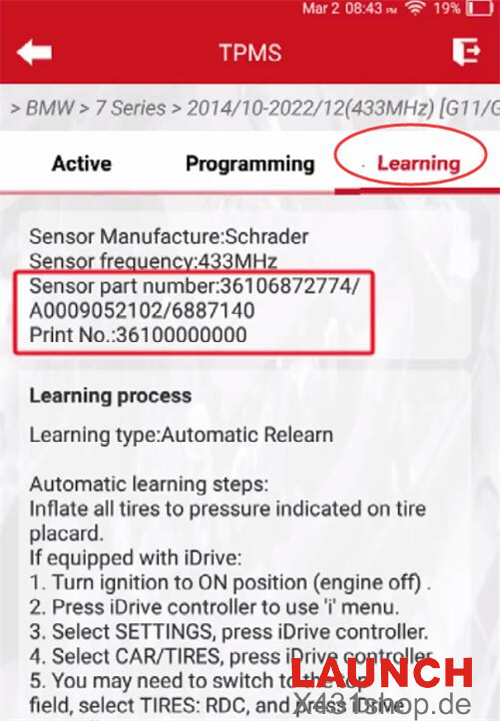
Note: If it is an original sensor, confirm directly. If a different brand sensor is installed, proceed to the next step.
Select [Programming] and choose [Auto]
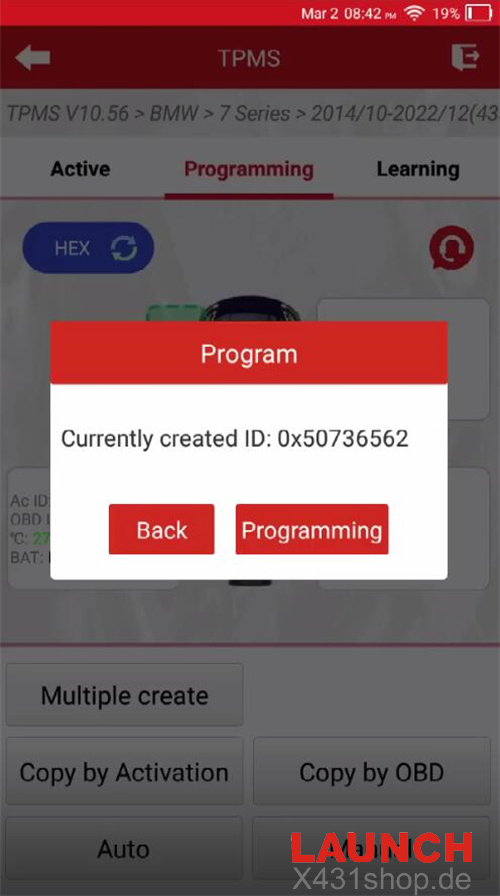
Note: You can also select [Manual] to enter the original sensor ID or choose [Copy by OBD] to duplicate the ID. After programming, if tire pressure values are not displayed on the dashboard, the BMW learning procedure is still required.
Programming is completed
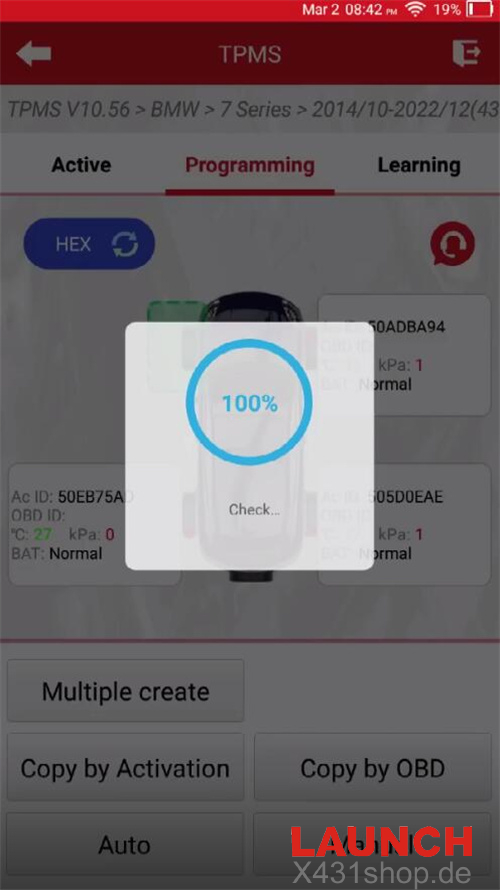
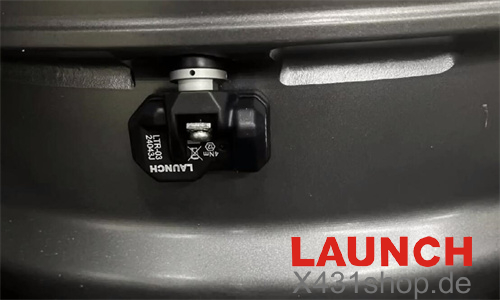
Install the programmed Launch sensor into the FL wheel and inflate the tire to the standard pressure
Use [Active] again to activate the new sensor in the FL position
Enter [Learning] and follow the automatic learning procedure
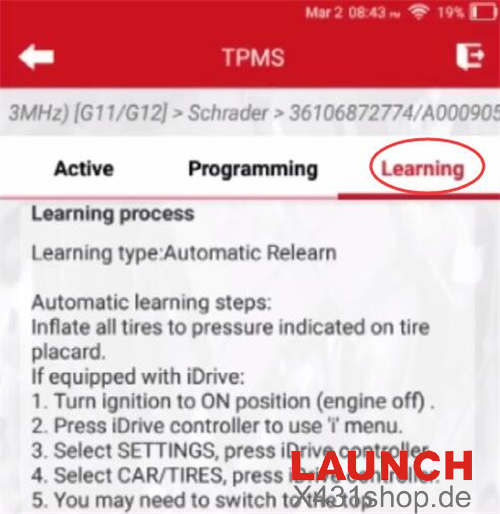
Learning Process
After locking the vehicle, wait about 20 minutes for it to enter sleep mode. Then:
Select tire pressure reset on the central display
Drive the vehicle above 25 km/h
Continue driving until the reset progress bar is completed
Once finished:
The TPMS warning light will turn off
Tire pressure values will display normally
Learning is completed using TPMS 5011 V2 Tire Pressure Tool
Video guide: