






Steps: Instrument Buzzer Sound Check on 2020 Dongfeng Tianjin
1. Select Local Diagnosis
Open your diagnostic tool and choose Local Diagnosis to start the vehicle scanning process.
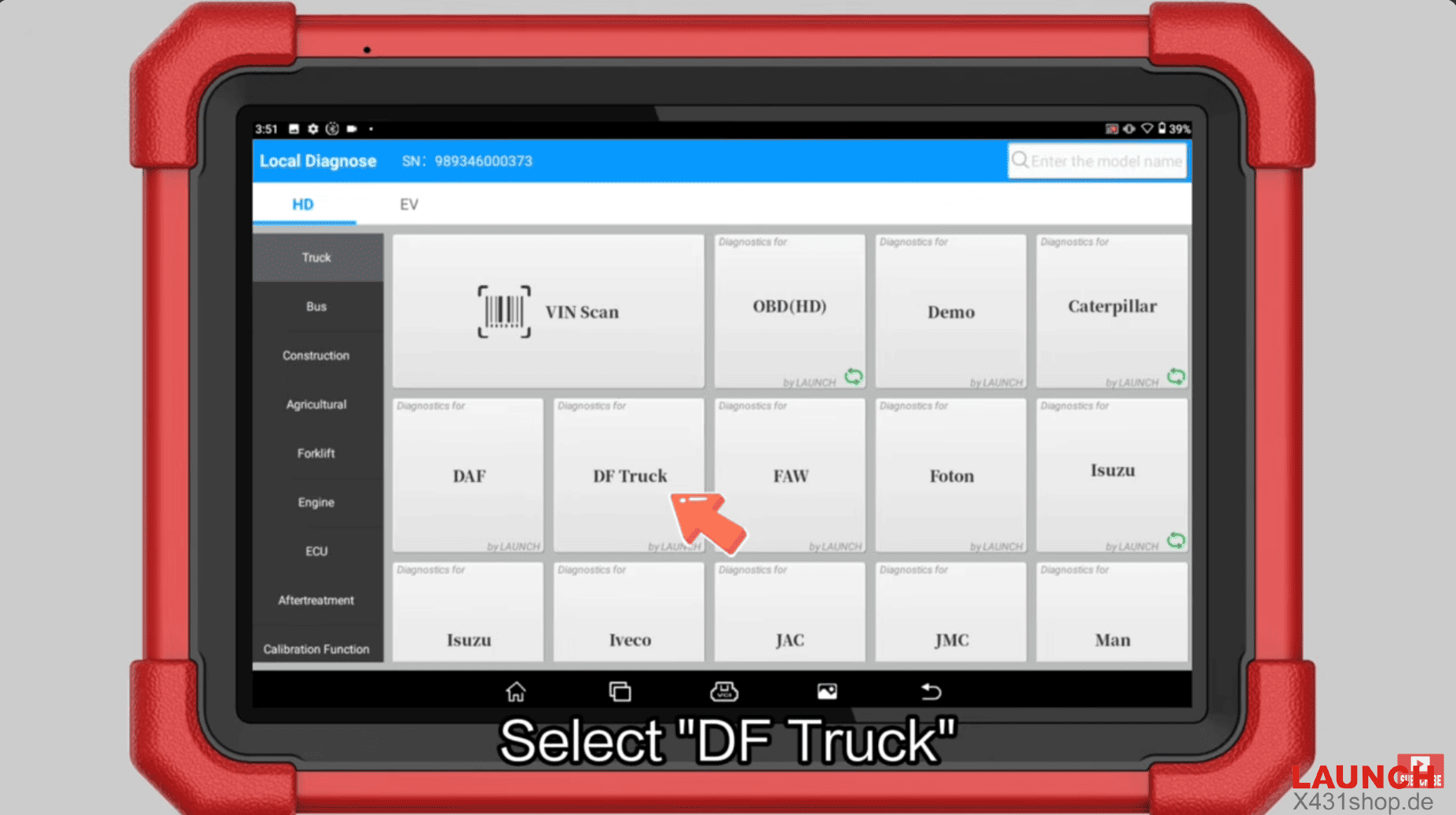
2. Choose DF Truck
Select DF Truck from the brand list and confirm with OK.
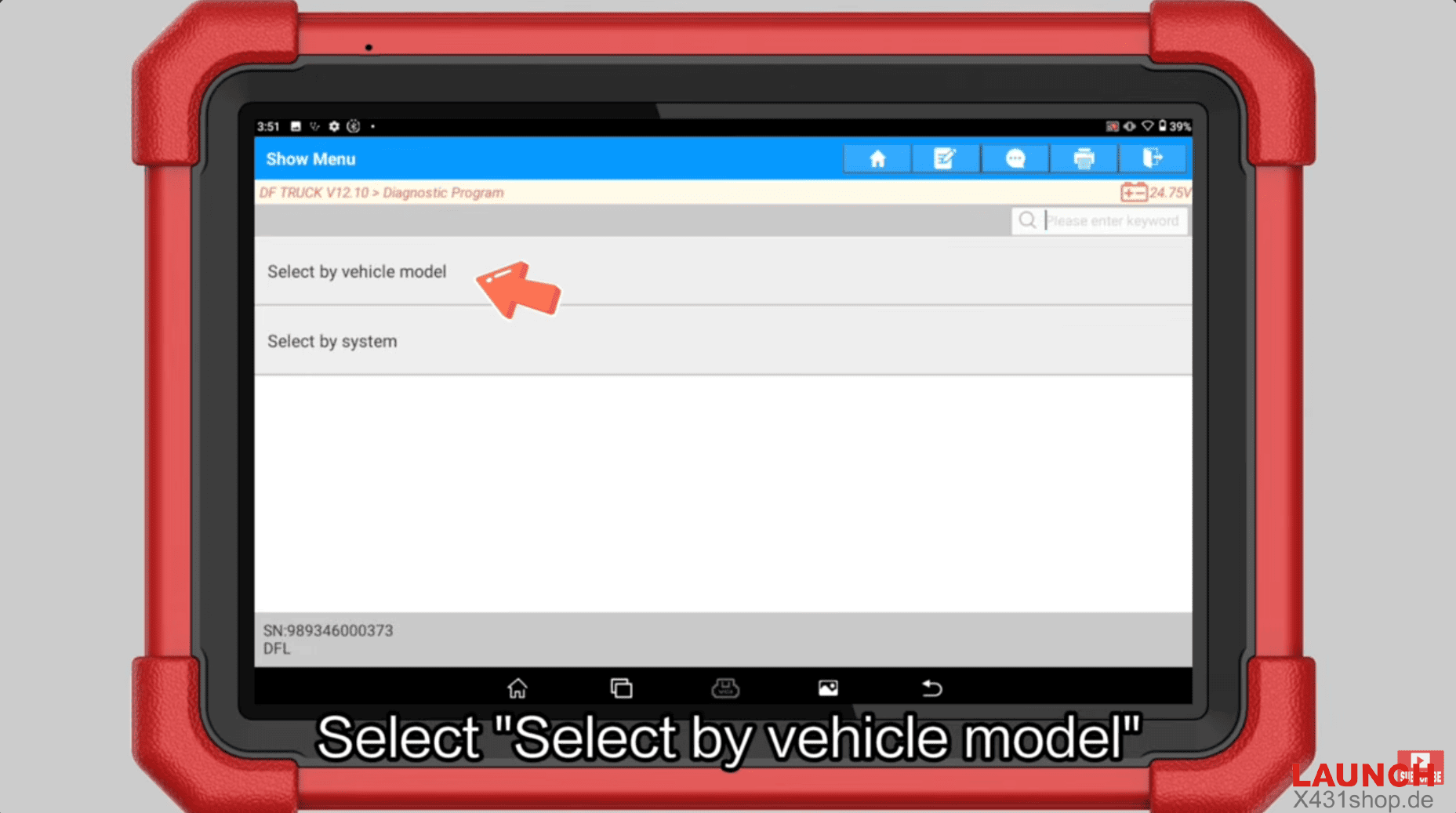
3. Select by Vehicle Model
Choose Select by vehicle model → Dongfeng Tianjin.
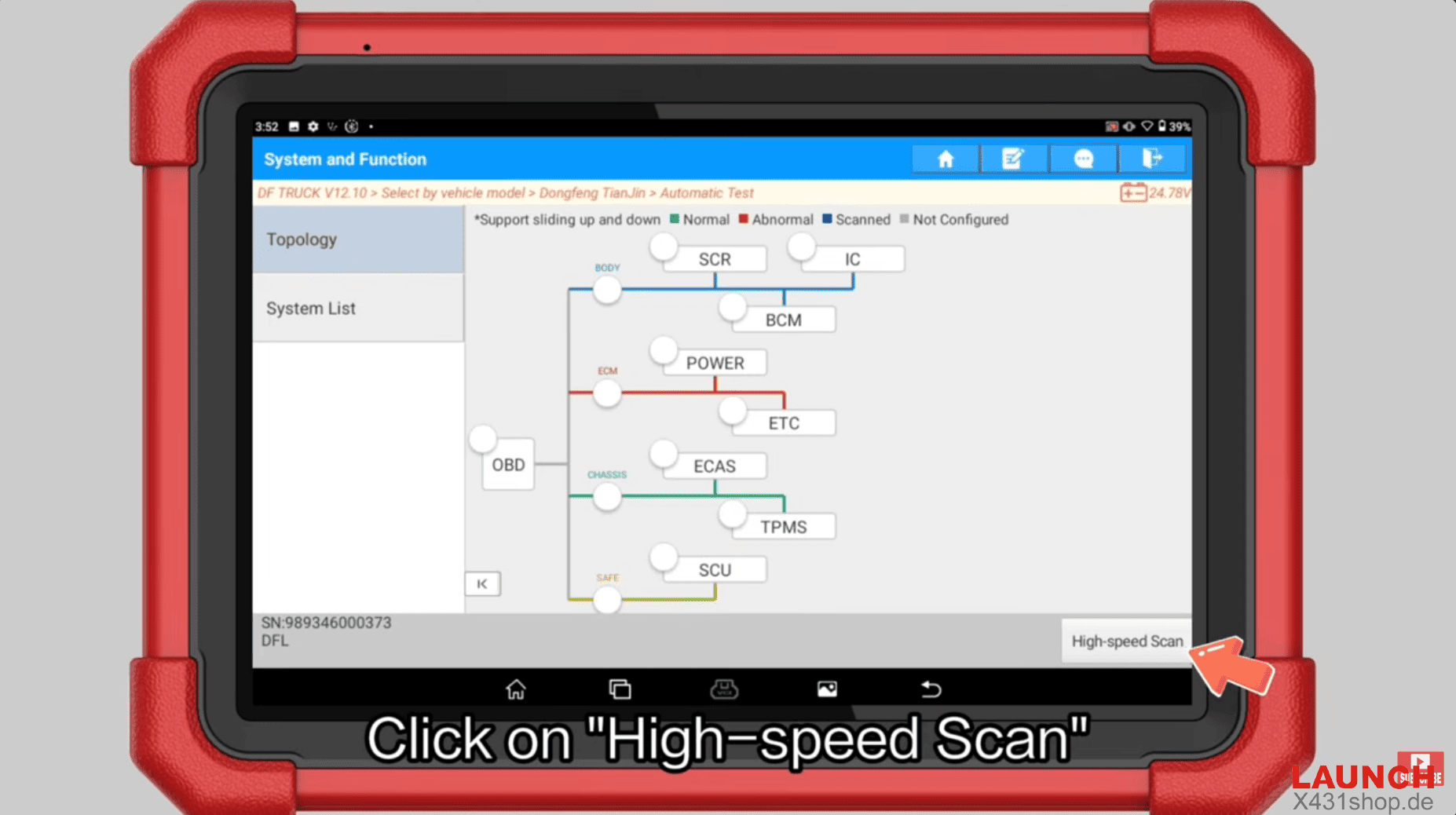
4. Run Automatic Test & High-speed Scan
Perform Automatic Test and initiate High-speed Scan to detect all available systems.
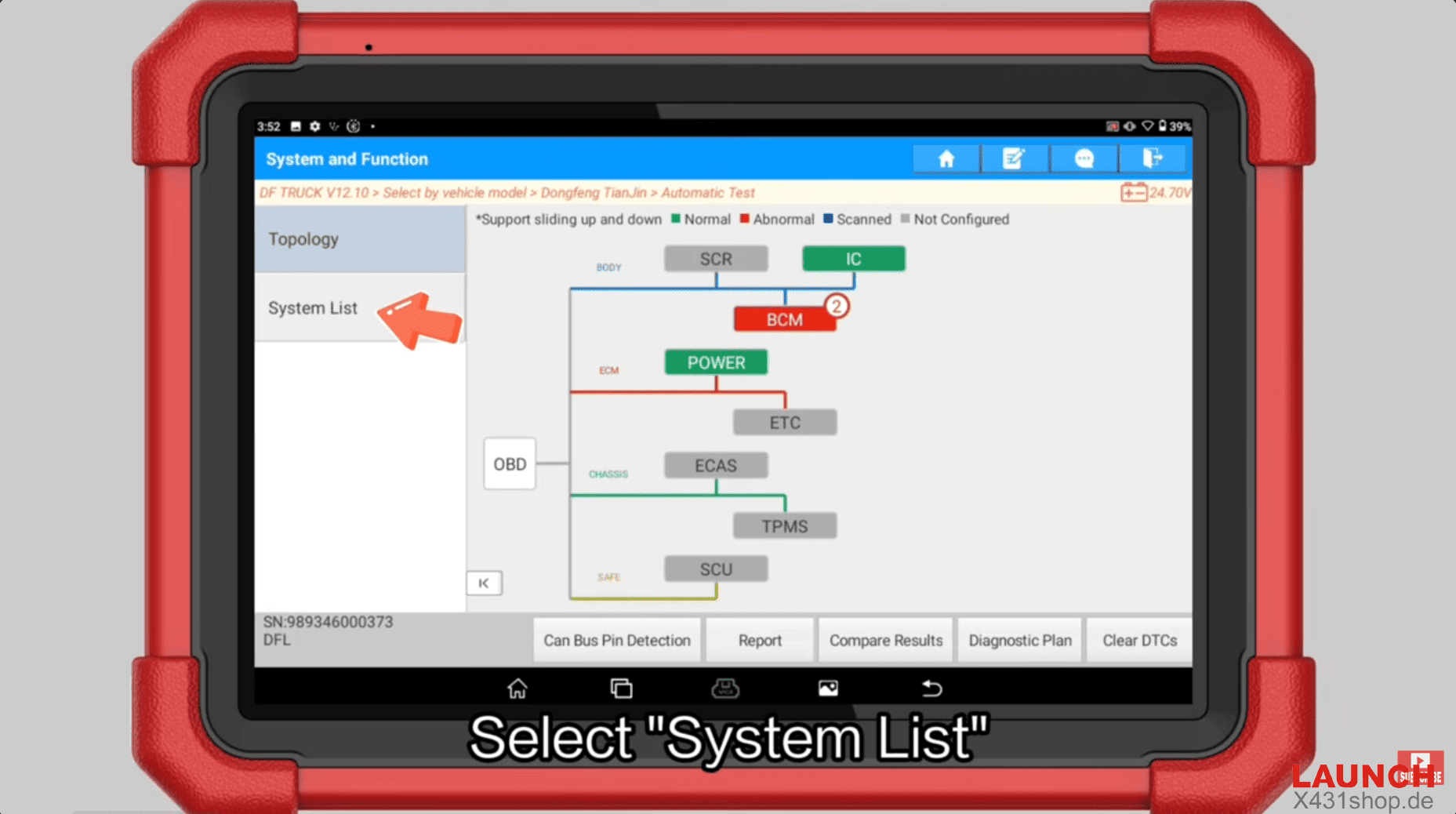
5. Access System List
Go to System List and enter the Instrument system.
6. Verify Vehicle Information
Confirm the vehicle data matches your 2020 Dongfeng Tianjin before proceeding.
7. Enter Actuator Test
Select Actuator Test from the function menu.
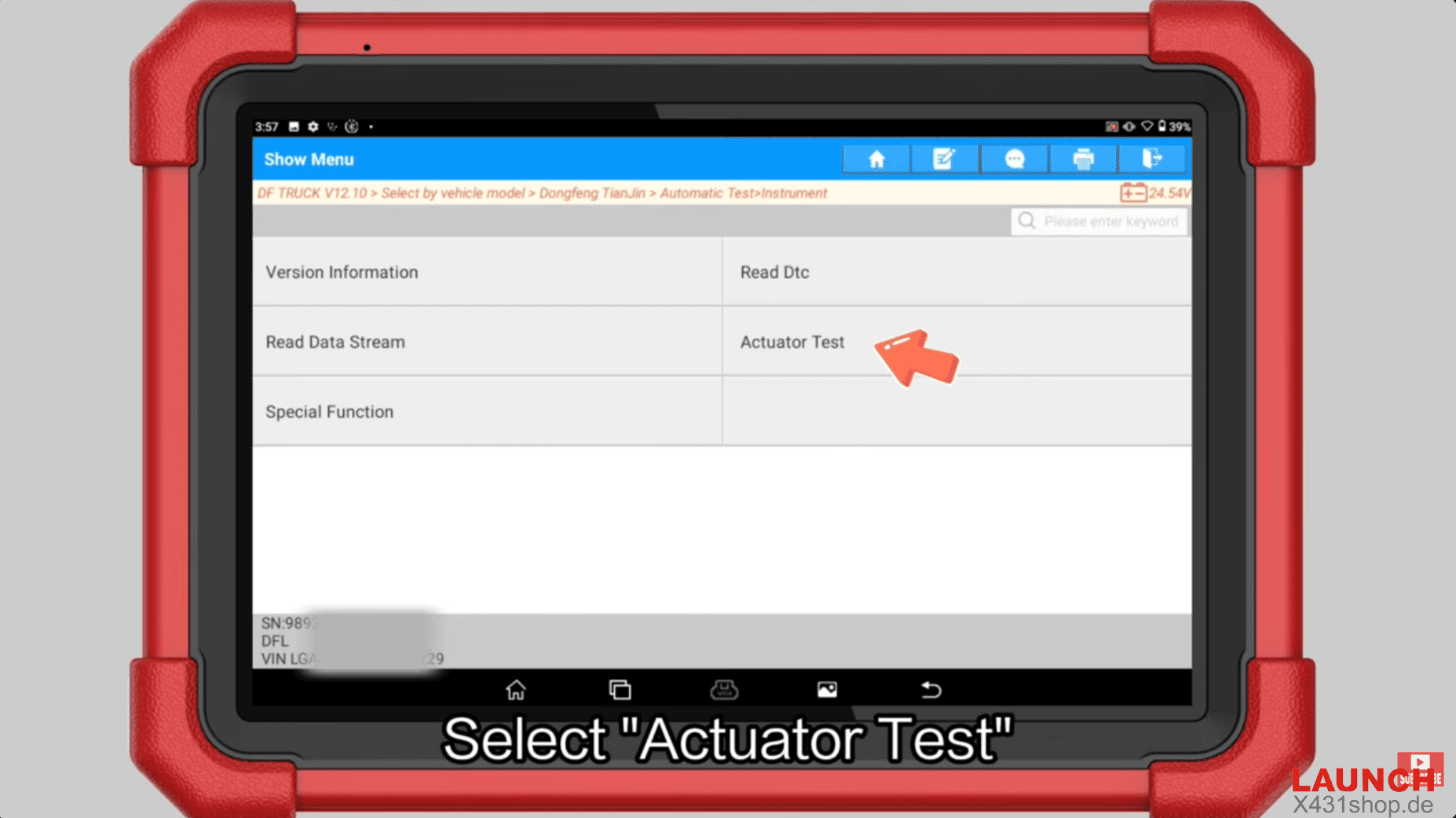
8. Choose Instrument Buzzer Sound Check
Locate and select Instrument buzzer sound check (sometimes listed as Buzzer Test or Audible Warning Test).
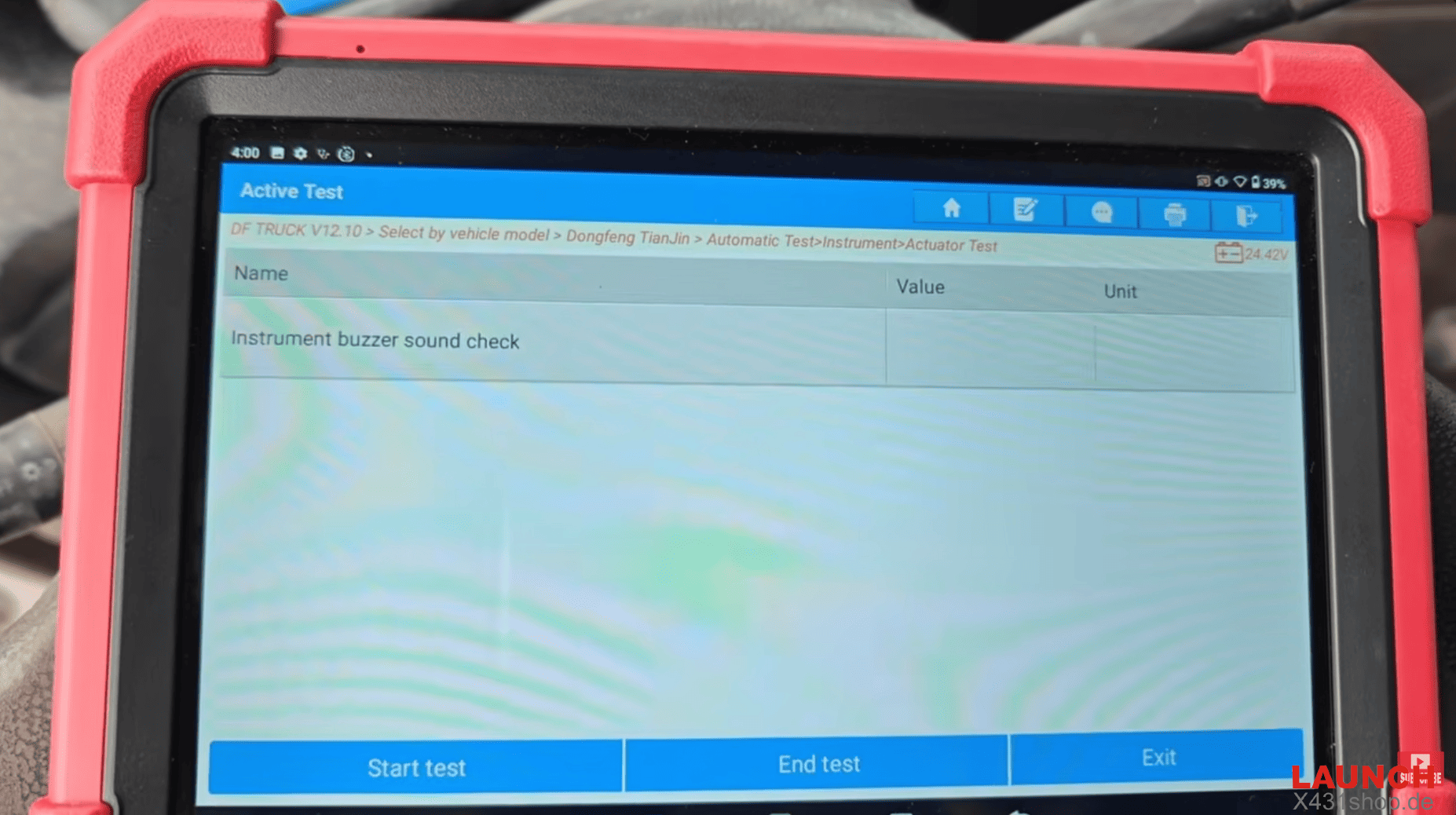
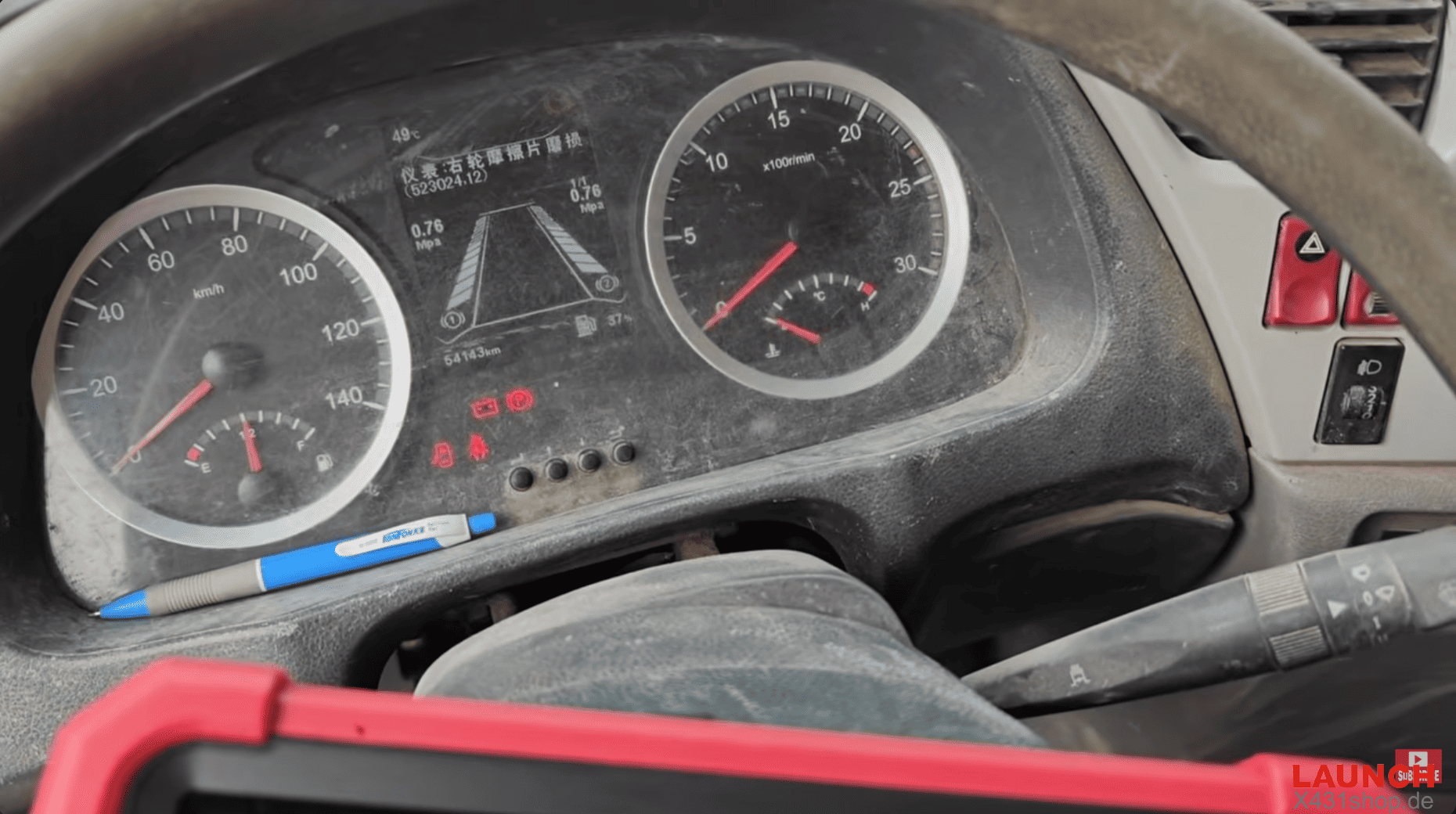
9. Start the Test
Read the on-screen information carefully, then click Continue → Start test.
You should immediately hear the instrument buzzer sound from the dashboard.
10. End the Test
Once confirmed, click End test to stop the buzzer and exit the function.