






Testing confirms that the Launch X431 ECU & TCU Programmer can successfully perform bench cloning of the Citroen Bosch MED17.4.4 ECU (TC1793), specifically validated on a Citroen C4 Grand Picasso model.
Operation Procedure
Step 1: Back Up Original MED17.4.4 ECU Data
1. Connect the X431 ECU Programmer to a computer.
2. Launch the X-431 ECU & TCU Programmer software, search for and select “Citroen C4 Grand Picasso MED17.4.4_TC1793”.
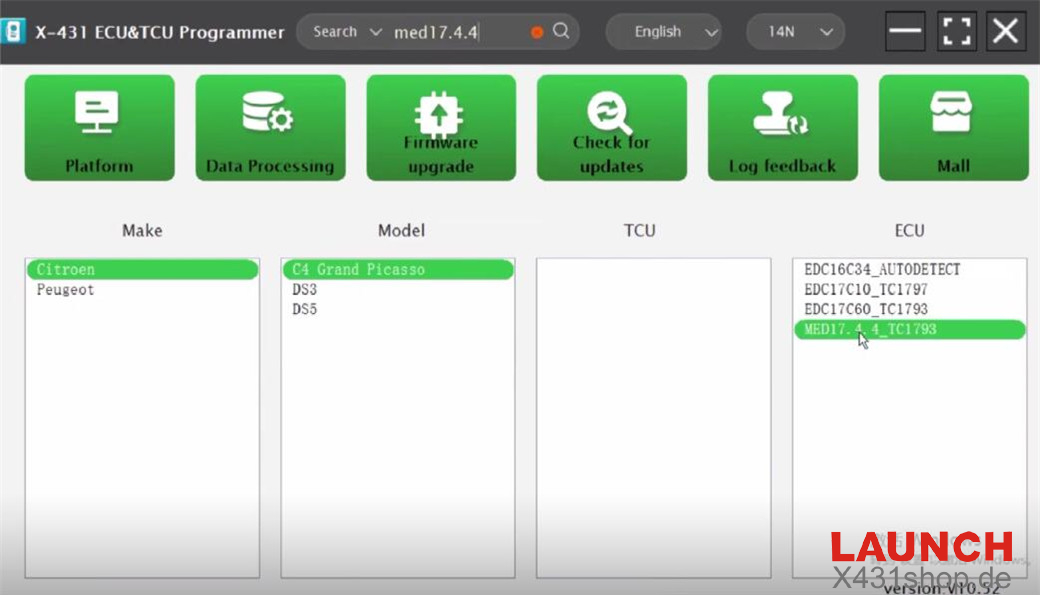
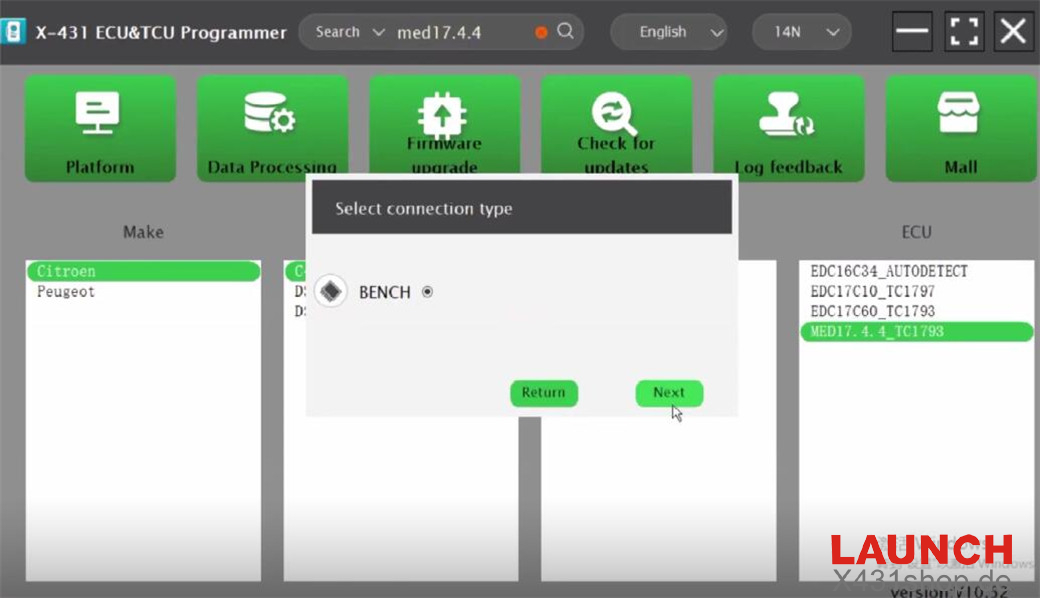
3. Choose “BENCH” as the connection type.
4. Review the connection diagram.
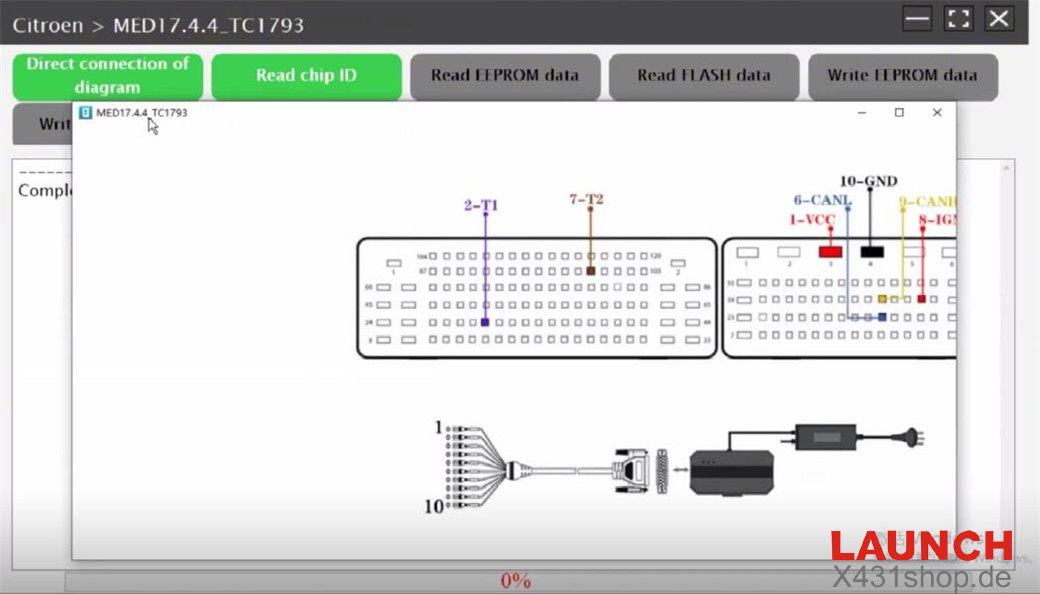
5. Connect the X-431 ECU Programmer to the original Bosch MED17.4.4 ECU according to the diagram.
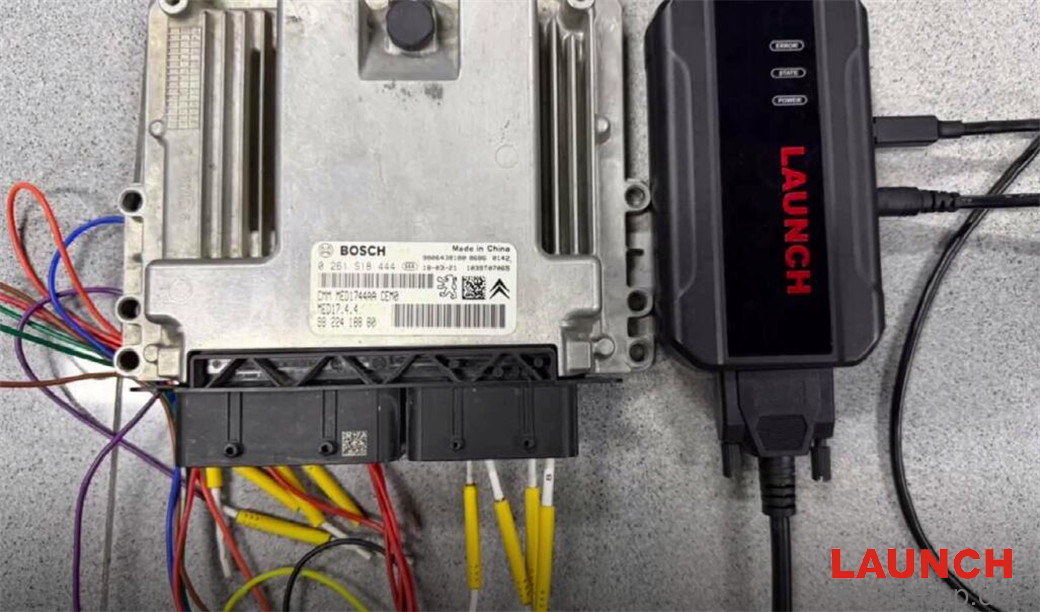
6. Read the chip ID successfully.
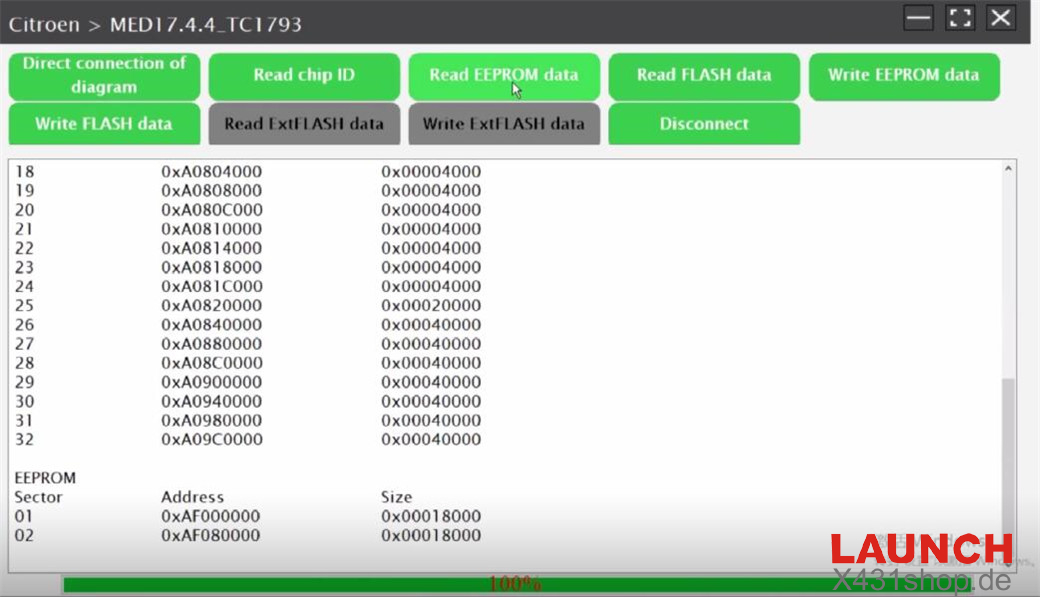
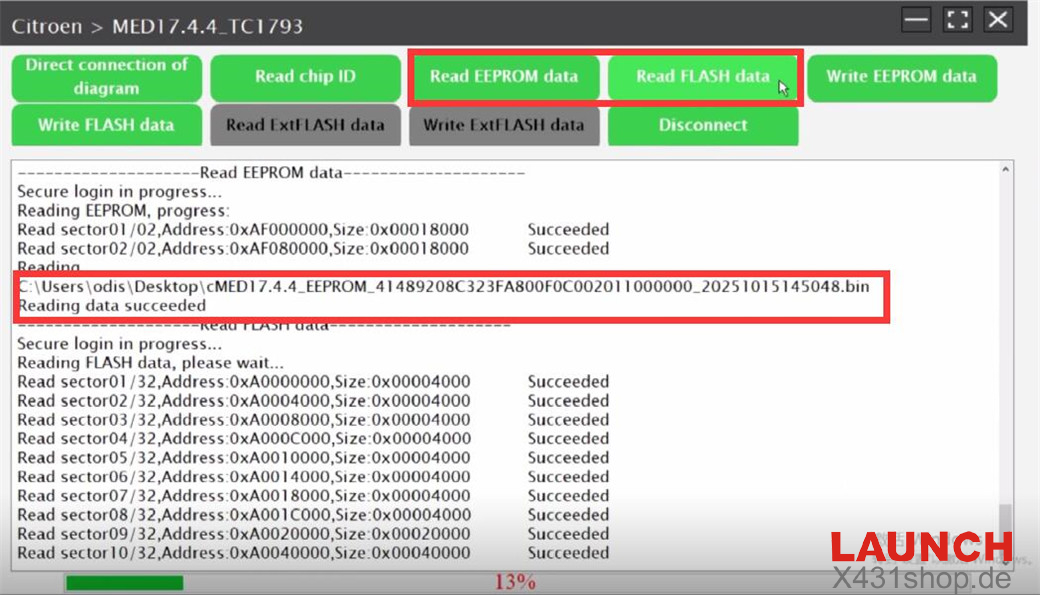
7. Read and save the EEPROM data successfully.
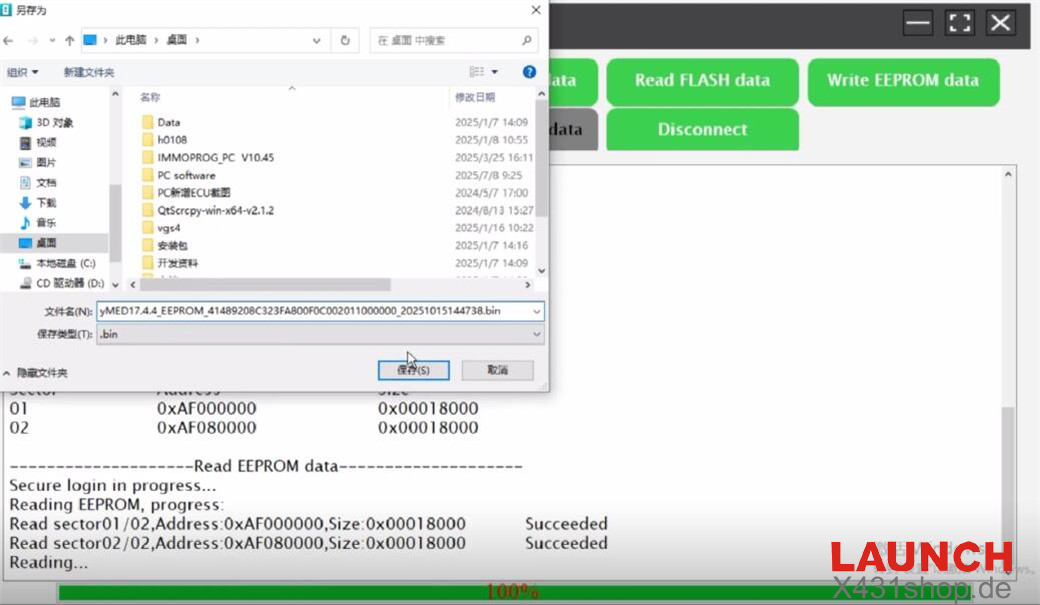
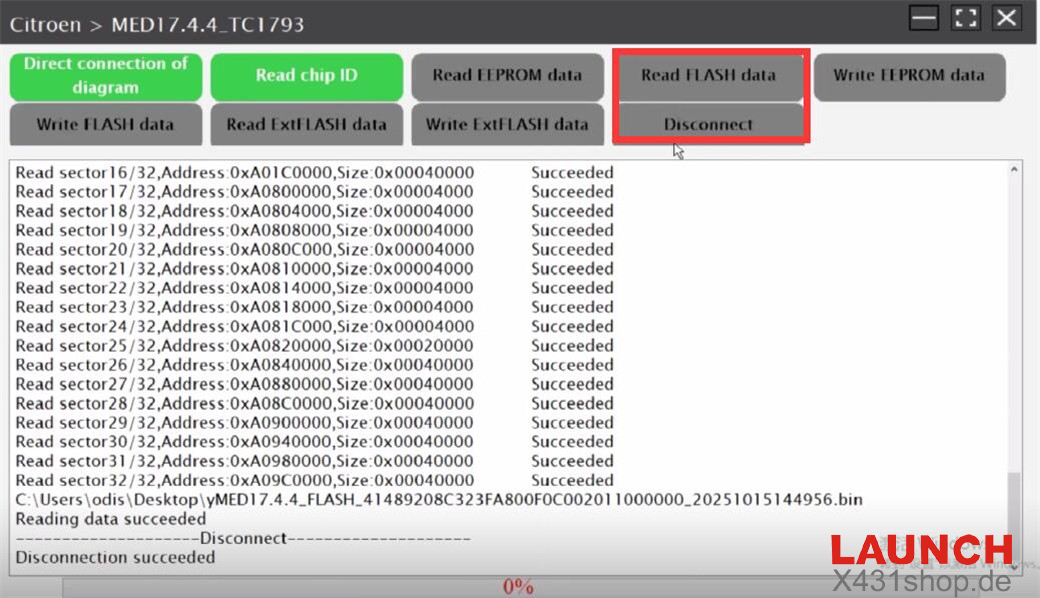
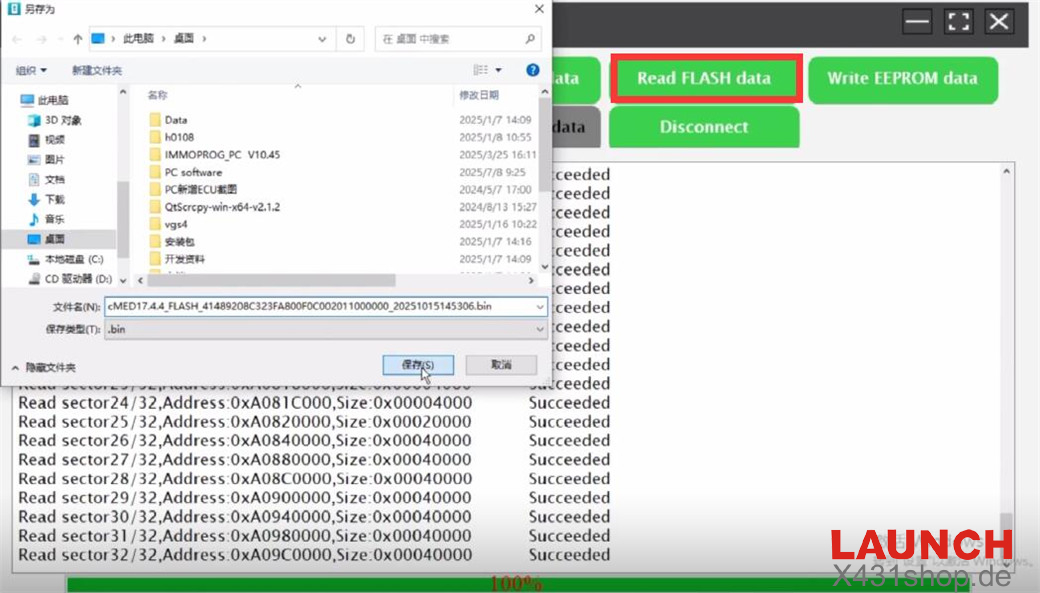
8. Read and save the Flash data successfully.
9. Disconnect the original ECU.
Step 2: Back Up New MED17.4.4 ECU Data
Use the same method to connect the X431 ECU & TCU Programmer to the new MED17.4.4 ECU.
Read and save the EEPROM and Flash data from the new ECU.
Step 3: Write Original ECU Data to New ECU
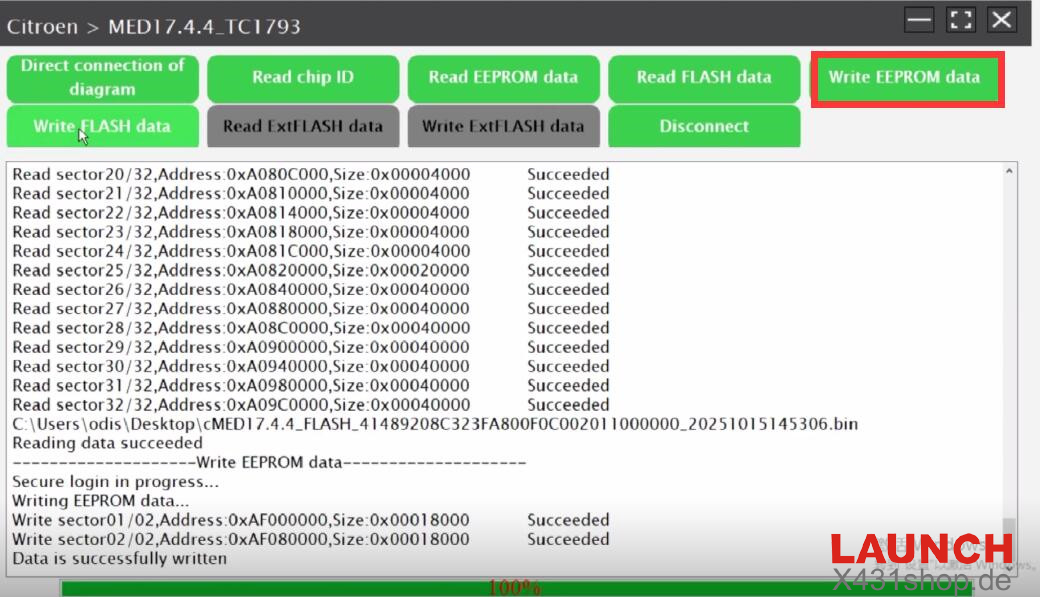
Load the saved original ECU EEPROM and Flash data files.
Write each data set separately into the new ECU.
Disconnect the ECU after successful completion.
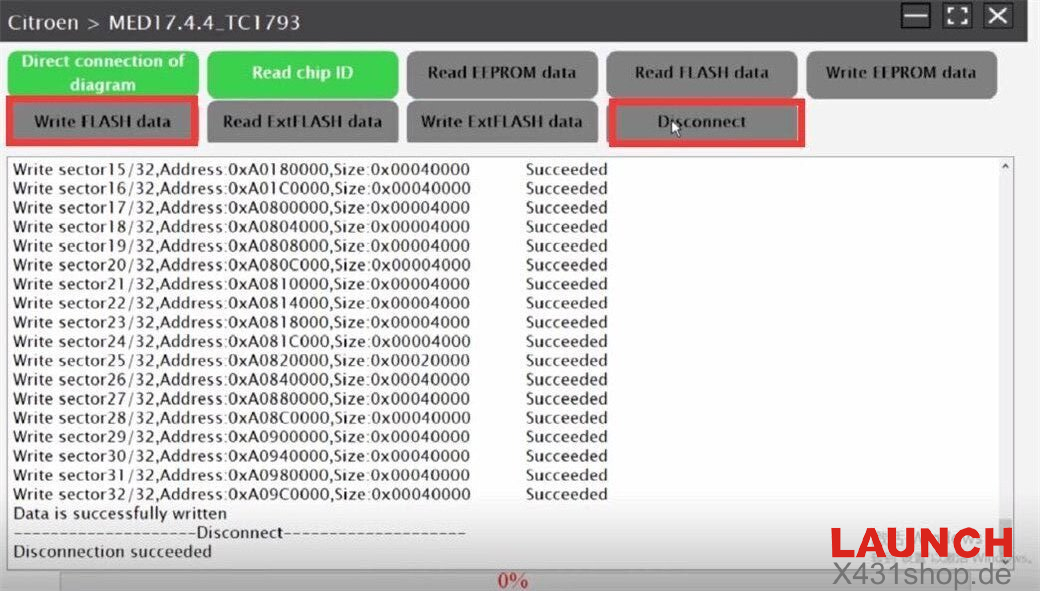
The entire process, including all reading and writing operations, is confirmed successful.
Video Demonstration Available
For a visual guide, refer to the detailed video: