



This guide shows how to completely wipe the Mercedes-Benz VGS4-0-NAG2 (4-speed transmission) TCU using Launch X431 ECU & TCU Programmer on the bench.
Note:
Please update your X-431 ECU Programmer PC software to version V10.51 or newer before starting this operation.
Operation Guide:
Connect X431 ECU Programmer to your PC via USB cable.
Run X-431 ECU & TCU Programmer PC software.
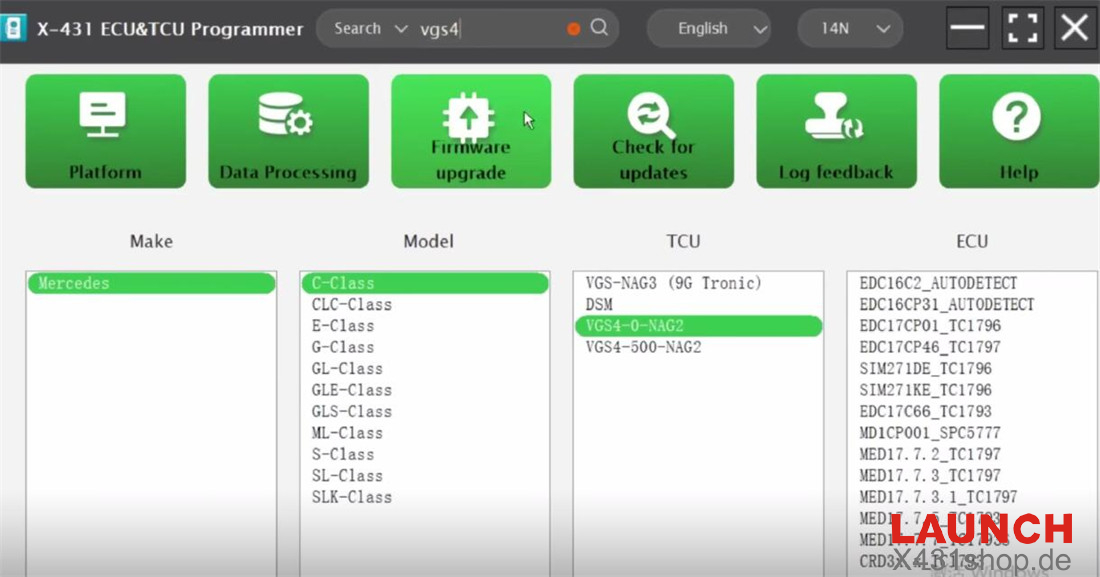
Search for “vgs4” and select the correct model (e.g. Mercedes C-Class VGS4-0-NAG2).
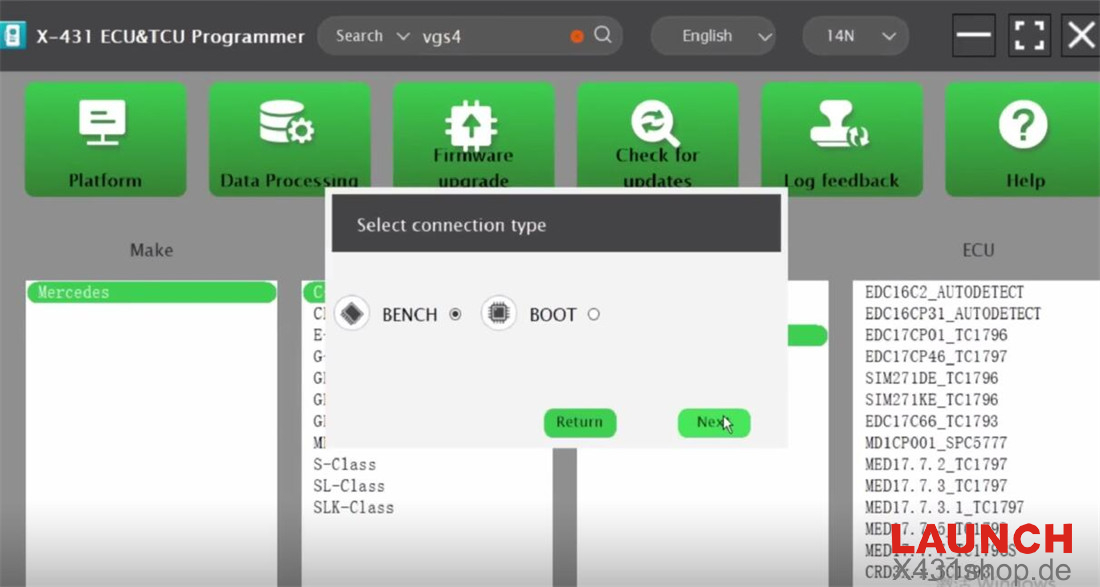
Select “BENCH” connection type.
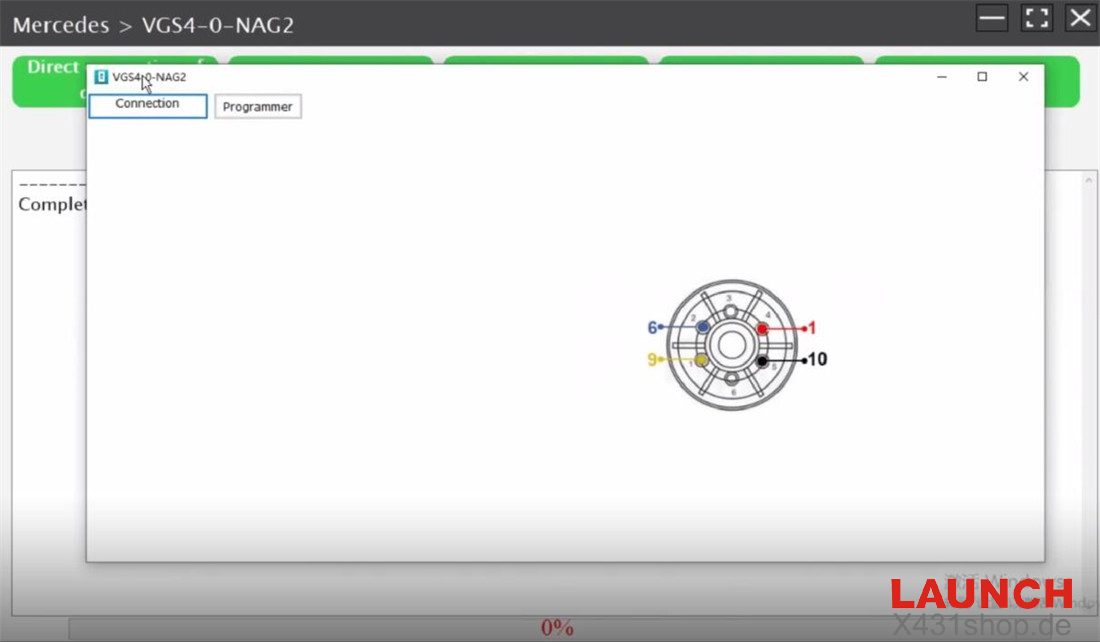
Follow the “Direct connection diagram” to correctly connect the X-431 ECU Programmer to the original Mercedes-Benz VGS4 TCU.
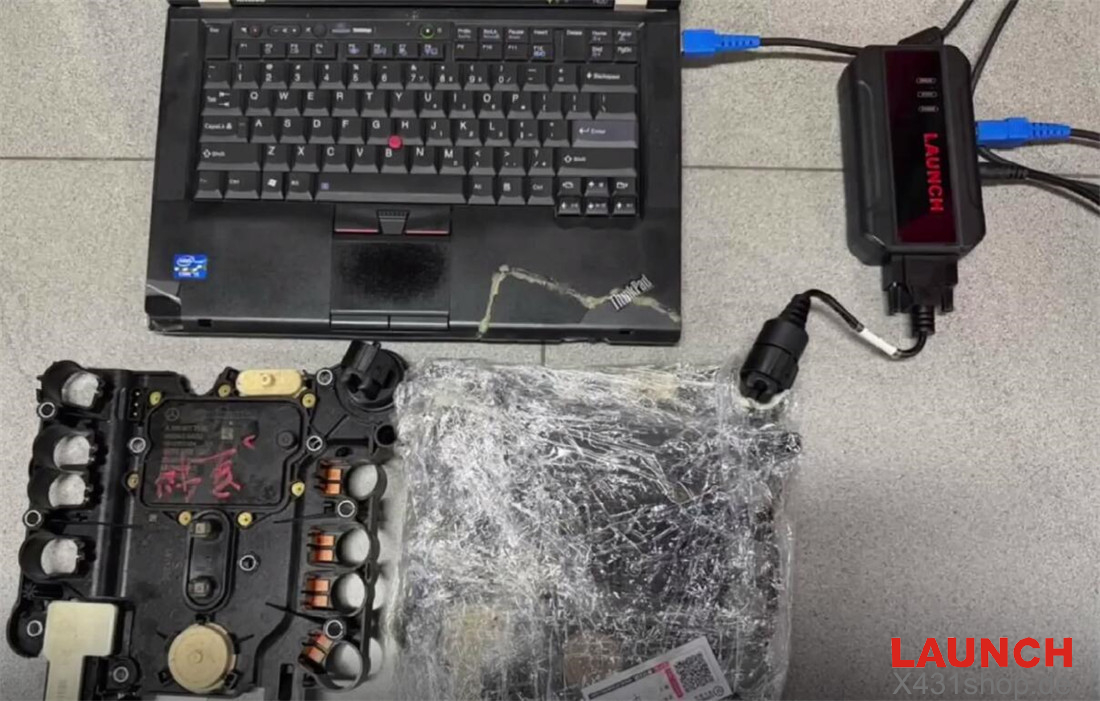
Read the original Benz VGS4-0-NAG2 TCU information and EEPROM data.
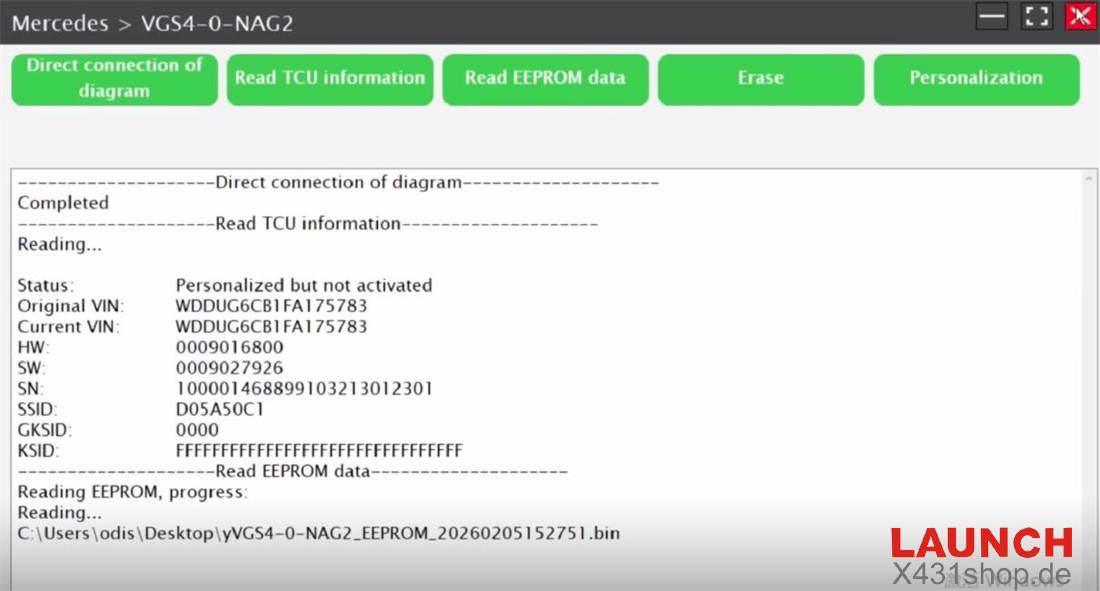
Connect the X431 ECU Programmer to a new Benz VGS4 TCU on the bench.
Read the new TCU information and EEPROM data.
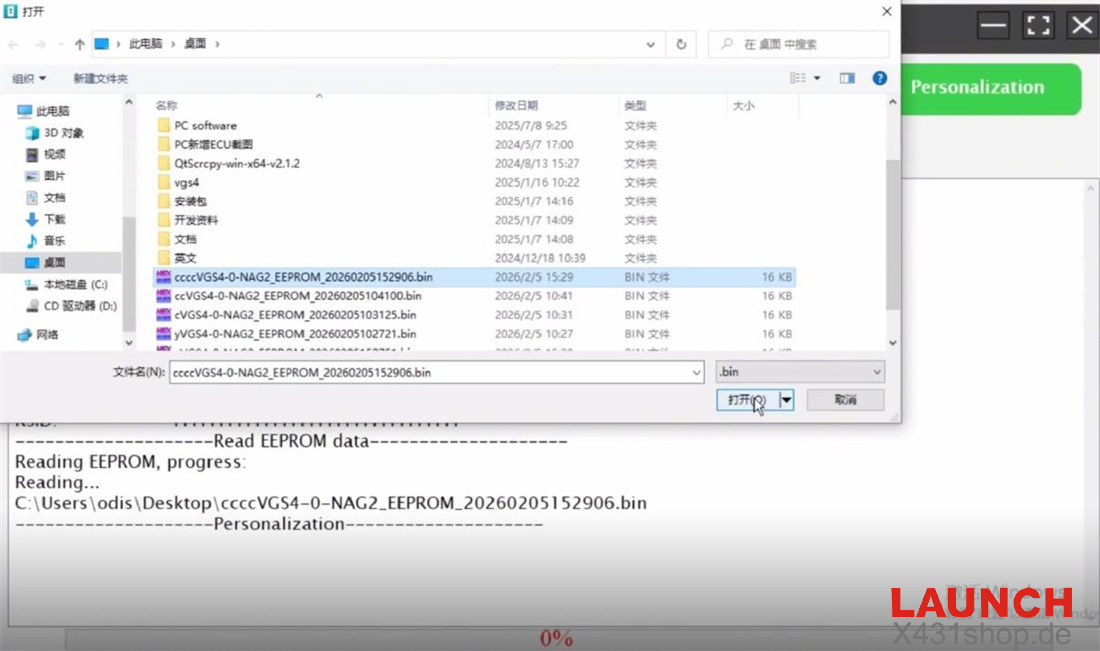
Select “Personalization” and write the original vehicle EEPROM data into the new Benz TCU.
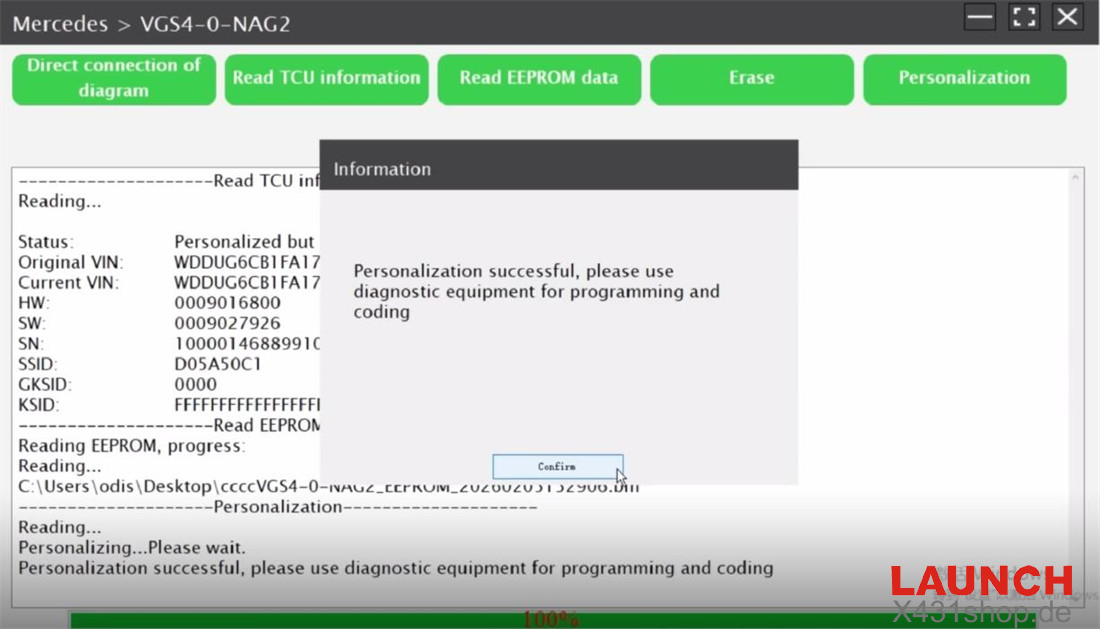
Finally, install the new TCU back into the vehicle and perform programming and coding.
Done!
Video Guide: