



This guide shows how to extract data from a Mercedes-Benz 725 VGS-NAG3 9GT gearbox using Launch X431 ECU Programmer and GODIAG Gearbox ISM Cable 5-in-1 on the bench.
Preparation:
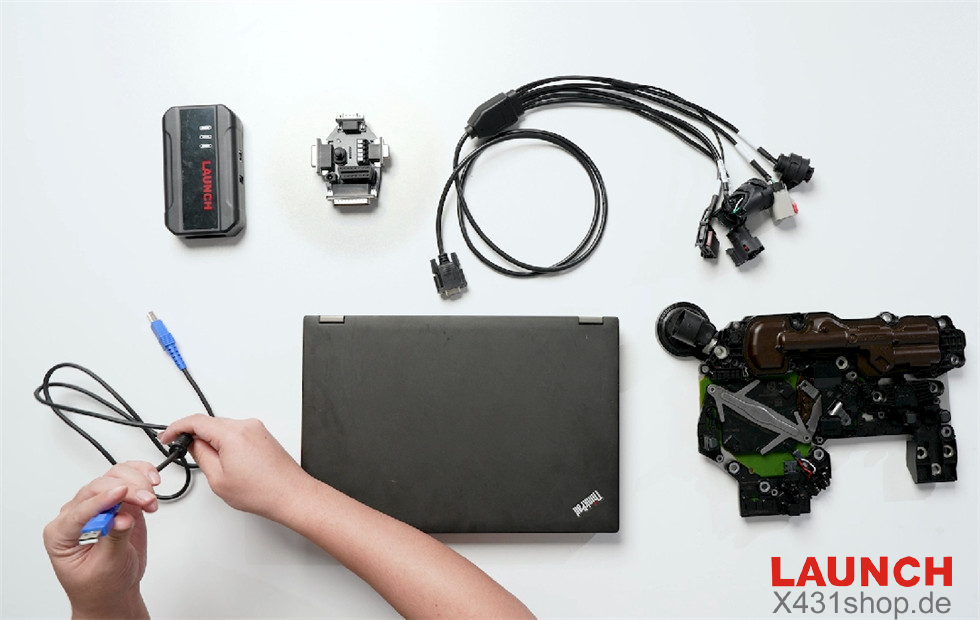
- Mercedes-Benz 725 VGS NAG3 9GT Gearbox
- Launch X431 ECU & TCU Programmer
- GODIAG Gearbox ISM Cable 5-in-1 Set (GODIAG Gearbox Adapter for Mercedes-Benz 9GT, VW Audi DQ380 DQ381 DQ500, BMW DKG, Ford MPS6)
- PC with Launch X431 ECU & TCU Programmer software installed
- Main cable, Bench cable, USB cable
Step 1: Bench Connection
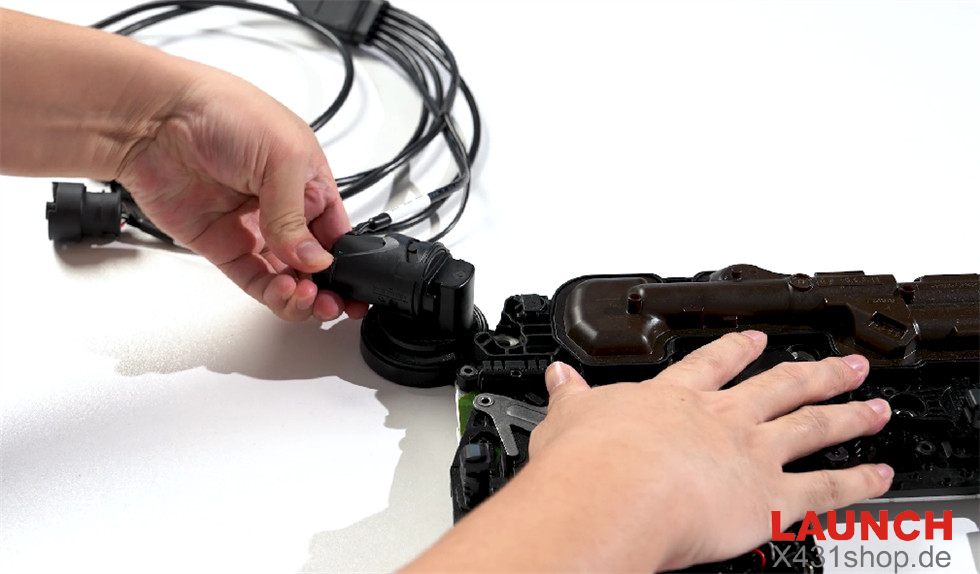
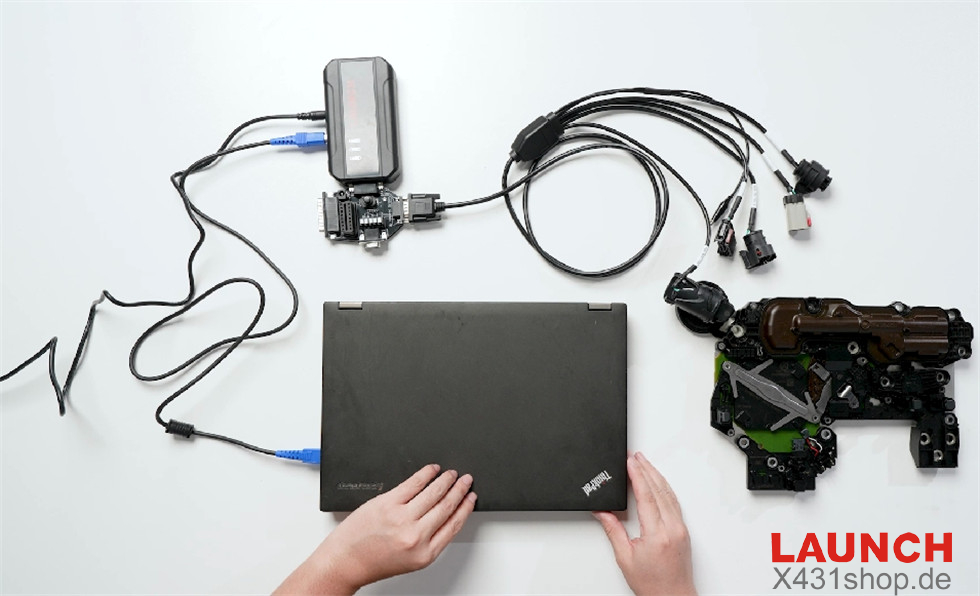
Connect the gearbox ISM adapter to the gearbox ISM module.
Connect the gearbox ISM adapter to X431 ECU TCU Programmer.
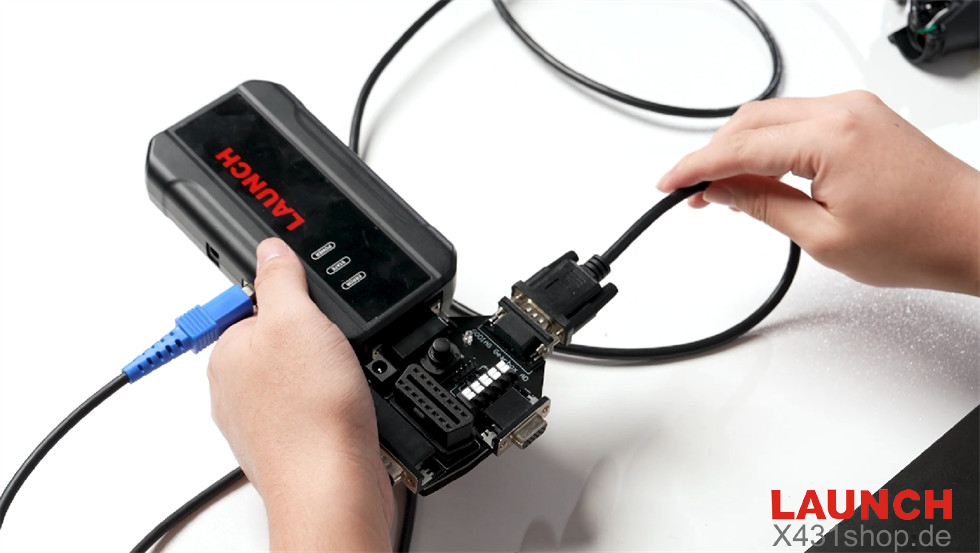
Connect the X431 ECU Programmer to the PC.
Power on the X431 ECU Programmer.
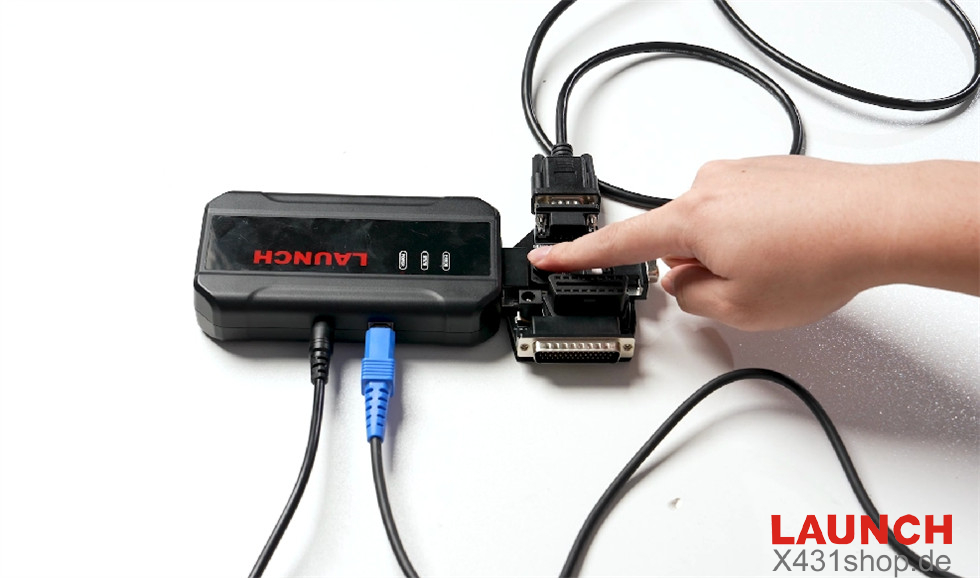
Whole connection diagram
Step 2: Read Gearbox Data
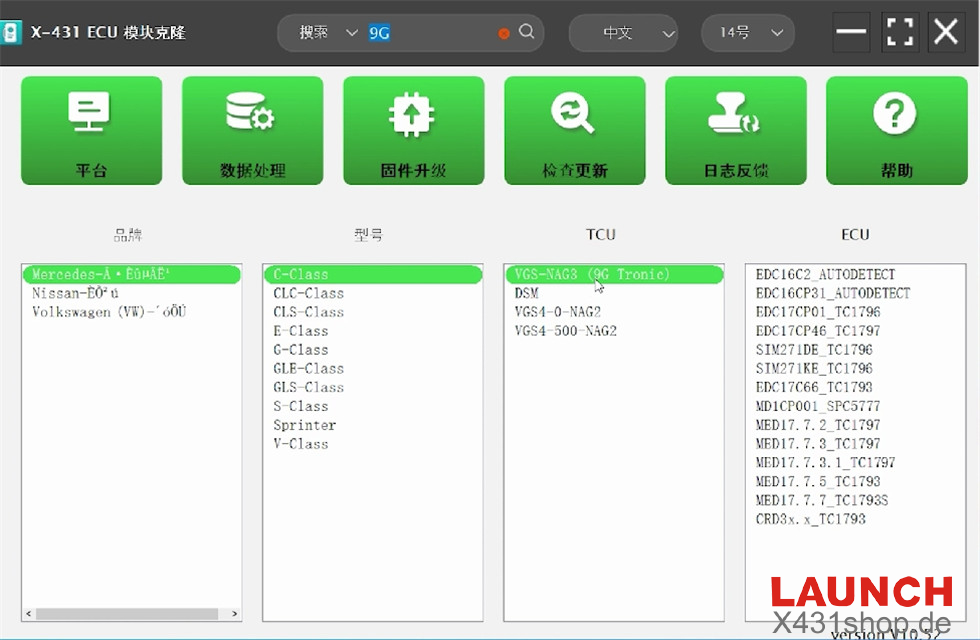
Launch the X-431 ECU Programmer PC software.
Search for “9G” to locate the matching gearbox model: Mercedes C-Class VGS-NAG3 (9G Tronic).
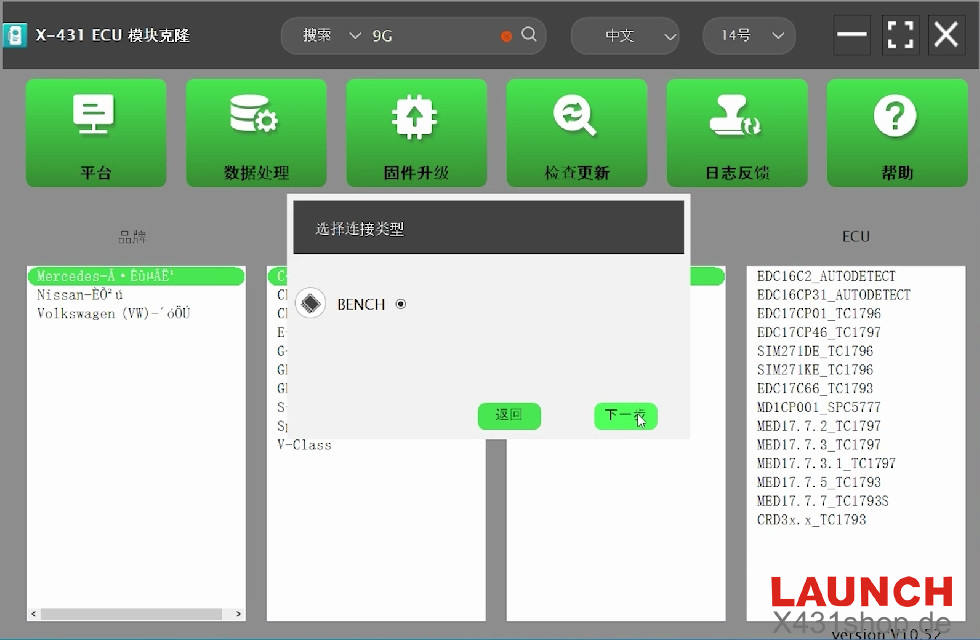
Choose the “Bench” connection mode.
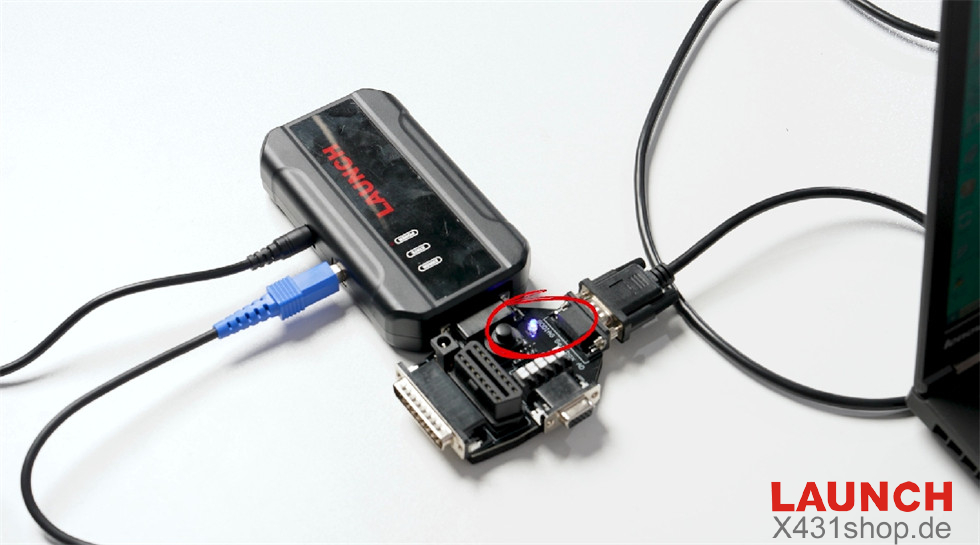
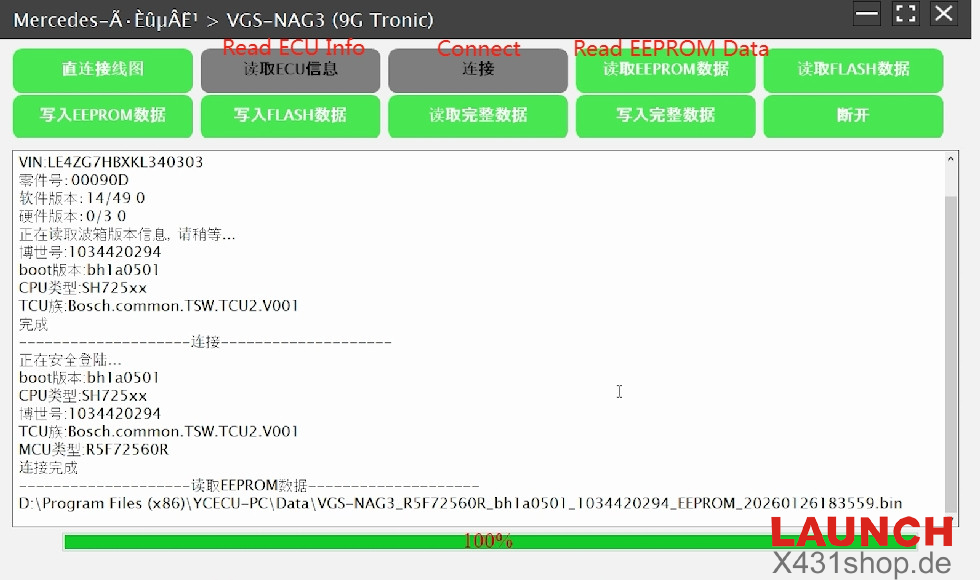
The power light blinks while reading ECU details.
Then link the ECU.
Read EEPROM data and store the information.
Done!