



This guide explains the proper method for detecting a Launch sensor using the Launch Creader TPMS 5011 V2.
When detecting or programming TPMS sensors, tool failure to read sensor data often results from incorrect positioning between the tool and sensor. Follow this correct procedure:
Important Note:
Launch TPMS 5011 V2 (black) is identical to the 511S V2 (red), with the 5011 V2 being the e-commerce version.
Correct Procedure:
1. Position the tool horizontally, pointing directly at the target sensor
2. Maintain approximately 10 cm (4 inches) distance between tool and sensor
3. Ensure all other vehicle sensors are at least 100 cm (3 feet) away to prevent signal interference
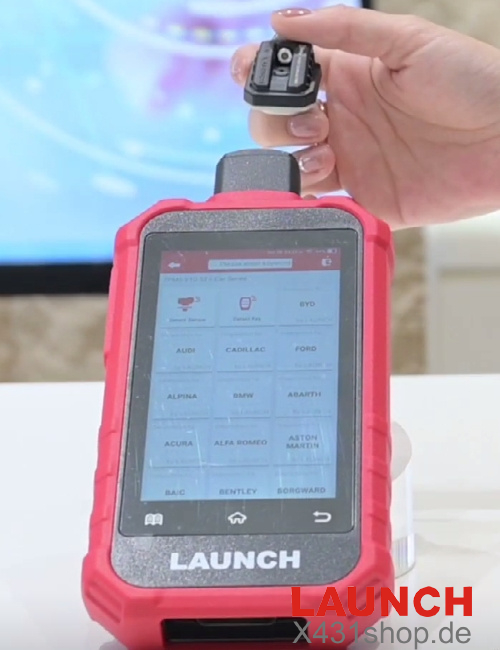
4. Select the “Detect” function and wait for Launch 5011 V2 to read the sensor
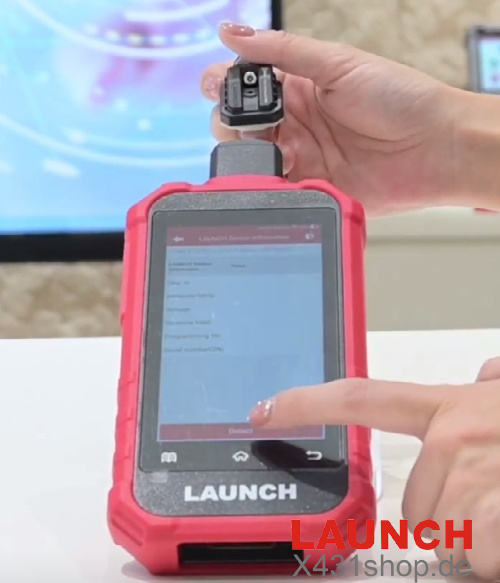
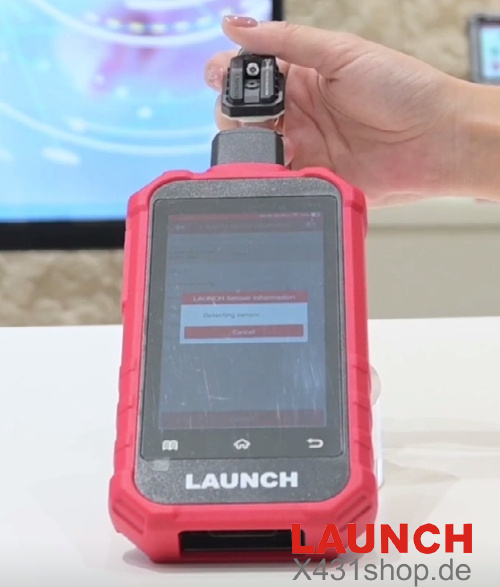
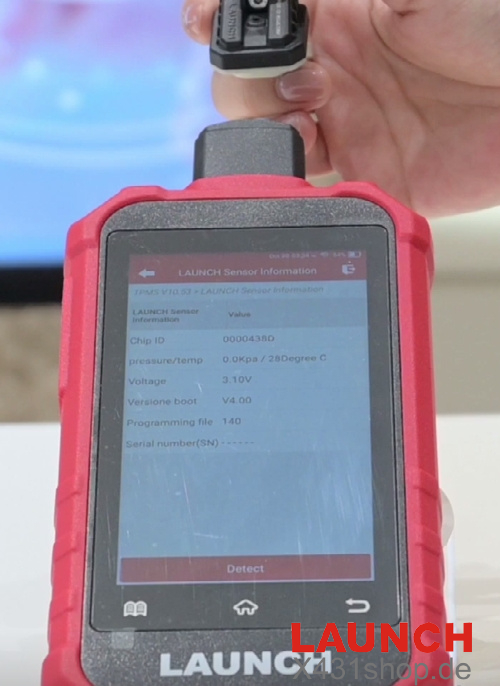
Following these steps will typically display clear sensor data on the screen. The same positioning principles apply when activating and programming new sensors.
Common Mistakes to Avoid:
Detection failures often relate to Creader TPMS 5011 V2 positioning. Avoid these errors:
- Holding the tool at a vertical angle to the sensor
- Operating from an excessive distance
For optimal performance, always maintain proper alignment and correct distance between tool and sensor.
Video Guide: