



All Launch X431 professional diagnostic scanners support Fuel Pump Power Control Module configuration after replacement on a 2021 GM Suburban.
In this guide, we use Launch X431 PRO3 LINK HD (X431 V+ SmartLink HD) as an example to demonstrate the complete reset and configuration procedure step by step.
Function Overview
This function must be performed after replacing the Fuel Pump Power Control Module (FPCM) to ensure proper communication and operation within the vehicle system.
Vehicle Tested
2021 / GM / Suburban
Supported Devices
All Launch X431 series diagnostic tools support this function.
Step-by-Step Guide: Reset Fuel Pump Power Control Module
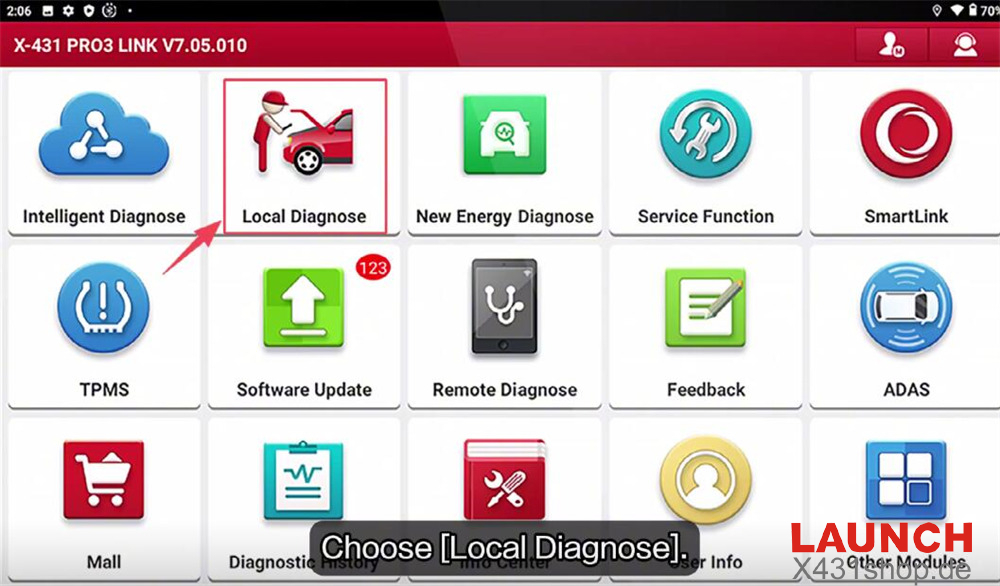
Step 1: Enter Local Diagnosis
From the main menu, select “Local Diagnose.”
Step 2: Select Vehicle Model
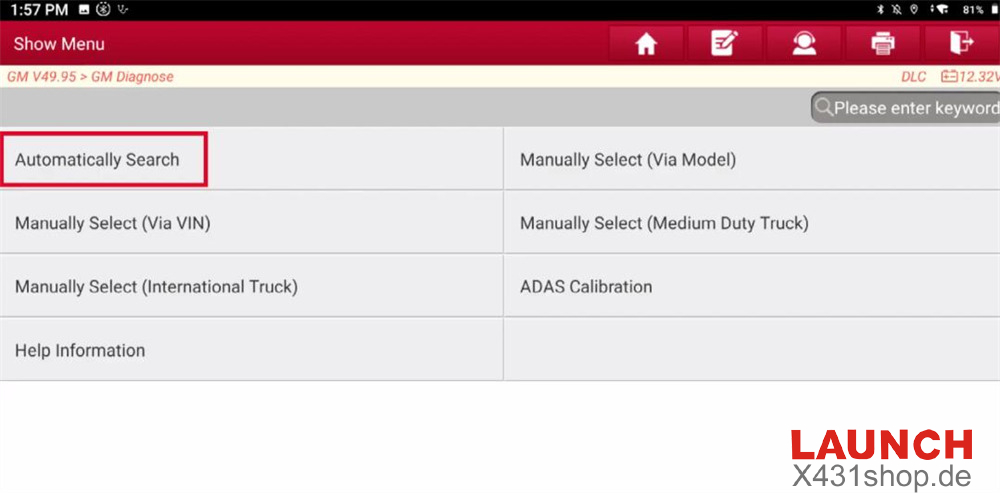
Choose:
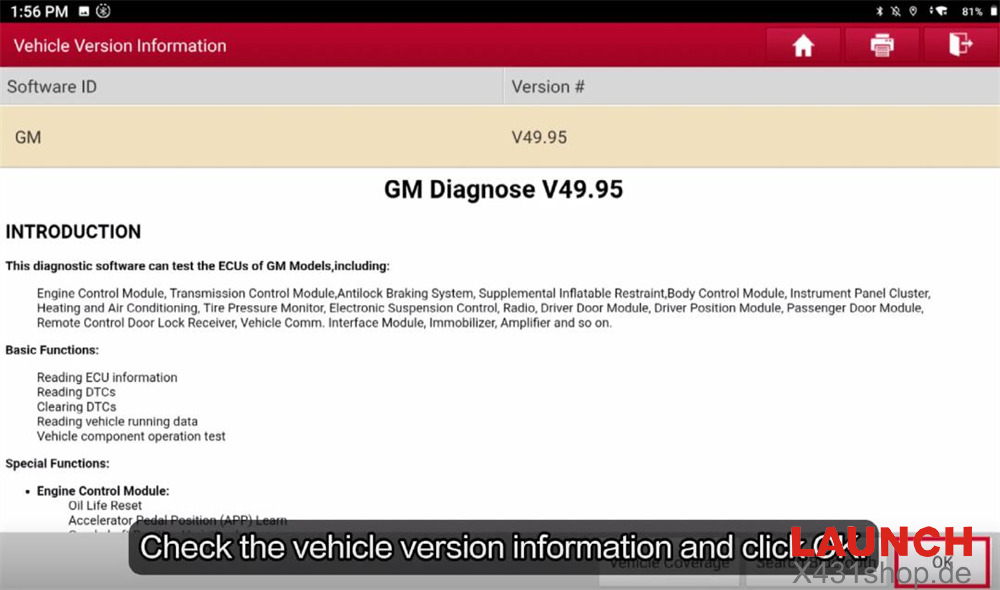
GM → GM V49.95 → Automatically Search
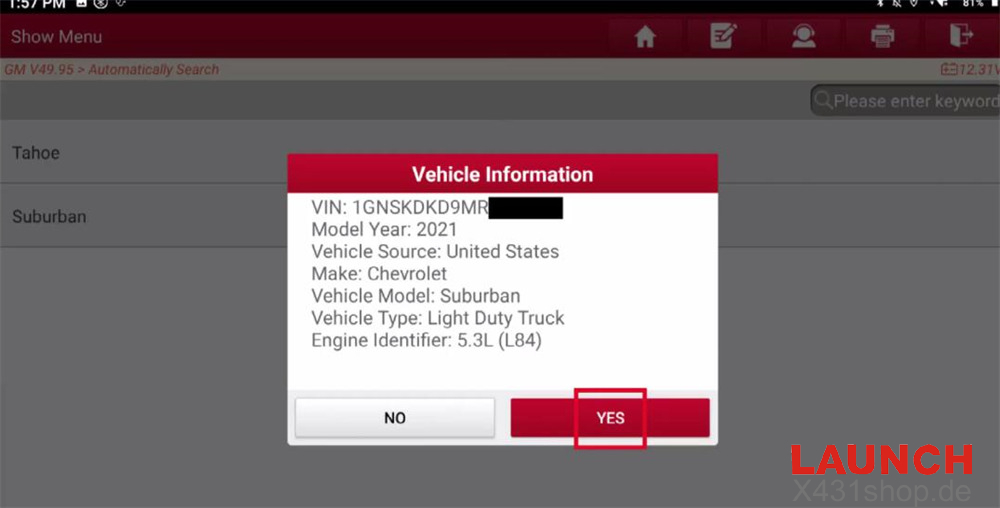
Step 3: Read and Confirm VIN
Click “YES” to automatically read the VIN.
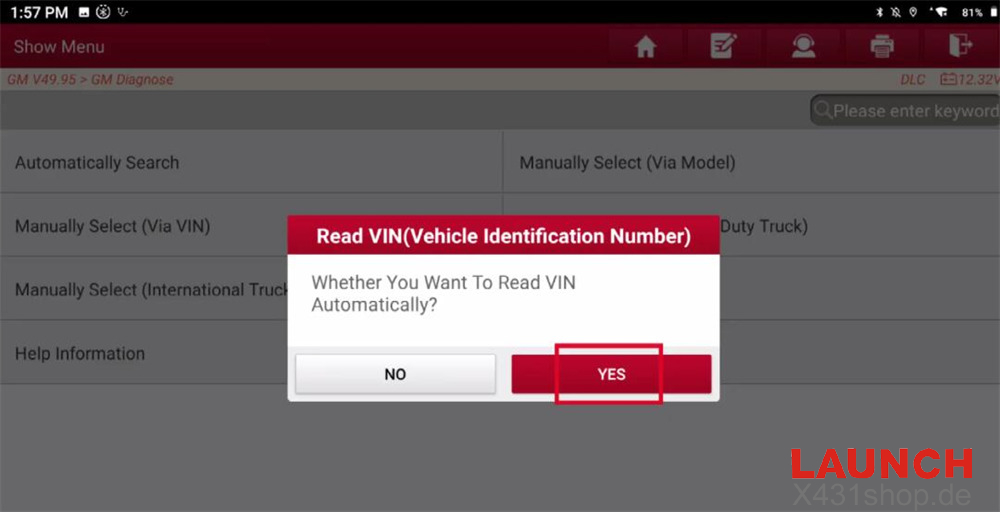
Then click “YES” again to confirm the detected vehicle information.
Step 4: Enter Engine Control Module
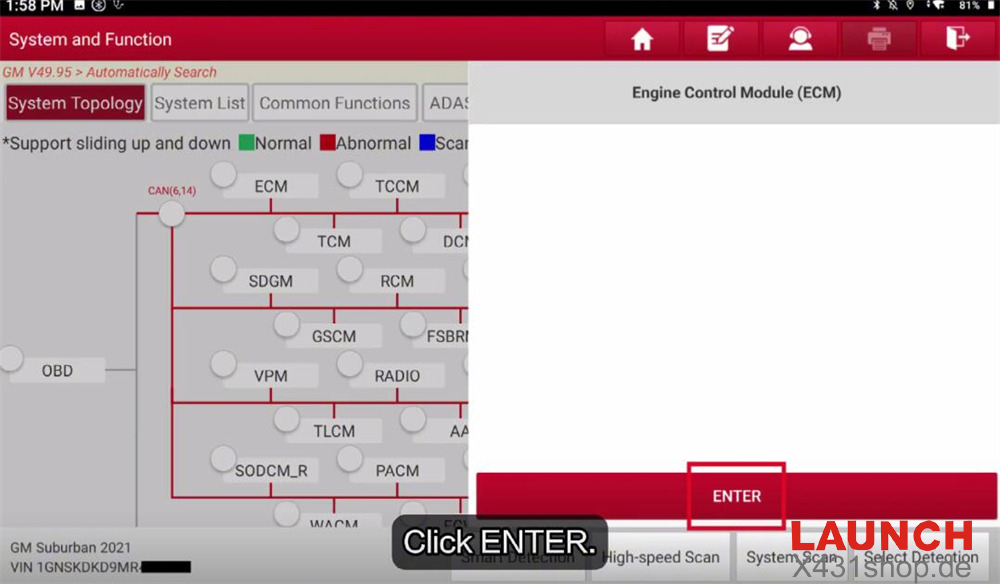
Select [ECM] and click “ENTER” to access the system.
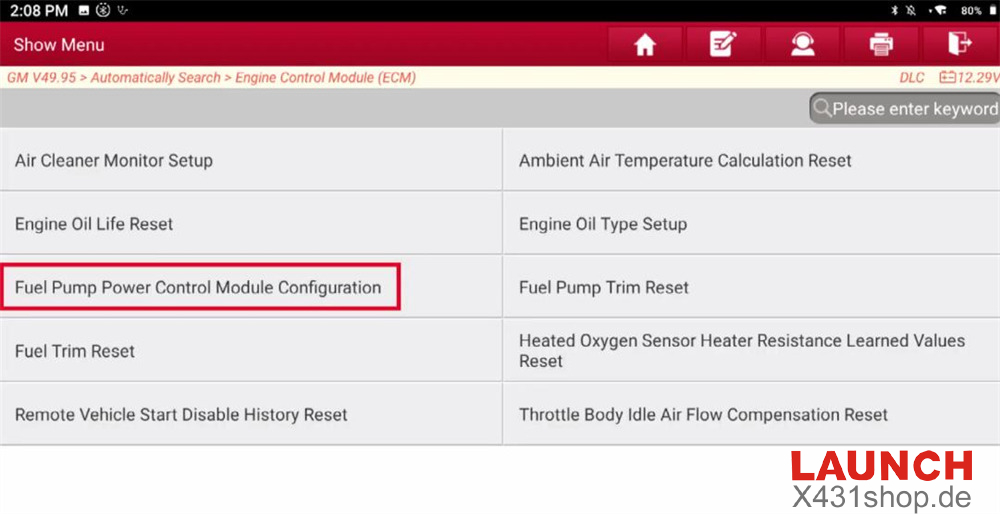
Step 5: Navigate to Fuel Pump Power Control Module Configuration
Go to:
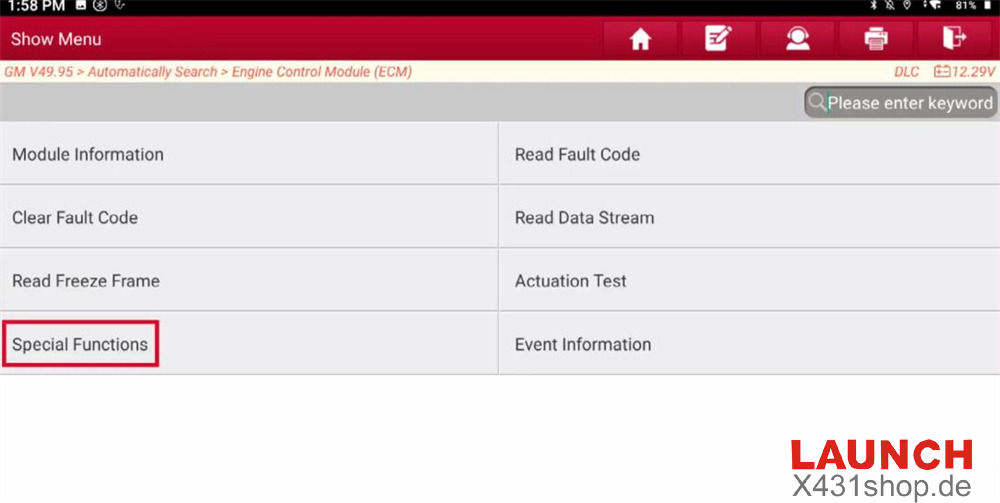
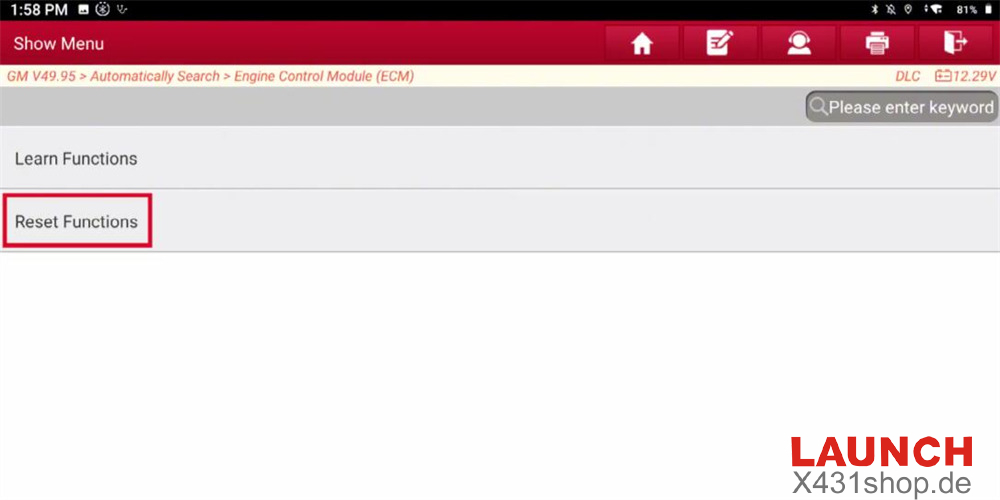
Special Functions → Reset Functions → Fuel Pump Power Control Module Configuration
Step 6: Perform Reset
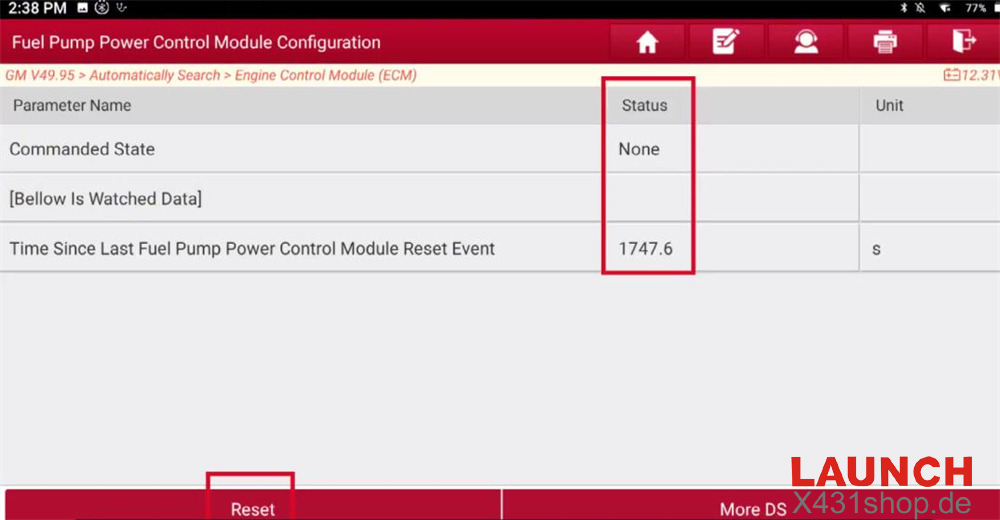
Before performing the reset:
Commanded State shows: “None”
Time Since Last Fuel Pump Power Control Module Reset Event shows: 1747.6
Click “Reset.”
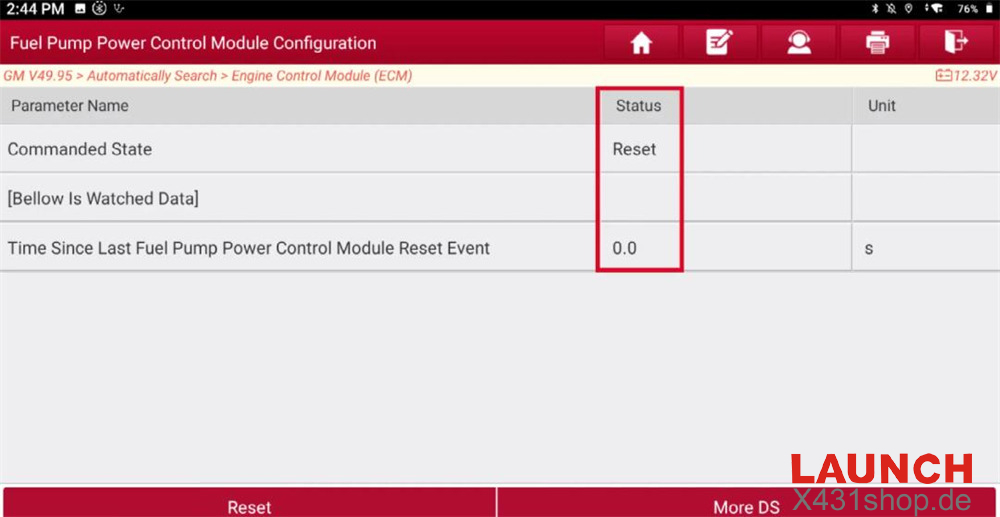
After reset:
Commanded State changes to: “Reset”
Reset Event Time becomes: 0
This confirms the reset was successful.
Procedure Completed
The Fuel Pump Power Control Module configuration on the 2021 GM Suburban is now completed successfully.
Video Tutorial