






This guide explains how to fix problems caused by accidentally deleting or installing apps on your Launch X431 tool (such as X431 PRO Elite/X431 PAD V/X431 PAD VII/X431 PRO5, etc). Follow the steps below to get your device back to normal.
Step 1: Remove Faulty X431 App
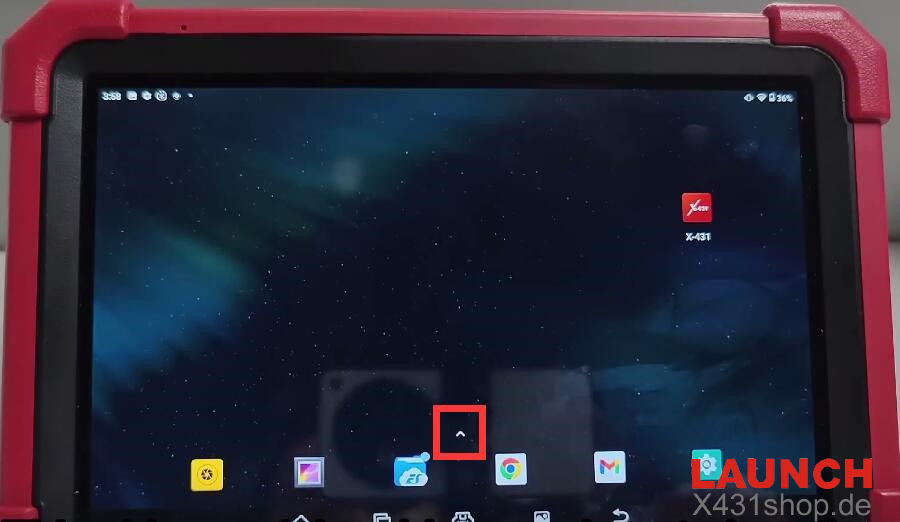
Swipe up using the upward arrow icon.
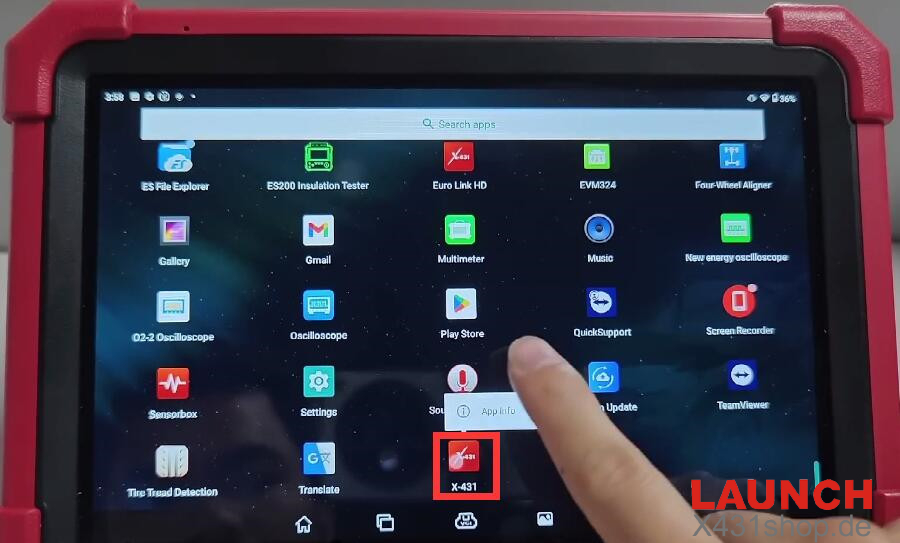
Locate “X-431,” press and hold, then tap “App info.”
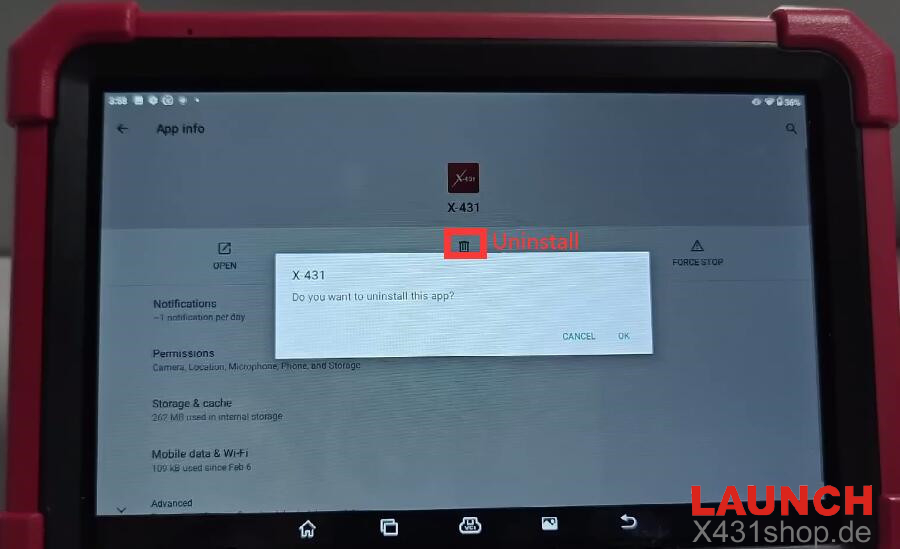
Choose “UNINSTALL” and confirm by tapping “OK.”
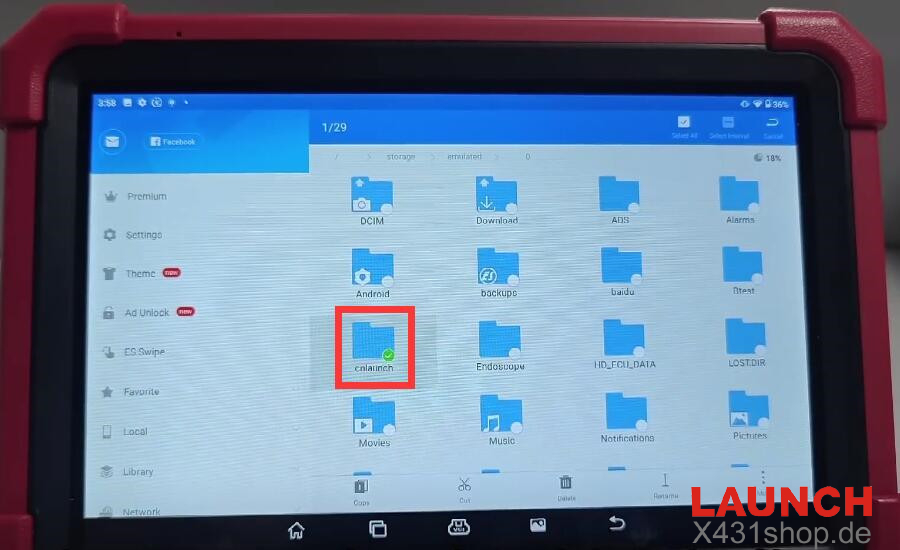
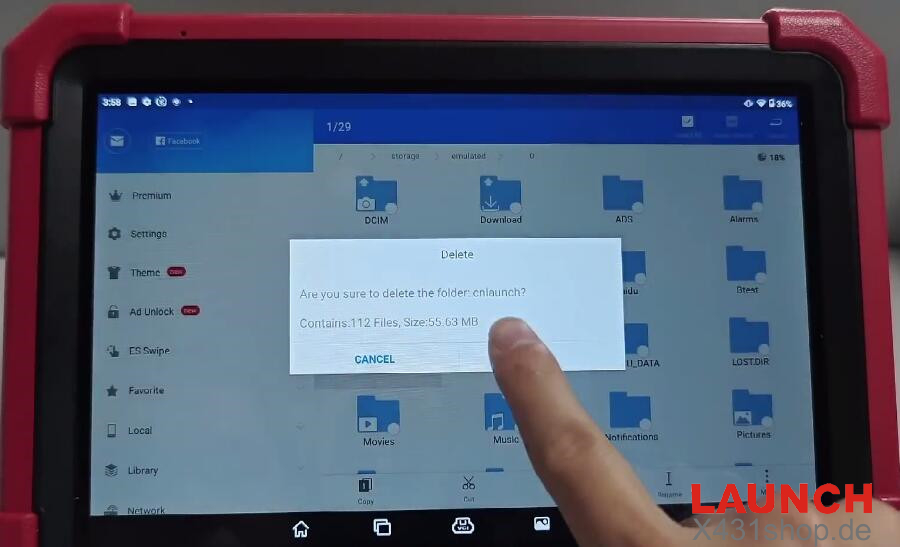
Step 2: Delete “cnlaunch” Folder
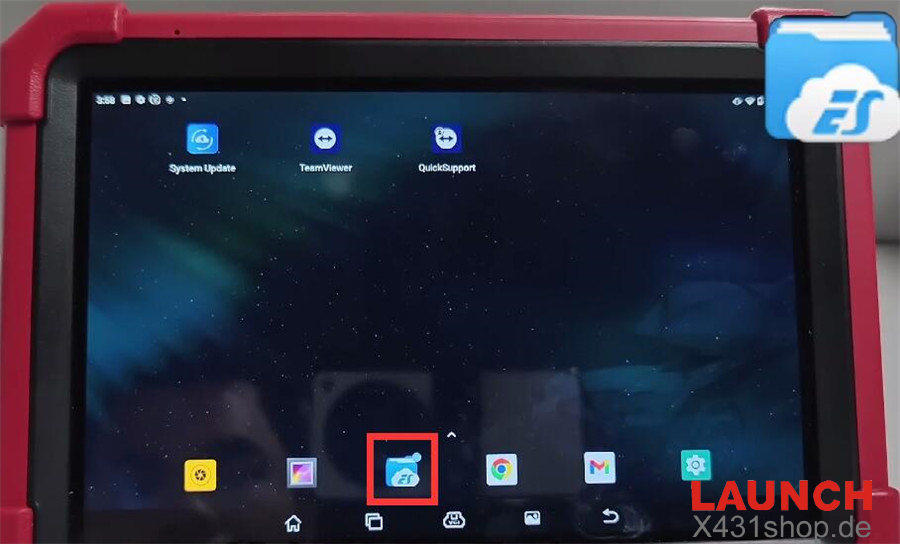
From the home screen, launch “ES File Explorer.”
Go to “Internal storage,” find the “cnlaunch” folder, press and hold, then delete it.
Step 3: Reinstall X431 App
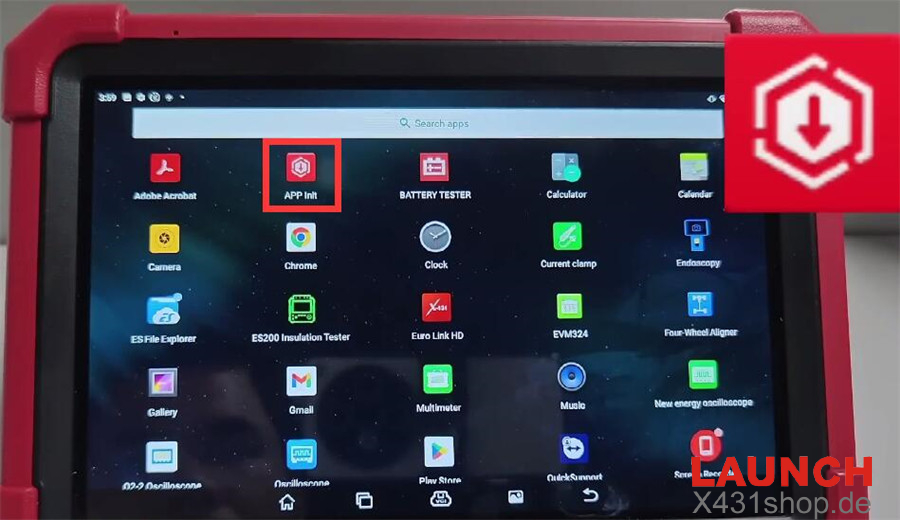
Return to the home screen and open “APP Init.”
Input the password and serial number.
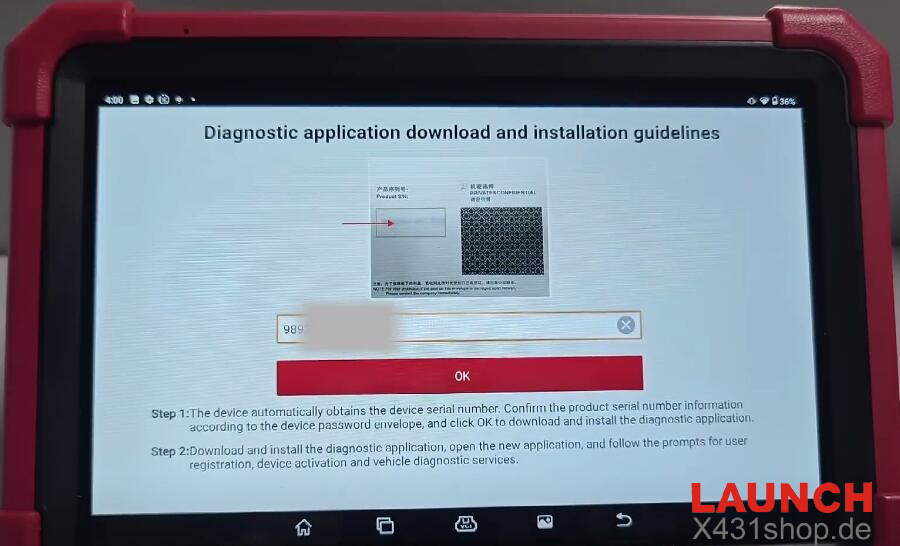
The app will download automatically. Once finished, open it.
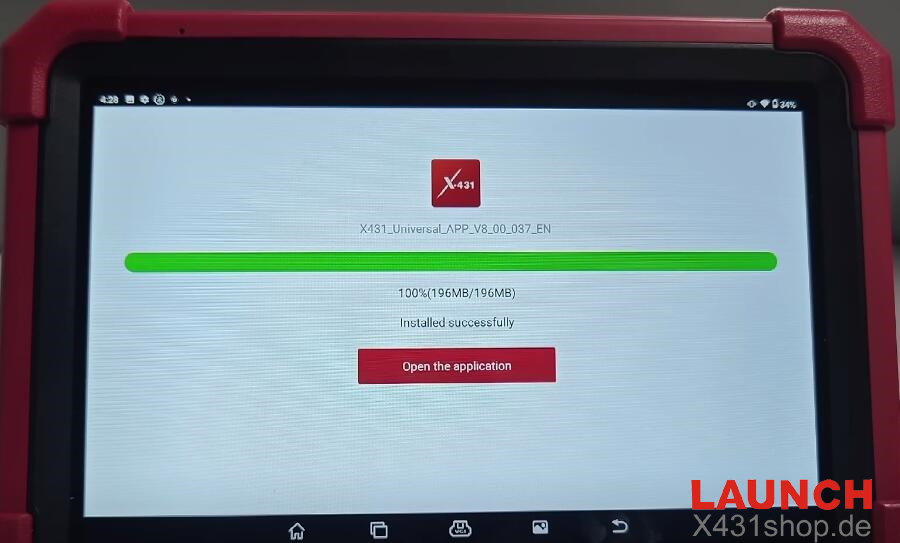
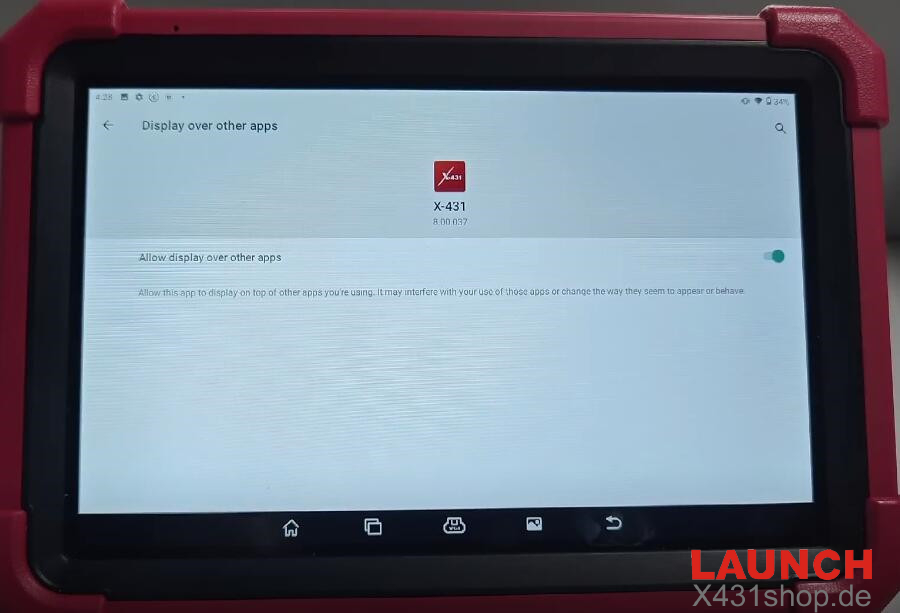
Allow location access, phone management permissions, and enable “display over other apps.”
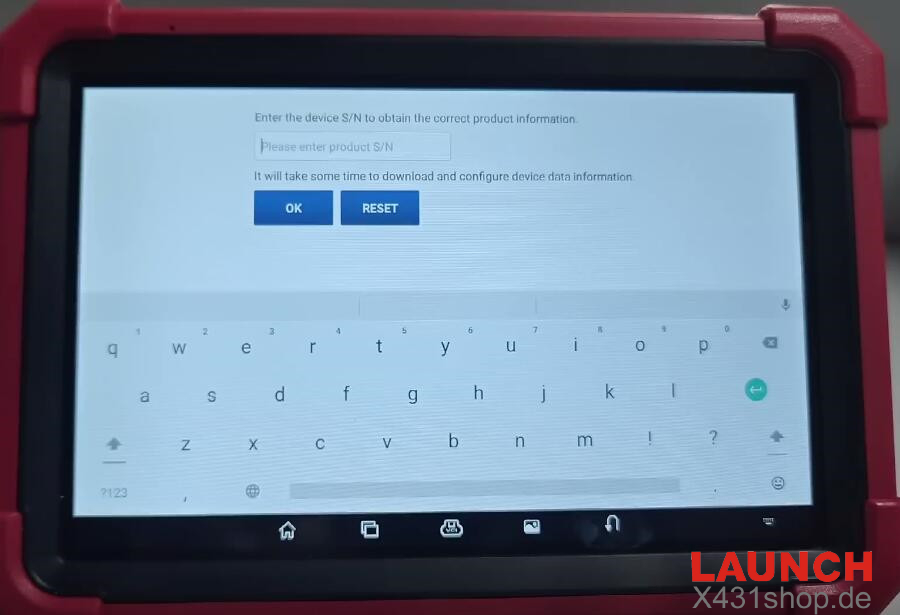
Enter X431 tool‘s serial number to load the correct product data. Note that downloading and configuring the data may take a few minutes.
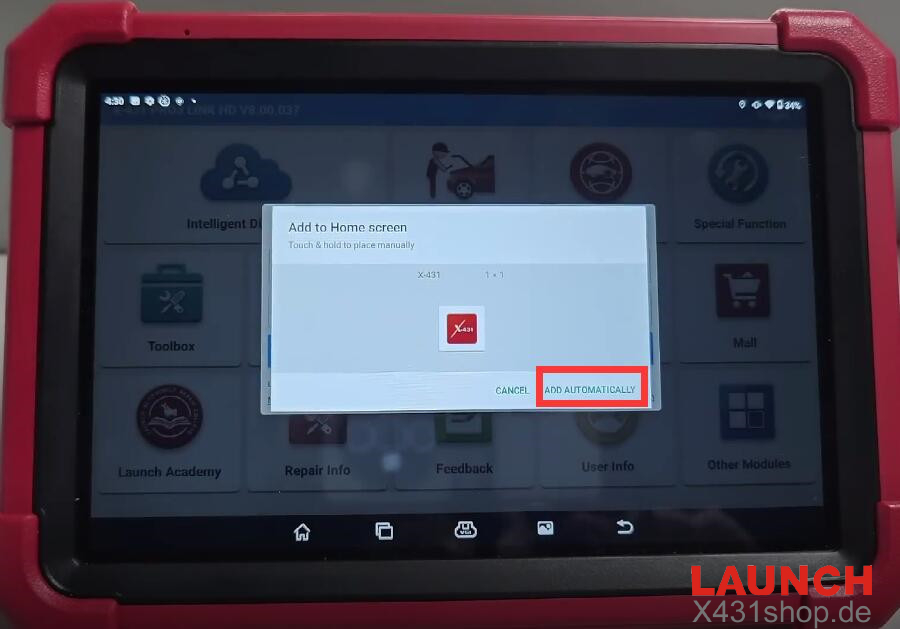
Select “ADD AUTOMATICALLY” to add the app to your home screen.
All set!
Tech support:
E-Mail: sales@X431shop.de
Business WhatsApp: +86 17782330462
Tel: 0086-17782330462