






If your Launch X431 key programmer does not power on and displays the message “Device SN not found, please connect the device and retry”, this problem is usually caused by an incorrect connection or tablet setting rather than hardware failure. In most cases, the issue can be resolved by checking the cable connection and adjusting the USB settings on X431 tablet.
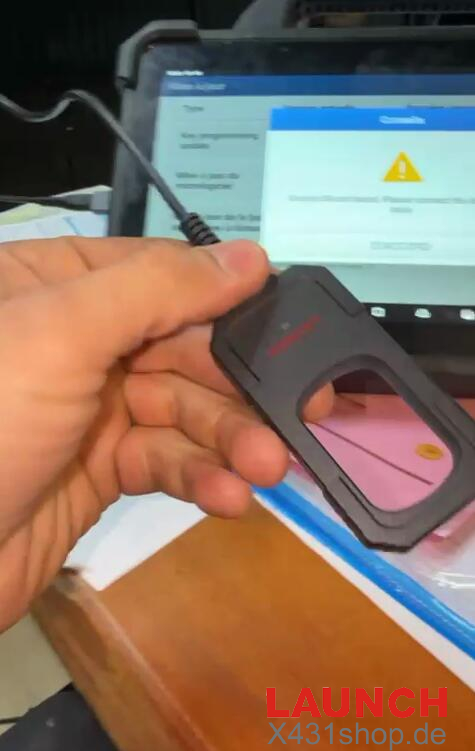
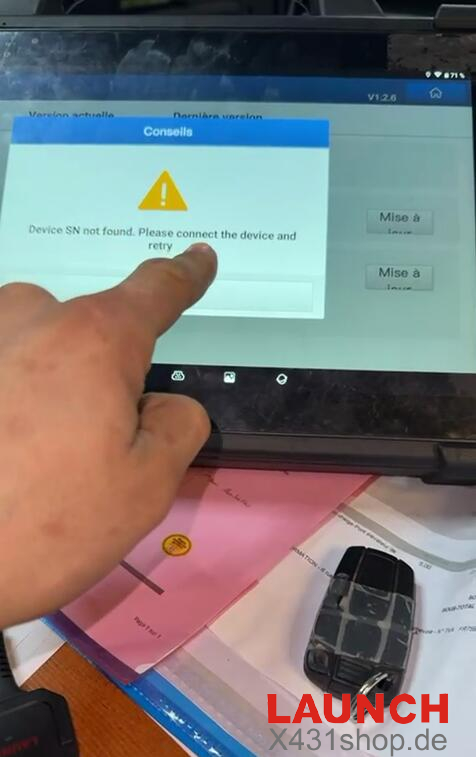
Below is a simple and effective solution to help you restore normal communication between the key programmer and the X431 tablet.
Solution Steps
1. Use the Correct Connection Cable
Do not connect the key programmer directly to the X431 tablet using a Type-C cable alone. Instead, make sure to use the Type-C to USB conversion adapter that is supplied with X431 key programmer. This adapter is required for proper device recognition.

2. Enable USB Management on the Tablet
Open the settings menu on your X431 tablet, locate USB Management, and confirm that the USB interface switch is turned ON. Without enabling this option, the tablet may fail to detect the key programmer correctly.
Technical Support:
If the problem still persists after following the steps above, please contact official technical support for further assistance:
E-Mail: sales@X431shop.de
Business WhatsApp: +86 17782330462
Tel: 0086-17782330462