

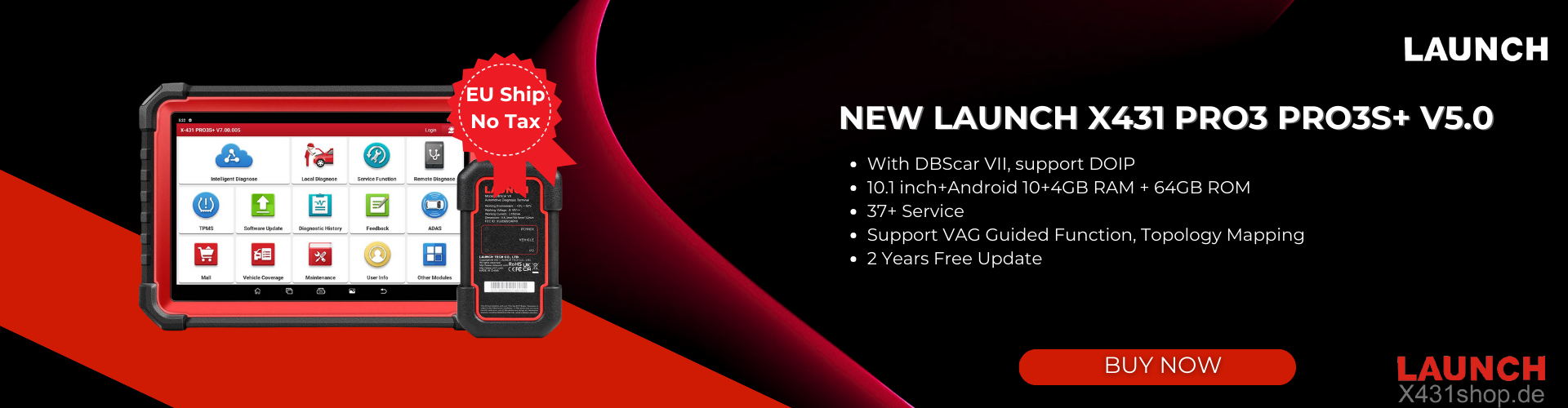
Some users of Launch X-431 PAD 7 have reported problems during software updates, such as updates stuck on “Waiting for downloads” even after changing networks.
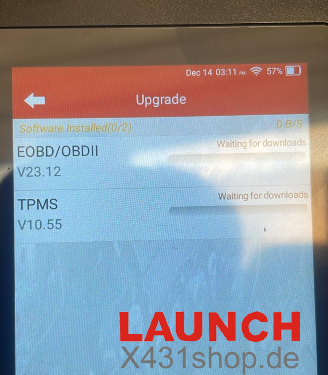
This issue may not be caused by the hardware itself, but by using the wrong update interface. The incorrect system-level update interface is below.
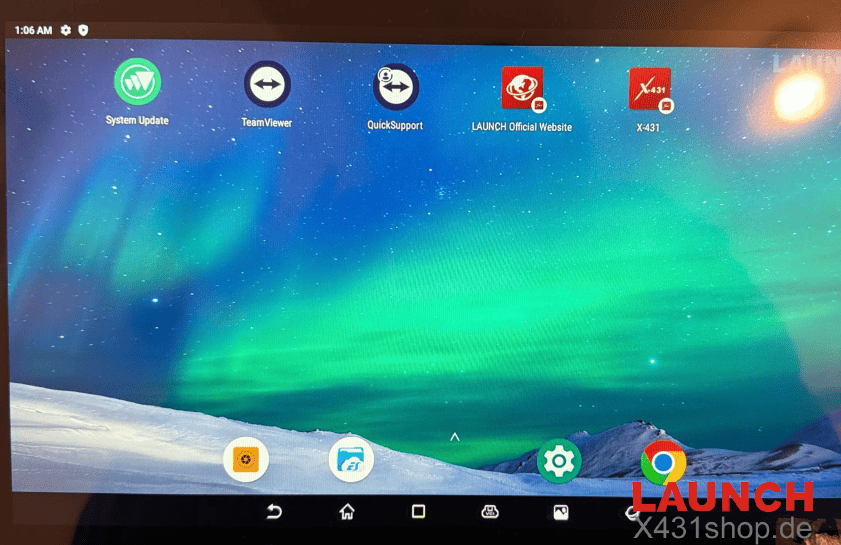
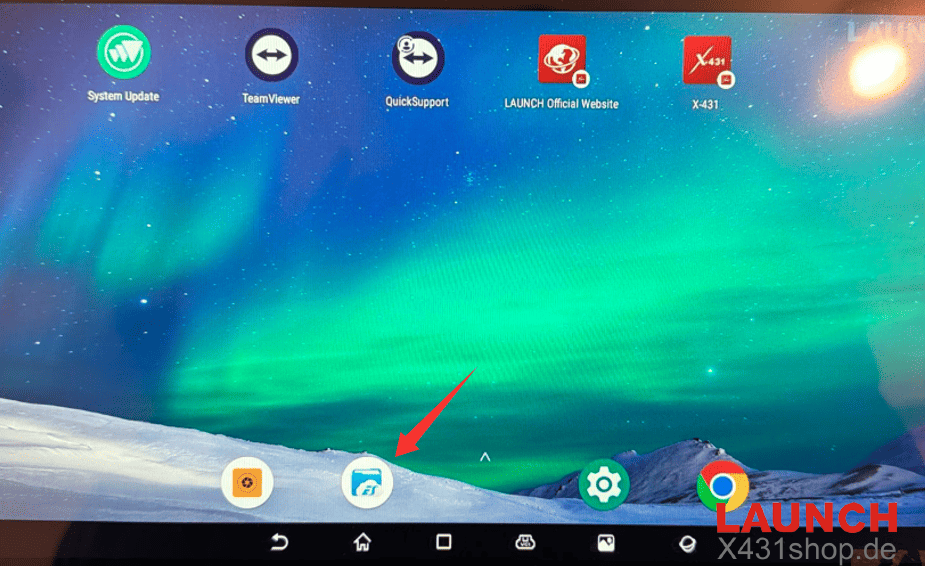
For X-431 PAD VII, software updates must be performed through the System Update section on the Android desktop, not from the in-app diagnostic update page. Once users switch to the correct system-level update interface, the update process works normally. The correct system-level update interface is below.
For any X-431 PAD 7 problems, feel free to contact us:
E-Mail: sales@X431shop.de
Business WhatsApp: +86 17782330462
Tel: 0086-17782330462