



We received the report that Launch X431 PROS ELITE device shows the message:
“Unable to obtain VCI information. Please try again after disconnecting and reconnecting the VCI.”
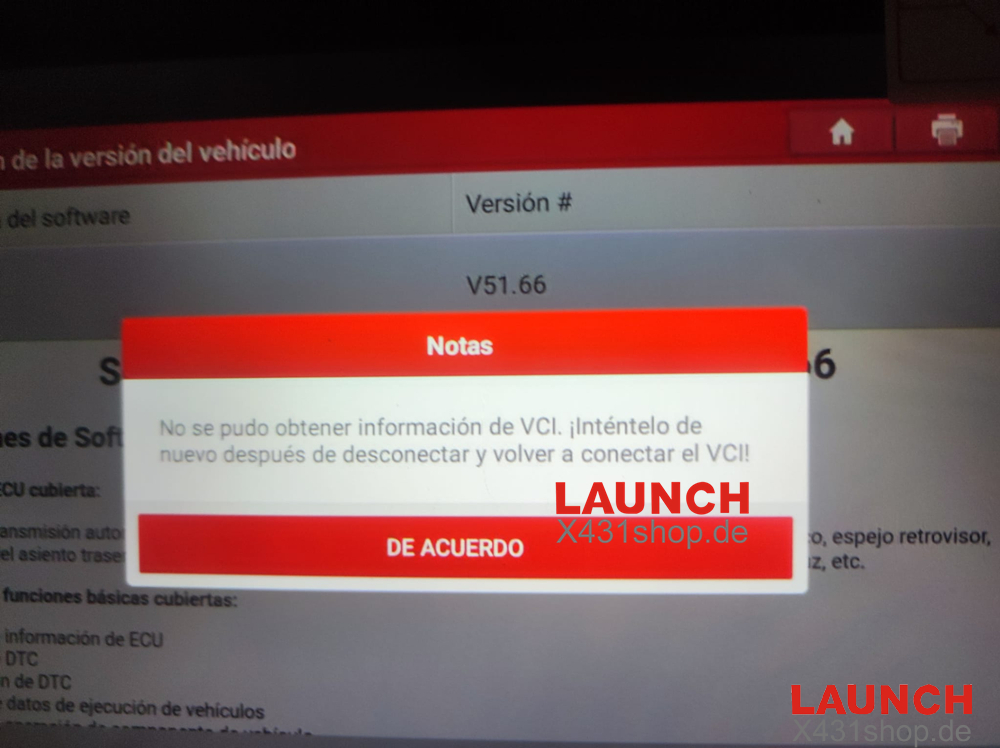
This issue usually appears every time the device connects to a vehicle.
Below are the most common causes and quick solutions.
Quick Fix Steps
Disconnect the VCI from the vehicle and tablet
Reconnect the VCI and try again
If the message still appears, perform a factory reset on the tablet
After resetting, re-activate and update all software
If the problem persists, the device may have a VCI hardware defect and will need to be returned for repair.
Here is guide about how to do factory reset
https://www.x431shop.de/service/launch-x431-pro5-technical-support.html