



Issue Description
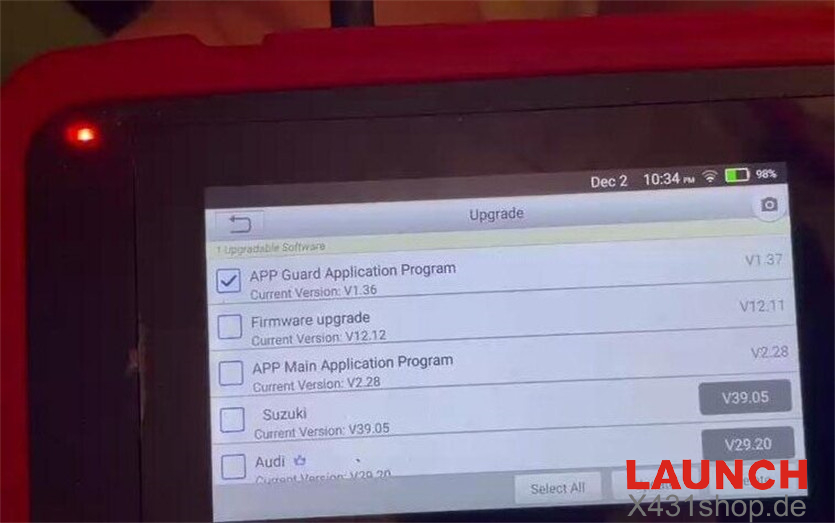
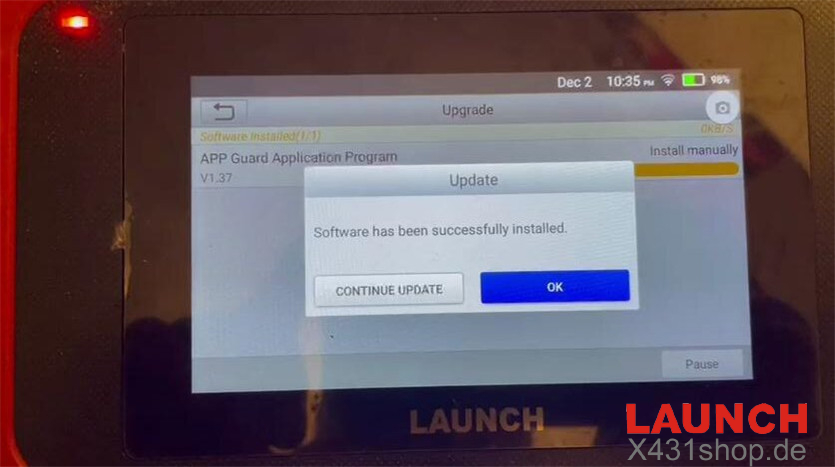
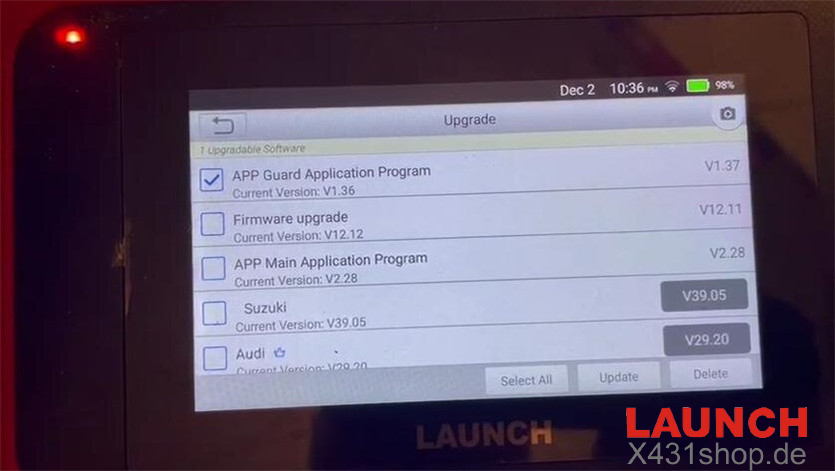
A user encountered a problem with the Launch CRP123X during the V12.12 firmware update.
Although the device displayed “Software has been successfully installed,” the firmware version did not change after refreshing the interface.
Solution
If the firmware repair process does not complete normally, follow the steps below to successfully resolve the issue:
Step 1: Download the Firmware Again
Ensure your CRP123X is connected to a stable network.
Go to the Update menu.
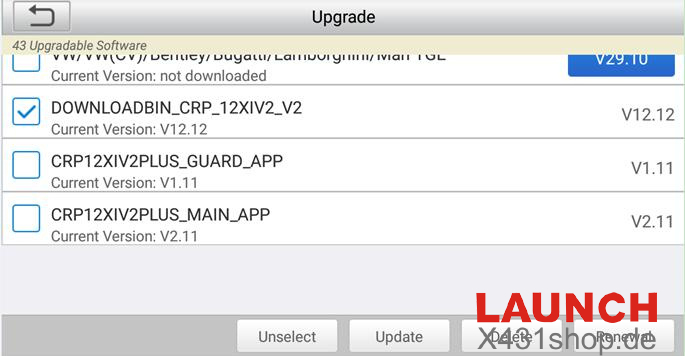
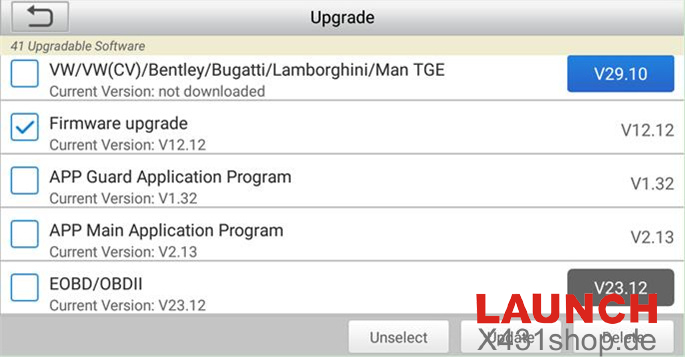
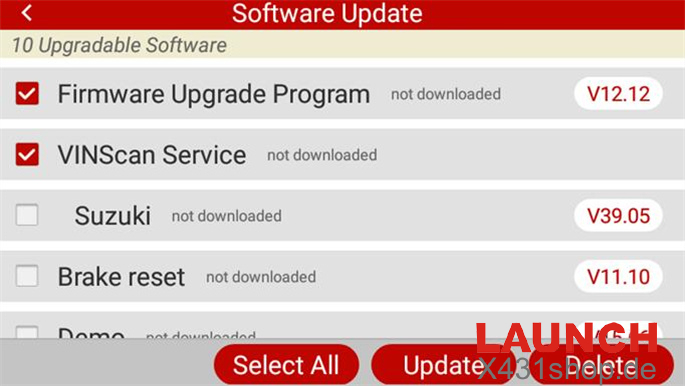
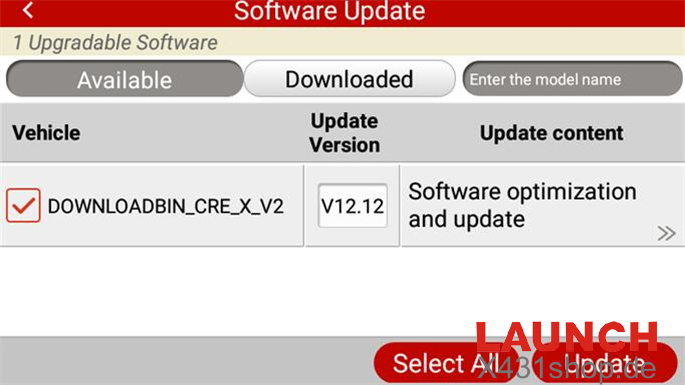
Locate firmware version V12.12 and download it again.
Press Update to start the installation.
Files included in V12.12:
- DOWNLOADBIN_CRP_12XIV2_V2 (V12.12)
- Firmware Upgrade (V12.12)
- Firmware Upgrade Program (V12.12)
- DOWNLOADBIN_CRE_X_V2 (V12.12)
Step 2: Run the Firmware Fix Tool Again
Return to the Home screen of the CRP123X / CRP123X Elite scanner.
Select DATA.
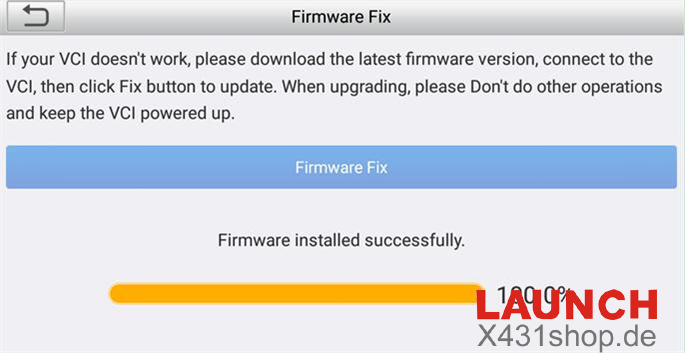
Enter Firmware Fix.
Run the repair process once more to complete the update.
Technical Support
If you still experience issues, feel free to contact our support team:
Email: sales@launchx431.fr
WhatsApp: +86 18750906257
Website: www.x431shop.de